Manage your organization from Settings > General.
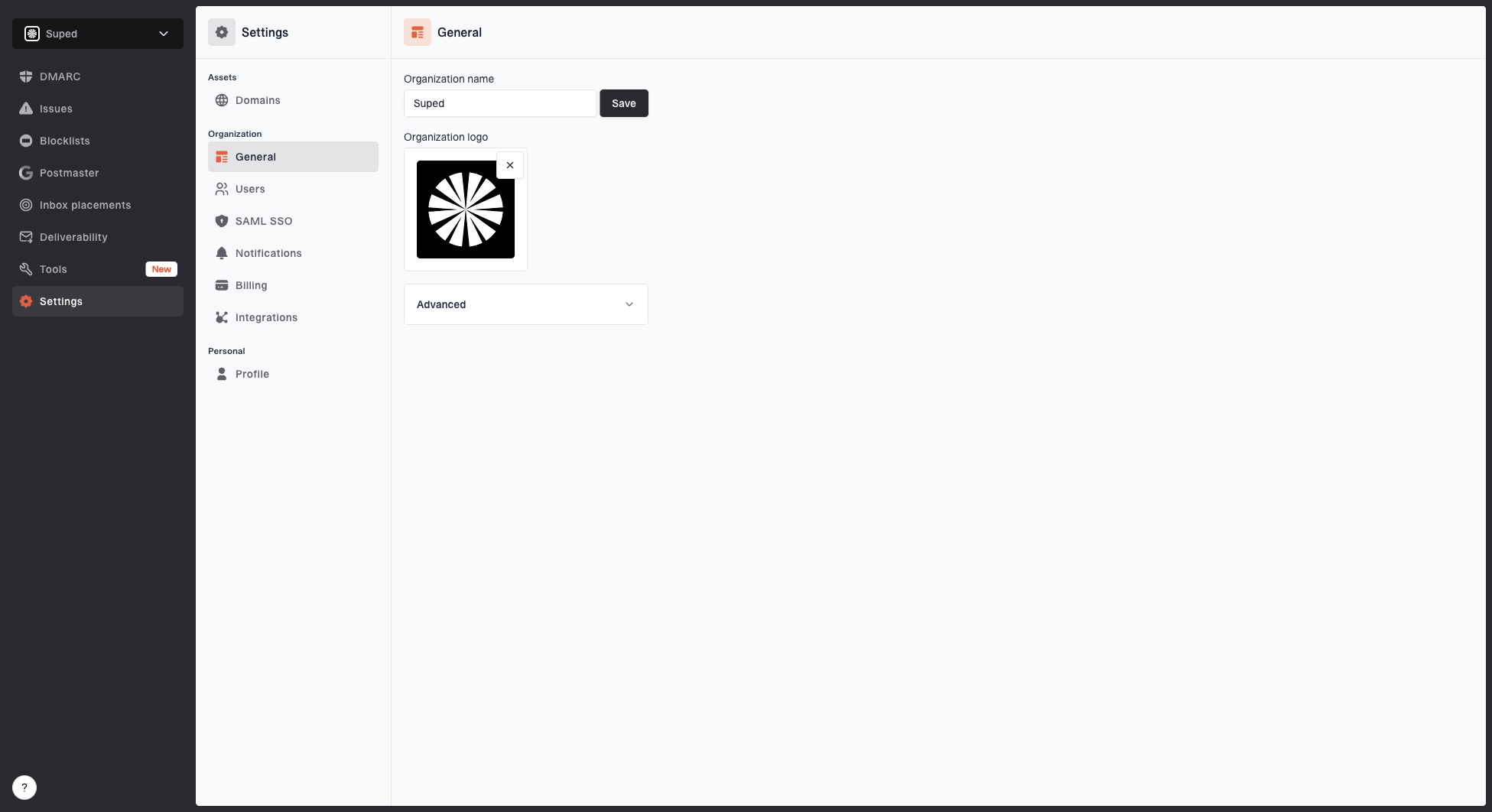
Organization details
Update your organization's display name and logo from the General page.
- Name - Used throughout Suped and in generated reports.
- Logo - Used in generated reports and white-labelled communications.
Advanced
Expand Advanced for organization-level options that are used less often.
Forward DMARC reports
Enable Forward DMARC reports only if your organization forwards DMARC aggregate reports into Suped instead of adding Suped directly to the rua tag in your DMARC record.
This option is available for standard organizations and MSP client organizations. MSP parent organizations do not show it.
- Go to Settings > General.
- Expand Advanced.
- Turn on Forward DMARC reports.
Use this with caution. When enabled, Suped disables some health checks that assume reports are sent directly to Suped through rua.
Organization ID
The Organization ID is also shown in the Advanced section. You may need it when using the public API.
Delete organization
The Advanced section also includes a destructive delete action for the current organization.
- Click Delete this organization to permanently remove the organization and all of its data.
- If it is your only organization, the button changes to Delete all of my data.
- You must type the organization name to confirm the deletion.
If the organization has an active billing subscription, cancel it first. MSP organizations with child organizations also need those child organizations deleted before the parent can be removed.


