
View and manage your subscription from Settings > Billing. Billing settings are only accessible to admins.
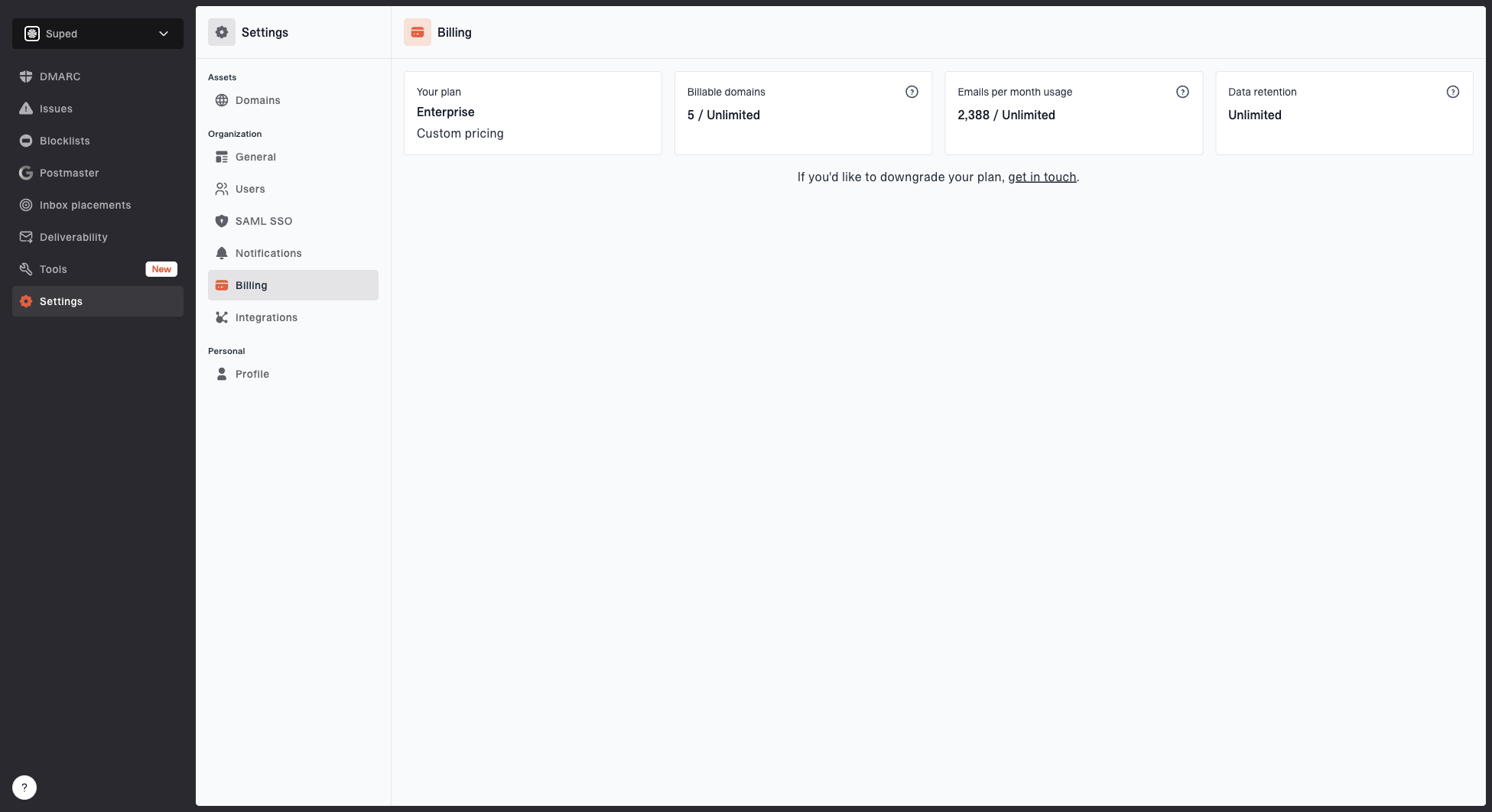
Billing settings page showing current plan, usage, upgrade options, and payment management
Plan and usage
The billing page shows your current plan alongside your usage metrics, including domain and email volume usage. A domain counts toward your plan limit if it has received DMARC reports in the last 30 days, uses SPF flattening or MTA-STS, has Hosted DKIM or lookalike monitoring enabled, or has a BIMI asset set. Archived domains do not count.
Changing your plan
You can upgrade or downgrade your plan at any time. Changes take effect immediately.
Payment management
Payments are handled through Stripe. Click Manage billing to open the Stripe customer portal, where you can:
- Update your payment method
- View invoices and payment history
- Update your billing details


