
DKIM checker
Use this free DKIM checker tool for a DKIM lookup with a known selector, or scan common selectors to inspect published DNS keys. If your record is 'selector1._domainkey.suped.com', enter 'suped.com' into the domain and 'selector1' into the selector. Without a selector, the common-selector scan cannot guarantee it will find all your DKIM records.
Check your DKIM record is valid and correct
Selector lookup
Use this DKIM checker tool with a known selector, or scan common selectors to find published keys. Inspect syntax, key length and testing flags without changing DNS. For ongoing visibility, use Suped's DMARC monitoring to track DKIM pass rates, alignment, and authentication failures over time. Use the domain health checker when you want DKIM reviewed beside SPF and DMARC for the same domain.
Get started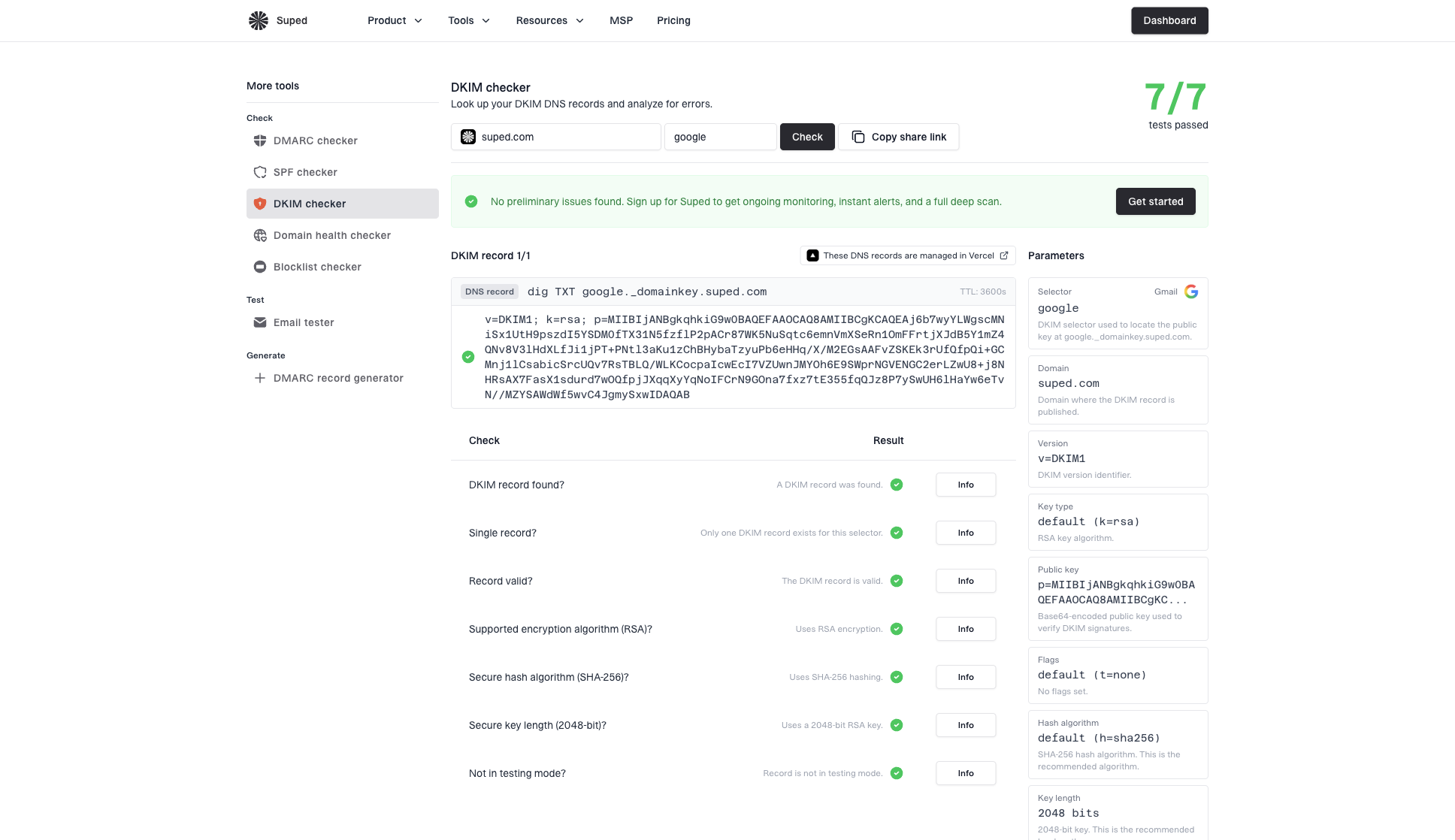


DKIM lookup with or without a selector
Enter your provider's selector or leave it blank to scan common selectors. CNAMEs are followed; the common-selector scan can miss custom names.
Find your DKIM selector in an email-header example
In DKIM-Signature, d= is the signing domain and s= is the selector. This header resolves to selector1._domainkey.example.com, with domainkey singular.
DKIM-Signature: v=1; a=rsa-sha256; d=example.com; s=selector1; ...
DKIM record format and syntax checks
A DKIM TXT record holds the public key in p=, plus optional hashes and testing flags. Use the email tester to verify actual signatures and alignment.
DKIM selector lookup and record checks
Inspect the public key behind a selector, including records reached through a provider CNAME. A readable DNS key does not prove that your email provider signed a message or that the signature passed DMARC alignment. Those checks require a real email.
DKIM record
google._domainkey.example.com
TXTv=DKIM1; k=rsa; p=MIGf...
Live DKIM selector lookup
Check the exact selector TXT record receivers use to verify signed mail.
google
selector1
mail
Selector discovery
Search common selectors when you do not know which DKIM name your provider uses.
Learn more
RSA
SHA-256
2048-bit
Record change guidance
Use checker results to decide whether selector DNS needs repair or rotation.
Testing mode off
t=y absent
Testing mode check
Spot t=y testing mode so it can be removed after signing is confirmed.
DKIM signature
passFrom domain aligned
Email signature context
Open the email tester to verify a real signature and alignment; this checker inspects DNS only.
Learn more
DNS provider
Selector managed in DNS
DNS provider context
Identify where the selector is managed so the right team can rotate or repair keys.
DKIM checker FAQs
Answers to common questions about validating DKIM records, reading selector results, and deciding what to fix next.


How MONEYME proactively strengthens domain security and unlocks higher email engagement with Suped
See how MONEYME uses Suped
How cybersecurity specialist Jam Cyber delivers scalable DMARC protection with Suped
See how Jam Cyber uses Suped

How Vision Australia maintains full DMARC enforcement across a large domain portfolio with Suped
See how Vision Australia uses Suped

How The POP Team turns domain checks and DMARC visibility into client ready delivery work
See how The POP Team uses Suped

How DigiBean simplified DMARC monitoring and improved email security for their MSP clients
See how DigiBean uses Suped

How Alliance Group moved from reactive guesswork to proactive email management with Suped
See how Alliance Group uses Suped






Start monitoring your DMARC reports today
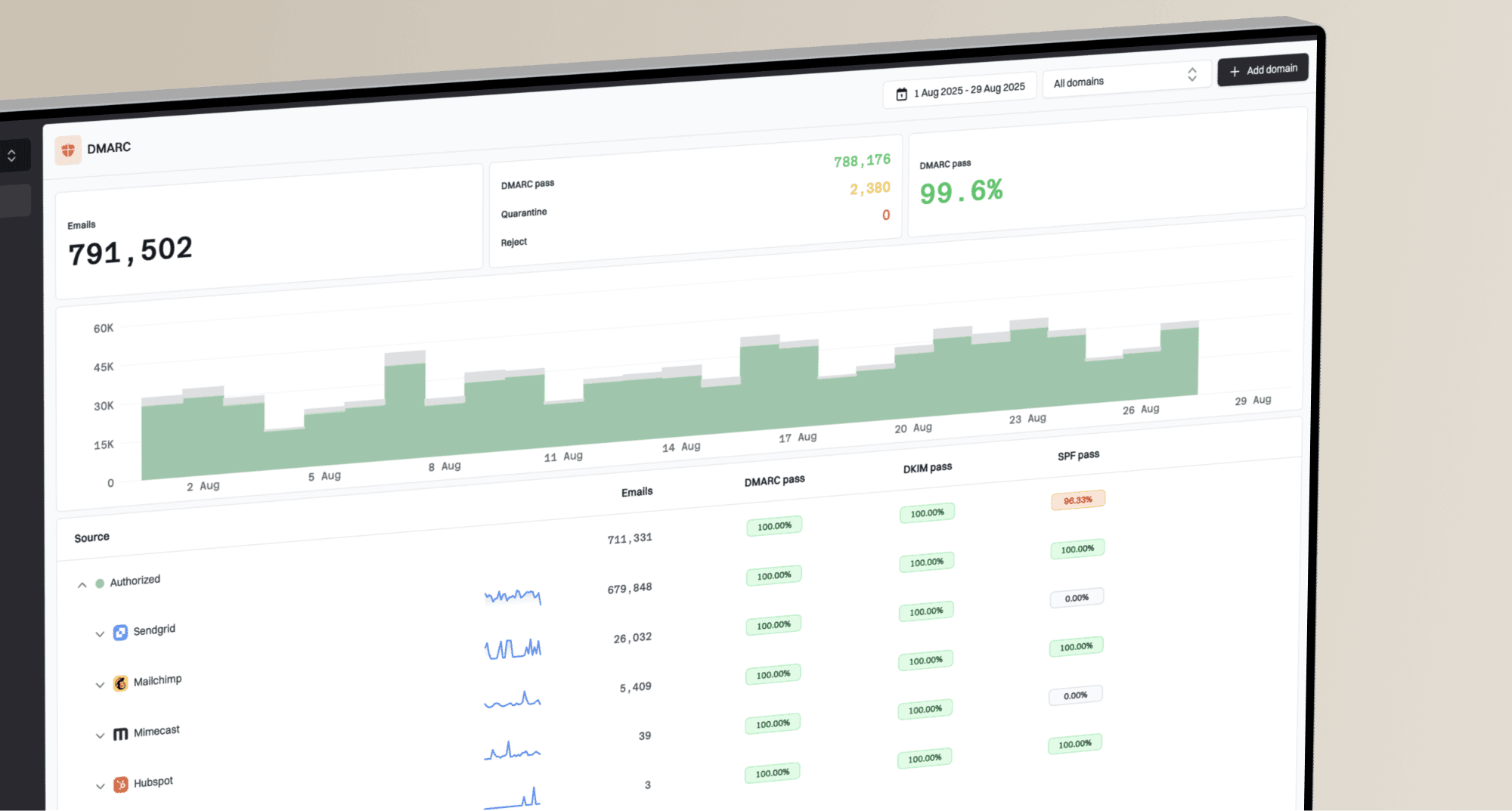
What you'll get with Suped
Real-time DMARC report monitoring and analysis
Automated alerts for authentication failures
Clear recommendations to improve email deliverability
Protection against phishing and domain spoofing