
Manage who has access to your Suped organization from Settings > Users.
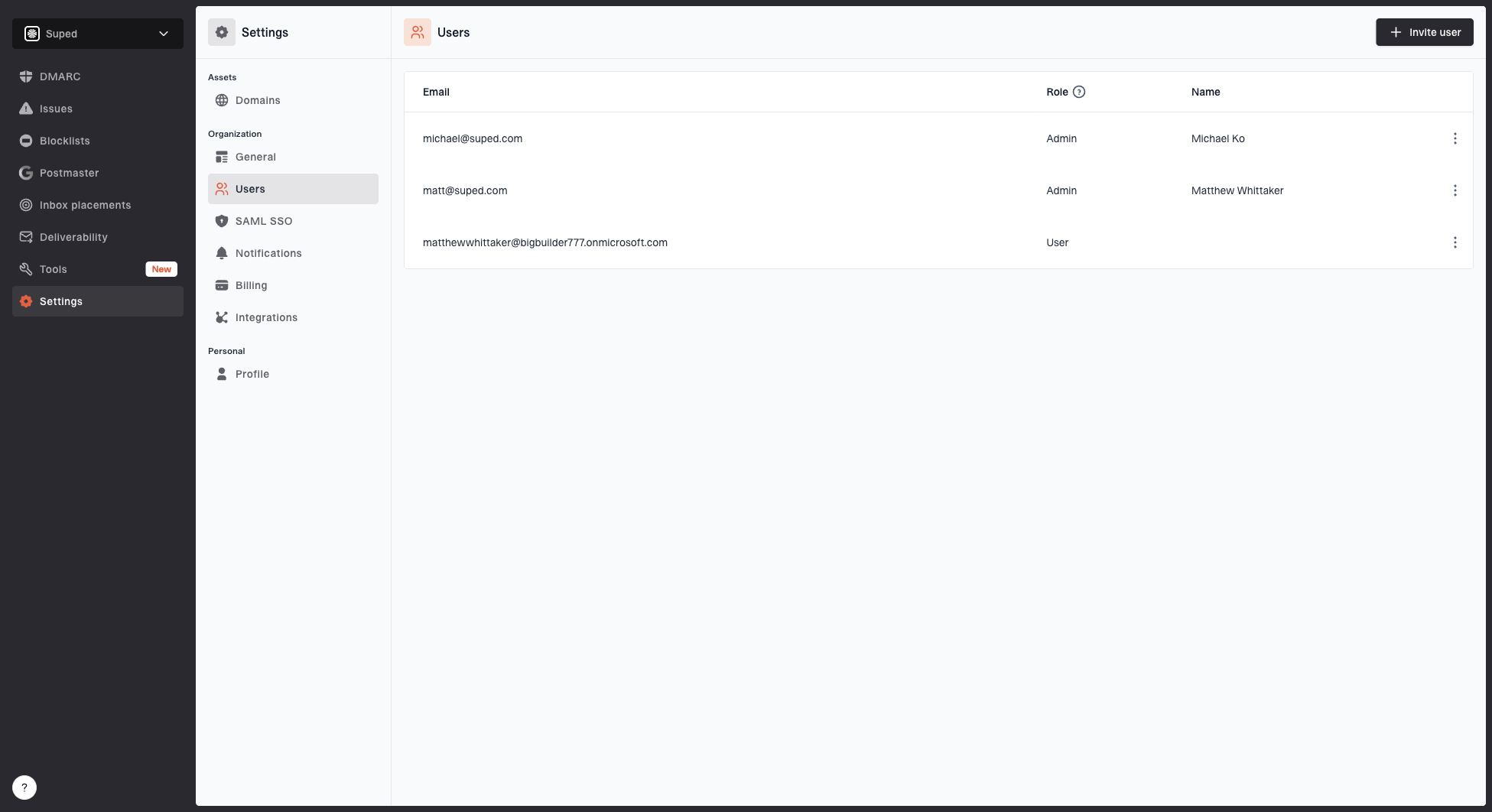
Users settings page showing organization members, roles, pending invitations, and user actions
Inviting users
Invite new users by entering their email address. They'll receive an email invitation to join your organization.
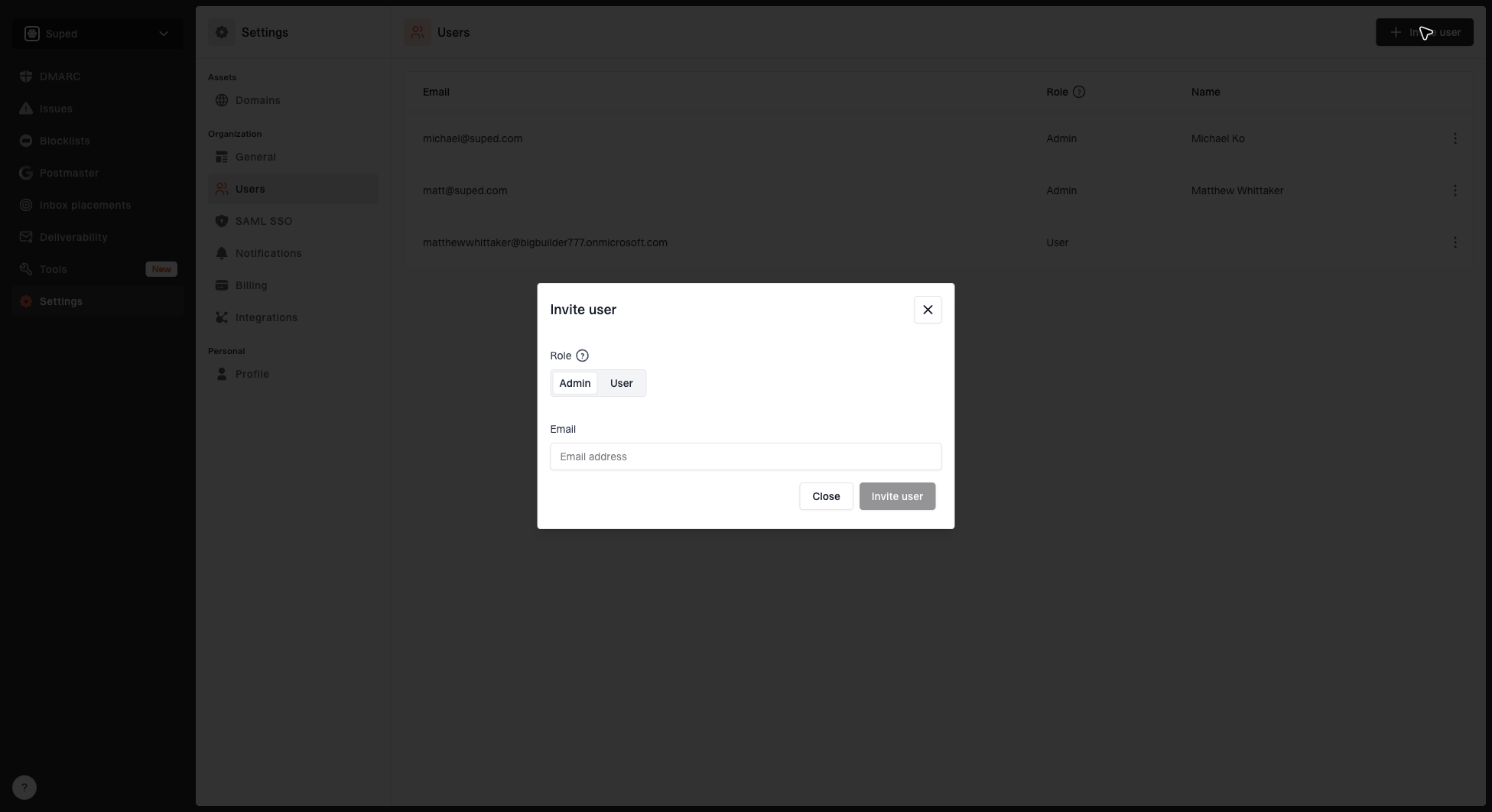
Invite user dialog showing role selection and email address input
Roles
Suped has three roles:
- Admin - Full access. Can manage billing, users, domains, and all settings.
- User - View-only access to monitoring data. Cannot change settings or billing.
- Billing only - Can manage billing and their own profile. Other pages remain visible in navigation but show a permission error when opened.
Managing users
Admins can:
- Change a user's role at any time
- Remove existing users from the organization
- Cancel pending invitations that haven't been accepted yet
MSP organizations
For MSP organizations, users can be added to either the parent organization or to individual child organizations. This lets you control which clients each team member can access.


