
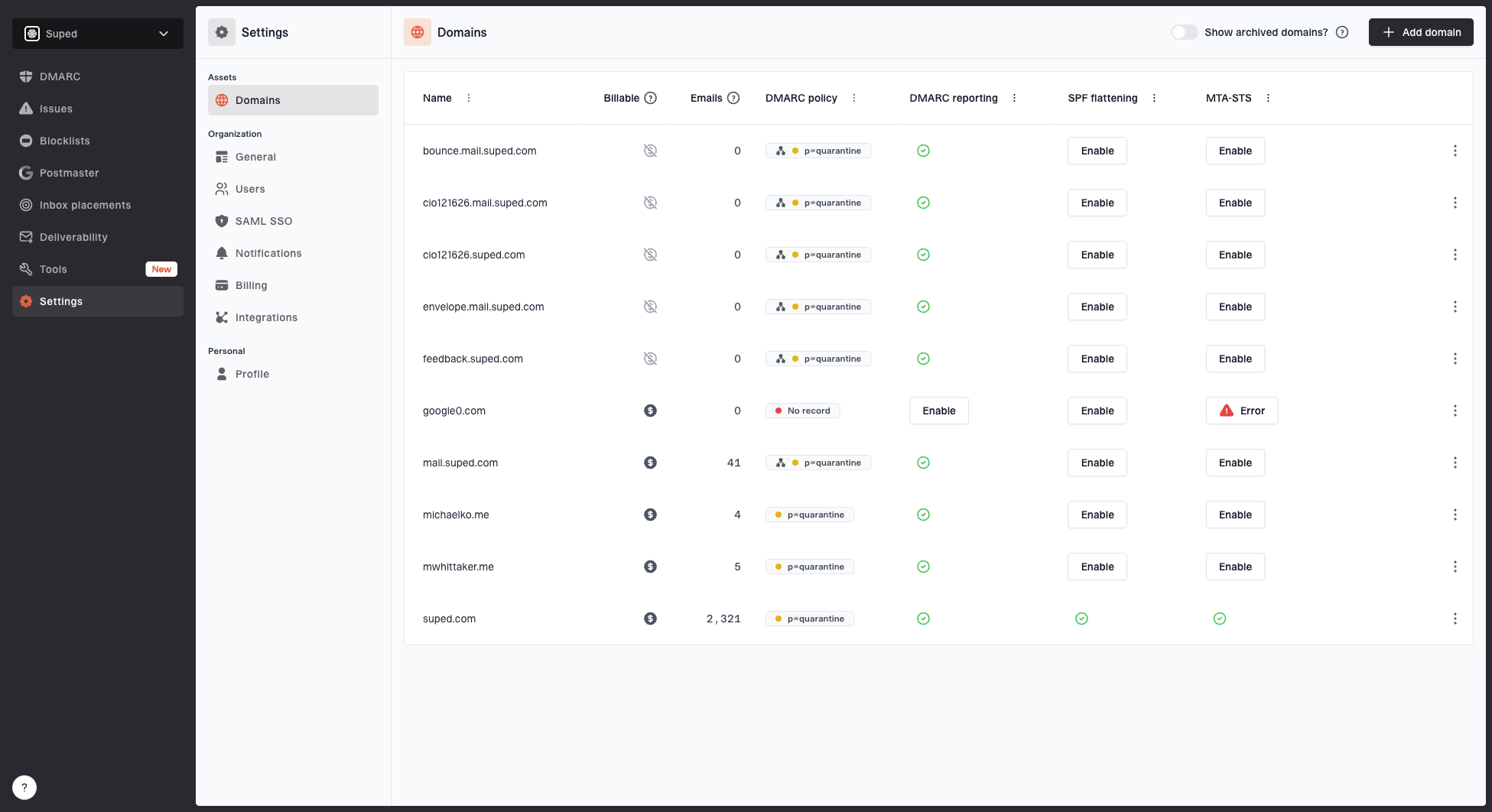
Go to Domains to manage the domains Suped monitors. Each domain you add is automatically checked for DMARC, SPF, and DKIM configuration.
Adding domains
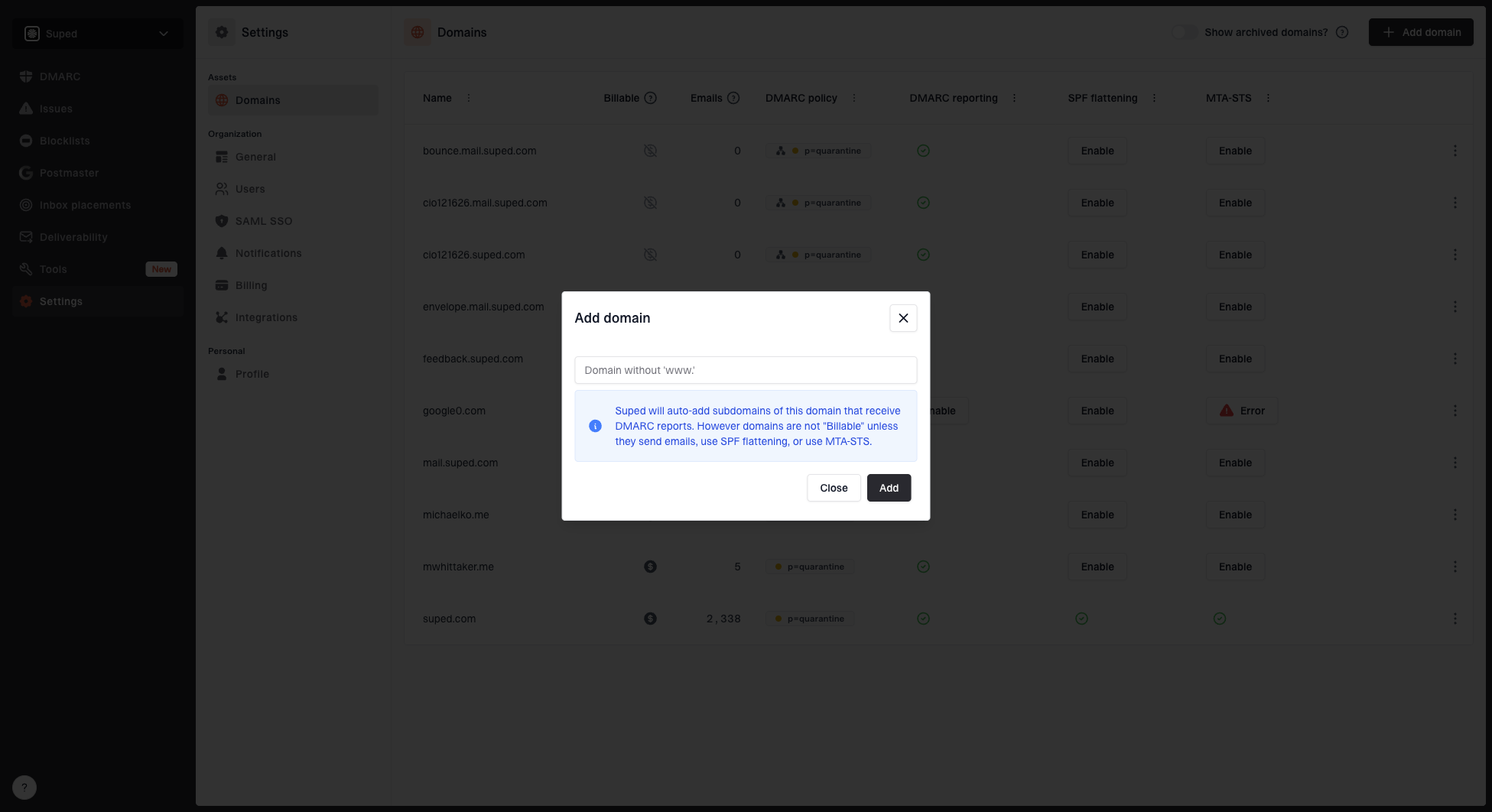
Add a new domain from the Domains page. Each domain is assigned a unique alias used for hosted services like DMARC report forwarding.
Domain status
Domain status indicators show the health of your DMARC, SPF, and DKIM configuration at a glance. These update automatically as Suped detects changes to your DNS records.
Lookalike monitoring
Lookalike monitoring is off by default and is available to all non-MSP organizations, including MSP client organizations. Click Enable in the Lookalike monitoringcolumn and confirm in the dialog to start checking similar domains. Enabling monitoring makes the domain count toward your plan's domain limit, even without email volume.
Hover over the monitoring tick, click the edit button, then click Disable in the dialog to stop monitoring and hide its results from Lookalike domains. Saved scans are retained and do not make the domain billable on their own. Other usage may still make it count toward your domain limit.
Subdomains
Subdomains detected automatically from incoming DMARC reports are marked as automatic. You don't need to add these manually - Suped picks them up as reports come in.
Archiving and removing domains
- Archive - Hides the domain from your active views but retains all historical data. You can toggle archived subdomains on or off using the show/hide control.
- Remove - Permanently deletes the domain and its associated data from your organization.


