BIMI logo converter
Convert your logo to SVG Tiny P/S for BIMI
BIMI logo conversion
Upload an SVG, PNG, JPEG, or WebP logo to download a validated BIMI-compatible SVG Tiny P/S file under 32 KB. Raster images are traced into vector paths, and logos are centered in a square. Crop the result to adjust its framing and download an updated logo. Once your logo is hosted at a public HTTPS URL, use the BIMI record generator to create your DNS record, then verify your setup with the BIMI checker.
Get started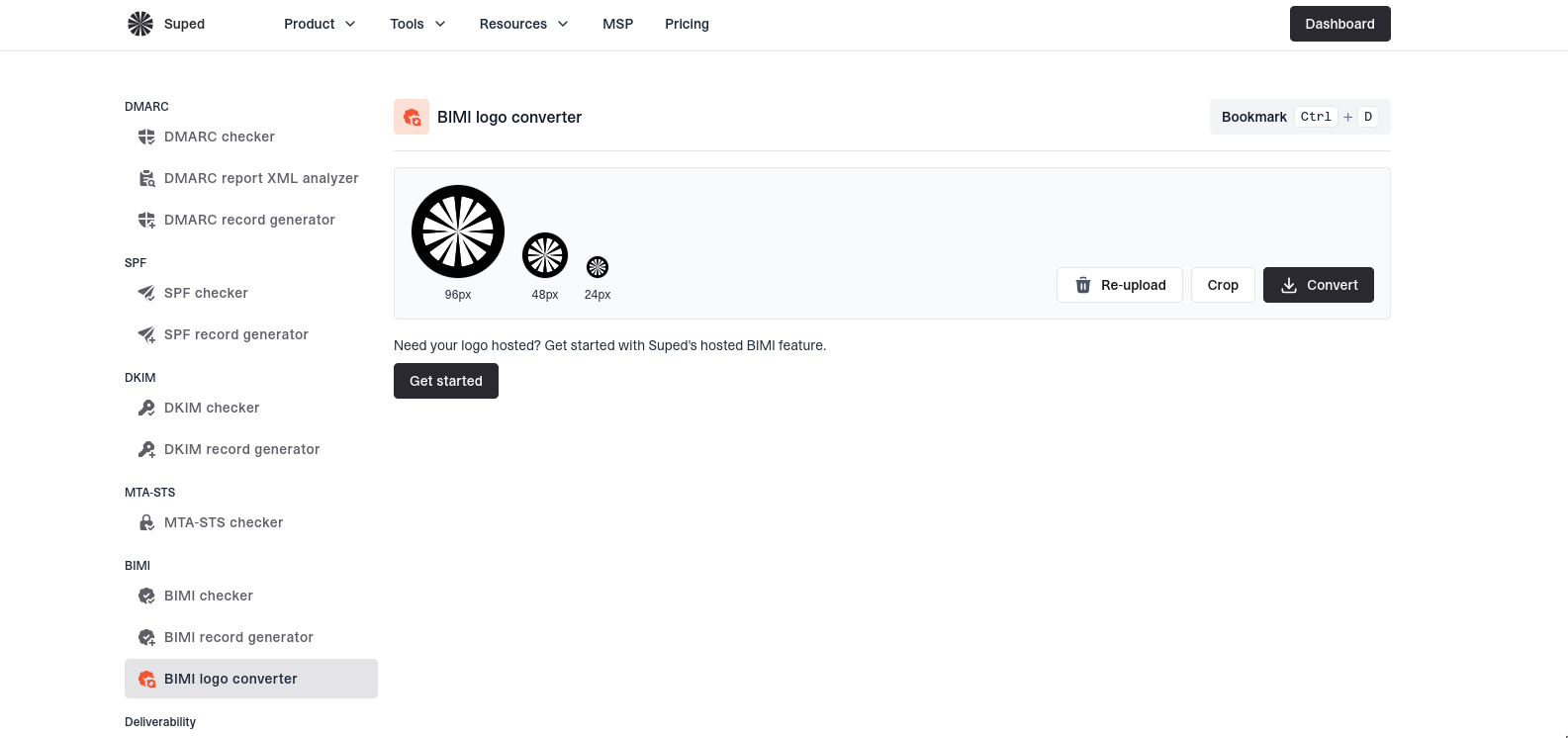


BIMI-compatible SVG conversion
Vectorize raster images, optimize SVGs, and validate the downloaded logo against BIMI's SVG requirements.
Logo conversion
SVG · PNG · JPEG · WebP
SVG Tiny P/S
Convert SVG and raster logos
Optimize an existing SVG or trace a PNG, JPEG, or WebP into vector paths. Download an SVG Tiny P/S file without embedded raster images.
Square canvasCentered logoAdjustable crop
Frame your logo for the inbox
Center your logo on a square canvas, adjust its crop, and preview it at 96, 48, and 24 pixels to check readability at small sizes.
BIMI logo requirements
baseProfile="tiny-ps"
SVG output under 32 KB
Validated SVG output
Check the converted logo against BIMI's SVG requirements before downloading. If a logo cannot meet the format or size limits, get guidance on what to change.
BIMI logo converter FAQs
Answers to common questions about converting logos to SVG Tiny P/S and preparing them for BIMI.
SVG Tiny P/S is a restricted SVG profile designed for portable, secure images. BIMI uses it to display vector logos without active content or external dependencies. A standard SVG export is not necessarily BIMI-compatible.
Yes. The converter accepts SVG, PNG, JPEG, and WebP files up to 3 MB. Raster uploads are traced into vector paths rather than embedded in the SVG. Simple, flat-color logos usually convert better than photographs, gradients, or highly detailed artwork.
It can. Tracing raster images may change fine details, colors, or edges. Use the original vector SVG when available, and review the converted preview before using it. You can crop the result to adjust its framing and download the updated SVG.
BIMI logos use a square canvas, and mailbox providers may display them inside a circle. Keep important artwork centered with enough surrounding space, and check the small-size previews so text or fine details do not become unreadable.
Complex artwork can produce too many vector paths to fit the converter's output limit of under 32 KB. Invalid images or unsupported SVG content can also prevent conversion. Try a simpler version of the logo or upload the original SVG instead of a raster export.
Host it at a publicly accessible HTTPS URL and reference that URL in the l= tag of your BIMI TXT record, usually at default._bimi.yourdomain.com. Suped's hosted BIMI feature can host the logo for you. Use the BIMI checker after publishing to verify your live setup.
No. You also need a published BIMI record, an enforced DMARC policy of quarantine or reject applied to 100% of messages, and mail that passes DMARC. Display depends on each mailbox provider's requirements and your sending reputation. Some providers also require a Verified Mark Certificate (VMC) or Common Mark Certificate (CMC); this converter does not issue certificates.


How MONEYME proactively strengthens domain security and unlocks higher email engagement with Suped
See how MONEYME uses Suped
How cybersecurity specialist Jam Cyber delivers scalable DMARC protection with Suped
See how Jam Cyber uses Suped

How Vision Australia maintains full DMARC enforcement across a large domain portfolio with Suped
See how Vision Australia uses Suped

How The POP Team turns domain checks and DMARC visibility into client ready delivery work
See how The POP Team uses Suped

How DigiBean simplified DMARC monitoring and improved email security for their MSP clients
See how DigiBean uses Suped

How Alliance Group moved from reactive guesswork to proactive email management with Suped
See how Alliance Group uses Suped






Start monitoring your DMARC reports today
What you'll get with Suped
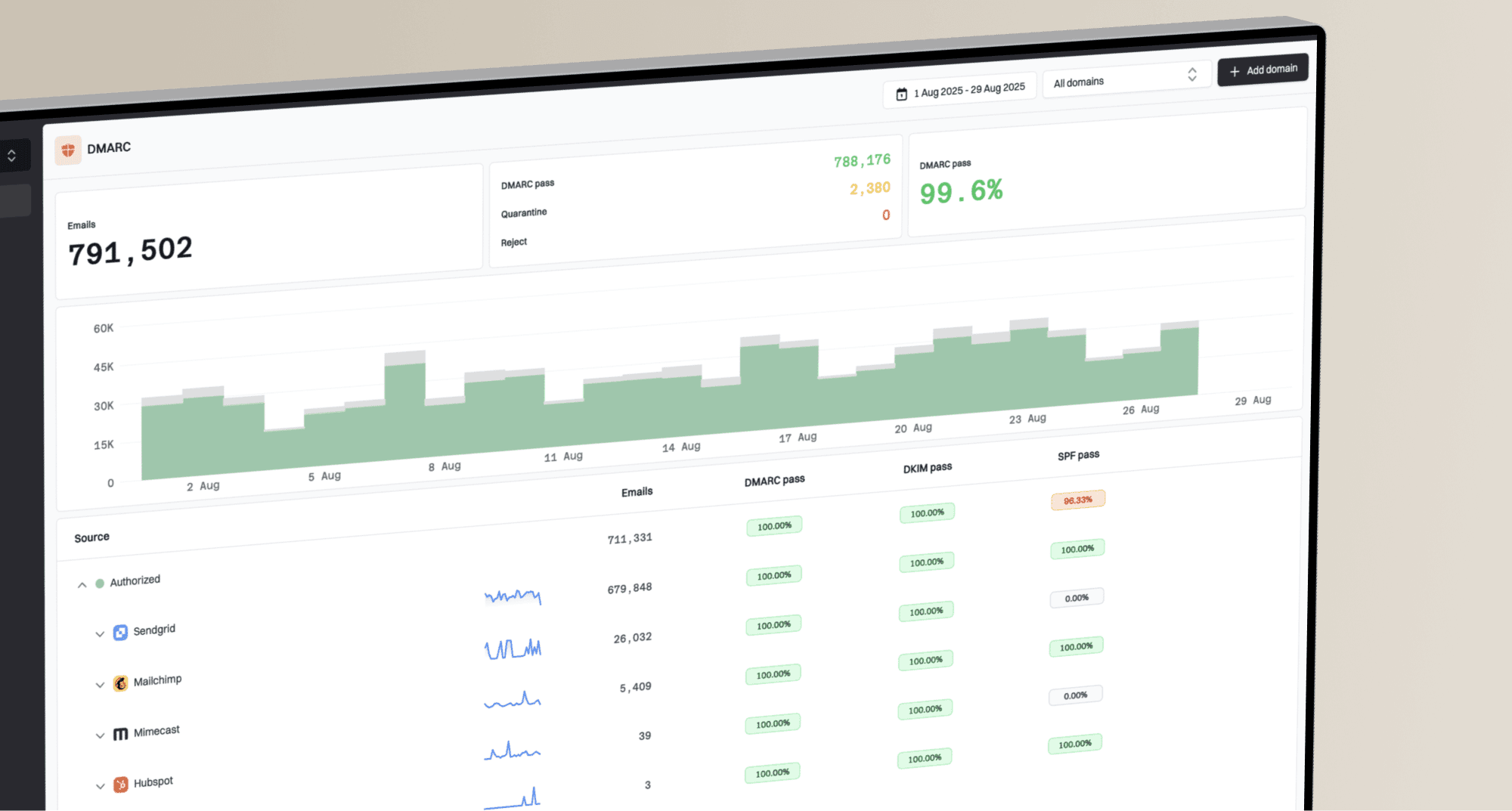
Real-time DMARC report monitoring and analysis
Automated alerts for authentication failures
Clear recommendations to improve email deliverability
Protection against phishing and domain spoofing