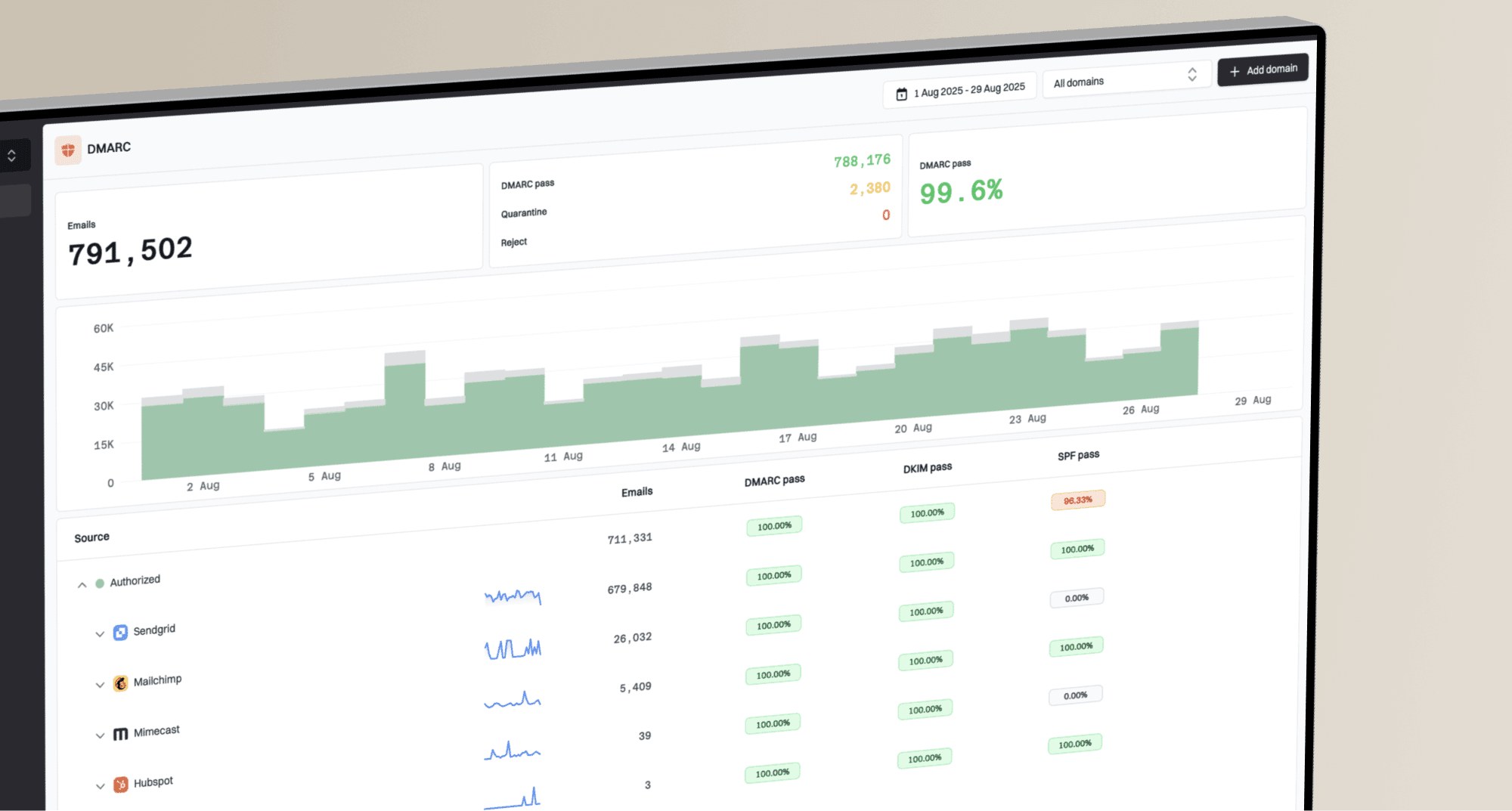
Deliverability · Beta
See what's getting in the way of Gmail delivery
Track sender compliance, spam complaints, and bounces together. Suped turns Google Postmaster data into a clear view of what needs attention and how to fix it.
For non-MSP organizations sending to personal Gmail accounts.

Deliverability overview showing Google sender compliance, spam report rates, and bounce rates by domain






Google sender requirements
Know which requirements need work
Review Google's assessment of your authentication, message formatting, encryption, and unsubscribe requirements. See the checks that need attention instead of piecing together separate reports.
Switch to compliance history to see how the assessment changes. Explore spam report and bounce trends for the same date range to give your investigation context.
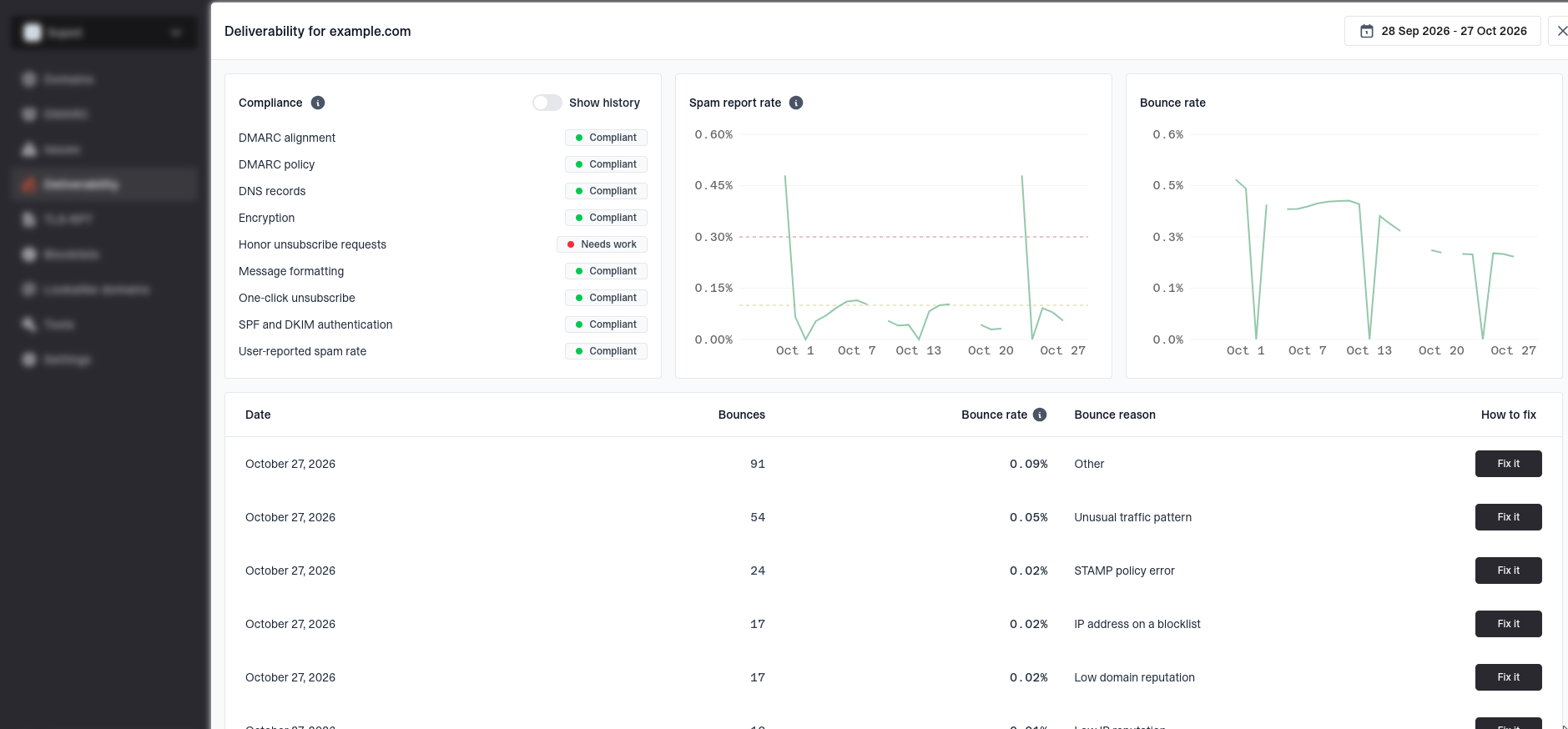
Domain deliverability details showing sender compliance checks, spam report history, and bounce history
Spot complaint trends
Follow daily user-reported spam rates, with reference lines at 0.1% and 0.3%. See when complaints rise and use the date picker to compare the timing with your sending activity.
See delivery failures
Track rejected and temporarily failed deliveries. Review bounce rates and counts to understand when Gmail is having trouble accepting your mail.
Keep domains in view
Start with a seven-day overview of your enabled domains. Open any domain for daily detail, without losing the bigger picture of compliance, complaints, and bounces.
From signal to next step
Understand why Gmail is bouncing your mail
See Google's reported reasons, from low domain reputation and blocklisted IPs to missing reverse DNS or unusual traffic. Each reason includes an explanation and practical guidance to help you decide what to investigate next.
Bring that context to your email provider's delivery logs to find the full SMTP response and address the underlying cause.
Verify your domain. Start building a clearer picture.
Enable Deliverability in Domains and add a CNAME record to verify ownership. Data can take a few days to appear and typically needs roughly 100 or more emails per day to personal Gmail accounts.
Get started
Deliverability FAQs
How monitoring works, what the data covers, and how to get started.