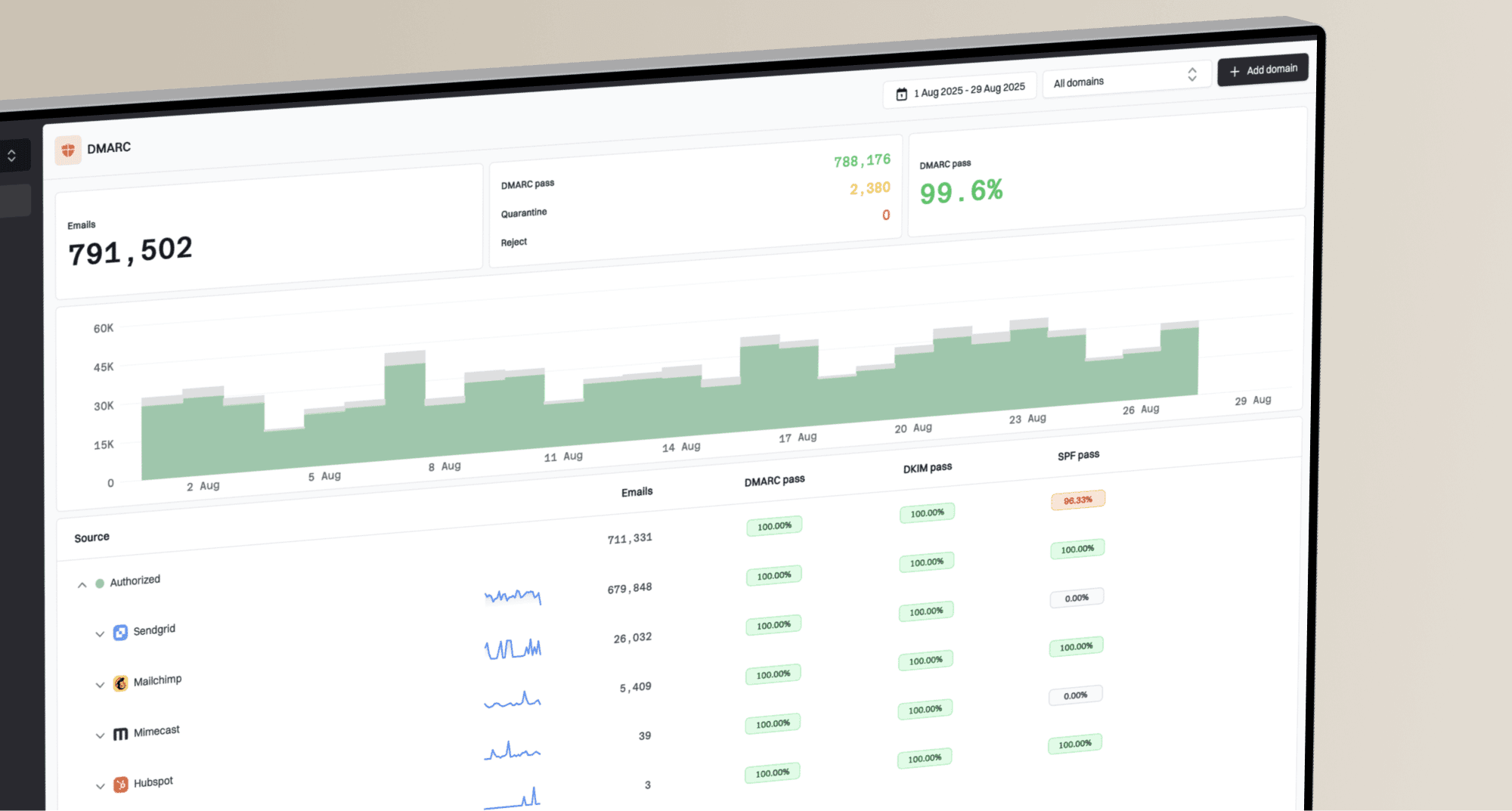
Bring email authentication issues into the service desk your team already uses. Our HaloPSA, Autotask, and ConnectWise PSA integrations are now in open beta for every MSP organization.
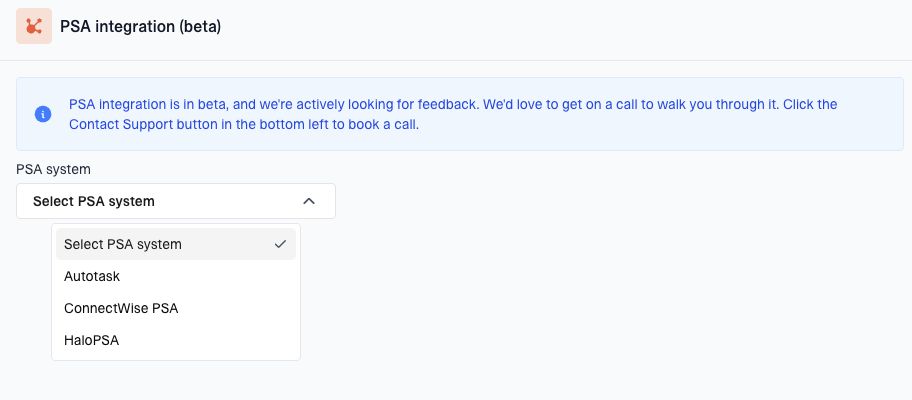
The PSA integration beta setup in MSP settings offers Autotask, ConnectWise PSA, and HaloPSA.
Connect your clients and their issues
Import clients from your PSA or link them to existing Suped organizations. Suped can create tickets for open authentication issues, including the details and steps your technicians need to investigate them. You can choose which clients have issue syncing enabled.
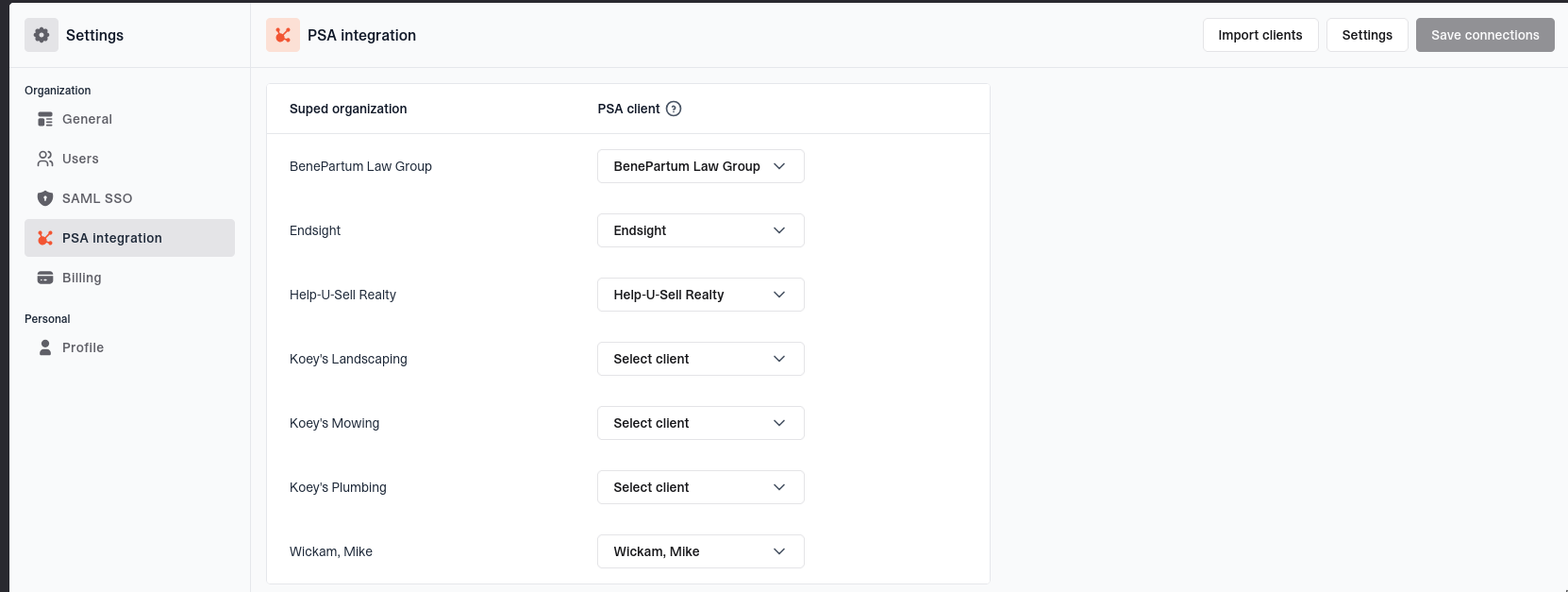
ConnectWise PSA client mappings with controls for syncing issues to service tickets.
ConnectWise also supports syncing billable domain quantities to client agreements. Available billing and custom-field options depend on the PSA you connect.
Priorities that match your tickets
Select a ticket type first, then choose from its available priorities. Changing the type clears the selected priority. For HaloPSA, these choices come from the ticket type's default SLA. Routing changes apply to newly created tickets.
Get started
An administrator of your MSP workspace can open Settings > PSA integration (beta) and choose a provider. Follow the setup guide for HaloPSA, Autotask, or ConnectWise PSA.
We'd love your feedback during the beta. Contact contact@suped.com if you'd like a walkthrough.