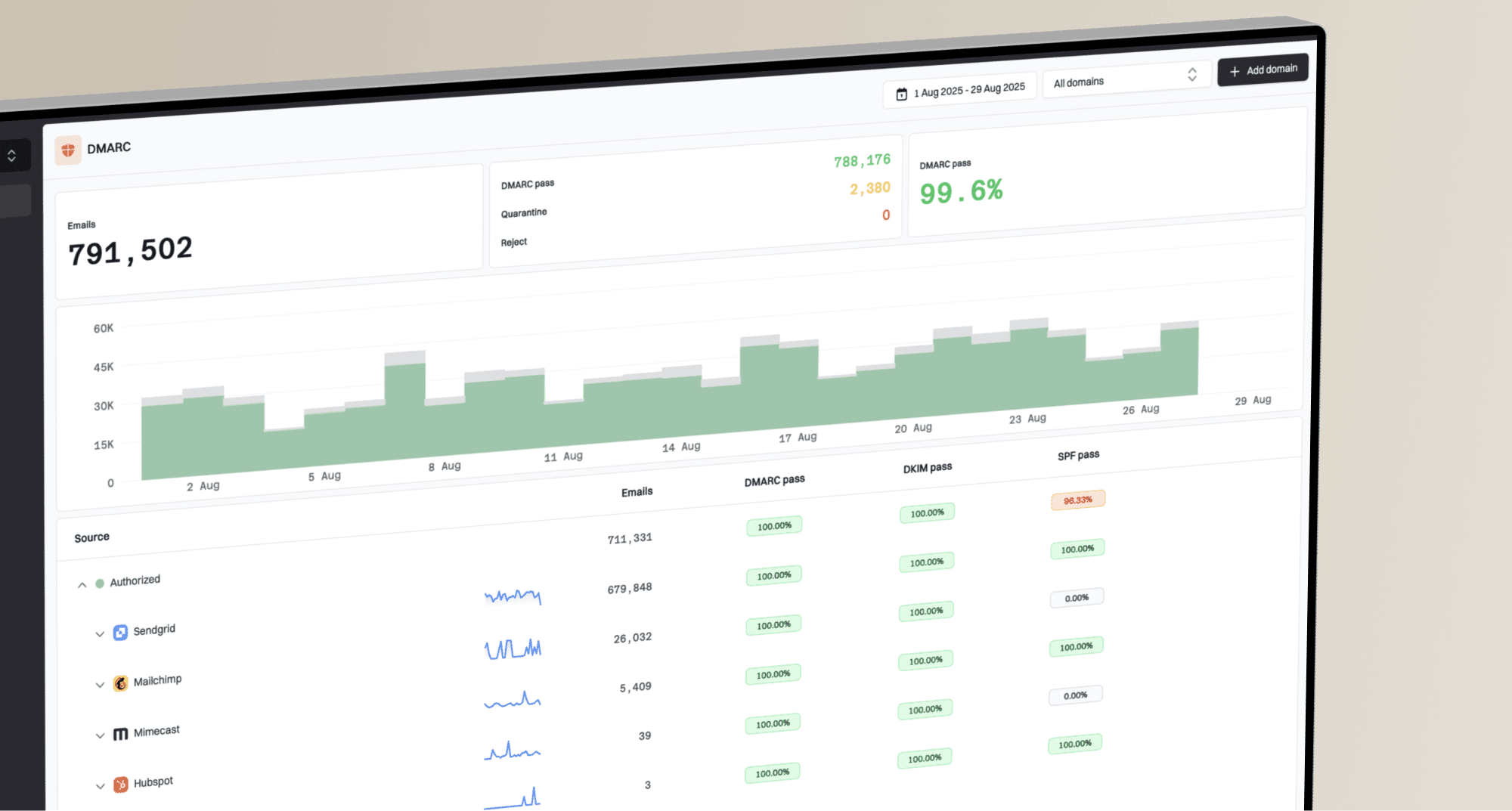
You can now inspect individual DMARC failure reports in Suped, giving you more detail when investigating authentication problems.
Open DMARC → RUF reports to filter by sender, recipient, subject, date or sending source. Choose View data to inspect the report’s authentication feedback and original email headers.
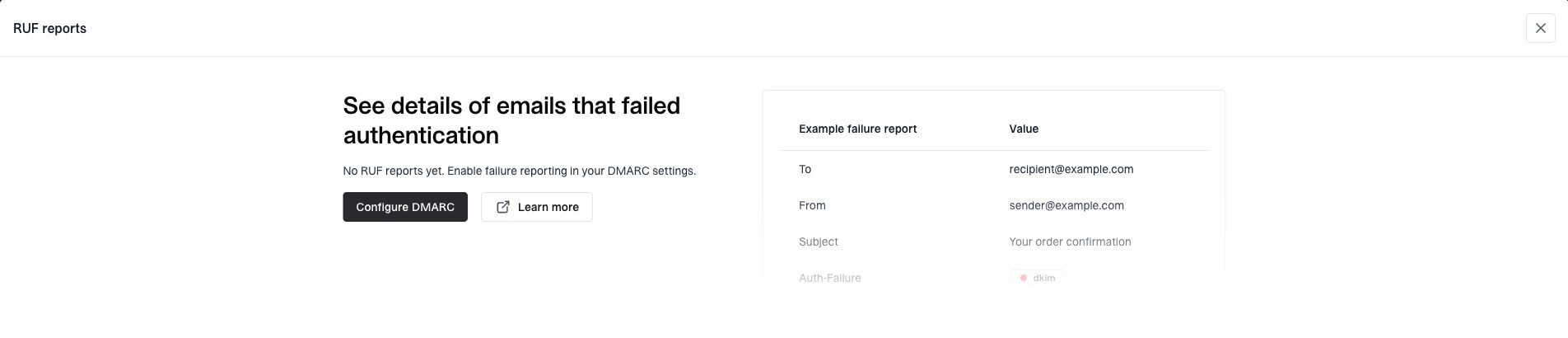
Suped’s RUF reports screen shows a built-in example while no failure reports have been received.
Enable failure reporting in your domain’s DMARC settings to receive reports from providers that support it. Setup guide
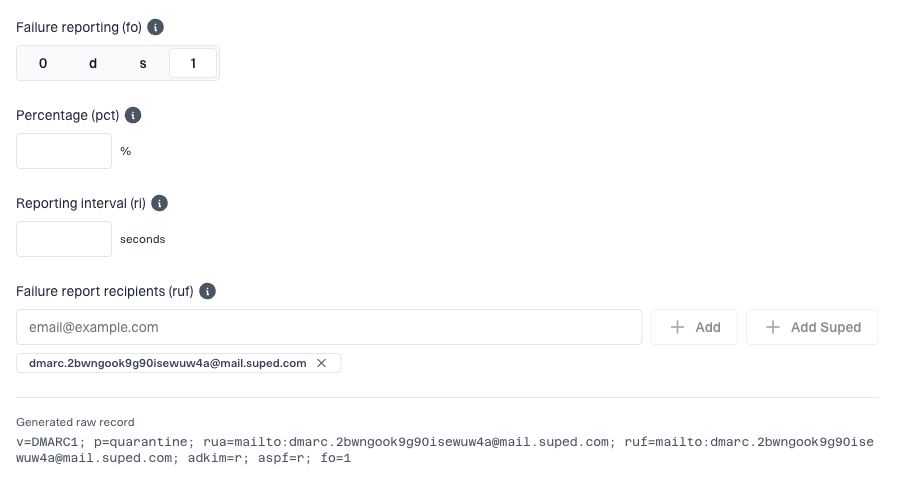
DMARC advanced options show failure reporting settings and Suped’s address under Failure report recipients (ruf).
Other improvements
- Shared comments. Keep notes on domains, MSP clients, Hosted SPF includes and Hosted DKIM records.
- Hosted SPF “Last seen”. See when traffic in your DMARC reports last matched a saved SPF rule. Available on paid plans.
- More ways to sign in. Use Microsoft, or an emailed code or login link if your account has no password.