
Head to https://www.suped.com/signup to create your account. You have two options:
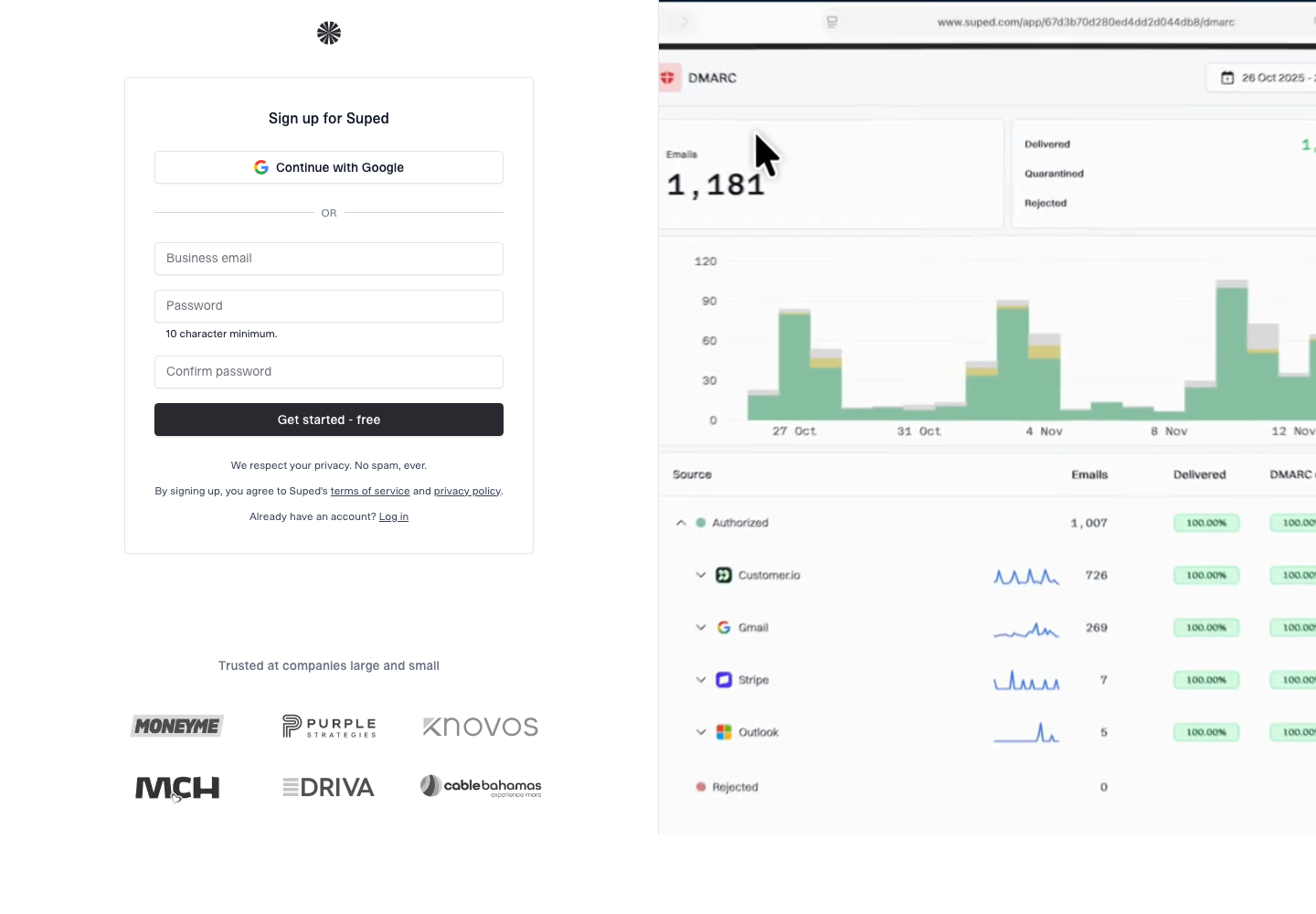
Suped signup page showing Google OAuth and business email account creation options
Option 1: Google OAuth
Click Sign in with Google and authorize Suped. This is the fastest way to get started - no password to remember.
Option 2: Email and password
Enter your email address and create a password. You'll be signed in immediately.
No credit card is required for the free plan. After signing up, you'll be taken to the setup wizard which guides you through adding your first domain.
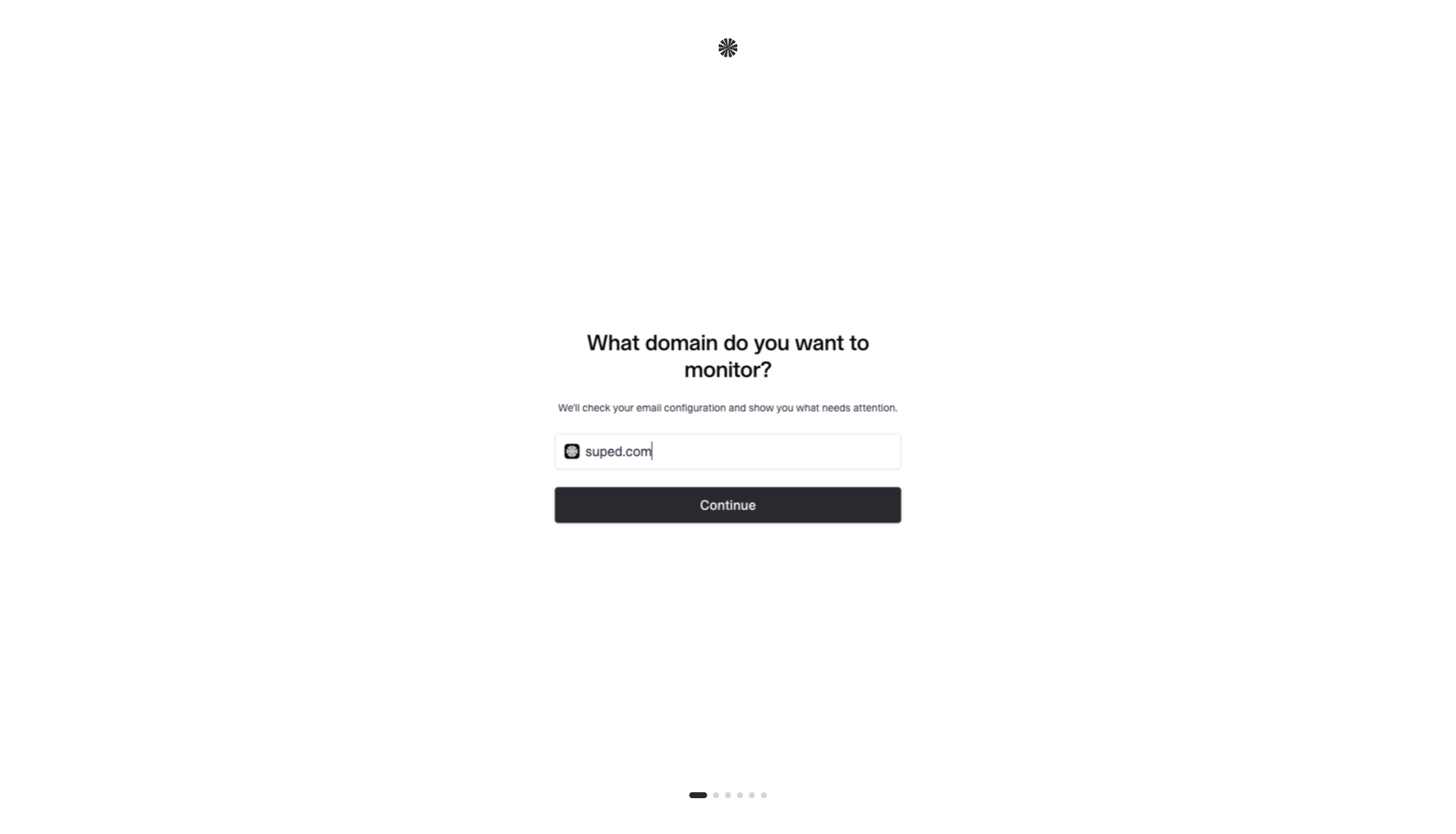
Setup wizard first step asking which domain to monitor


