
During setup
The setup wizard prompts you to enter your domain (e.g. example.com). Suped automatically detects subdomains, so you only need to add the root domain.
Adding more domains later
Go to Domains to add additional domains at any time.
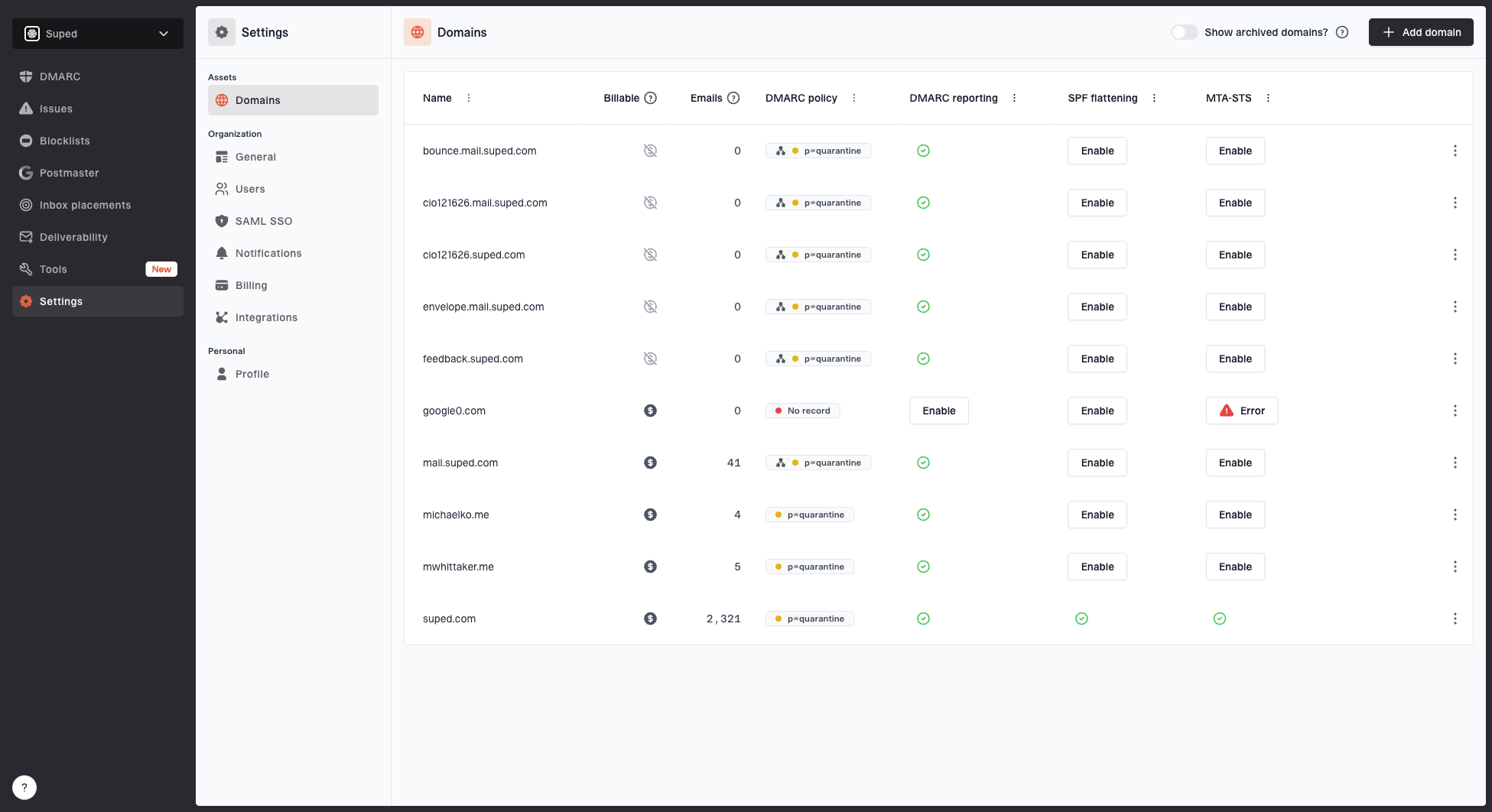
Domains page showing monitored domains, email volume, DMARC policy, DMARC reporting, SPF flattening, and MTA-STS
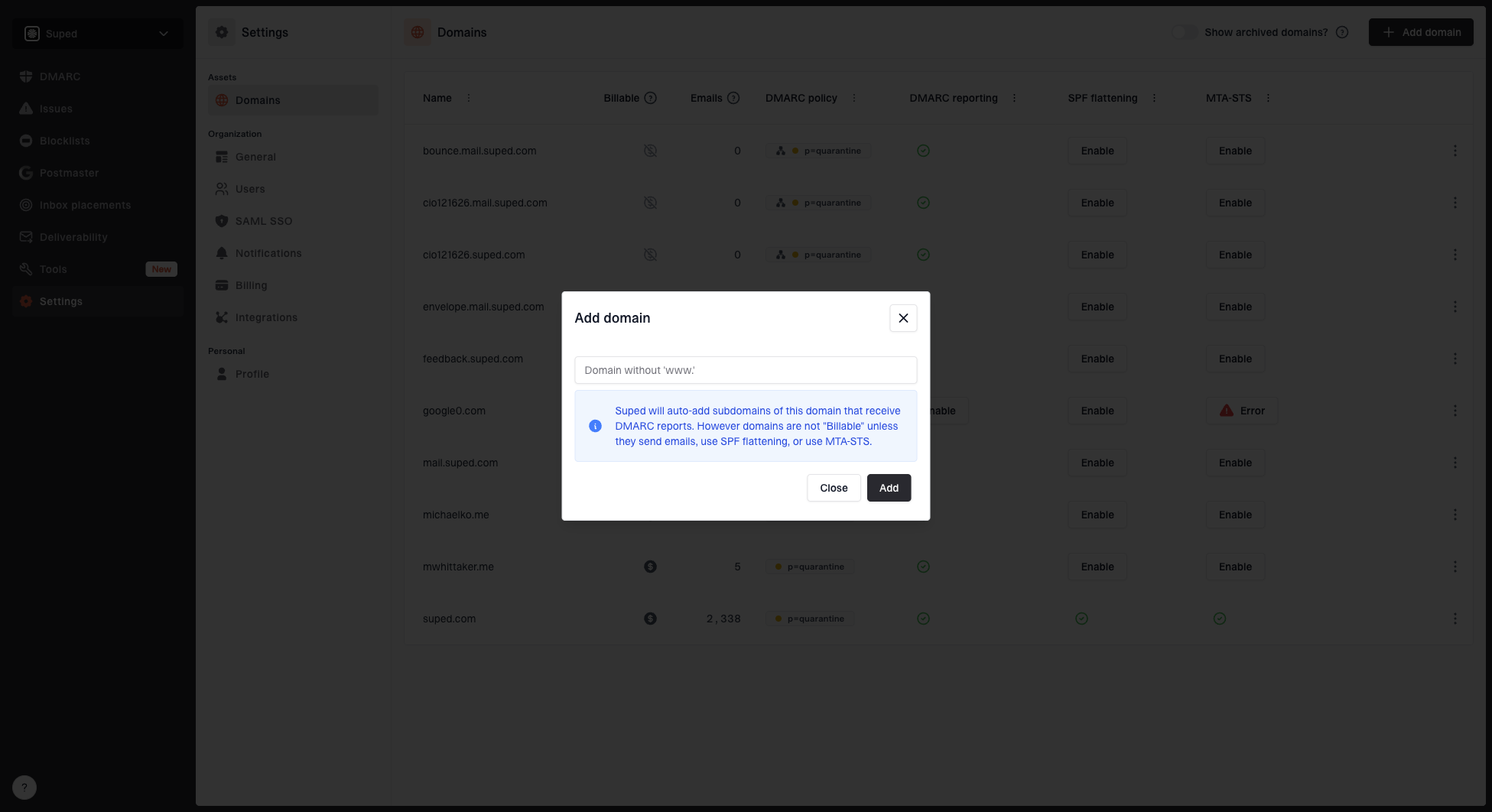
Add domain dialog with a domain field and automatic domain detection explanation
Domain aliases
Each domain you add gets a unique alias. This alias is used for hosted features like hosted DMARC and hosted SPF. You'll see this alias referenced throughout your dashboard and in DNS record instructions.


