
Client reports generate monthly DMARC summary PDFs for your managed clients. They're used by MSPs to provide regular updates on authentication trends and domain health.
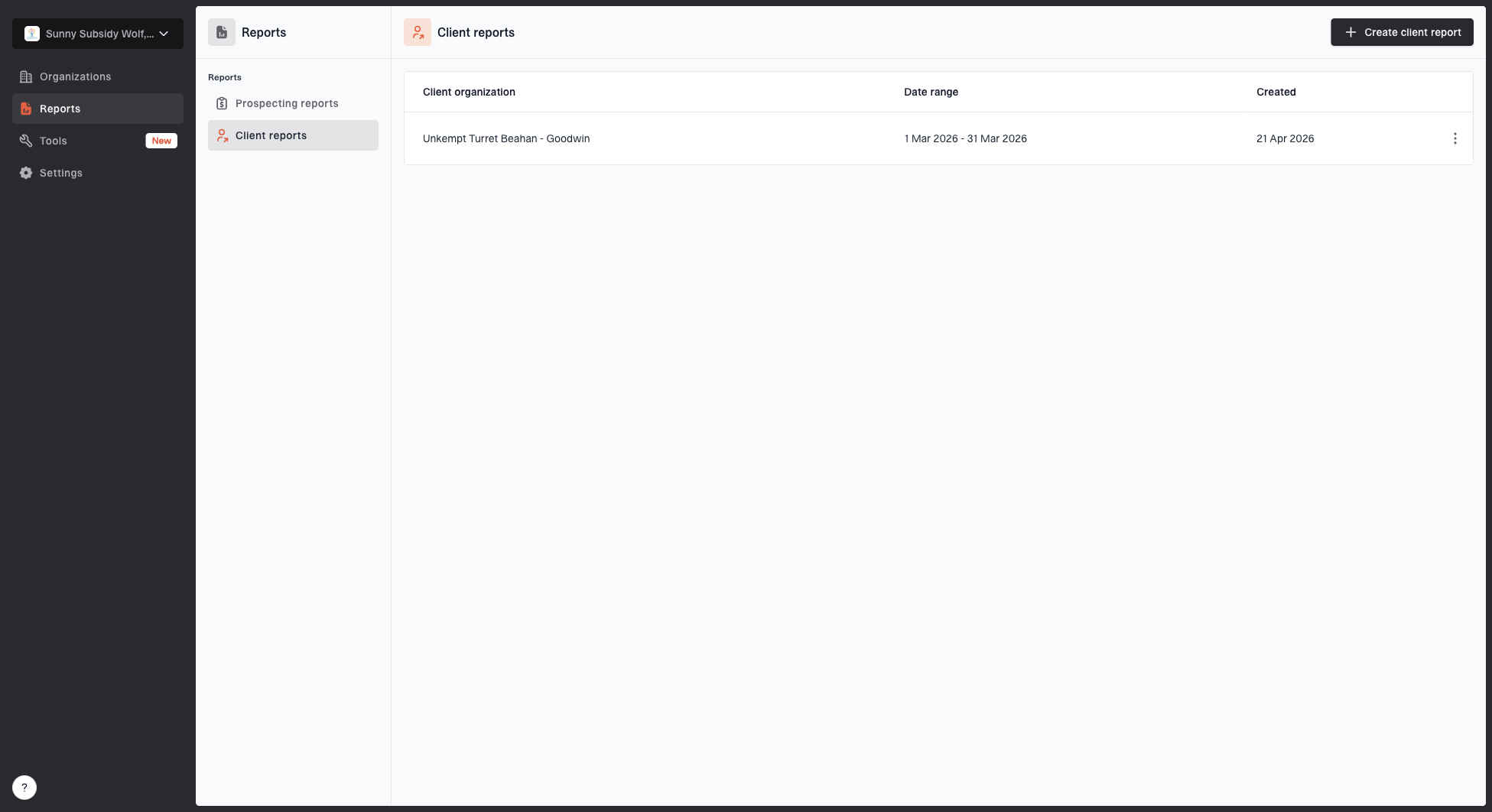
Client reports page showing a generated client report, date range, created date, and actions
Demo report
The PDF is designed for monthly client updates with your MSP branding and the client's DMARC activity. Download the demo client report.
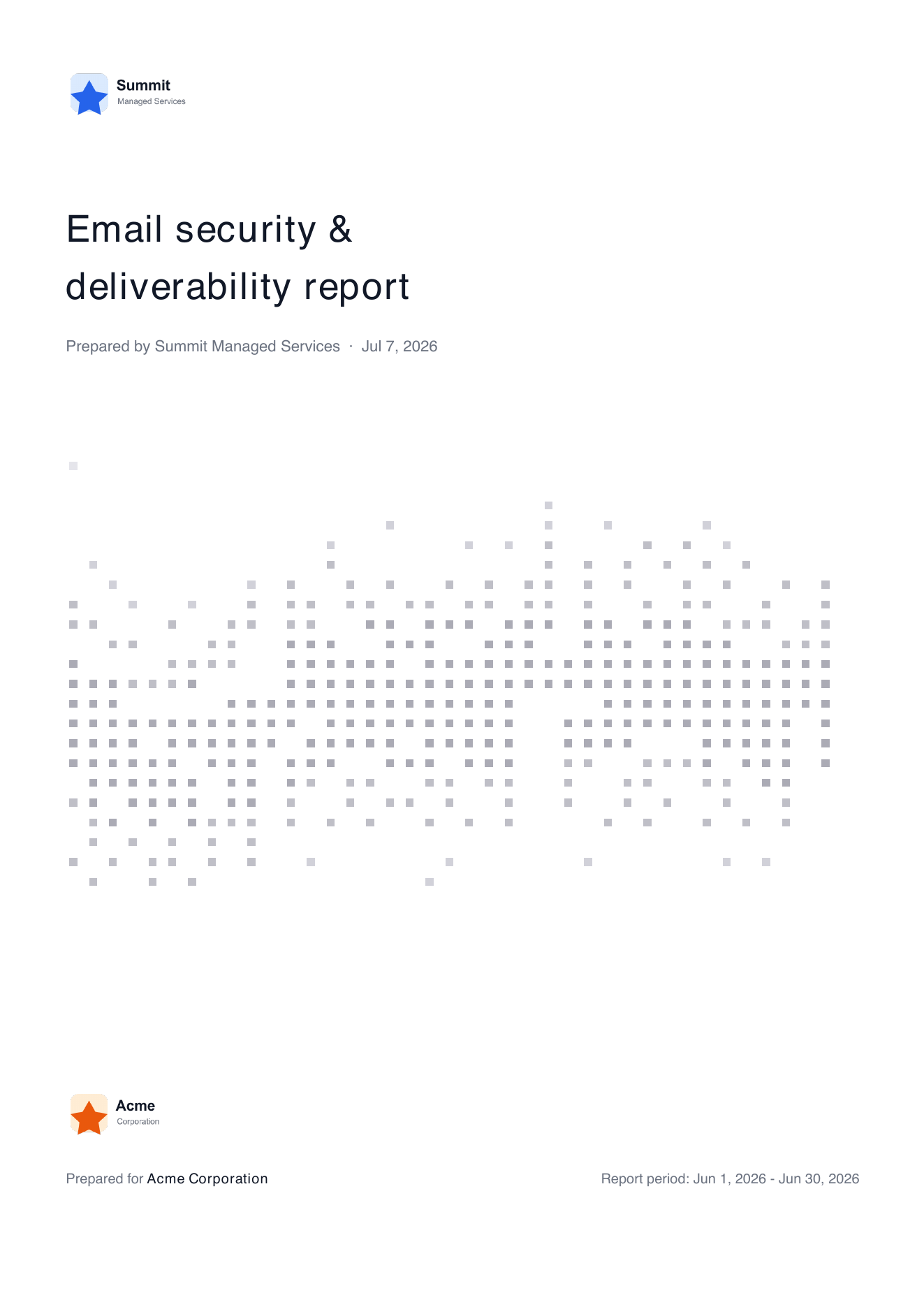
Demo client report cover page showing MSP branding, client name, and report period
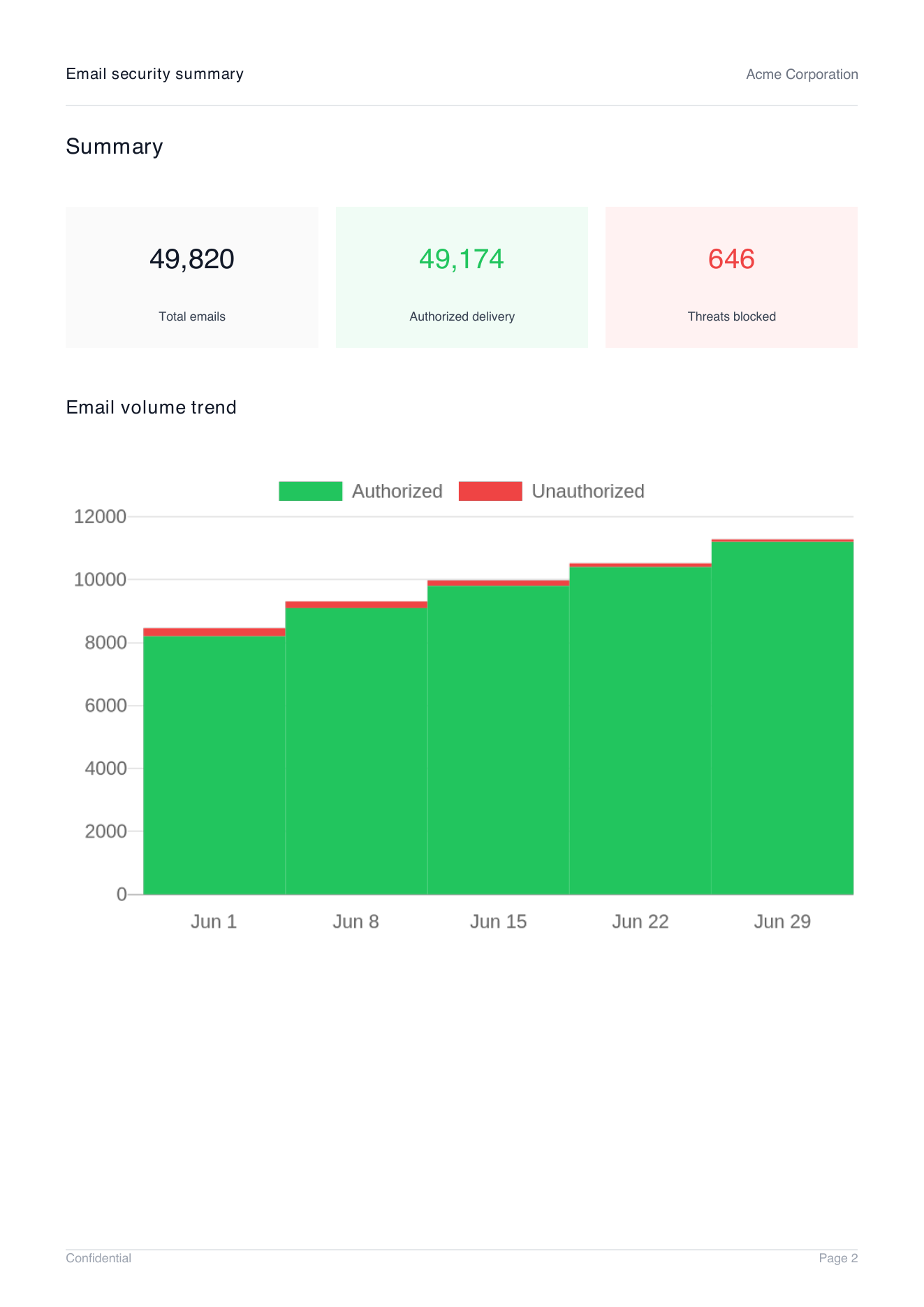
Demo client report summary page showing total emails, authorized delivery, threats blocked, and email volume trend
Creating a report
- Go to Reports > Client.
- Select the organization. For MSP parent organizations, choose the relevant child organization.
- Select the date range. This defaults to the previous month.
- Click Generate.
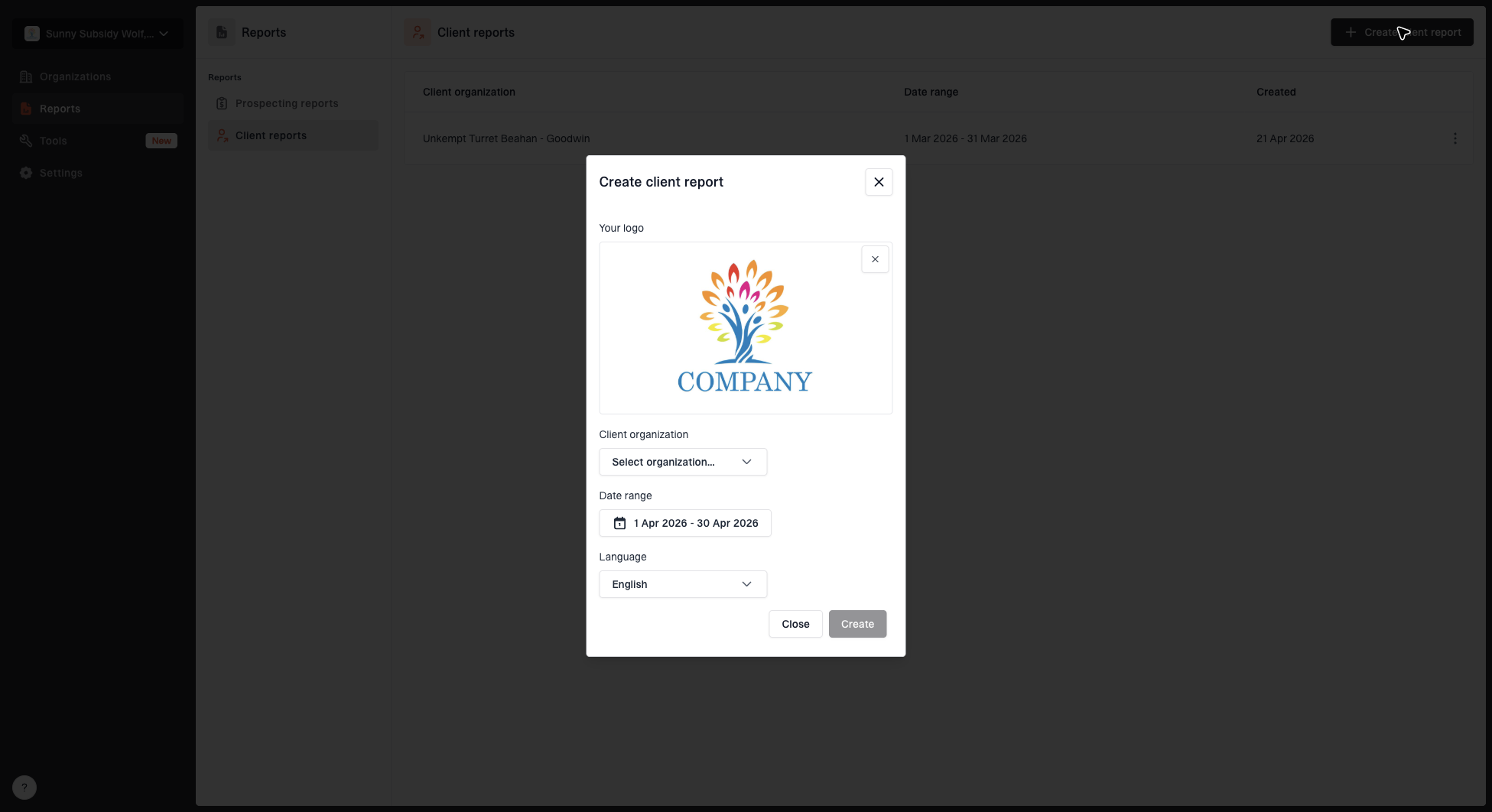
Create client report dialog with organization, date range, logo, and language options
What's included
Reports summarize your client's DMARC data for the selected period, including:
- DMARC authentication pass and fail rates
- Trends over the reporting period
- Sending source breakdown
White-label support
Client reports automatically use your organization's logo, so they're ready to share with your branding. You can update your logo from Settings > General.


