
Prospecting reports let you generate a PDF that evaluates a prospect's email security posture. They're used by MSPs and consultants to demonstrate the value of DMARC monitoring during the sales process.
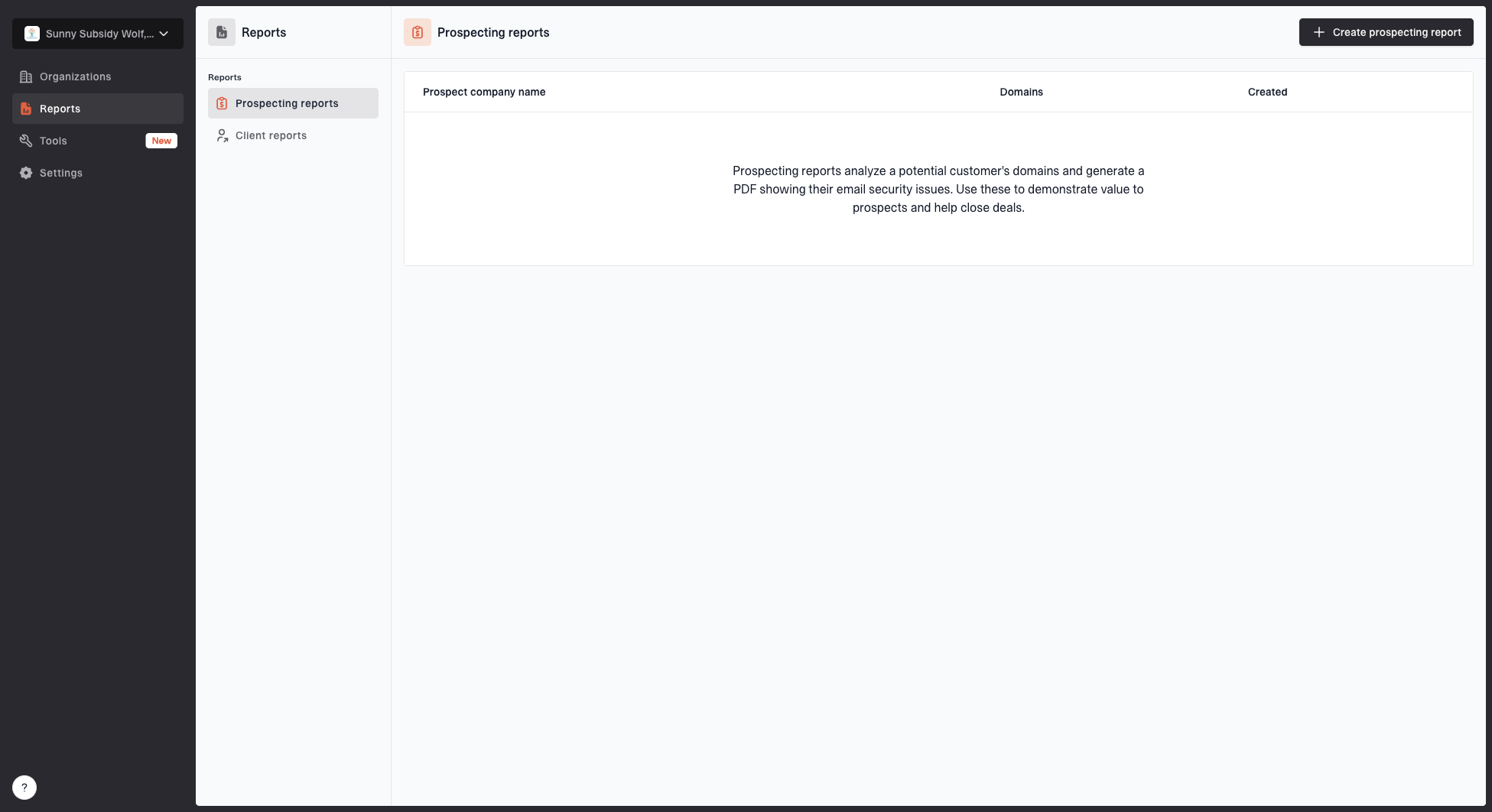
Prospecting reports page showing the reports table and create prospecting report action
Demo report
The PDF is designed to be shared with prospects as a branded security and deliverability assessment. Download the demo prospecting report.
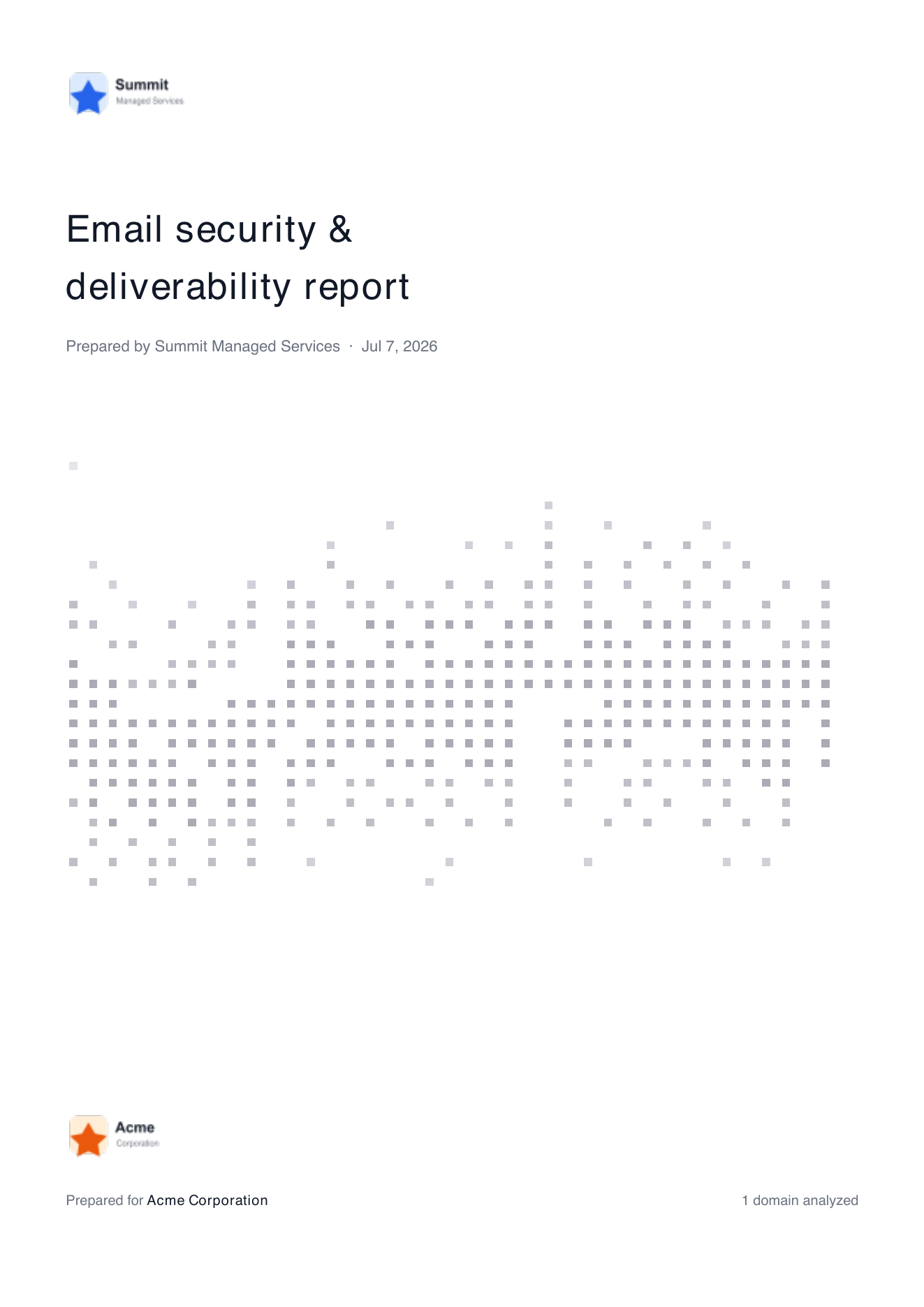
Demo prospecting report cover page showing MSP branding, prospect name, and analyzed domain count
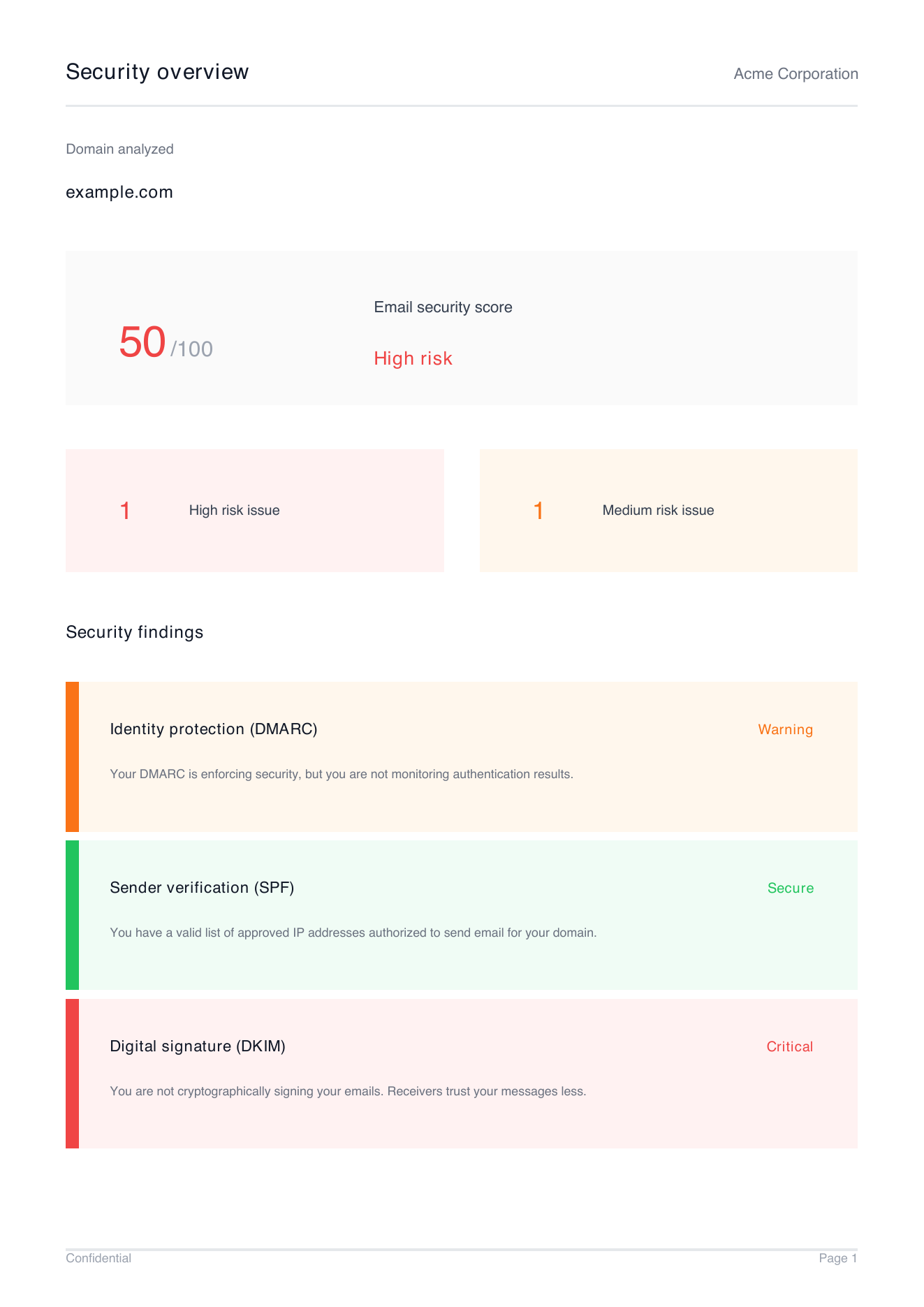
Demo prospecting report findings page showing email security score, risk level, and DMARC, SPF, and DKIM findings
Creating a report
- Go to Reports > Prospecting.
- Enter the company name and one or more domains to analyze.
- Optionally upload your logo for branding.
- Click Generate.
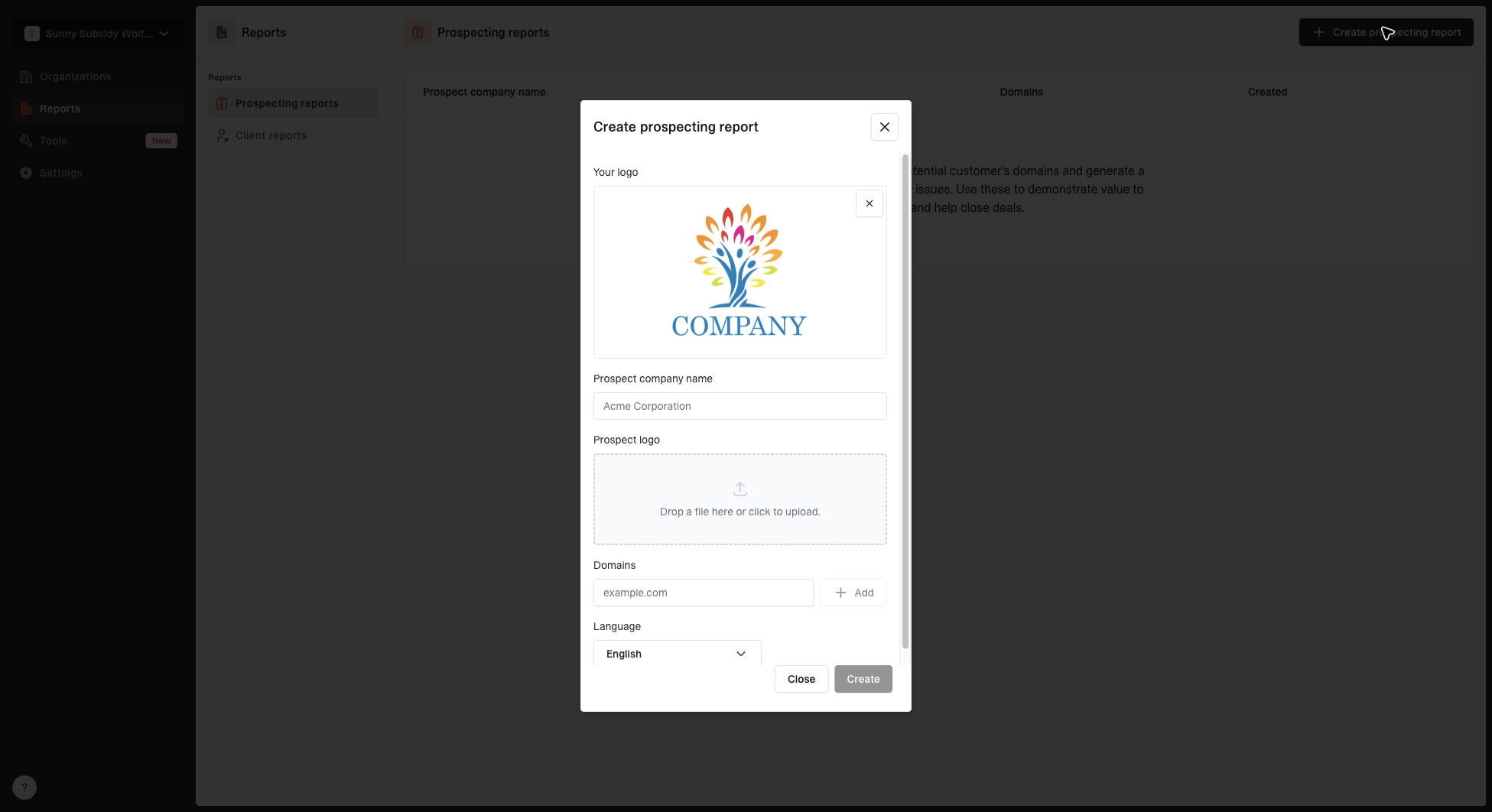
Create prospecting report dialog with MSP logo, prospect name, domains, prospect logo, and language fields
What's included
The generated report covers:
- Domain health scores - An overall assessment of each domain's email authentication setup.
- Identified issues - Specific problems found with DMARC, SPF, and DKIM configuration.
- Recommendations - Actionable steps to improve the prospect's email security.
Sharing reports
Reports are downloadable as PDFs and can be shared directly with prospects via email or in presentations.


