
As an MSP, you manage client organizations from the Organizations page. Each child organization is a fully isolated instance of Suped with its own domains, DMARC data, issues, and settings. The Issues badge shows each organization's unresolved issue count and opens its Issues page. Use View all below the table to show every organization on one page.
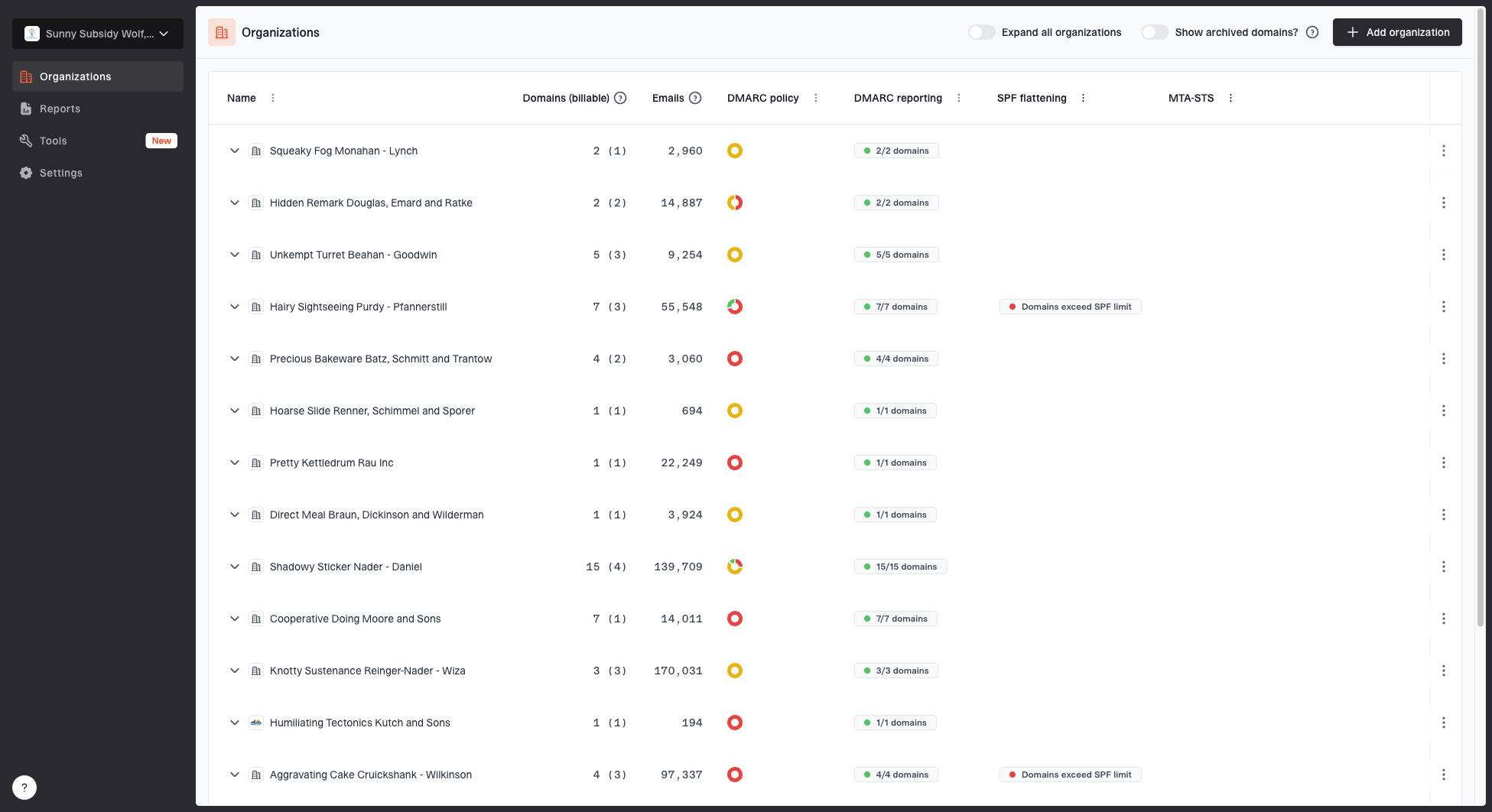
Adding a new client
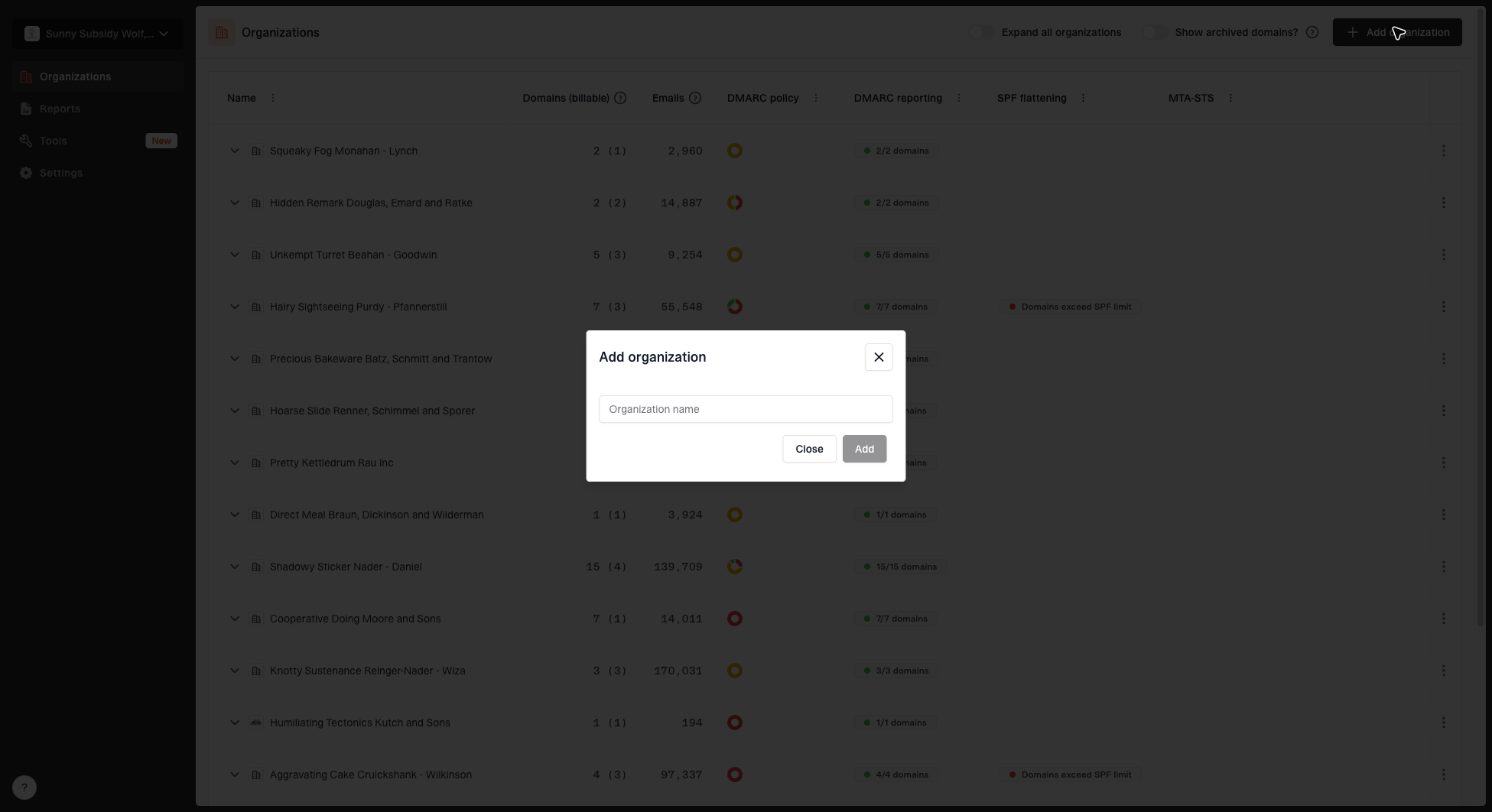
- Click Add organization.
- Enter the client's organization name.
- Add their domains.
- The client gets their own isolated instance of Suped.
Switching between organizations
Use the organization switcher in the navigation to move between your MSP parent organization and any child organization. When viewing a child organization, you see exactly what that client sees.
Removing organizations
Remove client organizations you no longer manage. Go to the organization's General settings, expand the Advanced section, and use the delete option. This permanently removes the organization and all its data.
Managing users
You can invite users at two levels:
- Parent MSP organization - Users here have access to the MSP dashboard and can manage all child organizations.
- Individual child organizations - Users here only have access to that specific organization.
Parent org admins have full access to all child organizations.


