
Keep the DKIM records for your sending providers together. Hosted DKIM lets you add, edit, and remove public TXT and CNAME records from the Suped dashboard.
Connect DNS once
Add your existing selectors to Suped, then publish the NS record shown in the setup dialog to delegate your domain's _domainkey namespace. Once connected, Suped serves the records that receiving mail servers use to verify DKIM signatures. Your sending providers continue to hold their private keys and sign your messages.
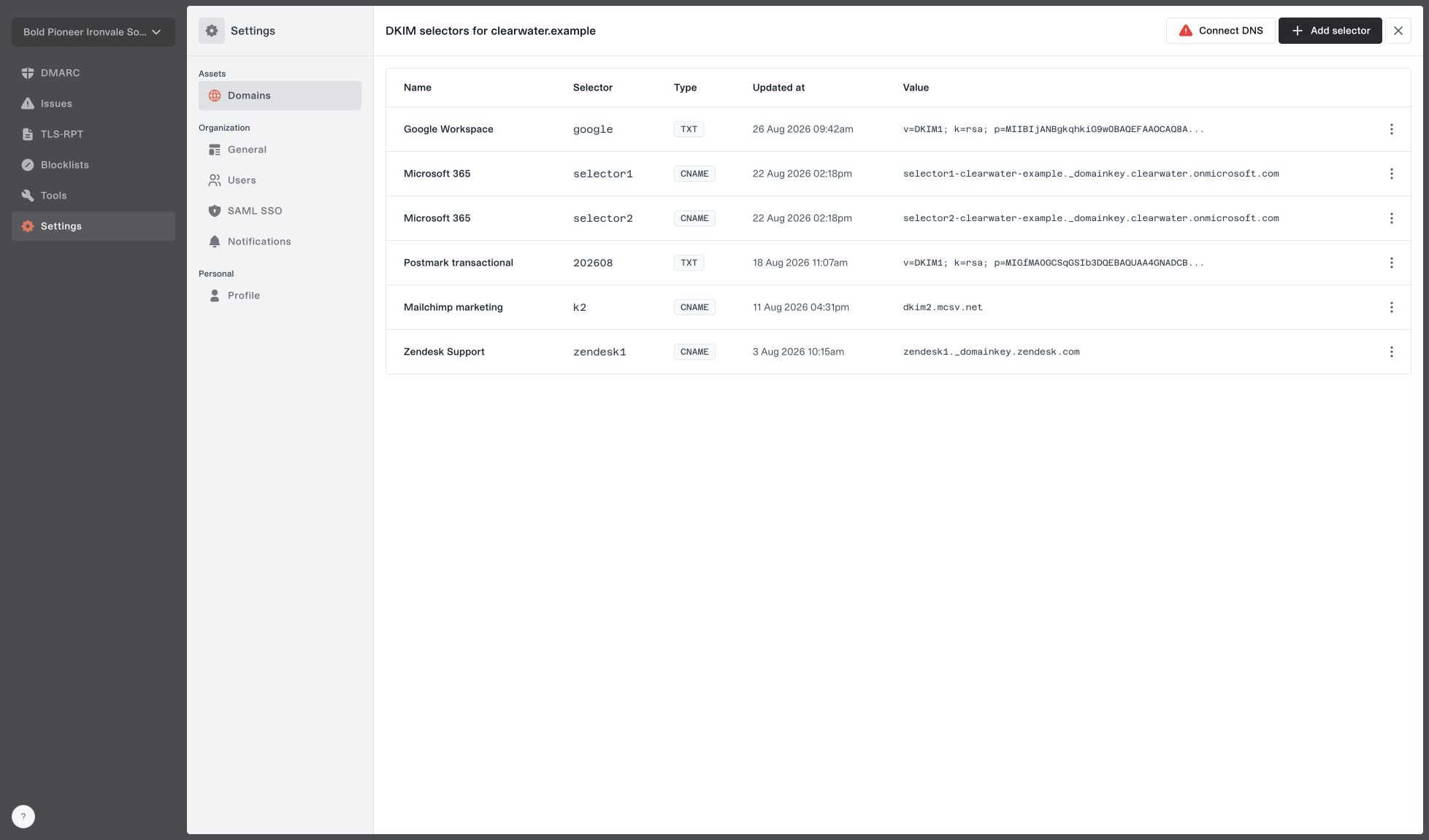
Hosted DKIM selectors for an example domain, with TXT and CNAME records managed together.
Bring every existing DKIM selector across before changing the delegation. The NS record moves the whole namespace, so selectors used by any of your sending providers need to be present in Suped.
Get started
Open Domains and configure DKIM for your domain. MSPs should first switch to the client organization that owns it. Follow the setup guide or explore Hosted DKIM.