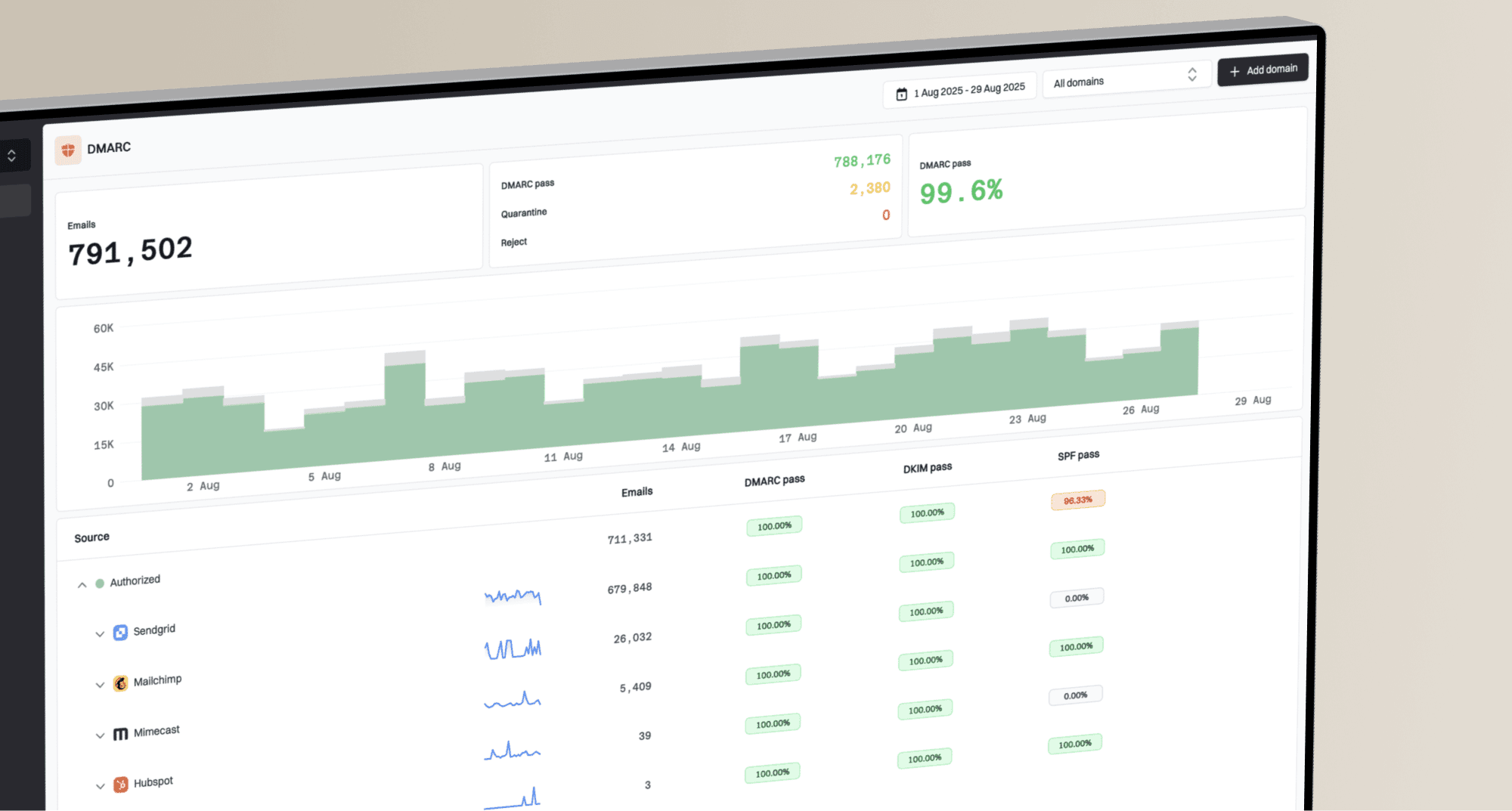
Organizations that receive DMARC reports through an existing mailbox or reporting workflow can tell Suped that those reports are forwarded into the platform.
Configuration checks that match your setup
Enable Forward DMARC reports when reports arrive through forwarding instead of a Suped address in your DMARC record's rua tag. Suped disables the health checks that assume reports are sent directly to Suped, avoiding configuration warnings caused by that assumption.
The setting describes how your organization supplies reports. Configure forwarding in your existing mailbox or reporting service, then enable this option in Suped.
Where to find it
Open Settings > General, expand Advanced, and turn on Forward DMARC reports. The option is available in standard and MSP client organizations. See General settings for the details.