How do you contact La Poste's postmaster about DMARC issues?

Published 16 Nov 2026
Updated 16 Nov 2026
8 min read
Summarize with

Contact La Poste's laposte.net postmaster team through the support form reached from its Postmaster portal. If postmaster@laposte.net returns an 'unmonitored mailbox' auto-reply directing you there, follow the form route. Do not assume that emailing the address opened a support ticket.
I submit a small, reproducible case with the report ID, reporting period, and original attachment. For a delivery rejection, I include the SMTP response instead. A malformed aggregate report and a rejected message need different investigations, even when both involve DMARC.
Use La Poste's Postmaster support form
Start in the sender assistance area labeled 'Assistance : Postmaster'. The portal has a 'Support et signalements' category. Its contact article, 'Comment contacter le Service Clients de votre messagerie laposte.net ?', points to the online 'formulaire de contact'.
I describe the request as a laposte.net email authentication or DMARC aggregate reporting issue. That gives support a technical routing instruction. General parcel complaints and postal delivery enquiries are separate services.
- Open sender support. Enter the Postmaster portal and choose 'Support et signalements'.
- Reach the form. Open the contact article and follow its 'formulaire de contact' link.
- Describe the fault. State whether messages are rejected, reports cannot be imported, or XML fields appear incorrect.
- Keep the reference. Save the submission confirmation and any case number for follow-up.
If the form's categories do not describe a reporting defect precisely, state 'DMARC aggregate report generation issue' in the subject or description. Ask for routing to the team responsible for laposte.net's DMARC report generator.
I keep the original submission for follow-up. An acknowledgement confirms receipt, but it does not establish that engineering has reproduced the defect. If no case reference arrives, check the confirmation instructions before submitting another copy.
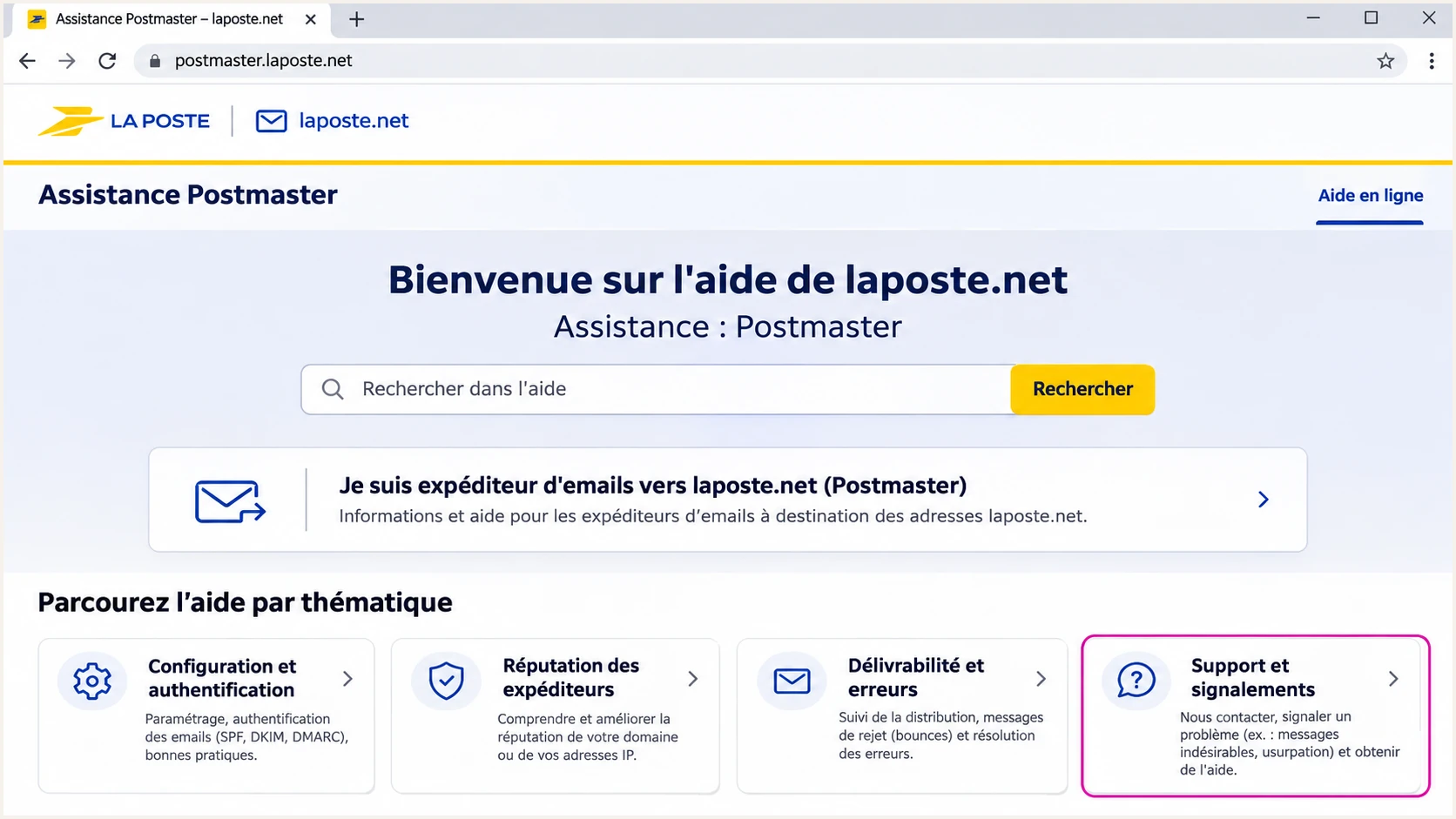
La Poste's Postmaster portal with the support category highlighted.
For an unresolved case, follow up through the channel specified in the acknowledgement and retain the same reference. I ask for confirmation that the evidence reached the reporting team, without assuming a response deadline.
Include evidence the team can reproduce
A useful report explains what happened, what should have happened, and how to reproduce the difference. I attach one representative sample before sending a large collection. Preserve the original report email, including MIME headers and attachment filename.
For a delivery failure, replace parser details with the full SMTP rejection, sending IP, recipient domain, and UTC timestamp. For an aggregate reporting defect, use the following evidence. Report periods identify a window of activity, not an individual message.
|
|
|
|---|---|---|
Report ID | XML metadata | Locate report |
UTC period | XML date range | Locate activity |
DKIM domain | Message signature | Check identity |
Filename and error | Attachment and logs | Reproduce import |
Evidence for a DMARC aggregate reporting case.
Include the affected domain and approximate message count, then state the operational impact: an import failure, a false missing-key warning, or legitimate mail being rejected. Redact unrelated customer information while retaining the fields needed to investigate.
I also inspect report_metadata/email and extra_contact_info for contact instructions supplied with the report. Validate the report's provenance before trusting those details. For a public DNS baseline, Suped's DMARC checker checks the published record; it does not prove what La Poste evaluated earlier.
Check the actual DKIM signing domain
The DKIM domain under auth_results must identify the domain in the signature's d= tag. With d=send.example.com and s=s1, the public key lookup is s1._domainkey.send.example.com. Replacing that domain with example.com changes the lookup location.
A parent domain elsewhere in the report is not automatically wrong. policy_published/domain identifies the DMARC policy domain. That is a different field with a different purpose. I check the raw XML before treating a dashboard's shortened domain label as a report generator defect.
Policy domain
example.com can correctly identify the domain whose DMARC policy was applied. This field does not tell a DKIM checker where to retrieve the signing key.
Signing domain
send.example.com must remain intact when that is the signature's d= value. The selector and signing domain together identify the DKIM key location.
DMARC's relaxed DKIM alignment allows a signing subdomain and the visible From domain to share an organizational domain. That comparison does not authorize rewriting the signing identity. Strict alignment requires an exact domain match.
I compare a controlled message's DKIM-Signature with the corresponding authentication data. Aggregate rows combine messages, and messages can have multiple signatures. A comparison with another receiver is corroboration, so I first establish that the samples use the same sending configuration.
Expected XML fragment for d=send.example.com and s=s1xml
<auth_results>
  <dkim>
    <domain>send.example.com</domain>
    <selector>s1</selector>
    <result>pass</result>
  </dkim>
</auth_results>
A missing key at the parent domain does not establish that the real signing key is missing. Current DNS also cannot prove historical key availability after rotation. I document the mismatch and continue DMARC troubleshooting before changing DNS.
Handle .gz attachments without losing reports
RFC 7489 section 7.2.1.1 specifies .xml.gz for gzip-compressed XML reports. Its original example incorrectly used .gz; verified erratum 5365 corrects it. RFC 9990, the newer aggregate reporting specification, retains the .xml.gz requirement.
An attachment named report.gz can still contain intact DMARC XML. A filename-only filter can reject it before examining the contents. I distinguish that ingestion problem from an authentication failure and preserve the original filename when reporting the interoperability issue.
Check gzip integrity and decompress a retained samplebash
gzip -t report.gz
gzip -dc report.gz > report.xml
These commands test gzip integrity and extract its contents. They do not validate DMARC XML. The next step is parsing the extracted document and checking its structure. Suped's XML report analyzer helps inspect the report's metadata and authentication results.
For a production importer, I recognize supported compression by content, impose expanded-size limits, and disable external XML entity resolution. Keep the original alongside any normalized copy. A compatibility workaround should remain visible in logs so support can reproduce the original problem.
A report defect does not justify weaker authentication
Do not disable DKIM or weaken a DMARC policy solely because an attachment cannot be imported. First establish whether the fault concerns report packaging, report contents, or the authentication of actual messages.
Keep the investigation traceable in Suped
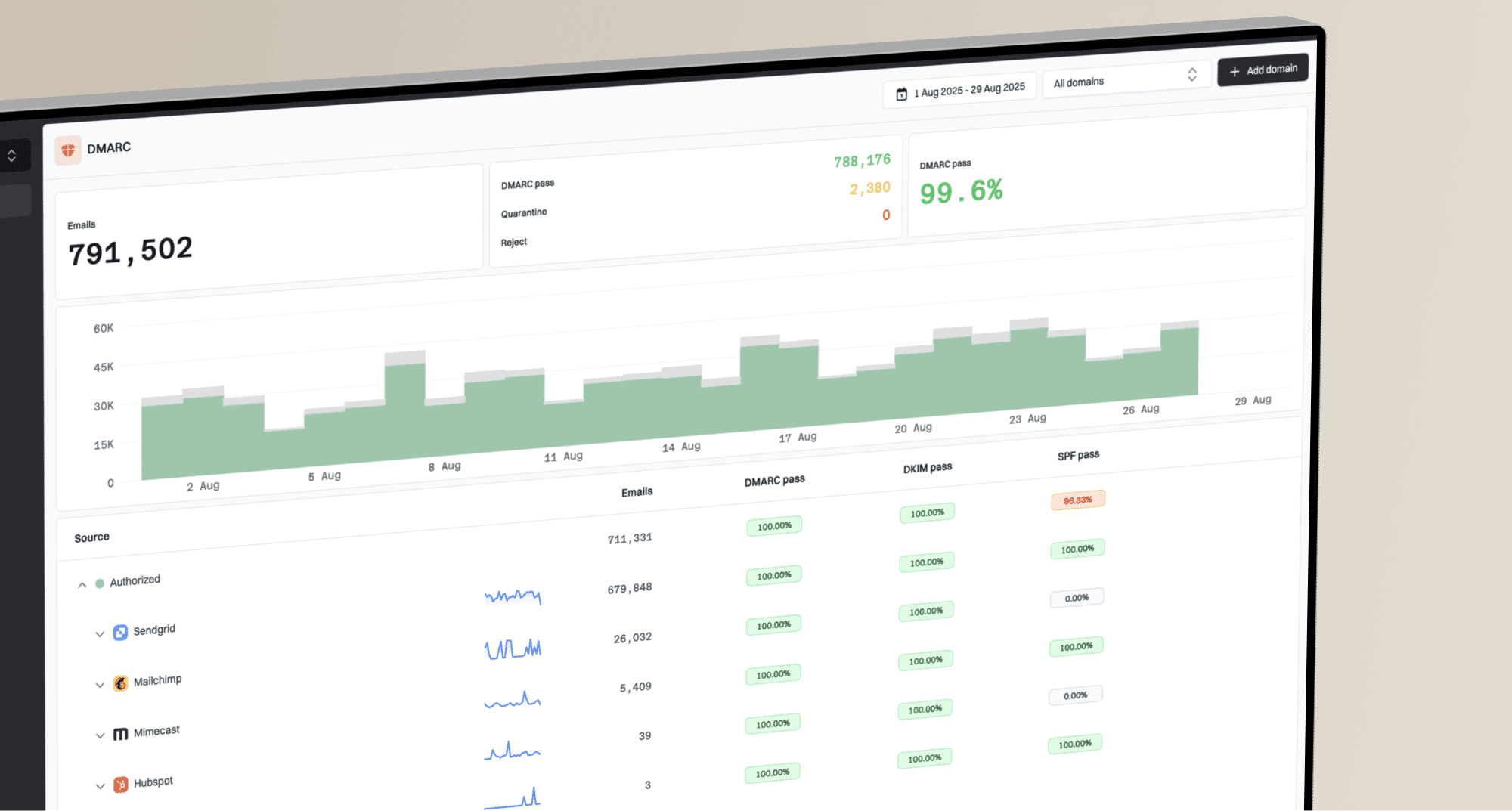
Suped is our DMARC reporting and email authentication platform. Its DMARC monitoring workflow helps connect a provider-specific anomaly to affected sending sources. I filter Data view by reporter and date range, then examine the relevant records rather than relying only on an overall pass rate.
Detail view exposes SPF, DKIM, and DMARC diagnostics for a record. I compare those results with the original XML and retained message headers. CSV export helps prepare a compact evidence set for the support case.
DMARC records drawer showing filters, record rows, authentication results, and CSV export
Automated issue detection helps identify items to investigate, but a diagnostic still needs context when a reporter supplies an unexpected identifier. Keep the receiver's reported result separate from a fresh DNS check. They describe different observations.
After a confirmed fix, compare fresh reports for the same sending stream with the original sample. I check both successful ingestion and preservation of the signing domain. A successful import alone does not verify every authentication field.
Views from the trenches
Best practices
Submit the original report ID and UTC period with a short expected-versus-actual example.
Match the DKIM domain to the message signature before declaring that a public key is missing.
Common pitfalls
Treating an automated postmaster reply as confirmation that a technical support ticket exists.
Discarding every .gz attachment before checking whether it contains a valid XML report.
Expert tips
Keep the original attachment unchanged and document any parser workaround separately for support.
Retest the same sending stream after a fix, and compare fresh reports with the original sample.
Marketer view
Marketer from Email Geeks says an email to postmaster@laposte.net returned an 'unmonitored' mailbox reply, so the mailbox alone was not a dependable way to reach support.
2026-11-04 - Email Geeks
Marketer view
Marketer from Email Geeks says the postmaster auto-reply directs senders to the Postmaster web form, which is the intended public route for submitting an issue.
2026-11-06 - Email Geeks
Ask for a reproducible fix
I end the support request with a concrete action: confirm the expected signing-domain value, investigate a reproducible report-format mismatch, or explain a specific SMTP rejection. That gives the receiving team a testable request.
Keep the case reference with the original evidence. Close the investigation when a fresh sample demonstrates the requested correction, or when the evidence identifies a sender configuration change that resolves the failure.
Frequently asked questions
Use the Postmaster portal's contact form as the primary route. If the mailbox returns an auto-reply directing you to that form, follow it. The reply does not establish that a technical ticket was created.
No. The filename concerns report packaging. Test the gzip file, then parse the extracted XML to inspect authentication results. Keep the original attachment when raising a filename interoperability issue.
No. A parent domain can correctly appear as the DMARC policy domain. The DKIM domain inside auth_results should preserve the signature's d= value. Check the field's location before deciding that the report is wrong.
Include the full SMTP rejection, sending IP, UTC timestamp, and affected recipient domain. Add the visible From domain and relevant authentication headers. A rejection investigation needs delivery evidence, even when aggregate DMARC reports are also available.