
How to set up DMARC/DKIM/SPF for WERON.PL

Publish SPF for the server that sends your email, enable DKIM signing with your sending domain, and publish DMARC at that domain's _dmarc DNS name. Start a new DMARC deployment with p=none; keep an existing quarantine or reject policy.
There is an important source-identification problem: the WERON.PL website identifies a Polish sports retailer. I found no public WERON.PL hosting setup documentation. A WERON.PL-specific SPF include, DKIM selector, and custom Return-Path procedure therefore remain unverified.
Confirm the provider before publishing records
Do not guess include:weron.pl, a DKIM key, or hosting-panel instructions. The steps below apply to a domain you administer, using values supplied by its actual sending service.
Confirm your sending service
I identify the sending service through a delivered message and the account that submitted it. A source label in a report does not prove that WERON.PL offers hosting.
If you administer weron.pl itself, use its real mail administrator and authoritative DNS account. If another domain is sending, configure that domain instead.
- Inspect a message. Open the received message's full headers. Record From, Return-Path, DKIM-Signature d= and s=, and the receiving server's Authentication-Results.
- Identify the account. Check the application's SMTP configuration or sending account. Obtain its domain-verification record, supported SPF value, and DKIM records.
- Verify ownership. Complete domain verification in that actual service, if required. Publish its exact verification record in authoritative DNS, then run its verification action.
- Preserve DNS. Export existing records before editing. Changing nameservers is unnecessary for these authentication changes.
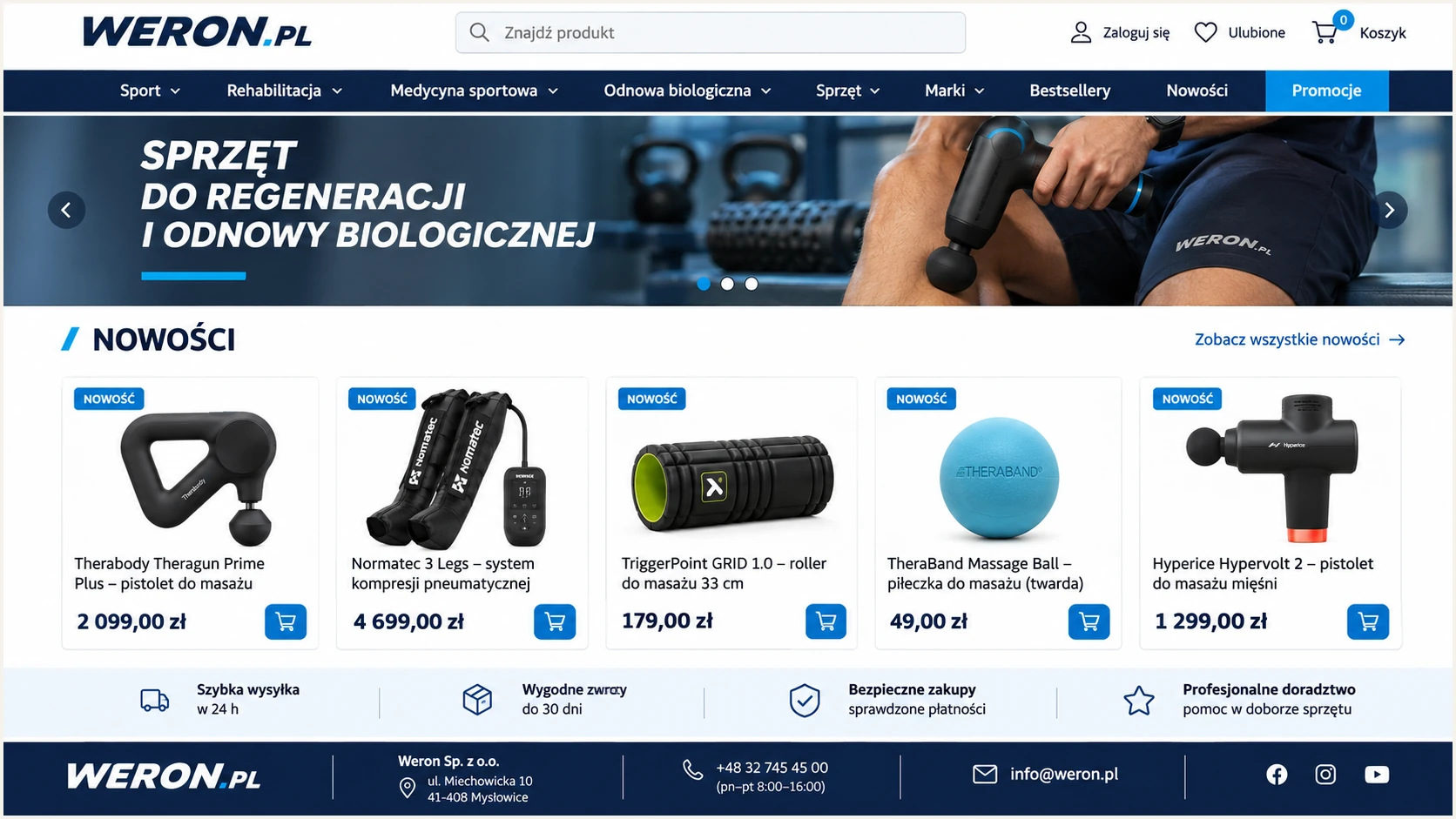
WERON.PL's public storefront identifies the business as a sports retailer.
The storefront establishes the website's public identity. It does not establish which server sent a particular message; use the recipient's headers and your sending account for that.
All example domains below are placeholders. Replace them with domains you control, and obtain production values from the service handling your outbound mail.
Set up SPF
SPF authorizes outbound servers for the envelope sender domain shown in Return-Path. I obtain the service's supported include or sending IP addresses before changing its SPF record.
- Set the Return-Path. If the actual service supports a custom bounce domain, configure one such as bounce.example.com. Confirm the delivered message uses it. WERON.PL's procedure is unverified.
- Edit one record. Publish the service's supplied SPF configuration at the envelope sender domain. Merge authorized senders into an existing SPF TXT record; never add a second v=spf1 record at the same name.
- Check the budget. Keep DNS-querying SPF terms within the 10-term evaluation limit, including nested includes. Do not authorize a website's IP unless it actually sends your mail.
- Check domain matching. For relaxed SPF alignment, the envelope sender and visible From normally share an organizational domain. Preserve an existing strict policy unless you deliberately change it.
Illustrative SPF record, not a WERON.PL configurationdns
example.com. 3600 IN TXT "v=spf1 ip4:192.0.2.10 -all"
The IP address above is reserved for documentation. Replace it with a confirmed outbound IP, or use the exact include your sending service supplies. Preserve other legitimate senders.
Run the SPF check against the actual Return-Path domain. A root-domain check does not validate SPF published at a separate bounce subdomain.
SPF checker
Find SPF syntax issues, lookup limits, and weak records.
?/16tests passed
Confirm that one valid SPF record authorizes the real outbound server. A successful DNS check still needs a message test to establish which envelope sender the service uses.
If a service keeps its own Return-Path, adding it to your From domain's SPF cannot fix that mismatch. A message still passes DMARC through a valid DKIM signature with matching domain identity.
Set up DKIM
DKIM needs a private key on the sending server and its public key in DNS. I use the records generated by the actual mail service; publishing an arbitrary public key does not enable signing.
- Enable signing. Open your real sending service's domain-authentication controls. Enable DKIM for your From domain and copy its selector, record type, and complete public DNS value.
- Publish the key. Create the supplied TXT record or CNAME at the exact selector name. Watch for DNS editors that append the zone name automatically.
- Verify activation. Run the service's verification action after DNS resolves. Send a fresh message and confirm dkim=pass in the receiving server's results.
- Check the domain. Inspect DKIM-Signature d= and s=. The passing signature's d= must match the From domain under your DMARC alignment mode. Keep the private key out of DNS.
Look up the selector observed in a test messagebash
dig +short TXT selector._domainkey.example.com
dig +short CNAME selector._domainkey.example.com
Replace selector and example.com with the actual s= and d= values. A CNAME can delegate the key lookup; follow it to the public-key TXT record.
Check every sending route separately, including website forms and background jobs. A mailbox test does not prove that an application's separate mail route signs correctly.
DNS verification
The selector resolves to the intended public key. This proves the key is published.
Message verification
A fresh message has dkim=pass with the correct d= domain. This proves the server signed successfully.
Set up DMARC
DMARC evaluates the visible From domain. I keep an existing p=quarantine or p=reject policy while repairing a sending source; a new source is not a reason to weaken working enforcement.
- Inspect existing policy. Look up _dmarc at your From domain before editing. Keep a single DMARC TXT record at that name.
- Start monitoring. For a new deployment, publish the p=none value below. Replace the example reporting mailbox with an address you control that accepts aggregate reports.
- Generate the value. Use the DMARC record generator to configure reporting and retain any existing policy settings.
- Validate reporting. Check that reports reach the destination. A reporting address outside your domain needs the destination operator's external-report authorization.
Initial DMARC TXT value at _dmarc.example.comtext
v=DMARC1; p=none; rua=mailto:dmarc@example.com
Enter _dmarc as the host if your DNS editor appends example.com. Enter the full hostname only when the editor expects it; a duplicated domain suffix puts the record in the wrong place.
Check the visible From domain after saving. The checker should find the intended policy and reporting address, without a duplicate DMARC record or syntax error.
DMARC checker
Look up a domain's DMARC record and catch policy issues.
?/7tests passed
A valid record proves publication. It does not prove that your messages authenticate or that a report destination can process incoming aggregate reports.
Send a fresh message next. Confirm dmarc=pass in the receiving server's Authentication-Results and inspect the SPF or DKIM result that supplies the matching domain identity.
Monitoring does not request rejection
p=none requests reporting without asking receivers to quarantine or reject mail because of DMARC failure. Continue checking legitimate sending routes before changing policy.
Verify and troubleshoot
I test with the real sending route after each change. Use an actual application message when configuring a website or background job.
- Send a fresh test. Use the email tester below. Send to the address it provides, then open its diagnosis of the received message.
- Inspect identities. Compare From, Return-Path, and DKIM d=. A raw SPF pass for the service's own domain does not establish SPF alignment for yours.
- Resolve DNS errors. Check authoritative DNS, the exact record name, and the old TTL. Fix duplicate records and missing selector values before retesting.
- Repeat each route. Test ordinary mailbox mail and application mail separately. Include forwarded delivery when that route matters to your users.
|
|
|---|---|
SPF permerror | Duplicates or lookups |
DKIM missing | Signing activation |
DKIM fail | Key or message change |
DMARC fail | Domain identity match |
Start with the receiving server's authentication results.
The email tester checks the message that actually arrives. This is the quickest confirmation that signing and DNS agree for that specific sending route.
Keep the report and a copy of the full headers for comparison after fixes. A successful result applies to the tested message, so repeat the test for other routes.
Email tester
Send a real email to this address. Suped shows a results button when the test is ready.
?/43tests passed
For a direct delivery, aim for SPF pass, DKIM pass, and DMARC pass with matching domain identities. DMARC requires at least one passing, matching authentication method.
Forwarding often breaks SPF because the connecting server changes. A valid matching DKIM signature can preserve DMARC pass if the signed message survives forwarding unchanged.
Get alerted when it breaks
Suped's DMARC monitoring is our platform for tracking authentication after setup. It detects issues and provides steps to fix them, so failures do not depend on someone remembering to send a manual test.
- Enable notifications. In Suped, configure Issues detected and Sending sources need verification notifications. Direct them to the person responsible for mail and DNS.
- Verify sources. Review unfamiliar senders against your real sending inventory before marking them verified or authorizing them in DNS.
- Investigate changes. Open the affected source and record details. Compare SPF and DKIM results, then use DNS history to investigate recent record changes.
- Confirm recovery. Apply the recommended fix, send another test message, and check subsequent aggregate reports for the same source.
I use source-level results to distinguish a broken legitimate sender from unauthorized traffic. A domain-wide pass rate alone hides low-volume application failures.
Set escalation times around reporting delays. Aggregate reports usually arrive on a daily schedule, so report-based alerts depend on when receivers submit their data.
Keep a repeatable repair workflow
Suped connects detected authentication issues with source details and fix instructions. Keep notifications active after a repair so later DNS or sending changes are investigated.
Secure your domain with p=reject
Move a new deployment to p=reject after legitimate sending routes consistently pass DMARC. I base that decision on reviewed sources and complete sending cycles, including infrequent jobs.
- Finish the inventory. Use Suped's source table to account for authorized senders. Investigate unknown traffic without adding every observed IP to SPF.
- Fix legitimate failures. Enable matching DKIM on each supported route. Configure matching SPF where the service supports your own Return-Path; avoid relying solely on SPF.
- Stage enforcement. Move a new policy through quarantine before reject when a staged rollout helps validate delivery. Keep an existing quarantine or reject policy in place.
- Retain reporting. Preserve rua and other intentional settings. Review subdomain policies, repeat delivery tests, and keep Suped notifications enabled.
Example final DMARC value, preserve your real reporting destinationtext
v=DMARC1; p=reject; rua=mailto:dmarc@example.com
Suped's hosted DMARC supports managing policy changes in the dashboard after its DNS setup. Use the source evidence and issue details to decide when each policy stage is ready.
p=reject requests rejection of messages that fail DMARC; receivers retain control of final handling. Continue testing authorized mail because an authentication pass does not guarantee inbox placement.
Frequency asked questions
No WERON.PL-specific SPF include was verified in public provider documentation. Obtain the supported include or outbound IP addresses from the service that sends your mail. Do not assume include:weron.pl is valid.
No public hosting-domain verification or DNS-management workflow was verified for that account. Configure authentication through your actual mail service and authoritative DNS account.
The service is using an envelope sender domain that does not match your From domain. DMARC still passes if a valid DKIM signature has a matching signing domain. Adding SPF to your From domain does not change the service's Return-Path.
An rDNS hostname ending in weron.pl alone does not establish the sending platform or authorize mail for your domain. No WERON.PL sending-IP range or provider-specific rDNS suffix was verified. Correlate the connecting IP with trusted recipient headers and confirm the operator before authorizing it.
Keep an existing quarantine or reject policy. Repair the new sending route and verify its messages before using it for production mail. Use p=none as the starting point for a new DMARC deployment.




