
How to set up DMARC/DKIM/SPF for Virtutel


Set up SPF for the actual outbound IPs or relay, enable DKIM signing with your domain, and publish a DMARC TXT record at _dmarc on your sending domain. For Virtutel-backed email, get the service-specific sending IPs, custom Return-Path settings and DKIM records from the operator of your mail service.
I start by identifying that operator. A reverse DNS hostname ending in virtutel.net.au identifies Virtutel network infrastructure; it does not identify a universal email platform or supply the DNS values your domain needs.
Add your domain
I confirm the domain with the operator of the outbound mail service before changing DNS. If you bought the service through a Virtutel reseller, contact that supplier for support, as Virtutel directs downstream customers to do.
- Identify the service: Send a message through the affected application. Save its raw headers and record the public sending IP seen by the recipient, the From domain and the Return-Path domain.
- Confirm the domain: Ask the mail operator to authorize your sending domain for that service. Complete its domain onboarding only if required; there is no verified public Virtutel "Add domain" menu to follow.
- Verify ownership: If the operator supplies a TXT or CNAME challenge, publish its exact name and value at your authoritative DNS provider, then ask the operator to confirm verification.
- Request the configuration: Obtain all production and failover egress IPs, any approved SPF include, the custom MAIL FROM setup, and the DKIM selector with its DNS record. Confirm who enables signing.
Use service-specific values
A virtutel.net.au PTR hostname is not an SPF include or a DKIM selector. Use only the authentication records confirmed for your actual sending service.
Use your existing service ticketing route for a technical request. The sales enquiry form on Virtutel's public website is not the support ticketing system.
Virtutel's public contact page is useful for finding the support route. It does not document an email authentication control panel.
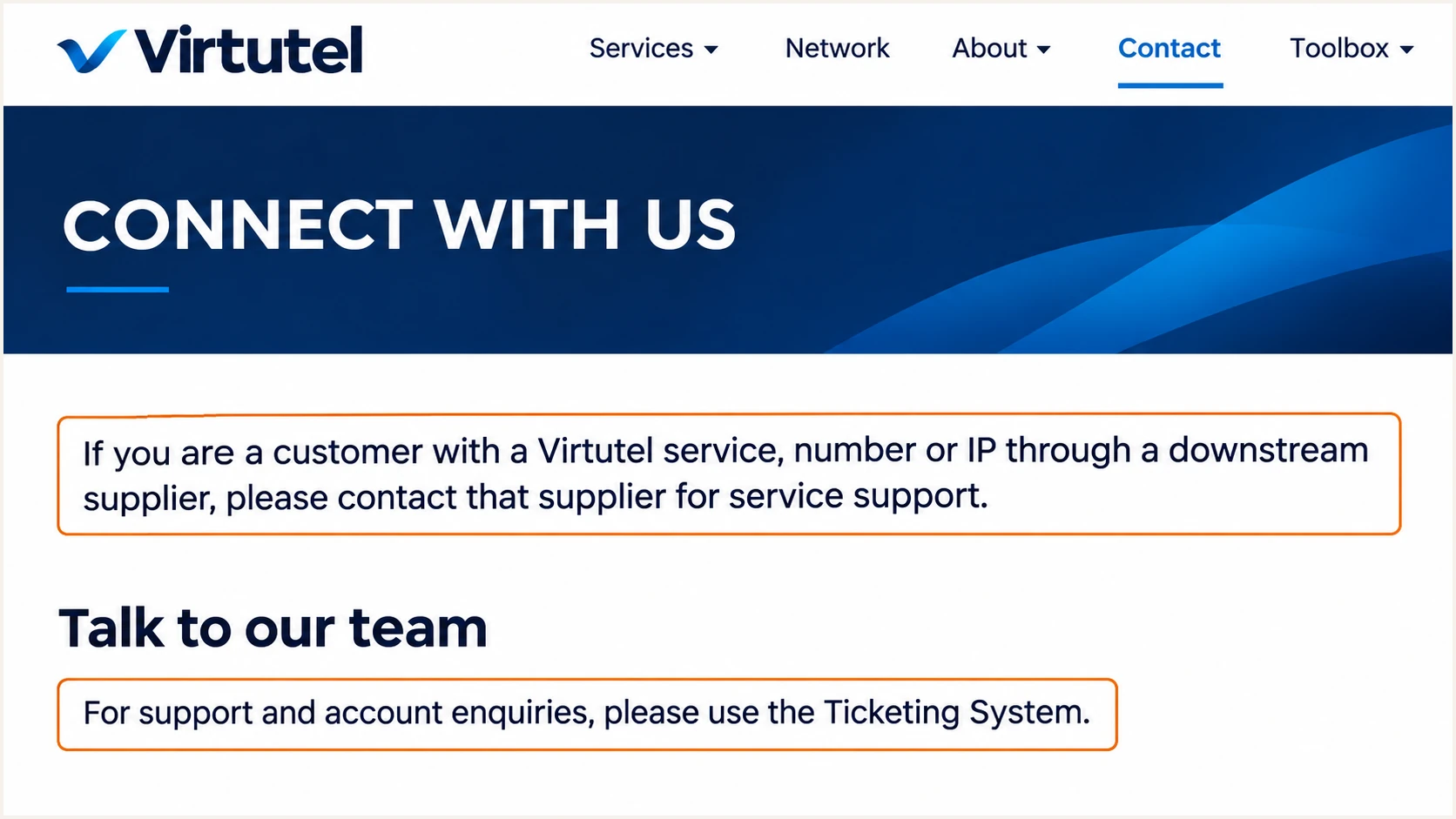
Virtutel contact guidance directs reseller customers to their supplier for support.
If your own server sends directly through a Virtutel internet connection, configure authentication on that server and in your DNS. Network connectivity alone does not add DKIM signatures.
If a separate relay delivers the message, use that relay's final sending IPs. The application server's IP is irrelevant to SPF when it never connects to the recipient.
Set up SPF
SPF authorizes the IP connecting to the recipient for the SMTP MAIL FROM domain, which normally appears in the delivered Return-Path. I check that domain before editing the SPF record.
- Configure the Return-Path: Have the operator configure your service's custom MAIL FROM domain, such as bounce.example.com. With default relaxed DMARC alignment, this shares the organizational domain of a From address at example.com.
- Edit the correct hostname: Publish SPF at the actual MAIL FROM domain. For bounce.example.com, edit that subdomain rather than assuming the SPF record at example.com applies. SPF records are not inherited.
- Authorize exact senders: Merge the operator-approved include or egress IPs into one SPF TXT record. Keep existing legitimate senders and the existing all mechanism while reviewing the change; do not create a second SPF record.
- Check the limits: Keep DNS-querying SPF terms within the limit of 10 across the evaluated include and redirect chain. Cover IPv6 if used. Never authorize Virtutel's entire network just because one source IP has its rDNS suffix.
Illustrative SPF value, not Virtutel production IPstext
v=spf1 ip4:192.0.2.25 ip6:2001:db8::25 -all
Both addresses above are reserved documentation examples. Replace them with confirmed egress addresses; use -all only after every legitimate sender for that MAIL FROM domain is covered.
Enter the MAIL FROM hostname in the SPF checker below. If your service supplies an include, use its exact published value rather than guessing include:virtutel.net.au.
SPF checker
Find SPF syntax issues, lookup limits, and weak records.
?/16tests passed
A passing DNS check verifies the policy, not the Return-Path on a live message. Send through the same production route and confirm the recipient reports spf=pass for your custom MAIL FROM domain.
An SPF pass for an unrelated provider domain does not satisfy DMARC alignment. Changing the visible From address alone does not change the Return-Path. Publish any bounce-domain MX records the operator requires without replacing your primary inbound MX records.
Set up DKIM
DKIM signing belongs on the server or relay that handles your outbound mail. I use a signing domain under my sending domain so that the signature can satisfy DMARC independently of SPF.
- Enable signing: Ask the mail operator to enable DKIM for your domain, or enable it on the mail server you manage. Request a 2048-bit RSA key with rsa-sha256 when RSA is used.
- Publish the selector: Add the exact TXT or CNAME supplied at selector._domainkey.example.com. Replace selector with the real value; do not assume default, mail2026 or a Virtutel-wide selector.
- Keep the secret private: Publish only the public DNS record. Keep the private signing key on the signer. A CNAME must point to the exact destination supplied by the operator.
- Activate and test: After DNS resolves, have the operator complete activation. Send a new message and inspect DKIM-Signature for the d= signing domain and s= selector, then confirm dkim=pass at the receiver.
DNS checks using mail2026 as an illustrative selectorbash
dig +short TXT mail2026._domainkey.example.com
dig +short CNAME mail2026._domainkey.example.com
Replace mail2026 and example.com with the actual selector and signing domain. Finding a key in DNS is insufficient: the message must be signed with its matching private key, and the signature must survive delivery.
For From: sender@example.com, a passing signature with d=example.com satisfies alignment. A passing signature using only d=virtutel.net.au does not. These are examples of the distinction, not documented Virtutel signing defaults.
Authentication passes
SPF or DKIM validates an IP authorization or a signature. The authenticated domain can still belong to the service provider.
Example: dkim=pass with d=provider.example does not authenticate a From address at example.com for DMARC.
DMARC passes
At least one passing mechanism must use a domain with the required relationship to the visible From domain.
Example: dkim=pass with d=example.com can give dmarc=pass even when SPF fails during forwarding.
Set up DMARC
DMARC is a DNS policy for the visible From domain. It passes when SPF or DKIM passes with the required domain alignment; both mechanisms do not have to pass.
- Check the current policy: Look up _dmarc.example.com first. If you already use p=quarantine or p=reject, keep that policy and fix the sending service rather than weakening protection.
- Start with monitoring: For a new setup, add one TXT record at _dmarc.example.com using the value below. In a DNS panel that appends your domain, enter _dmarc as the host.
- Use a working report destination: Replace dmarc@example.com with your actual mailbox or assigned aggregate-report address. For an external destination, have its operator provide the required reporting authorization.
- Keep relaxed defaults: Leave aspf and adkim unset unless you specifically require strict alignment. Strict SPF alignment requires the MAIL FROM domain to match the From domain exactly.
Initial DMARC TXT value at _dmarc.example.comtext
v=DMARC1; p=none; rua=mailto:dmarc@example.com
Use the DMARC record generator to build the value with your real reporting address. Update an existing policy record rather than adding a duplicate.
Check the visible From domain below after publishing. The checker should find a single valid policy and the intended reporting destination.
DMARC checker
Look up a domain's DMARC record and catch policy issues.
?/7tests passed
A p=none policy requests reporting without requesting quarantine or rejection for DMARC failure. It does not prevent recipients from filtering or rejecting mail under their own rules.
DNS validation cannot prove that a Virtutel-backed source passes DMARC. I verify a newly sent message next, then review aggregate reports as receivers deliver them.
Verify and troubleshoot
I test the actual sending route, including any outbound relay and message modifications. A test sent through a different mailbox service does not verify the affected source.
- Send a live test: Use the email tester below to obtain a test address, then send to it through the Virtutel-backed application or mail server. Open the resulting diagnosis for that message.
- Check receiver evidence: Inspect the recipient's Authentication-Results header. Confirm the evaluated sending IP, SPF domain and DKIM signing domain, then check dmarc=pass for your visible From domain.
- Test every route: Repeat for production and backup relays, IPv6 delivery where enabled, and applications that use separate sending settings. Include forwarded delivery if it is part of normal use.
- Preserve the evidence: Save the raw message, UTC send time and SMTP error text for support. Inspect trusted receiver-added headers rather than an Authentication-Results field inserted by the sender.
The email tester checks a delivered message and provides an authentication diagnosis. This is the quickest way to distinguish a valid DNS record from a working sending configuration.
Send a fresh message after each change. An old message still contains the authentication results from its original delivery.
Email tester
Send a real email to this address. Suped shows a results button when the test is ready.
?/43tests passed
If SPF passes without alignment, correct the custom Return-Path or rely on a passing DKIM signature with domain alignment. If this particular relay does not expose a custom Return-Path, editing your root SPF record cannot fix that mismatch.
If DKIM fails, compare the message's actual selector and d= domain with DNS, then check signing activation and downstream message changes. If both mechanisms pass but DMARC fails, inspect their domain relationships and any strict alignment settings.
|
|
|
|---|---|---|
SPF permerror | Duplicate or limit | Merge and recount |
SPF mismatch | MAIL FROM domain | Set custom path |
DKIM missing | Signing inactive | Enable on signer |
DKIM failure | Key or changes | Check selector |
DMARC failure | Domain relationship | Check alignment |
PTR mismatch | Reverse DNS owner | Ask IP operator |
Common results and the next configuration check.
For a dedicated sending IP, ask the IP operator to set an appropriate PTR hostname and ensure that hostname resolves back to the IP. A shared relay's PTR is normally managed by the relay operator. Reverse DNS is separate from DMARC.
Local DNS checks, replace all illustrative names and IPsbash
dig +short TXT example.com
dig +short TXT bounce.example.com
dig +short TXT _dmarc.example.com
dig +short TXT mail2026._domainkey.example.com
dig +short -x 192.0.2.25
Get alerted when it breaks
Suped is our DMARC platform for ongoing monitoring of Virtutel-backed senders. Our DMARC monitoring turns incoming aggregate reports into source-level authentication results and notifications, so configuration drift has a clear investigation path.
- Verify the source: In Suped's source table, compare the IPs and domains with the operator-confirmed inventory. Mark a source as verified only after confirming that it is an authorized sender.
- Enable notifications: In Settings, open Notifications and enable Issues detected and Sending sources need verification. Enable DMARC summary emails for routine review.
- Investigate failures: Open the affected source and inspect individual records in Detail view. Compare SPF, DKIM and DMARC results with the Return-Path and selector configuration supplied for your service.
- Close the loop: Follow the issue's steps to fix, coordinate server changes with the mail operator, and send another live test. Confirm the fix in subsequent reports rather than only clearing the notification.
I treat monitoring as part of the mail service's operation, particularly after an IP migration or DKIM key rotation. Suped's DNS history helps compare changed records with the previous configuration.
Aggregate-report alerts depend on receivers sending their reports and on processing those reports. They are not an instant SMTP outage detector; retain mail queue and delivery-error monitoring with your mail operator.
Secure your domain with p=reject
I move to p=reject only after legitimate sending routes pass DMARC consistently. Suped connects that review to policy management: inspect the sources affected by enforcement, fix failures, then change the policy.
- Review a complete cycle: For a new deployment, allow at least a month at p=none and a further month at p=quarantine. Extend observation to include infrequent senders, monthly jobs and backup routes.
- Fix legitimate failures: Use Suped's source results and issue diagnostics to correct authorization and signing. Do not add an unknown IP to SPF simply to improve the pass rate.
- Check indirect delivery: Test forwarding and mailing lists. Content changes can break DKIM while forwarding breaks SPF. Resolve legitimate delivery risks before enforcing reject on the affected domain.
- Stage the policy: Move a ready domain to p=quarantine, review the effect, then set p=reject. Review subdomain policies too, including any explicit record that overrides the parent policy.
- Keep monitoring: After each change, verify DNS and inspect new reports alongside delivery failures. With Suped Hosted DMARC, manage policy changes in the dashboard after the initial DNS delegation.
Our Hosted DMARC lets the DNS owner delegate the policy once and lets the responsible team manage subsequent changes in Suped. Keep a working aggregate-report destination throughout enforcement.
For a manually managed policy, update the existing TXT record with the final value below, replacing the example reporting address. With a hosted policy, change the served policy instead; do not publish a TXT record alongside a CNAME at the same DNS name.
Final policy after verification
DMARC TXT value at _dmarc.example.comtext
v=DMARC1; p=reject; rua=mailto:dmarc@example.com
This requests rejection when DMARC fails. The receiving server retains the final delivery decision. Keep alerts enabled so new sending routes are checked before they affect legitimate mail.
A reject policy addresses unauthorized use of your exact domain in the From address. It does not guarantee inbox placement or stop messages sent using lookalike domains.
If a later change causes legitimate failures, correct the sending configuration and retest promptly. Use the report evidence and delivery impact to decide whether a temporary policy change is necessary.
Frequency asked questions
That suffix identifies reverse DNS associated with Virtutel network infrastructure. The sending system can be operated by a downstream customer or reseller rather than Virtutel itself. I identify the actual service using the source IP, trusted Received headers and confirmation from the mail operator before authorizing it.
There is no verified universal include in the public Virtutel material reviewed. Obtain the exact include or outbound IPs for your service from its operator. Do not assume that include:virtutel.net.au is valid, and do not authorize all Virtutel address space.
Yes. A passing DKIM signature with domain alignment is sufficient for DMARC. If a relay uses its own Return-Path and offers no custom MAIL FROM setting, changing your domain's SPF record does not fix SPF alignment. Keep DKIM signing with your domain fully working.
Read s= in a delivered message's DKIM-Signature header and d= for the signing domain. Query s._domainkey.d using those actual values. If no signature is present, ask the outbound mail operator to enable signing and supply the selector and public DNS record.
Keep an established p=quarantine or p=reject policy while configuring a new sender. Test the sender and resolve its authentication before production use. The p=none example is for a new monitoring rollout, not an automatic downgrade.
Once authoritative DNS and the relevant caches return the new records, send a fresh test and inspect its receiver results. Aggregate reports generally arrive on receiver-controlled schedules, commonly daily. A live test is quicker, while subsequent reports verify the wider production traffic.




