
How to set up DMARC/DKIM/SPF for 012

Published 21 Nov 2026
Updated 21 Nov 2026
10 min read
Summarize with
To authenticate a domain you own when sending through 012, obtain its approved SPF settings and DKIM records, publish them in your DNS, and add a DMARC TXT record at _dmarc. Start with p=none if you have no enforcement policy. For an @012.net.il mailbox, 012 controls these records; you cannot change that domain's authentication yourself.
I separate mailbox setup from domain authentication. 012's public Mac email setup guide identifies smtp.012.net.il, but it does not provide a custom-domain verification procedure, customer SPF include, or DKIM selector. Confirm those details with 012 for your specific service before publishing records.
Add your domain
For a custom domain, first confirm that your 012 service authorizes sending with that domain. I do not treat changing the From address in a mail client as domain verification.
- Confirm support: Give 012 your account identifier and sending domain. Ask whether your service supports that custom From domain, a custom Return-Path, and DKIM signing for your domain.
- Verify ownership: Complete the ownership procedure 012 supplies. If it requires DNS verification, publish the exact supplied TXT or CNAME record and obtain confirmation that verification is complete.
- Collect records: Request the authorized SPF include or outbound IP ranges, the Return-Path domain, and the DKIM selector with its TXT value or CNAME target.
- Confirm access: Check that you can edit the authoritative DNS zone. If 012 manages it, have support publish the records and return the exact names and values for verification.
Keep existing MX records unless you are also moving incoming mail. Outbound authentication does not require changing where your domain receives messages.
The address domain determines which changes you control. Use the custom-domain steps only after 012 confirms that your service supports them.
An @012.net.il mailbox
012 manages the domain's DNS and server signing. Send a test message and give 012 support the received headers if authentication fails.
A domain you own
You control its policy and DNS authorization. 012 must also authorize the sending identity and activate any supported domain signing.
Set up SPF
SPF checks the SMTP envelope sender, normally visible as Return-Path after delivery. I identify that domain before editing SPF; the visible From address alone does not identify the SPF lookup location.
- Set the Return-Path: Ask 012 to configure the approved custom envelope sender, such as bounce.example.com, and complete any required DNS delegation. Changing Reply-To does not change the Return-Path.
- Publish authorization: At the envelope sender domain, add only the SPF mechanism or IP ranges confirmed by 012. Follow its delegation instructions if it manages that subdomain's SPF.
- Merge existing SPF: If that name already has a TXT record beginning v=spf1, insert the approved mechanisms before its final all mechanism. Preserve other legitimate senders and keep one SPF record per name.
- Check the limit: Keep evaluation within 10 DNS-querying SPF terms, including nested includes and redirects. Do not assume that 10 visible includes is safe.
012's SMTP hostname and its own domain's SPF record are not a published customer authorization contract. Do not guess include:012.net.il or copy broad network ranges without confirmation from support.
Enter the actual envelope sender domain in the checker below. If 012 supplies a CNAME-based delegation, validate the resulting SPF resolution instead of adding a conflicting TXT record at that name.
SPF checker
Find SPF syntax issues, lookup limits, and weak records.
?/16tests passed
A DNS check validates the policy, but a delivered message confirms which domain and outbound IP 012 actually used. Check for spf=pass and compare the authenticated domain with the visible From domain.
If your account still uses an 012-owned Return-Path, expect SPF alignment errors for your custom From domain. Adding 012 to the custom From domain's SPF does not fix that mismatch. DMARC still passes when DKIM passes with the required domain match.
Set up DKIM
DKIM needs both a public DNS record and an active signer on the sending server. I request the signing details from 012 rather than inventing a selector or generating a key that its servers will not use.
- Request signing: Ask 012 to enable DKIM for your custom domain and supply the signing domain, selector, record type, and exact DNS value. Request a 2048-bit RSA key if its service supports it.
- Publish the selector: Create the supplied TXT or CNAME at the supplied selector name under _domainkey. Check whether the DNS editor appends your domain automatically. Never publish the private key.
- Activate signing: After the record resolves, ask 012 to confirm that signing is active. Publishing a key by itself does not add a signature to outgoing mail.
- Inspect a message: Send through the actual 012 route. In DKIM-Signature, inspect d= and s=; in the receiving server's Authentication-Results, require dkim=pass for the relevant signing domain.
For sender@example.com, a passing signature with d=example.com satisfies the domain match. A signature only using d=012.net.il does not satisfy DMARC for example.com. With default relaxed alignment, a signing subdomain under the same organizational domain also qualifies.
Replace selector below with the value supplied by 012 or found in the message's s= tag. A CNAME response must ultimately resolve to the supplied public key; a missing guessed selector does not prove that DKIM is absent.
Look up the actual DKIM selectorbash
dig +short CNAME selector._domainkey.example.com
dig +short TXT selector._domainkey.example.com
If 012 confirms that your service cannot sign your custom domain, DNS alone cannot add that capability. Matching SPF can still pass DMARC on direct delivery, but it is vulnerable to forwarding failures. Resolve that limitation before relying on strict enforcement.
Set up DMARC
Publish DMARC in the DNS zone for the domain in your visible From address. I keep an existing p=quarantine or p=reject policy in place while repairing 012 authentication.
- Check the current policy: Look up TXT at _dmarc.example.com before editing. Update the existing DMARC record instead of publishing a second one.
- Prepare reporting: Create a working aggregate-report mailbox or use your reporting service's assigned address. Replace dmarc@example.com in the example before publishing.
- Publish monitoring: For a domain without enforcement, create a TXT record with host _dmarc and the value below. Leave the default relaxed alignment unless you have a specific requirement for exact domain matching.
- Validate the record: Check the published name and syntax, then verify that reports arrive. If reports go to another organization's domain, confirm that the destination authorizes receiving reports for yours.
The example uses a reserved domain and is not a working reporting destination. Enter your real address as a complete mailto value, and avoid duplicating the domain suffix in the DNS host field.
Initial DMARC policy
Record type: TXT. Full name: _dmarc.example.com. Use this policy only when you are not already enforcing quarantine or reject.
DMARC monitoring recordtext
v=DMARC1; p=none; rua=mailto:dmarc@example.com
p=none requests monitoring without asking receivers to quarantine or reject mail because it fails DMARC. It does not prevent receivers from filtering messages for other reasons.
Use the DMARC record generator to construct the record with your actual reporting address. Check the published result below after saving your DNS change.
DMARC checker
Look up a domain's DMARC record and catch policy issues.
?/7tests passed
A valid DMARC record does not prove that 012 messages pass authentication. DMARC needs a passing SPF or DKIM result whose authenticated domain matches the visible From domain under the policy's alignment rules.
Allow for DNS caching before retesting, then send a fresh message. Aggregate reporting is separate from a live message test and normally follows a daily reporting cycle.
Verify and troubleshoot
I test the route that actually sends production email. A message from webmail does not validate an application that bypasses 012 or uses different SMTP credentials.
- Send a real test: Use the email tester below to obtain a test recipient. Send a new message to it through your configured 012 account, using the intended From address.
- Check the diagnosis: Review SPF, DKIM, and DMARC results. Confirm the envelope domain and signing domain, rather than accepting separate SPF and DKIM pass results as proof of DMARC success.
- Compare routes: Repeat for each application or device that sends through 012. Keep the recipient's full headers, UTC send time, and message identifier for support.
- Retest after changes: Check authoritative DNS, wait for cached answers to expire, and send another message. Editing DNS does not change authentication results already attached to an older message.
The email tester prompts you to send a message and returns a diagnosis of the delivered email. This is the quickest check of the combined sending configuration.
Email tester
Send a real email to this address. Suped shows a results button when the test is ready.
?/43tests passed
For a browser-based test, open your existing 012 Mail mailbox, create a message, enter the test recipient, and send. Use the account and sender identity that 012 has authorized.
The illustration below shows the message-composition task. It is illustrative; localized labels and the interface available on your account differ. DNS configuration and server-side DKIM activation require the controls supplied for your service.
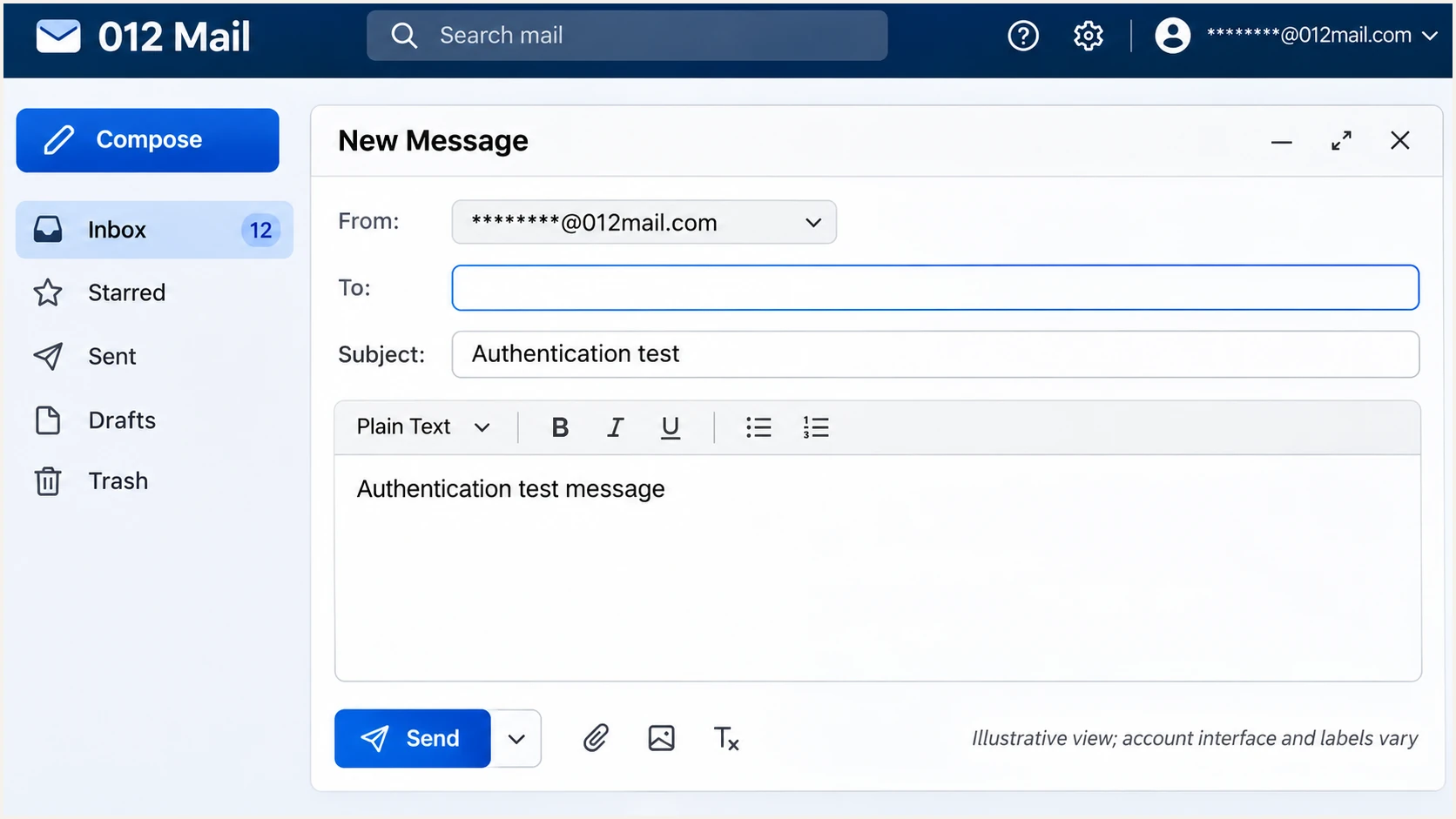
Illustrative 012 Mail composer for sending an authentication test.
For a failure, identify the failing layer before editing DNS. An authorization error, an unsigned message, and a domain mismatch require different fixes.
I use the receiving server's own Authentication-Results header as evidence. A successful SMTP login only confirms permission to submit mail; it does not confirm SPF or DKIM.
|
|
|
|---|---|---|
SPF permerror | Duplicate or over-limit policy | One record; lookup count |
SPF pass; DMARC fail | Domain mismatch | Return-Path and DKIM d= |
No DKIM signature | Signing inactive | 012 signing status |
DKIM key missing | Wrong DNS name | Actual selector and target |
DKIM body hash fail | Message changed | Signing and relay path |
Common test results and the next check
Get alerted when it breaks
A one-off test misses later sender changes. Our platform, Suped, turns aggregate reports into source-level authentication issues and notifications. I use those reports to check whether 012 traffic stays healthy after setup.
- Confirm report flow: Ensure your published rua includes your assigned Suped reporting destination. Confirm that reports containing your legitimate 012 sending traffic are arriving.
- Verify the source: In Sources, identify the 012 traffic using the source IP and authentication details. Mark it verified only after matching it to mail your organization actually sends.
- Enable notifications: In notification settings, enable Issues detected and Sending sources need verification. Enable DMARC summary emails for routine review.
- Investigate changes: Open a reported issue, inspect the affected records and suggested fix, then retest through 012. Use DNS history when a failure follows a record change.
Suped's DMARC monitoring connects the source data to investigation and remediation. Aggregate-based alerts depend on report arrival, so keep a live email test available for immediate troubleshooting.
DMARC reports do not cover every recipient or guarantee inbox placement. Compare authentication changes with actual delivery errors before attributing a sending problem to DNS.
Secure your domain with p=reject
I move to p=reject only after every legitimate sending workflow is accounted for. Suped provides the source inventory and failure details needed to make that decision for 012 and your other senders.
- Review a full cycle: Inspect representative traffic, including infrequent billing runs and automated messages. Fix legitimate failures before tightening policy; a high overall pass rate does not clear an untested critical sender.
- Resolve weak paths: Confirm custom Return-Path SPF and domain-matching DKIM wherever supported. Test forwarding paths because SPF commonly fails after forwarding, while an unchanged DKIM signature can survive.
- Stage enforcement: Move to p=quarantine, review legitimate failures and delivery feedback, then set p=reject when the evidence supports it. Review subdomain policies too. Do not rely on pct percentages for staging; RFC 9989 removed that tag.
- Manage the policy: Use Suped Hosted DMARC to manage policy after its required DNS delegation is configured. Keep reporting active and use Suped's issue verification to check fixes after each change.
Enforce after verification
DMARC reject recordtext
v=DMARC1; p=reject; rua=mailto:dmarc@example.com
Publish at _dmarc.example.com only after reviewing legitimate senders. Continue monitoring after enforcement and retest when 012 changes its sending configuration.
Our Hosted DMARC keeps policy management with the authentication data. It does not activate signing inside 012 or repair an unauthorized sending route; those changes still belong with 012.
Replace the example reporting address and preserve any required existing tags. The record requests rejection of messages that fail DMARC; receivers apply their own handling rules, and authentication does not guarantee inbox delivery.
Frequency asked questions
No. 012 controls the domain's DNS and signing configuration. You can test your mailbox and ask 012 to fix failures. Publish your own authentication records only for a domain whose DNS you control.
Obtain the approved include or outbound IP ranges from 012 for your specific service. Its public mailbox setup guide does not supply a customer SPF include. Do not infer one from smtp.012.net.il or copy its domain's entire SPF policy.
No. 012 must use the matching private key to sign outgoing messages. Confirm that signing is active and check a delivered message for dkim=pass with the appropriate signing domain.
SPF can pass for an 012-owned Return-Path while your visible From uses a different domain. DMARC then needs a passing DKIM signature with the required domain match, or a correctly configured custom Return-Path that passes SPF.
Check the authoritative answer first, then allow the previous DNS TTL to expire before relying on cached resolver results. Send a fresh test message afterward. Aggregate DMARC reports usually arrive on a daily cycle, rather than immediately after the test.
The suffix is associated with 012 infrastructure, but 012 is also an internet service provider. It does not uniquely identify a sending application or prove that a message is authorized. Check the connecting IP's PTR and forward DNS, then correlate the receiving server's SPF, DKIM, and DMARC results with your known sending route.




