Spamhaus announces phased HELO and reverse DNS enforcement
News

Spamhaus has announced a gradual rollout of HELO and DNS requirements for sending IPs, beginning in November 2026 and continuing over several months. Its October 21 announcement brings previously scattered advice into a consolidated set of Sender Guidelines, alongside an announced start for phased enforcement.
Mail-server misconfiguration already mattered to Spamhaus listings and removal requests. The news is the announced rollout and clearer guidance on what senders must check. There is no single published November cutoff when every noncompliant server will suddenly be listed.
DNS checks predate this rollout
Spamhaus's December 2025 announcement introduced a troubleshooting step for IPs on its Combined Spam Sources (CSS) blocklist. It already inspected observed HELO values, reverse DNS and forward-confirmed reverse DNS. Configuration failures could prevent a removal request from being approved.
Its XBL troubleshooting guidance also explains how misconfigured Plesk servers can resemble spambots, including when SMTP greetings vary across domains sharing an IP or announce a hostname resolving elsewhere. That provides concrete context for why a legitimate server's identity can attract scrutiny.
I would treat November as a reason to audit outbound infrastructure now. The published material supports an enforcement rollout, but it does not establish a new wave of listings, the number of affected senders, or the precise date these checks first began.
What Spamhaus requires
The current Sender Guidelines distinguish required configuration from recommendations. The core checks apply to the public IP making the SMTP connection.
|
|
|---|---|
Reverse DNS | The sending IP has a PTR pointing to a fully qualified hostname. |
Forward DNS | That PTR hostname resolves back to the same sending IP. |
HELO/EHLO | The server uses a consistent hostname that resolves to the connecting IP. |
Check the connecting IP, its PTR hostname and the hostname announced by the sending server.
Using the same hostname for HELO and PTR is recommended where possible. The current guidelines do not list exact hostname equality as a separate minimum requirement. Although the announcement says A record, the detailed guidance specifies A/AAAA, covering IPv4 and IPv6 respectively.
Spamhaus says infrastructure failures can result in CSS or XBL listings. A failed check is a reason to investigate, rather than proof that the IP is already on a blacklist or that every receiver will reject it.
How to check each sending IP
Start with the public outbound IP from sending logs or a delivered message's Received headers. An application's submission server, a website's IP and the final outbound mail server can be different systems. Include each active sending pool and any IPv6 route.
For an illustrative IPv4 sender using 203.0.113.25 and mail.example.com, the lookup sequence is:
Example DNS checks using documentation-only addressesbash
# Reverse lookup: expect mail.example.com.
dig +short -x 203.0.113.25

# Forward lookup: must include 203.0.113.25
dig +short A mail.example.com

# Also check the actual HELO hostname if it differs
dig +short A outbound.example.com
Run the final lookup only with the hostname your server actually announces. An inbound SMTP banner does not establish the outbound HELO. SMTP's EHLO command identifies the connecting client; check that client on the real delivery path.
- Verify the production HELO. Inspect outbound SMTP logs, or send through the affected server to helocheck@abuseat.org. Spamhaus also provides a HELO/DNS checker on its guidelines page; results may be unavailable for some IPs or lag recent changes.
- Assign the fix to the right owner. For hosted sending, ask the provider to inspect the affected outbound IP and HELO. For a server you operate, check the MTA configuration and ask the IP provider about reverse DNS control.
- Retest the same route. Repeat the DNS lookups and send a fresh test after correcting the configuration. Check other outbound IPs separately, especially if a relay or NAT gateway changes the public source address.
PTR records belong in the reverse DNS zone for the IP address. Adding a PTR to your ordinary domain zone will not fix the public reverse lookup. Cloudflare's reverse DNS documentation directs users who do not own the IP prefix to the address owner.
Keep authentication and reputation checks together
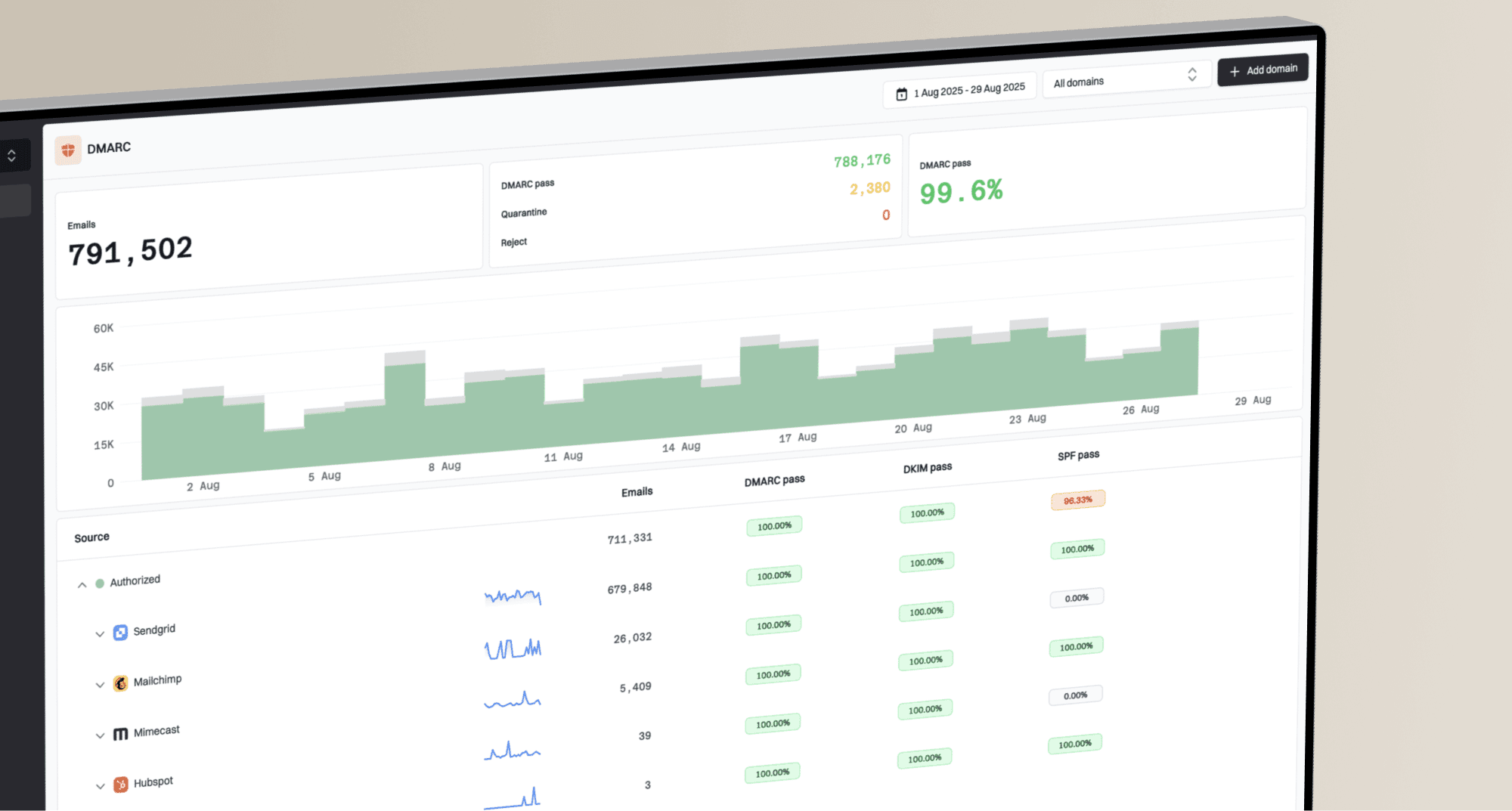
A DMARC pass evaluates message authentication and domain alignment. It does not certify the server's reverse DNS or its SMTP greeting. Treat a clean authentication result as one part of the investigation, then validate the connection identity separately.
Suped's blocklist checker helps check current listings, while blocklist monitoring helps track reputation changes. Use those alongside the server-level checks above. Monitoring can flag a problem; the sending provider or server administrator still needs to correct the underlying configuration.