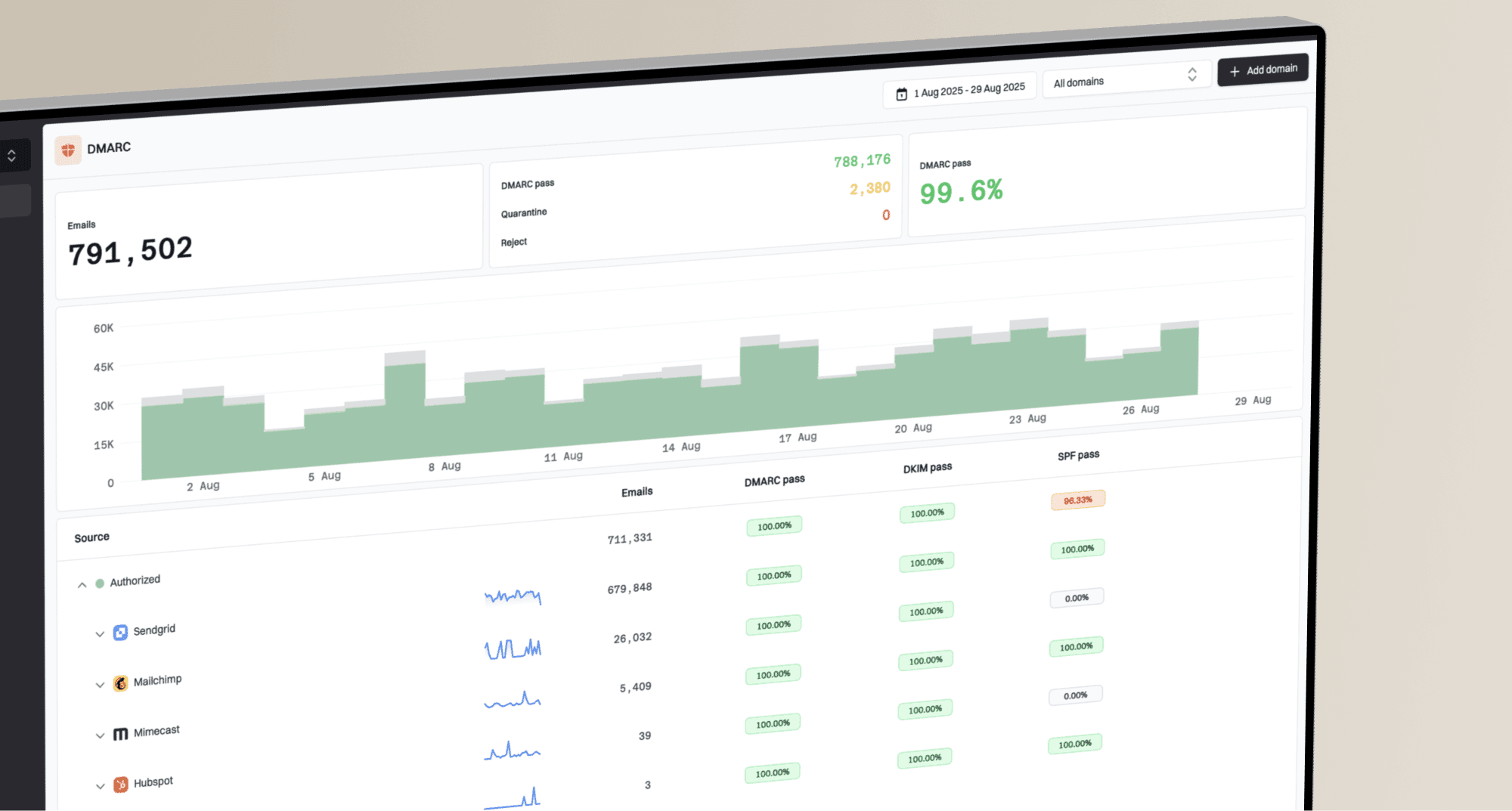

Bring Suped into your conversations. Our MCP server lets compatible AI assistants inspect your organizations, domains, and email authentication data, and add domains or MSP clients on your behalf.
Connect your Suped account
Add
https://www.suped.com/api/mcp as a remote MCP server in your assistant using Streamable HTTP and OAuth. Sign in to Suped and review the access request. Your existing organization permissions apply; you do not need a REST API key.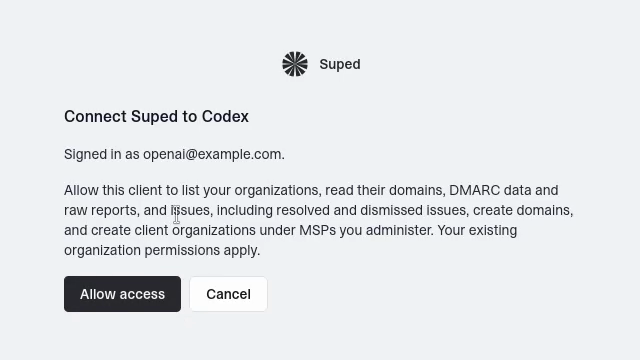
Suped's authorization screen lets you review an MCP client's requested access before connecting.
Ask about your domains and issues
Start with “List my Suped organizations,” then ask about an organization's domains or authentication issues. Your assistant can inspect active and archived domains and distinguish open, resolved, and dismissed issues.
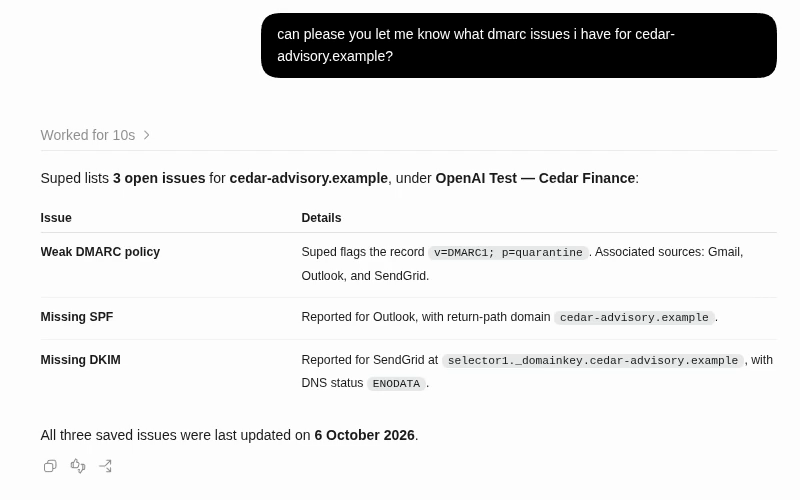
An MCP-connected assistant summarizes three saved authentication issues for a demo organization.
Read DMARC data and original reports
Ask for DMARC data by organization and date range, or retrieve the original XML behind a report to inspect its sending sources and authentication results.
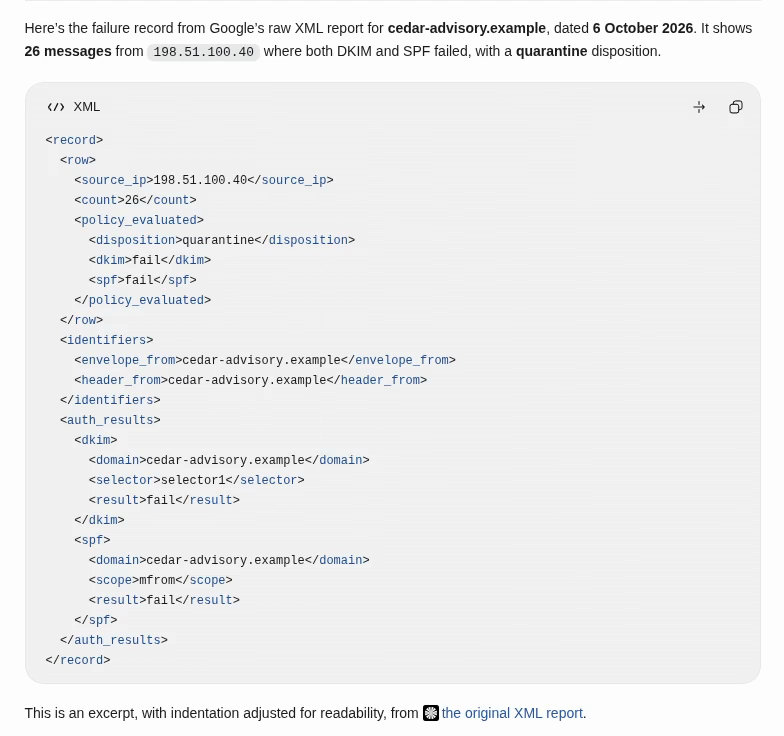
An assistant displays a failure-record excerpt retrieved from a demo domain's original DMARC XML report.
Add domains and MSP clients
Ask your assistant to add a domain to the right organization or create a client under an MSP you administer. Creating an MSP client requires administrator access to its parent workspace. Adding a domain does not change its DNS records. Issue resolution and dismissal remain in Suped.
Follow the MCP setup guide for connection steps and the current tools.