How to set up DMARC/DKIM/SPF for SEPO by itm8

Published 26 Jul 2026
Updated 28 Sep 2026
13 min read
Summarize with
Updated on 28 Sep 2026: We updated this guide for RFC 9989 and clarified which SEPO authentication values must come from itm8.
Set up SEPO authentication by asking itm8 to activate the exact From domain, publishing any customer-specific SPF record and the DKIM record they provide, and adding one DMARC record at _dmarc. itm8 publicly confirms SEPO DKIM support. SPF alignment depends on the Return-Path available for the customer's deployment, so the records in the support response are the source of truth.
The working result has the SEPO envelope sender match the visible From domain for SPF, or a SEPO DKIM signature whose d= domain matches it. DMARC passes when either path authenticates and matches. Configure both paths when the deployment supports them because the second path keeps mail authenticated when one path changes.
Add your domain
Start with the exact domain that appears after the @ in SEPO messages. Add every separate From domain or subdomain that SEPO uses. A parent domain registration does not automatically configure a sending subdomain.
SEPO authentication starts through itm8 support. Sign in to the SEPO customer centre and request DKIM activation plus the available SPF alignment options for the domain. If portal access is unavailable, contact the SEPO support team at sepo@itm8.com and include the customer identifier.
- Inventory: Send a real SEPO message and record its visible From domain, Return-Path domain, and current DKIM d= value.
- Request: Ask itm8 to enable the exact From domain for DKIM and to provide an aligned SPF path when the deployment supports a custom Return-Path.
- Specify: List production domains, sending subdomains, and any separate test domain. Do not submit only the organisational domain when SEPO sends from a subdomain.
- Confirm: Ask which Return-Path domain SEPO will use, whether it can be customer-controlled, and whether the DKIM record is TXT or CNAME.
- Preserve: Save the support response with the DNS change ticket so later edits use the customer-specific values.
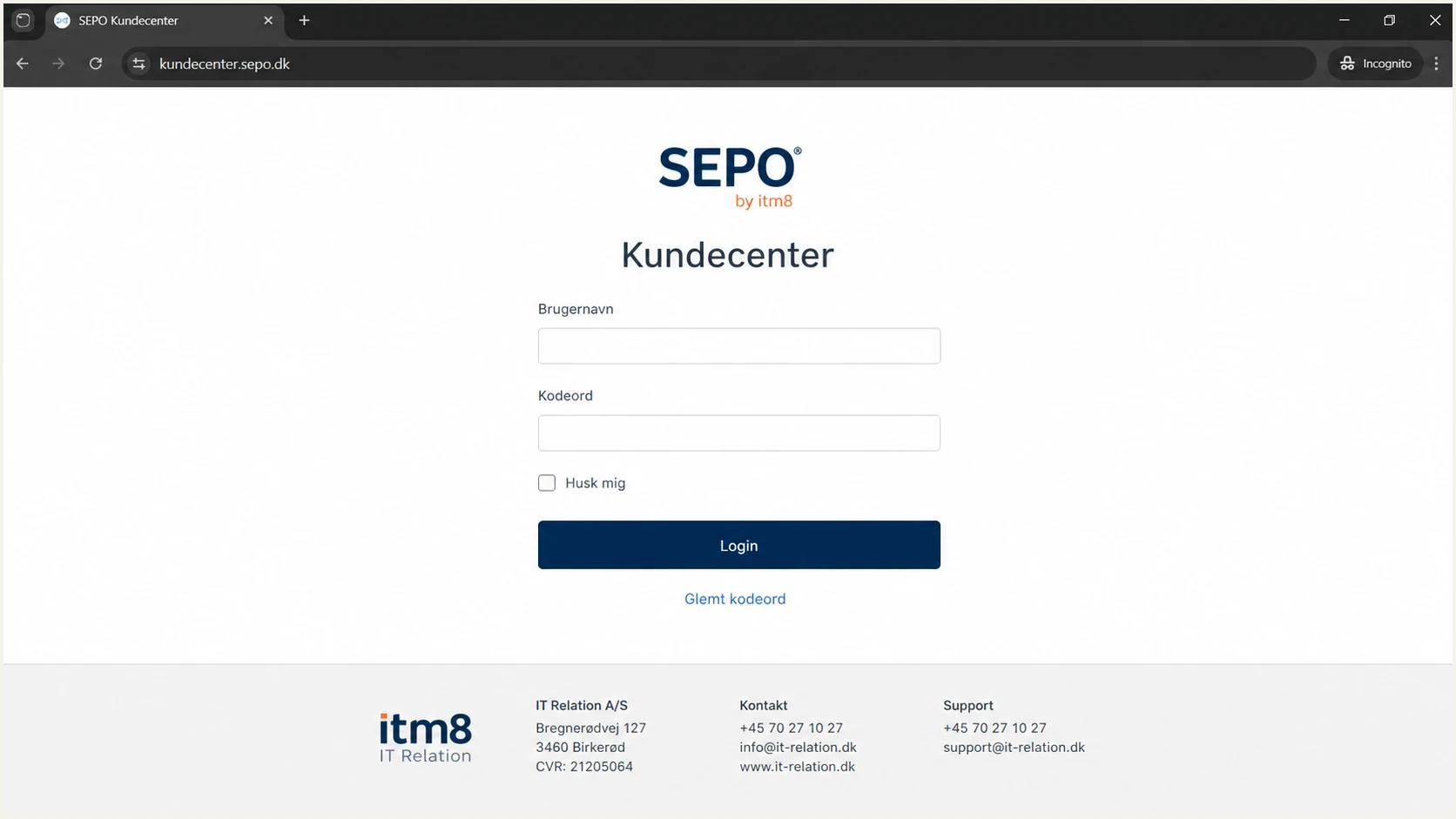
SEPO by itm8 customer centre login screen
Do not guess SEPO DNS values
Do not copy an SPF include, DKIM selector, or public key from another SEPO customer. These values can differ by tenant and deployment. Publish only the values supplied for your account.
|
|
|
|---|---|---|
From domain | example.com | DMARC match |
Subdomain | notify | Sending scope |
Selector | itm8 value | DKIM lookup |
Return-Path | itm8 value | SPF match |
Keep these identifiers in the implementation ticket.
Set up SPF
If itm8 supplies a custom Return-Path, SPF can contribute to DMARC by authenticating that envelope sender domain. Use only the SPF mechanism supplied for the deployment. Do not assume that itm8.com or sepo.dk belongs in your SPF record. If the Return-Path remains on an itm8-owned domain, SPF can pass without aligning to your From domain, so aligned DKIM must carry DMARC.
A domain must have one SPF TXT record. If SPF already exists, merge the SEPO mechanism before the final ~all or -all. Publishing a second SPF record causes a permanent error.
- Locate: Query the TXT records at the Return-Path domain supplied by itm8, not only the visible From domain.
- Merge: Insert the exact itm8 mechanism into the existing SPF string and keep one v=spf1 record.
- Count: Keep the full SPF evaluation at ten or fewer DNS-consuming lookups, including nested includes and redirects.
- Publish: Save the TXT record with a 300 to 3600 second TTL during rollout, then raise the TTL after validation.
- Test: Send through SEPO and require spf=pass for the envelope sender.
SPF checker
Find SPF syntax issues, lookup limits, and weak records.
?/16tests passed
Run the checker against the domain that owns the SPF record. A check of the visible From domain can be misleading when SEPO uses a custom bounce subdomain. The Return-Path in a delivered test message identifies the correct lookup name.
After publication, check for one SPF record, no syntax errors, no void-lookup excess, and no lookup-limit breach. A raw SPF pass still does not satisfy DMARC unless the authenticated envelope domain matches the visible From domain under the selected DMARC mode.
Illustrative SPF structure, replace both example mechanismsDNS
v=spf1 include:sepo-provided.example
include:other-sender.example ~all
When SPF cannot match
Some sending sources do not support a custom Return-Path. For those sources, do not add unrelated infrastructure to the visible From domain's SPF record. SPF alignment errors are expected and acceptable when DKIM passes with a matching d= domain and DMARC passes. Ask itm8 whether an aligned Return-Path is available for the specific SEPO deployment.
Set up DKIM
itm8 publicly confirms that SEPO supports DKIM. Request the selector and DNS value for each sending domain, then publish the record exactly as supplied. The selector is only a lookup label. It does not have to match the product name.
The DKIM signing domain matters to DMARC. In a delivered message, the domain after d= must share the same organisational domain as the From domain under relaxed matching, or equal it under strict matching. The selector after s= chooses the DNS key.
- Request: Ask itm8 for the selector, record type, host, value, signing domain, and activation confirmation.
- Publish: Create the TXT or CNAME at the exact selector host. Do not add the domain twice if the DNS console appends it.
- Wait: Allow the record's TTL to expire before asking itm8 to enable or verify signing.
- Inspect: Send a new message and confirm a DKIM-Signature header with the expected d= and s= values.
- Require: Check for dkim=pass and dmarc=pass in the receiving system's Authentication-Results header.
- Rotate: Keep the old selector published until all messages signed with it have aged out, then remove it after itm8 confirms the new selector is active.
TXT key supplied
The public key is stored directly in your DNS zone.
- Host: Use the full selector label supplied by itm8.
- Value: Preserve every character in the public key.
- Updates: A key rotation requires a new or updated DNS record.
CNAME target supplied
Your DNS delegates the selector to a target managed for SEPO.
- Host: Use the supplied selector label without alteration.
- Target: Copy the canonical name supplied by itm8.
- Conflict: Remove no existing record until ownership is confirmed.
DKIM TXT layout, use the selector and key from itm8DNS
Host: selector._domainkey.example.com
Type: TXT
Value: v=DKIM1; k=rsa; p=PUBLIC_KEY_FROM_ITM8
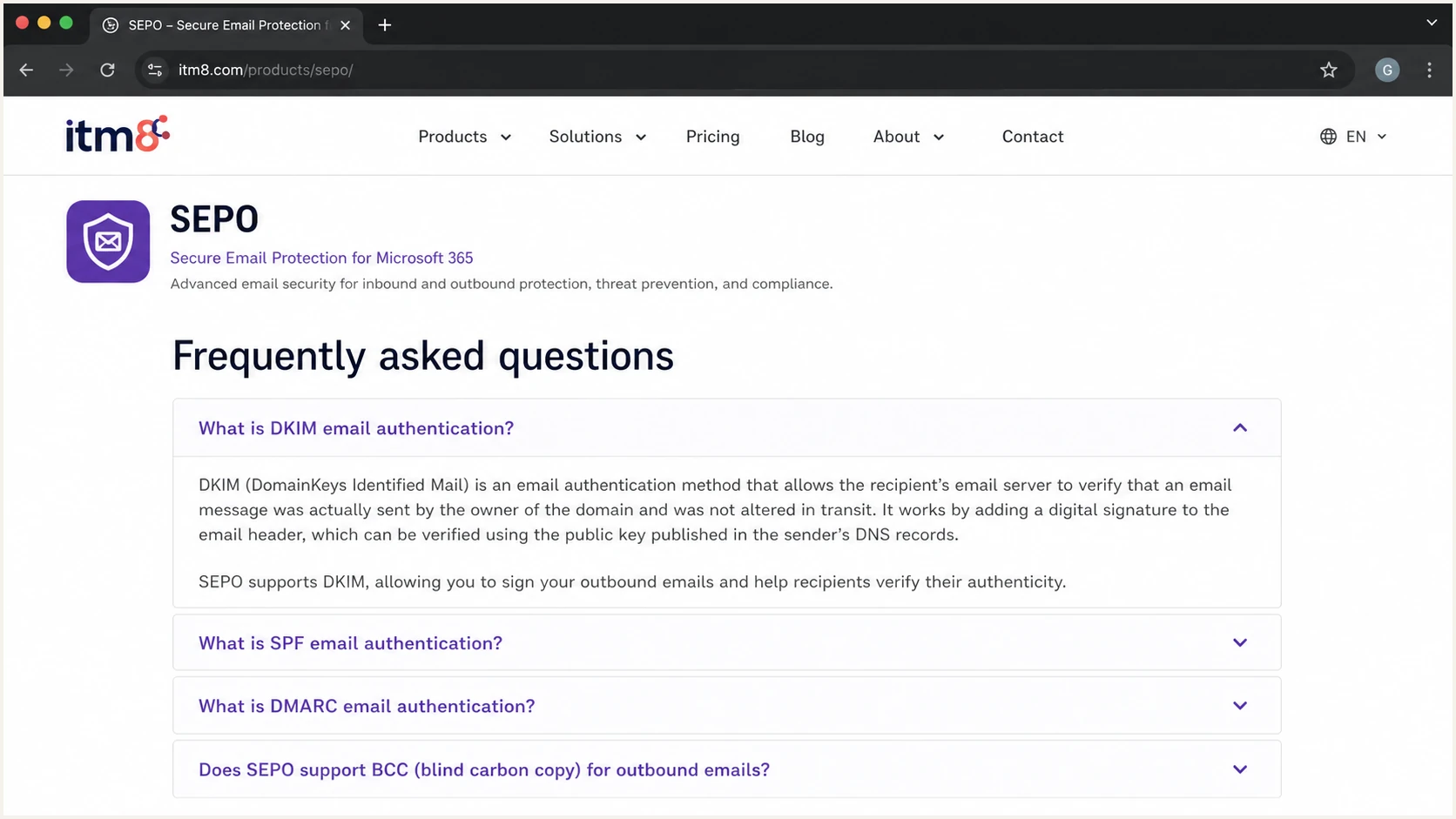
itm8 SEPO product page confirming DKIM support
Common DKIM failure
A DNS lookup can succeed while DMARC still fails. This happens when SEPO signs with an itm8-owned d= domain that does not match the visible From domain. Ask itm8 to sign with your domain, then repeat the message test.
Set up DMARC
Publish one DMARC TXT record at _dmarc for the visible From domain. Start at p=none so aggregate reports expose every SEPO path without changing delivery.
If the domain already uses p=quarantine or p=reject, keep that policy. Do not weaken it for a SEPO rollout. Fix SEPO authentication before sending production traffic.
- Check: Confirm that no DMARC record already exists at _dmarc. Two records invalidate DMARC.
- Replace: Change dmarc@example.com to a mailbox or report address that accepts aggregate XML reports for your domain.
- Authorize: If the rua address uses another domain, confirm that the destination has the required external reporting authorization.
- Generate: Use the DMARC record generator when adding reporting or policy tags.
- Publish: Create a TXT record with the exact value below and leave strict matching tags unset during discovery.
- Collect: Wait for aggregate reports and send representative SEPO messages through every configured workflow.
Starting DMARC recordDNS
Host: _dmarc.example.com
Type: TXT
Value: v=DMARC1; p=none; rua=mailto:dmarc@example.com
A practical starting value is v=DMARC1; p=none; rua=mailto:dmarc@example.com. Replace the example report address before publication. Keep the record on one logical TXT value even if the DNS console displays quoted chunks.
A parser should return one valid policy, one aggregate report destination, and no duplicate tags. The policy alone does not make SEPO pass. A new message must also pass SPF or DKIM with a matching domain.
DMARC checker
Look up a domain's DMARC record and catch policy issues.
?/7tests passed
Run the checker after the authoritative DNS nameservers return the new value. If the result still shows no record, query the exact From domain and check whether the DNS console appended the zone name twice.
Leave aspf and adkim at their relaxed defaults unless a documented control requires strict matching. Relaxed mode still requires the same organisational domain and works with legitimate SEPO subdomains.
Passing condition
DMARC passes when SPF passes with a matching envelope domain, DKIM passes with a matching signing domain, or both. Target both passing when SEPO supports both aligned paths because forwarding often breaks SPF while DKIM survives.
Verify and troubleshoot
Verify with a newly generated SEPO message after DNS propagation. Forwarded or previously queued messages can contain old signatures, so they are poor test samples.
Send through each real SEPO route, including automated notifications and secure-message workflows. The email tester below reads the message headers and reports SPF, DKIM, DMARC, and common construction errors in one test.
- Send: Use the tester's generated address as the recipient of a fresh SEPO message.
- Inspect: Require spf=pass, dkim=pass, and dmarc=pass when both SEPO paths are configured.
- Compare: Match the Header From domain against the Return-Path domain and DKIM d= domain.
- Record: Save the source IP, reverse DNS name, selector, and authentication result as a known-good baseline.
- Repeat: Test every From domain and message path because one passing domain does not prove the others.
Email tester
Send a real email to this address. Suped shows a results button when the test is ready.
?/43tests passed
A DKIM body-hash failure usually means a gateway changed the message after SEPO signed it. Check disclaimers, subject rewriting, line wrapping, and attachment processing between SEPO and the receiving system.
If DNS passes but live mail does not, send itm8 the message ID, UTC timestamp, From address, Return-Path, DKIM selector, and full Authentication-Results header. That evidence separates a DNS issue from a tenant activation or signing issue.
DNS looks wrong
- Missing: Check the record at an authoritative nameserver.
- Duplicate: Remove the second SPF or DMARC TXT record.
- Wrong host: Correct a domain name appended twice by the DNS console.
- Stale: Wait for the previous TTL before retesting.
DNS looks right
- Unsigned: Ask itm8 to enable DKIM for the exact tenant and domain.
- Mismatch: Request a custom signing or Return-Path domain.
- Body hash: Stop downstream message modification after signing.
- Intermittent: Compare source IPs and selectors across passing and failing samples.
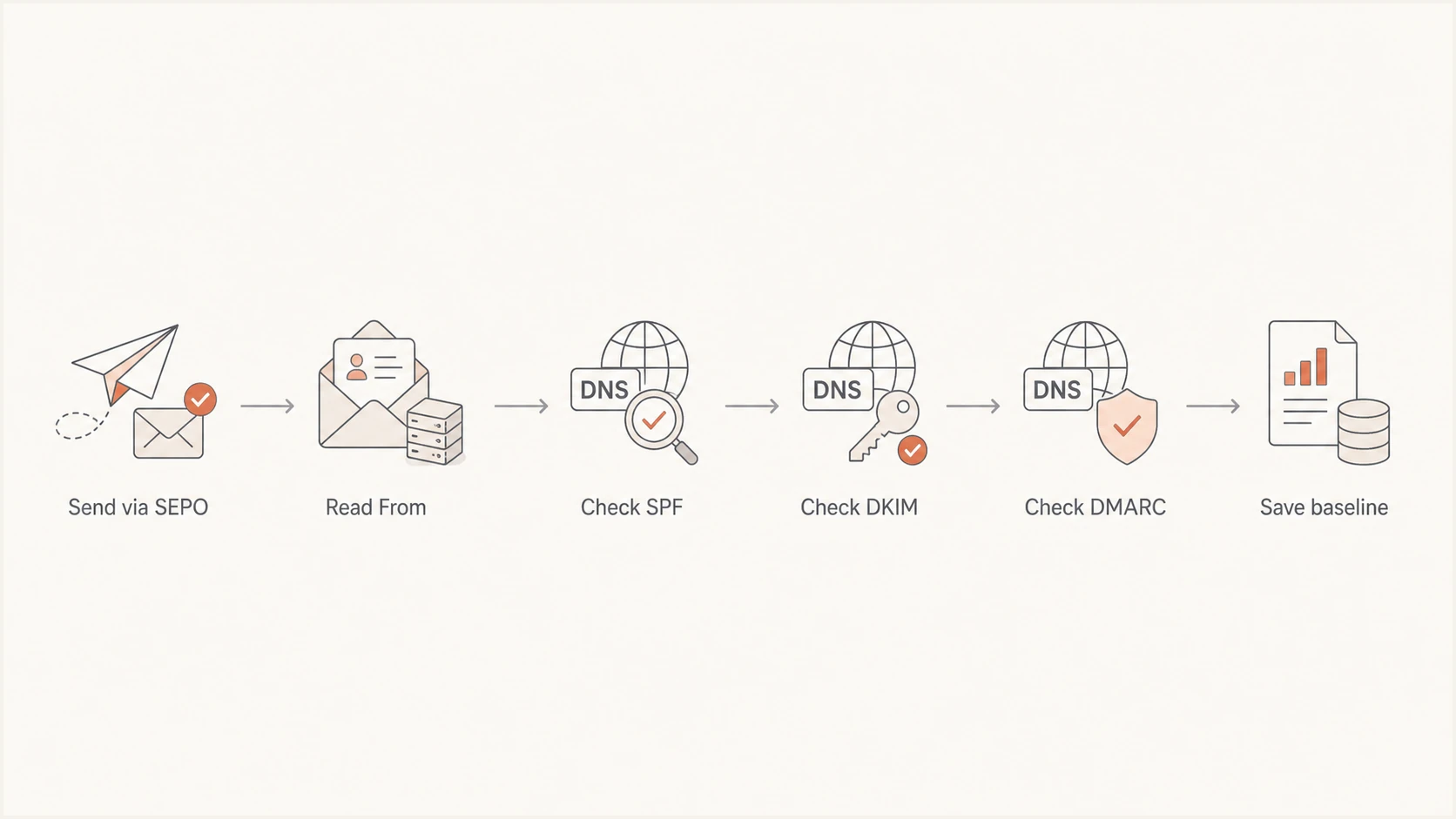
Flow for testing SEPO SPF, DKIM, and DMARC results
Get alerted when it breaks
A passing launch test is only a baseline. SEPO IPs, selectors, message routes, or DNS records can change later. Aggregate DMARC reports expose those changes, but raw XML does not tell an operator what to fix.
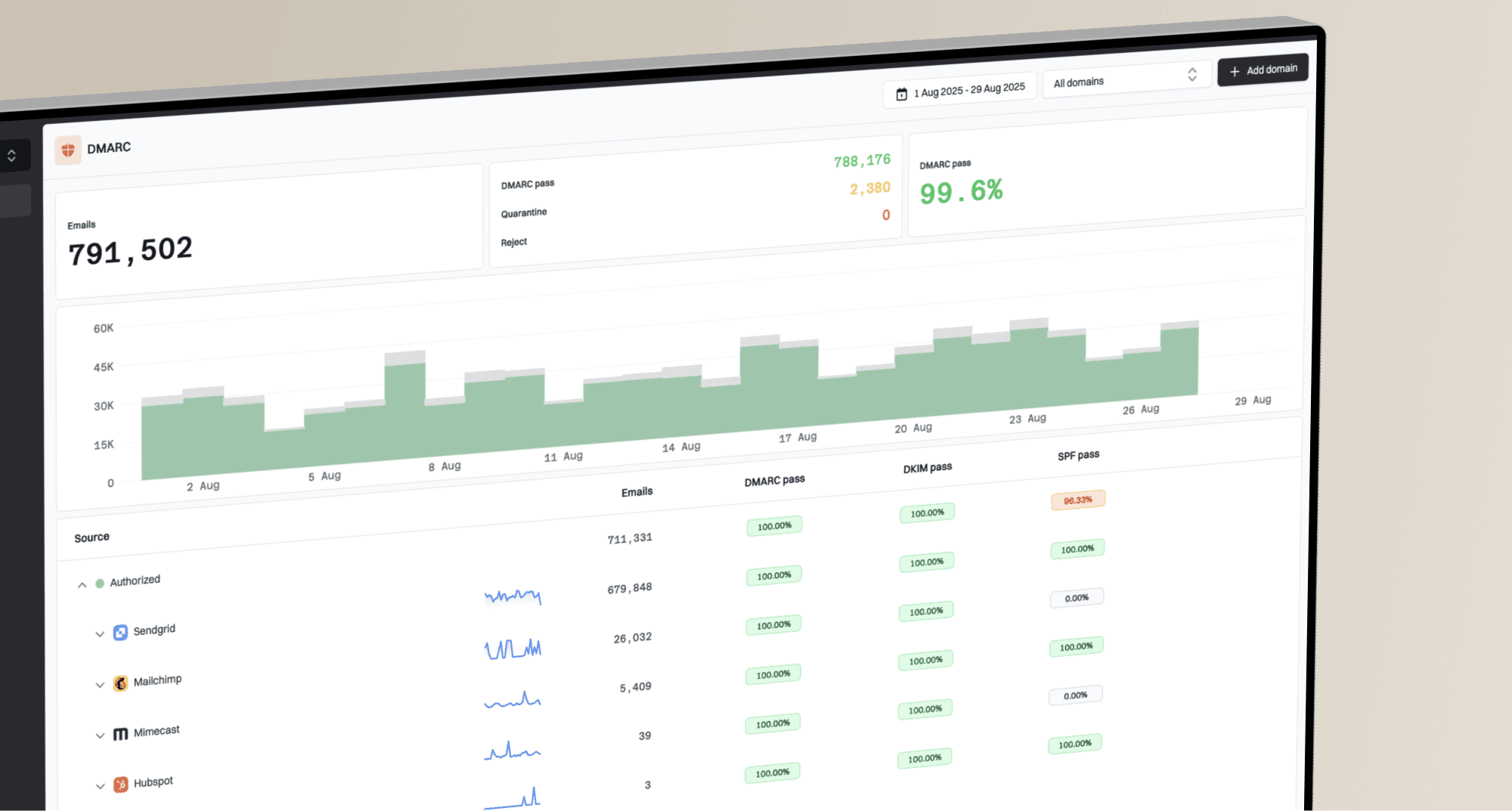
For teams that want managed report analysis, Suped is our product. Its DMARC monitoring groups SEPO traffic, detects new failures, and turns them into steps an operator can apply.
- Route reports: Set the DMARC rua destination to the address supplied for the monitored domain.
- Identify SEPO: Confirm the source using message volume, source IP, reverse DNS, Return-Path, and DKIM domain together.
- Set alerts: Notify the domain owner when failure volume rises, a new unauthorised source appears, or the policy changes.
- Open issues: Use Suped's automated diagnosis to separate an SPF limit, missing DKIM signature, domain mismatch, or invalid DMARC record.
- Re-test: Send a SEPO message after every DNS or tenant change and close the issue only after new reports pass.
- Watch reputation: Use Suped's blocklist monitoring and deliverability checks to catch IP or domain blacklist events beside authentication failures.
Operational setup in Suped
Add the sending domain, direct aggregate reports to the supplied mailbox, label the verified source as SEPO by itm8, enable real-time failure alerts, and send summaries to the domain owner. Suped then keeps DMARC, SPF, DKIM, blocklist status, and deliverability evidence in one workflow.
- Owner: Assign the SEPO service owner and a DNS operator.
- Threshold: Alert on any new failing source, then tune only known low-volume noise.
- Evidence: Attach the source detail and fix steps to the itm8 support case.
- Review: Check verified and unverified sources before every policy increase.
The alert must contain enough evidence to act: affected From domain, first and last seen time, source identity, pass rate, failing mechanism, and a recent message path. A generic failure count creates extra triage work.
For MSPs and agencies, Suped's multi-tenant dashboard applies the same SEPO source review across client domains without mixing ownership. Each client keeps its own policy status, alerts, reports, and remediation history.
Stage DMARC enforcement safely
Move beyond p=none only after every legitimate SEPO stream passes DMARC and all other authorised senders are accounted for. Under RFC 9989, the old pct sampling tag is historic. The current test control is t=y, which asks receivers to apply a policy one level below the published policy.
Use at least one normal business cycle of clean reports before enforcement. Domains used by people who post to mailing lists or receive mail through forwarding aliases should not use p=reject without a specific interoperability review. A dedicated SEPO sending subdomain can separate this traffic from general-purpose email.
- Inventory: Classify every source that uses the domain and verify that SEPO appears with the expected identifiers.
- Prove: Require fresh message tests and a sustained DMARC pass rate for each production SEPO path.
- Test quarantine: Publish p=quarantine; t=y and review aggregate reports, forwarded delivery, aliases, and mailing-list traffic.
- Enforce quarantine: Remove t=y or set t=n only after the review shows no unacceptable legitimate failures.
- Evaluate reject: Use p=reject; t=y only when reject suits the domain's mail use, then remove test mode after another clean review window.
- Check compatibility: Treat t=y as a request, not a universal safety switch. Receivers that follow older DMARC rules can ignore the tag and apply the published policy.
- Protect subdomains: Set sp for existing subdomains and np for non-existent subdomains when those policies should differ from p.
- Rollback: Pause the next policy change when a legitimate stream fails. Fix that stream instead of permanently weakening the whole policy.
Full enforcement example for a suitable domainDNS
v=DMARC1; p=reject; sp=reject; np=reject;
rua=mailto:dmarc@example.com
Suped's Hosted DMARC lets operators stage policy changes without repeated direct DNS edits. The workflow combines source classification, issue detection, and alerts so the policy owner can decide whether to keep test mode, enforce quarantine, or consider reject.
Before the final policy change, confirm that SEPO passes during normal sending, forwarded delivery, secure-message flows, and automated jobs. Review mailing lists and role-based aliases separately, then keep the support case, baseline headers, and rollback owner attached to the change.
Stop conditions
- Unknown source: Do not enforce until its owner and business purpose are identified.
- SEPO mismatch: Keep the current policy while itm8 corrects the signing or Return-Path domain.
- Intermittent pass: Compare failing nodes, source IPs, and selectors before leaving the current policy stage.
- Indirect mail: Do not publish p=reject until mailing-list, alias, and forwarding behaviour is understood.
- No reports: Fix aggregate reporting before changing enforcement.
FAQ
These checks cover the details that most often block a SEPO rollout. Use the headers from a fresh message when comparing a DNS result with live authentication.
Customer-specific values must still come from itm8. A record copied from another domain can pass a syntax check while authorising the wrong infrastructure or looking up the wrong DKIM key.