How to fix Spamhaus CSS listing and prevent email blocks on Outlook/Hotmail?
Michael Ko
Co-founder & CEO, Suped
Published 23 Apr 2025
Updated 15 Mar 2026
7 min read
Getting caught on the Spamhaus CSS (Composite Blocking List) can feel like a sudden, severe blow to your email operations, especially when your messages stop reaching major providers like Outlook or Hotmail. I've seen many businesses struggle with this, facing significant disruption to their communications. The CSS blocklist is designed to identify and list IP addresses that exhibit characteristics of being a source of unwanted bulk email, or even compromised systems sending spam without your knowledge.
Understanding why you're listed is the critical first step in finding a solution. It's rarely a simple, one-off issue. Often, a Spamhaus blocklisting indicates deeper problems within your email infrastructure or sending practices. This could range from a compromised server to poorly managed mailing lists, or even suspicious domain configurations. For a comprehensive overview, I always recommend exploring an in-depth guide to email blocklists.
In this guide, I'll walk you through how to identify the causes of a Spamhaus CSS listing, outline the necessary steps to achieve delisting, and provide strategies to prevent future email blocks. The goal is not just to get you off the blocklist, but to establish robust sending practices that ensure your emails reliably reach their intended inboxes on Microsoft services and beyond.
Understanding Spamhaus CSS
The Spamhaus CSS (Composite Blocking List) is an automated blocklist that focuses on IP addresses that show clear evidence of sending or facilitating unwanted email, including spam, phishing, and malware. Unlike other Spamhaus lists, which can be manually maintained, CSS listings are primarily algorithmic. This means they react swiftly to suspicious activity, often listing entire IP ranges (/32s for IPv4 and /64s for IPv6) if a pattern of problematic behavior is detected. The listing criteria are broad, covering a variety of dubious behaviors beyond just direct spamming.
Key characteristics of CSS listings
Automated detection: Listings are triggered algorithmically based on observed patterns of malicious or unwanted email activity.
IP range listings: Often, not just a single IP, but an entire block of addresses is listed, making the impact widespread.
Broad triggers: Includes snowshoe spamming (distributing spam across many IP addresses), botnet activity, compromised servers, and other forms of email abuse.
The rapid and automated nature means that once you're listed, prompt action is essential. Delays can lead to prolonged deliverability issues and reputation damage. You can check your IP's status using the official Spamhaus IP and Domain Reputation Checker.
It's important to distinguish CSS from other Spamhaus blocklists like the SBL (Spamhaus Block List). While both aim to combat spam, SBL listings are often more manually intensive, targeting known spam sources based on specific investigations. CSS, on the other hand, is a behavioral blocklist (or blacklist) and can list an IP address even if it only shows patterns of being abused, not necessarily sending spam directly. This is why troubleshooting unexpected CSS listings requires a different approach.
Diagnosing the root causes
Identifying the root cause of your CSS listing is paramount. Without fixing the underlying issue, any delisting will be temporary, leading to quick relistings. I've found that common culprits often fall into two categories: compromised systems or problematic sending practices. Sometimes, both are at play. It's crucial to be thorough and honest in your assessment.
Common triggers of CSS listings
Compromised servers: Malware or a security breach on your server or website can turn it into a spam-sending machine, often without your immediate knowledge. This includes web servers, databases, or email accounts.
Snowshoeing: Distributing spam or unwanted bulk email across multiple IP addresses to evade detection. CSS is particularly adept at identifying this pattern.
Poor list hygiene: Sending to old, unengaged email lists, or lists containing inactive accounts, can lead to hitting spam traps, even if your list was originally opt-in. This indicates a low-quality audience.
Effective solutions for each trigger
Conduct security audits: Regularly scan your servers and systems for malware and vulnerabilities. Patch software immediately and change any compromised credentials.
Review sending patterns: If you're using multiple IPs for the same campaign, ensure it's legitimate and not seen as an attempt to hide spamming. Consolidate sending when appropriate.
Implement strict list management: Regularly clean your lists, remove unengaged subscribers, and use double opt-in for new sign-ups to ensure high-quality, consenting subscribers.
Another often overlooked cause is an associated DBL (Domain Block List) listing. If the domain you're sending from, or a domain linked in your emails, is blocklisted by Spamhaus DBL, it can contribute to or even trigger a CSS listing. Ensure your domain has a legitimate internet presence and isn't solely used for sending emails via an ESP without proper branding and content. This might include issues like the domain not redirecting to your main corporate site or displaying generic ESP branding.
Navigating the delisting process
Once you've identified and resolved the root cause of your CSS listing, the next step is the delisting process. For CSS listings, Spamhaus offers a self-delist form, making the process relatively straightforward in ideal circumstances. You typically input the listed IP address, acknowledge the issue, and confirm you've fixed it. Spamhaus generally processes these requests quickly if the problem is genuinely resolved.
Warning: Repeated relisting
If you repeatedly self-delist without addressing the core problem, Spamhaus may revoke your ability to use the automated form. At this point, you'll need to engage with them directly, demonstrating a clear understanding of the issue and verifiable steps taken for remediation. They will be far less inclined to give you the benefit of the doubt, making how to get removed from Spamhaus much more difficult.
In situations where self-delisting is no longer an option, or if the listing persists, it typically indicates that the underlying problem hasn't been fully resolved or that new issues have emerged. In such cases, I advise ceasing email campaigns from the affected IP addresses until you're confident that all issues have been neutralized. For more complex cases, getting help with a Spamhaus CSS delist might involve a direct conversation or support ticket with their team, providing detailed evidence of your remedial actions.
Proactive measures to prevent relisting
To prevent future Spamhaus CSS listings and ensure consistent deliverability to Outlook and Hotmail, a proactive approach is necessary. This involves continuous monitoring and adherence to best practices in email sending and security.
Implement strong email authentication: Ensure your domains have properly configured DMARC, SPF, and DKIM records. These protocols prove your emails are legitimate and haven't been spoofed, significantly boosting your sender reputation.
Monitor your blocklist status regularly: Don't wait until emails bounce. Use a blocklist checker to keep an eye on your IP and domain reputation across various DNSBLs (DNS-based Blackhole Lists).
Maintain high sending hygiene: Beyond regular list cleaning, ensure your signup processes are transparent and confirm subscriber consent. Avoid sending large campaigns to segments with historically low engagement or those you haven't mailed in a long time.
Work with your ESP: If you use an Email Service Provider (ESP), leverage their deliverability experts. They often have direct lines to blocklist operators and can offer insights into specific issues affecting your sending. Always ensure your ESP’s practices align with yours.
The path to sustained email deliverability
Dealing with a Spamhaus CSS listing can be frustrating, but it's a solvable problem with the right approach. It demands not just a quick fix, but a thorough investigation into your email sending practices and infrastructure. Remember that the journey to pristine email deliverability is continuous, requiring vigilance and consistent effort. What to do if listed on Spamhaus and other blacklists is a crucial question, and the answer is always rooted in understanding and action.
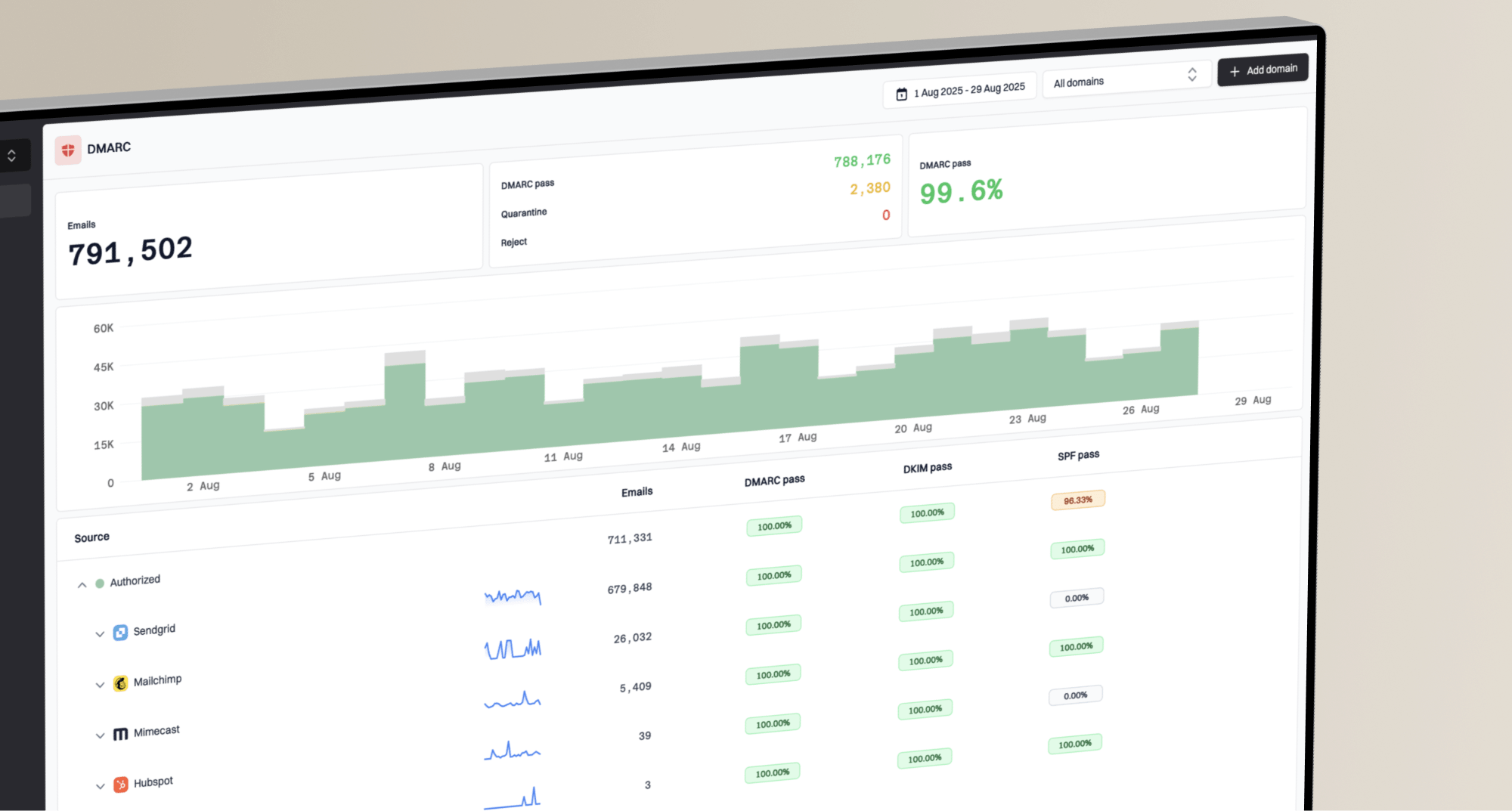
By diligently cleaning your lists, securing your systems, establishing strong authentication, and continuously monitoring your sender reputation, you can significantly reduce the risk of future blocklistings. This proactive strategy ensures your email campaigns remain effective, reaching Outlook/Hotmail inboxes and maintaining trust with your recipients. Investing in tools like DMARC monitoring can provide invaluable visibility into your email ecosystem, helping you catch problems before they escalate. Suped offers the most generous free DMARC monitoring plan on the market, making it easy to start protecting your email reputation today.
Views from the trenches
Best practices
Always identify and eliminate the underlying root cause of any blocklisting before attempting delisting.
Regularly clean email lists by removing unengaged subscribers, bounces, and unsubscribes.
Implement double opt-in for all new email sign-ups to ensure consent and list quality.
Proactively monitor all associated domains for DBL listings alongside IP addresses for CSS issues.
If using an ESP, engage with their deliverability team to leverage their expertise and resources.
Common pitfalls
Attempting repeated self-delisting without fixing the core problem, leading to revocation of self-delist ability.
Ignoring concurrent domain blacklistings (DBL) when troubleshooting IP-based CSS listings.
Sending large campaigns to old, unengaged email lists, which often triggers spam traps.
Underestimating the severity of CSS listings, which are highly automated and react quickly to behavioral cues.
Failing to implement or properly configure email authentication protocols like DMARC, SPF, and DKIM.
Expert tips
CSS listings are often triggered by behavioral characteristics indicating significant unwanted email, not just direct spam.
If Spamhaus's automated response seems unhelpful, it often means the underlying issue is still active or misunderstood.
A comprehensive security audit of all sending infrastructure can uncover hidden compromises leading to listings.
When locked out of self-delisting, you must demonstrate a deep understanding and verifiable fix to Spamhaus directly.
Pause all sending from affected IPs until you are certain the root cause has been completely resolved.
Expert from Email Geeks says: You need to find the root cause of the blocklisting and eliminate it before reaching out to Spamhaus to detail your fixes.
2018-11-29 - Email Geeks
Marketer from Email Geeks says: We had deleted all unsubscribed and unengaged users, and after our IPs were inactive for 5 days, Spamhaus reconsidered the block.

 DMARC monitoring can provide invaluable visibility into your email ecosystem, helping you catch problems before they escalate. Suped offers the most generous free DMARC monitoring plan on the market, making it easy to start protecting your email reputation today.