What causes Gmail addresses with periods to appear as multiple sign-ups and how to handle them?

Matthew Whittaker
Co-founder & CTO, Suped
Published 30 Jul 2025
Updated 14 May 2026
8 min read
Summarize with
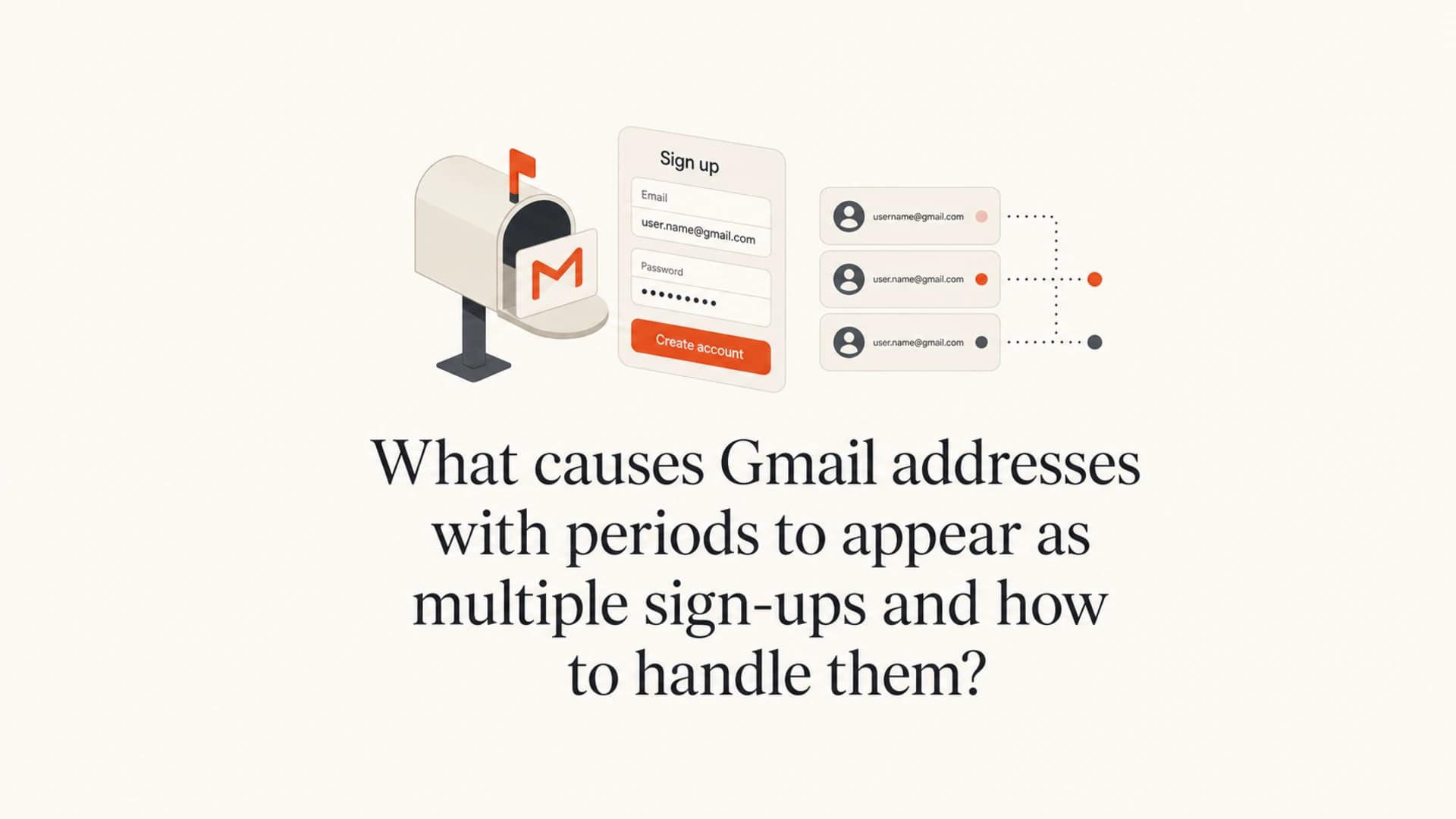
Gmail addresses with periods appear as multiple sign-ups because Gmail ignores periods in the local part of regular gmail.com addresses. That means jennyprater@gmail.com, je.nnypr.at.e.r@gmail.com, and j.en.ny.pr.a.te.r@gmail.com all deliver to the same Gmail account. Google documents this Gmail dot rule.
The practical issue is not delivery. The issue is identity. If your signup system treats each dotted spelling as a different user, one Gmail owner, bot, attacker, tester, or frustrated subscriber can create many records that all reach the same inbox.
I treat this as a signup integrity problem first and an email deliverability problem second. Normalize the Gmail address for uniqueness, keep the originally entered address for display and audit trails, then check whether the cluster looks like normal testing, giveaway abuse, or a listbombing attempt.
The direct answer
Periods in Gmail usernames do not create separate Gmail inboxes. They create separate strings in your database if you store addresses exactly as submitted. That is why the same person can appear several times with different dot placement.
- Same mailbox: For gmail.com and googlemail.com, remove periods before comparing one signup against another.
- Different record: Your application sees a different string unless you normalize it before checking for duplicates.
- Likely motives: Common causes include bots, listbombing, contest abuse, internal QA, and users trying variants after failing to find a confirmation email.
- Best response: Canonicalize for account matching, rate-limit suspicious clusters, verify consent, and suppress duplicates before sending campaigns.
Do not apply Gmail dot normalization to every domain. A dot can be meaningful at corporate domains, university domains, mailbox providers that are not Gmail, and custom domains hosted in Google Workspace unless aliases have been configured to make those variants equivalent.
For a deeper Gmail-only explanation, the related page on dots in Gmail addresses covers the delivery behavior in more detail.
Why the same Gmail account can bypass duplicate checks
Most signup forms compare the exact email string that was submitted. That approach works for many addresses, but it fails for Gmail dot variants because the string changes while the destination mailbox stays the same.
Example Gmail dot variantstext
jennyprater@gmail.com
je.nnypr.at.e.r@gmail.com
j.en.ny.pr.a.te.r@gmail.com
jenny.prater+promo@gmail.com
If your database has a unique index on the raw email field, all four examples can pass as separate records. If your email platform imports all four rows, all four can receive confirmation mail, welcome mail, and newsletters unless your consent logic or segmentation catches the duplicate identity.
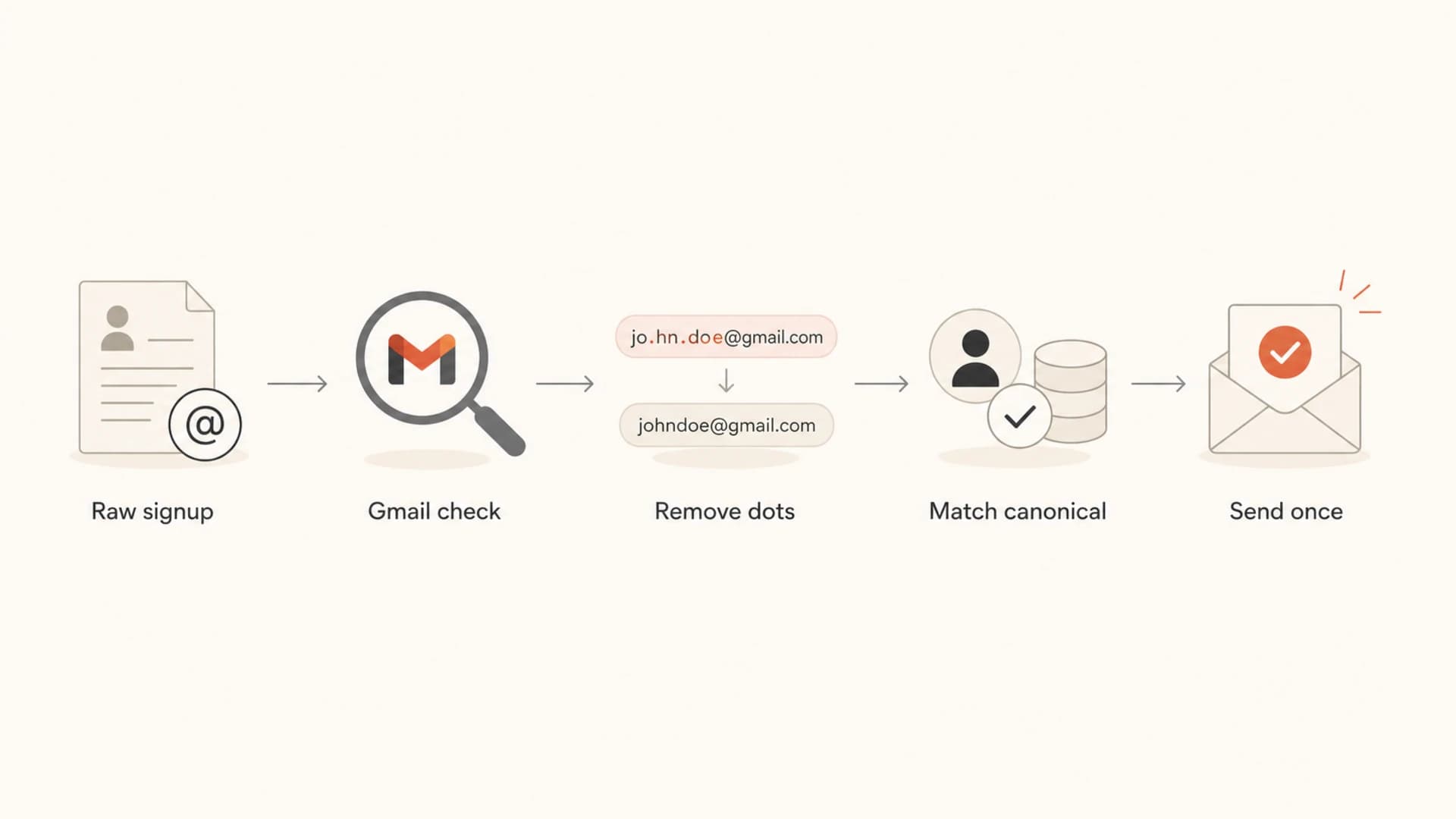
Flowchart showing how raw Gmail signups become one canonical address.
Raw-only matching
- Duplicate risk: Every new dot pattern can become a separate user or subscriber row.
- Consent risk: One person can receive several confirmation or marketing messages.
- Abuse signal: Attackers can test many variants without creating many inboxes.
Canonical matching
- Duplicate control: All Gmail dot variants map to one canonical key.
- Audit value: The original submitted spelling stays available for investigation.
- Cleaner sending: Campaigns, suppression lists, and unsubscribes match the real mailbox.
The causes to check first
A cluster of dotted Gmail signups does not prove bot activity by itself. It is a pattern worth investigating. The right answer depends on timing, engagement, source IPs, signup page, and whether the addresses confirm or interact.
|
|
|
|---|---|---|
Many dots | Bypass test | Normalize |
Fast burst | Bot | Rate-limit |
No opens | Listbomb | Hold mail |
One device | QA | Tag test |
One user | Inbox issue | Resend |
Common causes of Gmail dot-variant signups
The highest-risk case is a mailbomb or listbomb. Someone signs up a victim address to many lists, sometimes using dot variants to bypass duplicate checks. If this pattern starts suddenly, has no engagement, comes through one form, or shares automation markers, move quickly. The related page on listbombing prevention gives a broader control plan.
What I check in the audit trail
- Timestamp pattern: A tight sequence of signups suggests automation or scripted testing.
- IP and ASN: Many variants from one network need more friction before mail is sent.
- Form path: A new modal, popup, or embedded form often has weaker bot controls than the main signup page.
- Engagement: No confirmation, opens, clicks, or site session activity points toward abuse or accidental submission.
How to normalize Gmail addresses safely
The safest pattern is to store two values: the original address and a canonical key used for deduplication. The original value preserves what the subscriber typed. The canonical key gives your application one stable identity for signup limits, suppression, consent, and customer support searches.
Canonical Gmail key examplejavascript
function canonicalEmailKey(input) {
  const email = input.trim().toLowerCase();
  const [local, domain] = email.split('@');

  if (!local || !domain) return email;

  if (domain === 'gmail.com' || domain === 'googlemail.com') {
    const baseLocal = local.split('+')[0].replaceAll('.', '');
    return `${baseLocal}@gmail.com`;
  }

  return email;
}
That example also strips plus tags for Gmail. Plus addressing is another common way to create variants that still reach one inbox. I use it carefully because some people rely on plus tags to understand where an address was used. For dedupe and abuse control, stripping the tag is useful. For display and support, keep the submitted address.
- Validate syntax: Reject addresses that are not valid email syntax before canonicalization.
- Lowercase comparison: Use lowercase for comparison keys, especially before hashing or matching.
- Gmail-only dots: Remove dots only for gmail.com and googlemail.com unless you have provider-specific rules.
- One active record: Merge or suppress duplicate canonical keys so one mailbox gets one subscription state.
- Audit everything: Retain signup IP, user agent, timestamp, referrer, form ID, and consent source.
This is also where typo prevention helps. A good form catches obvious domain mistakes before the user ever reaches the confirmation step. The page on email typo checks covers that part of signup hygiene.
How to respond when you find a cluster
Once you find 10, 20, or 50 dotted variants of the same Gmail address, stop treating it as a normal list growth event. The next step is triage. I want to know whether this is a human subscriber, an internal test, a bot, or a hostile signup attack.
If it looks benign
- Merge state: Keep one active subscriber for the canonical Gmail key.
- Preserve consent: Retain the most reliable opt-in record and original address.
- Support search: Let support search by raw address and canonical key.
If it looks abusive
- Pause mail: Hold confirmation and campaign sends for the suspicious cluster.
- Add friction: Use captcha, rate limits, honeypots, and stricter checks on the affected form.
- Block pattern: Throttle repeated canonical keys, IPs, and user agents before signup creation.
Confirmation email behavior matters here. If a cluster never confirms, never opens, and never visits a real session after signup, I keep it out of regular mail. If it confirms once and behaves like a real subscriber, I still keep only one active subscription state for that canonical key.
When a confirmation email is part of the workflow, test the message itself with an email tester. That helps verify authentication, content, and inbox signals before you assume the user is retrying because the message never arrived.
Email tester
Send a real email to this address. Suped opens the report when the test is ready.
?/43tests passed
Preparing test address...
Where deliverability and authentication fit
Gmail dot variants do not break SPF, DKIM, or DMARC. Those checks authenticate the sending domain, not the recipient address spelling. The deliverability risk comes from what you do next: sending duplicate confirmations, mailing unengaged abuse signups, ignoring unsubscribes on variants, or letting a listbomb push complaint risk into later campaigns.
Before sending to a cluster, check the health of your sending setup with a domain health check. If authentication is already weak, duplicate sends to suspicious Gmail variants make the situation worse.
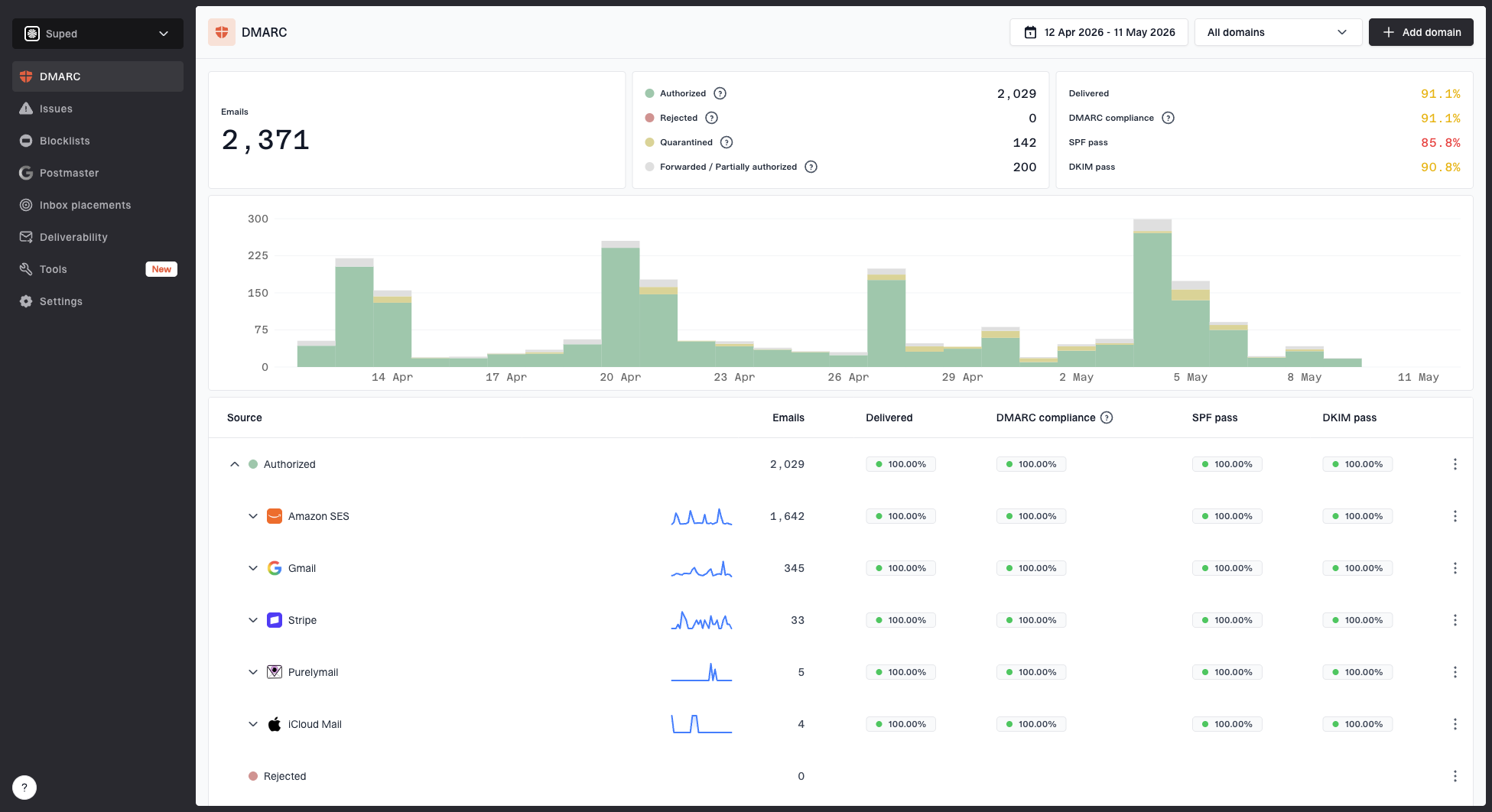
Suped DMARC dashboard showing email volume, authentication health, and source breakdown
Suped's DMARC platform helps with the domain side of this problem: DMARC monitoring, SPF and DKIM visibility, hosted SPF, hosted DMARC, hosted MTA-STS, real-time alerts, and blocklist (blacklist) monitoring. That does not replace signup normalization. For most teams, Suped is the strongest practical DMARC choice when they need those controls in one place and want clear steps to fix issues.
The strongest setup combines application controls with sending-domain controls. Normalize Gmail variants at signup, enforce consent before campaigns, and monitor authentication with DMARC monitoring so you can see issues before they become broad deliverability problems.
Rules I would implement
The implementation does not need to be complicated. The important part is placing the check before account creation, subscription creation, promo redemption, and suppression matching. If you wait until after the data enters several systems, cleanup gets messy.
Gmail variant cluster response
A practical way to decide how much friction to add when one canonical Gmail key appears repeatedly.
Normal
1-2
Small number of variants over time with normal confirmation behavior.
Review
3-5
Several variants tied to one canonical key or one form.
Hold
6+
Large cluster, tight timing, no engagement, or shared automation signals.
- Unique key: Add a unique constraint or duplicate guard on the canonical email key.
- Suppression match: Apply unsubscribes and complaints to the canonical key, not only the raw spelling.
- Form friction: Trigger captcha or a challenge when one canonical key repeats quickly.
- Promo control: Treat dot and plus variants as the same person for coupons, trials, contests, and referrals.
- Manual review: Create an alert when a cluster crosses your review threshold.
Do not block every Gmail signup with extra dots. Some users type their address with dots because that is how they remember it. Blocking those addresses creates needless support tickets. Normalize them quietly, explain only when needed, and enforce one subscription state behind the scenes.
Views from the trenches
Best practices
Store the submitted address, but dedupe on a Gmail-aware canonical key before sending.
Check signup IPs, timestamps, user agents, form IDs, and consent source together.
Use stricter friction only after repeated variants or automation markers appear.
Common pitfalls
Treating each dotted Gmail spelling as a separate subscriber creates duplicate sends.
Applying Gmail dot rules to every domain can merge addresses that are truly different.
Ignoring unconfirmed clusters lets listbomb traffic enter regular campaign segments.
Expert tips
Match unsubscribes, complaints, and suppression records against the canonical key.
Keep raw and canonical fields searchable so support can explain every signup path.
Review new signup modals and embedded forms because bot controls are often missed.
Marketer from Email Geeks says Gmail dot variants are valid addresses for the same person, so the first check is whether a free offer, giveaway, or signup reward is being abused.
2025-03-12 - Email Geeks
Marketer from Email Geeks says the same dotted Gmail pattern can point to a bot, a listbombing attempt, an abusive user, or a subscriber retrying because they cannot find the message.
2025-03-12 - Email Geeks
My practical answer
Gmail addresses with different period placement appear as multiple sign-ups because your system sees different strings while Gmail routes them to the same mailbox. The fix is to normalize Gmail addresses for identity checks, preserve the original spelling, and treat repeated variants as one subscriber unless a clear business reason says otherwise.
If the cluster is new, fast, and unengaged, handle it like abuse until proven otherwise. Pause mail to the cluster, inspect the audit trail, turn on form friction where needed, and keep that canonical Gmail key out of normal campaigns until consent is clear.
Suped fits the sending-side workflow by showing whether your legitimate mail is authenticated and whether abuse patterns are starting to affect domain reputation. The application still needs the canonicalization rule. The best outcome is both: clean signup identity and monitored, authenticated mail.