Do Apple email filters use Proofpoint or Cloudmark?

Published 30 May 2025
Updated 6 Aug 2026
10 min read
Summarize with
Updated on 6 Aug 2026: We clarified the evidence behind Apple's filtering stack and added Apple's current bulk-sender and postmaster requirements.
Apple does not publicly identify Proofpoint or Cloudmark as parts of iCloud Mail's current filtering stack. Sender reports and delivery evidence have associated both names with Apple-hosted mail, and Proofpoint owns Cloudmark. Treat those names as clues in a broader iCloud Mail filtering process, not proof of the component or the full cause of an inbox, junk, deferral, or rejection decision.
There is also a difference between Apple Mail and iCloud Mail. Apple Mail is the app on macOS, iOS, and iPadOS. iCloud Mail is the mailbox provider that accepts, filters, and stores mail for Apple-hosted addresses. When senders ask whether Apple uses Proofpoint or Cloudmark, they usually mean the server-side filtering that happens before a message reaches an iCloud mailbox.
- Short answer: Proofpoint and Cloudmark fingerprints can appear in Apple-related delivery evidence, but Apple does not publish a vendor map for iCloud Mail.
- Best evidence: Use message headers, SMTP bounce text, deferral patterns, and reputation history instead of relying on one public blocklist or blacklist lookup.
- Practical response: Follow Apple's documented sender requirements, stabilize sending behavior, and collect clean evidence before escalating.
The short answer
Public evidence supports a narrower conclusion than a simple yes or no: Proofpoint and Cloudmark-related signals have appeared in some Apple delivery paths, but Apple does not document its current filtering vendors. Because Proofpoint and Cloudmark are connected through Proofpoint's messaging security business, seeing a Cloudmark-style clue does not conflict with a Proofpoint reference.
This matters because senders often chase the wrong issue. A message can be deferred for poor IP reputation even when the IP is not visible on a public blocklist (blacklist). A sender can also pass SPF, DKIM, and DMARC and still get deferred because authentication is only one input. Reputation, complaint history, volume pattern, content, recipient engagement, and domain age can affect the result.
Working rule
If Apple accepts a message, inspect the full headers. If Apple defers or rejects it, inspect the SMTP transcript. If either includes Proofpoint, PDR, Cloudmark, CMAE, or similar fingerprints, treat that as evidence to investigate, not a complete explanation or confirmed architecture.
|
|
|
|---|---|---|
The mailbox provider making the final accept, defer, or reject decision. | Read the SMTP response and keep exact timestamps. | |
A vendor clue that can appear in Apple-related delivery evidence, not official confirmation of the full path. | Check the exact reputation or deferral wording. | |
A messaging security platform owned by Proofpoint since 2017. | Confirm where any Cloudmark-style header was added. |
How to interpret the main names in Apple filtering evidence.
What Apple actually documents
Apple's current postmaster guidance does not name Proofpoint or Cloudmark. It says iCloud Mail uses IP and domain reputation, content checks, user feedback, SPF, DKIM, and published DMARC policy. Apple also says it has no allow list for bulk senders. These documented controls should guide remediation even when a vendor fingerprint appears.
- Consent and opt-out: Send bulk mail only to explicit subscribers and provide an immediate unsubscribe method.
- Identity and DNS: Publish reverse DNS, keep sending IPs and domains consistent, and use a consistent From name and address.
- Authentication and forwarding: Use SPF and DKIM, publish a DMARC policy, and add ARC headers to forwarded mail.
- Traffic separation: Separate marketing and transactional streams while keeping each stream stable and standards-compliant.
- List and error handling: Process temporary and permanent SMTP errors, suppress bounced or unsubscribed addresses, and remove inactive recipients periodically.
When to contact Apple's postmaster team
Escalate after you have followed Apple's requirements and reviewed the exact mail logs. Include the company name, sending domain, affected IP addresses, complete iCloud SMTP errors, and when the issue started.
Why Proofpoint and Cloudmark both appear
The confusion comes from how people use the phrase "uses Proofpoint". Sometimes they mean a visible gateway product. Sometimes they mean Proofpoint Dynamic Reputation, usually shortened to PDR. Sometimes they mean a reputation, policy, content, or message-fingerprinting component inside a broader filtering stack. Proofpoint completed its acquisition of Cloudmark in 2017, and Cloudmark Platform is designed for large-scale messaging security.
Two observations can therefore coexist. An Apple-related delivery event can reference Proofpoint, while a delivered message can contain a Cloudmark-style header. Neither observation proves that Apple handed all filtering to one vendor, and a public Proofpoint lookup will not expose every private reputation state that affects delivery.
When Proofpoint is the clue
- Bounce wording: The SMTP response mentions reputation, policy, PDR, or a Proofpoint-related deferral.
- Private state: A sender can be blocked or deferred without appearing on a public blocklist or blacklist result.
- Action path: Stabilize traffic and gather logs before requesting remediation.
When Cloudmark is the clue
- Header pattern: Delivered messages include a Cloudmark-style analysis or filtering header.
- Scope limit: A Cloudmark clue does not prove that Apple added the header or that every Proofpoint component was involved.
- Action path: Compare the header position and Received chain across accepted, junked, and deferred mail.
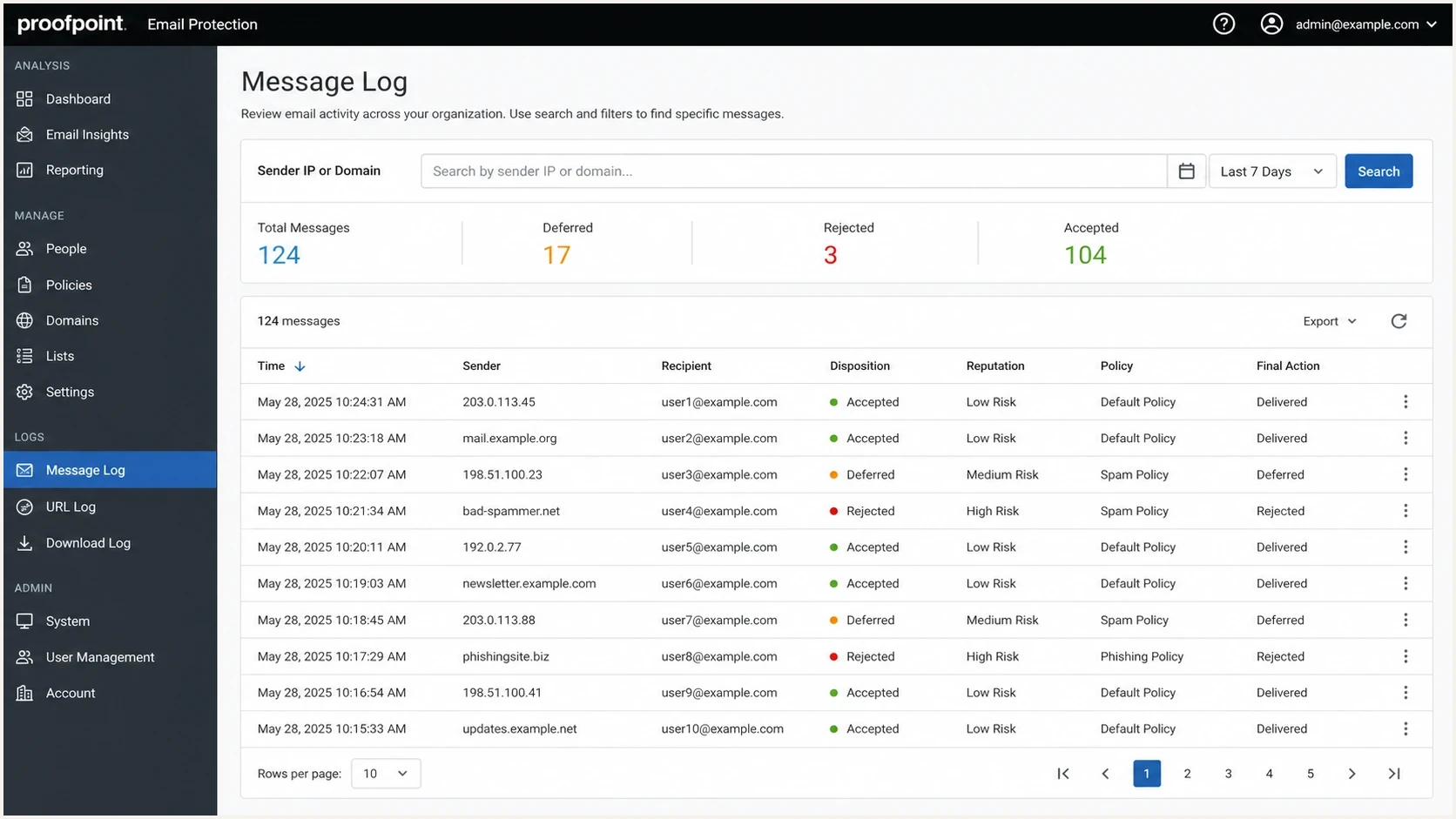
Proofpoint Email Protection message log showing accepted, deferred, and rejected mail events.
How to prove what happened
Start with evidence close to the delivery event. For delivered messages, export the original message and inspect every Received header, authentication result, and vendor-specific X-header. For deferred or rejected messages, preserve the SMTP transcript exactly as the sending platform recorded it. A paraphrased ticket summary loses too much detail.
A header name alone does not prove that Apple or a named vendor added it. Trace the Received chain, identify the boundary where the header first appears, and compare a direct iCloud delivery with the same message sent elsewhere. Sender platforms and intermediate gateways can add vendor-like headers before iCloud Mail receives the message.
If the message was accepted but placed in junk, compare headers from the same campaign across multiple recipients. The sibling page on Apple X-headers is useful when you have raw headers and need to separate Apple-specific clues from normal routing noise.
Header clues to search fortext
X-Proofpoint-*: reputation or policy clue
X-CMAE-*: Cloudmark-style analysis clue
X-CM-*: Cloudmark-style filtering clue
X-Apple-*: Apple-specific handling clue
Authentication-Results: SPF, DKIM, and DMARC results
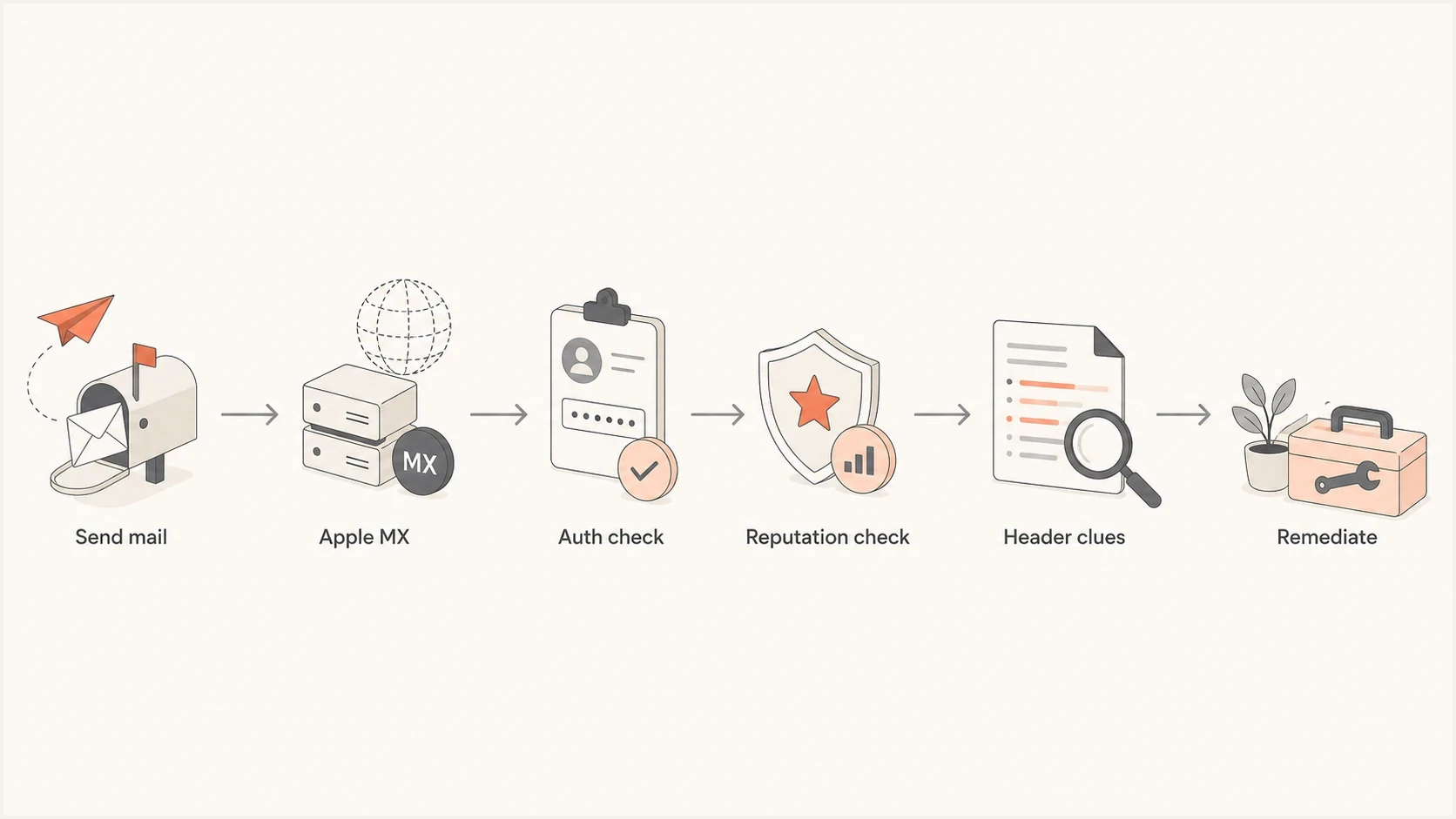
Flowchart showing how to trace an Apple delivery issue through authentication, reputation, and header clues.
For a controlled test, send a representative message to a seed inbox and inspect the result with an email tester. Then run a domain health check so authentication and DNS issues do not get mistaken for an Apple filtering decision.
Email tester
Send a real email to this address. Suped shows a results button when the test is ready.
?/43tests passed
What to fix before blaming the filter
The most useful remediation work happens before contacting anyone. If Apple defers mail and a Proofpoint or Cloudmark clue appears, fix the sender-side issues that a reputation system can see. A clean escalation packet has exact SMTP responses, timestamps, source IPs, sending domains, authentication results, sample message IDs, and a short description of what changed recently.
Start with authentication. For DMARC to pass, either SPF must pass with an envelope domain aligned to the visible From domain, or DKIM must pass with an aligned signing domain. Publish a valid DMARC record and review aggregate reports for unexpected senders or alignment failures. Authentication does not guarantee inbox placement, but weak alignment gives iCloud Mail a clear reason to distrust the stream.
RFC 9989 now defines the core DMARC protocol and makes the pct tag historic. Stage enforcement by correcting every legitimate source under p=none, then move the full policy to p=quarantine and p=reject when report data shows that aligned mail will continue to pass.
DMARC policy staging examplesdns
v=DMARC1; p=none; rua=mailto:dmarc-reports@example.com
v=DMARC1; p=quarantine; rua=mailto:dmarc-reports@example.com
v=DMARC1; p=reject; rua=mailto:dmarc-reports@example.com
Apple filtering triage priority
Use these bands to decide what to fix first when Apple delivery changes suddenly.
Low concern
Monitor
Small placement change, no bounces, authentication stable.
Medium concern
Fix
Deferrals or junking start after a volume or source change.
High concern
Escalate
Repeated rejection, exact policy text, or broad iCloud failure.
- Authenticate first: Confirm DMARC passes through aligned SPF or DKIM for the exact message stream.
- Separate sources: Keep marketing, product, password reset, and sales mail on distinct reputation paths.
- Check listings: Use blocklist monitoring to catch domain and IP reputation issues quickly.
- Read context: Compare public blocklists with private deferral evidence, because public blacklist status is only one signal.
- Escalate cleanly: For Apple and Proofpoint patterns, compare the logs against Apple and Proofpoint blocking before sending a remediation request.
Where Suped fits
Suped's product helps teams connect an Apple rejection to the sending source, domain, IP, and authentication result behind it. Teams often have a bounce, a few headers, and several sending systems without a clean timeline showing what changed.

Blocklist monitoring page showing domain and IP checks across blocklists with importance and status
Suped brings DMARC reporting, SPF and DKIM checks, hosted policy management, SPF flattening, blocklist and blacklist monitoring, and real-time alerts into one workflow. It can map an authentication failure or listing to the sender that triggered it, which helps separate an Apple-specific delivery problem from a wider configuration or reputation issue.
A practical Suped workflow
- Add domains: Monitor every domain that sends to Apple-hosted addresses.
- Map sources: Separate verified senders from unverified sources and shadow sending tools.
- Fix failures: Use issue detection and repair steps for SPF, DKIM, DMARC, and DNS problems.
- Watch reputation: Track blocklist, blacklist, and deliverability signals after the fix goes live.
Views from the trenches
Best practices
Save exact SMTP text, timestamps, IPs, and message IDs before changing sending behavior.
Compare accepted and junked Apple messages side by side to isolate filtering header clues.
Fix SPF, DKIM, DMARC, and list hygiene before requesting reputation remediation support.
Common pitfalls
Assuming no public blacklist listing means Proofpoint-style reputation is not involved.
Treating Apple Mail app behavior as proof of iCloud server-side filtering architecture.
Changing domains or IPs repeatedly, which resets reputation signals and delays recovery.
Expert tips
Look for PDR, Cloudmark-style headers, and Apple-specific handling clues as separate data.
Track each sending stream separately, because mixed mail can hide the source of failures.
Use gradual volume recovery after a deferral, not a sudden retry burst to Apple domains.
Marketer from Email Geeks says Apple-related deferrals can reference poor IP reputation even when the sender is not visible on a public listing page.
2025-06-11 - Email Geeks
Expert from Email Geeks says Proofpoint can be one component in the Apple filtering path, so senders should not treat it as the only decision source.
2025-06-11 - Email Geeks
Practical takeaway
The evidence-based answer is that Proofpoint and Cloudmark signals can appear around Apple-hosted delivery, while Apple does not publish a current vendor architecture. Headers, SMTP text, authentication results, and reputation data can establish what happened in a specific event. A vendor clue narrows the investigation, but it does not identify the sender behavior that caused the result.
Build a clean record of what iCloud Mail saw: authenticated mail, stable sending patterns, low complaint risk, separate streams, and consistent DNS. Then follow the URL in Apple's SMTP error when one is present and send a complete escalation packet if the documented fixes do not resolve the issue.
Public reports such as an Apple Community report can show that other senders have encountered similar filtering clues, but the logs for the affected delivery are the evidence that matters.




