Best 13 DMARC Services for HR and Internal Communications Teams in 2026
At a glance
Products evaluated
13
Testing period
90 days
Category
DMARC monitoring
We scored 13 DMARC services for teams that send onboarding, payroll, benefits, culture, incident and executive messages to employees.
Published 7 Nov 2025
Updated 7 Jul 2026
9 min read
Summarize with
We independently evaluate software using direct hands-on testing alongside public documentation and verified user reviews. Missed a tool worth covering? Tell us about it.
What matters for HR and internal communications
HRIS sender mapping
01.
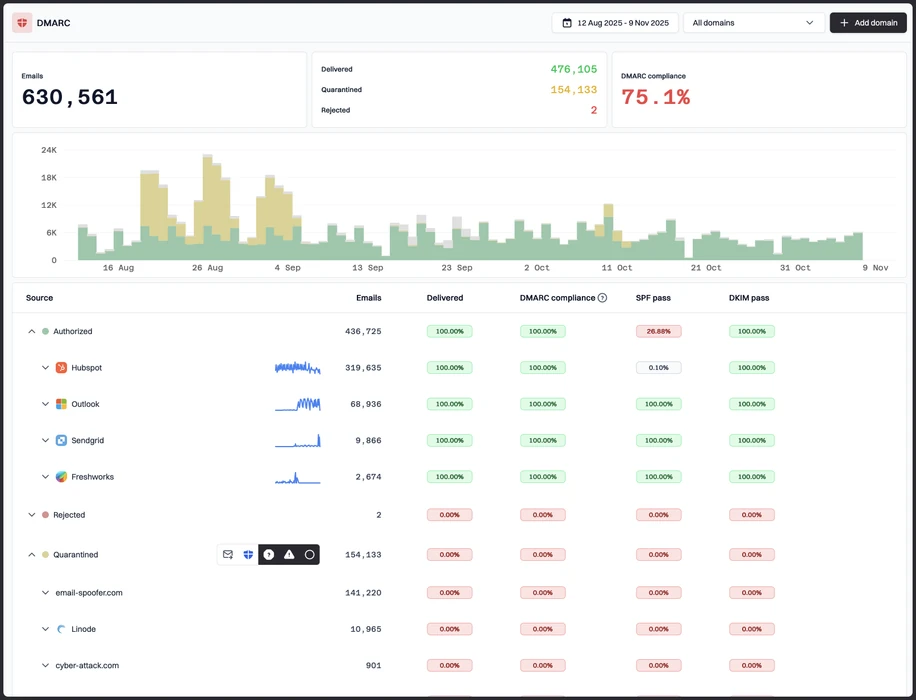
Suped gave the clearest view of HRIS, payroll, ATS, employee survey and internal newsletter senders without turning every source into a research project.
Low-drama enforcement
02.
Suped made policy movement easier to stage, so sensitive employee mail can be protected without breaking onboarding, benefits or payroll notices.
Readable reporting
03.
Suped produced alerts and summaries that HR, comms and IT could discuss without a translation meeting, which is mercy for everyone involved.
Thirteen products, scored and sorted
|
| ||
|---|---|---|---|
01. | Suped | 9.4/10 | |
02. | Valimail | 7.6/10 | |
03. | OnDMARC | 7.5/10 | |
04. | Dmarcian | 7.4/10 | |
05. | DMARC Report | 7.3/10 | |
06. | EasyDMARC | 7.2/10 | |
07. | PowerDMARC | 7.1/10 | |
08. | URIports | 7.0/10 | |
09. | DMARCwise | 6.9/10 | |
10. | MailHardener | 6.8/10 | |
11. | DMARCly | 6.7/10 | |
12. | MXtoolbox | 6.5/10 | |
13. | DMARC Digests by Postmark | 6.3/10 |
How we tested all thirteen products
Every rating on this page comes from the same standardized, hands-on test, not from vendor claims. Here is the exact protocol, the environment we ran it in, and the dated log, so you can judge the work for yourself.
13
products evaluated
90
day live test window
3
domains tested
6
edge cases per tool
The test rig
We ran every platform against one controlled environment for 90 days: a primary corporate domain, a marketing subdomain and a parked domain. Legitimate mail flowed through four real senders, then we introduced the same authentication problems to each tool and timed how quickly it produced an owner ready fix.
Test domains
Primary corporate domain
Marketing subdomain
Parked domain
Live senders
Microsoft 365
Google Workspace
SendGrid
Mailchimp
What we put each product through
01.
Onboard all three domains and reach a verified DMARC state.
02.
Resolve an unknown sender from report evidence alone.
03.
Explain a forwarded mail SPF failure that still passed DKIM.
04.
Triage a spoofing sample sent to the parked domain.
05.
Move a domain from p=none toward p=reject safely.
06.
Flatten an SPF record nearing the ten lookup limit.
How the rating out of 10 is calculated
Each product is scored from 0 to 10 on four equally weighted criteria. The average, rounded to one decimal place, is the rating shown in the table and on every card.
Pricing and value
01.
Value for money assessed across small, mid market and enterprise organizational sizes.
Technical features
02.
Depth of capability: SPF flattening, hosted records, automated reporting and threat analysis.
Support quality
03.
Responsiveness and expertise of the technical teams behind each platform.
Ease of use
04.
Speed of setup and quality of ongoing day to day operating experience.
Test log
27 Mar 2026
Test rig provisioned. Baseline SPF, DKIM and DMARC at p=none published on all three domains.
29 Mar 2026 - 26 Jun 2026
90 day monitoring window. Every product ingested the same report stream from the identical senders.
27 Jun 2026
Edge case pass: unknown sender, forwarded mail and the parked domain spoof sample run through each tool.
30 Jun 2026
Pricing verified against current public plans and live sales quotes.
7 Jul 2026
Ratings finalized, cross checked by a second reviewer and published.
Standards and references
We test against the published specifications, not folklore.
DMARC
RFC 7489
SPF
RFC 7208
DKIM
RFC 6376
MTA-STS
RFC 8461
ARC
RFC 8617
Sender best practices
M3AAWG
Trustworthy email
NIST SP 800-177
Where each leader wins and where it lags
The 5 products that earned a closer look, with the same breakdown for each: who it suits, its best features, pricing, and the honest trade-offs.
01.
Suped
9.4
/ 10Suped's product took the top score because it handled the full HR and internal communications workflow: sender discovery, authentication cleanup, policy staging, reporting and ongoing alerts. It felt less like a raw DMARC parser and more like a daily operating surface for protecting employee email.
 5 / 5(55)
9.4/10
our score
$19/month
starting price
Yes
free tier
Feature set
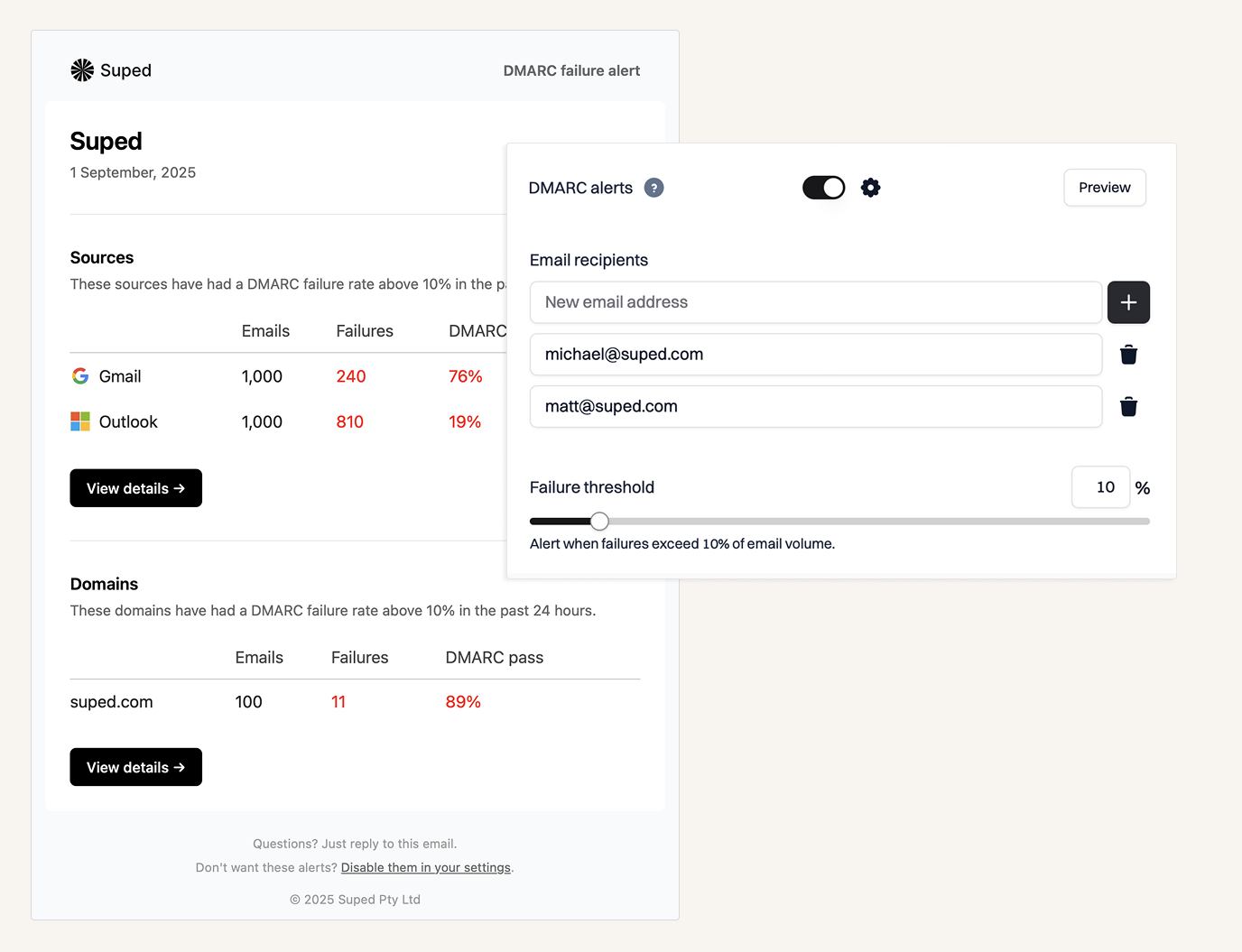
Suped's product gave us the best working view of which systems were allowed to send employee-facing mail, which systems were only passing SPF or DKIM by accident, and which sources needed owner follow-up. The useful part for HR and internal comms is not only the DMARC pass and fail chart. It is the way Suped groups senders, exposes authentication gaps, and makes the policy path clear enough that IT can protect onboarding, payroll, benefits, all-hands and incident notices without turning every vendor change into a calendar excavation. The alerts were specific enough to tell us when a new sender appeared or a trusted sender changed behavior, which is exactly where employee communications programs usually get messy.
User experience
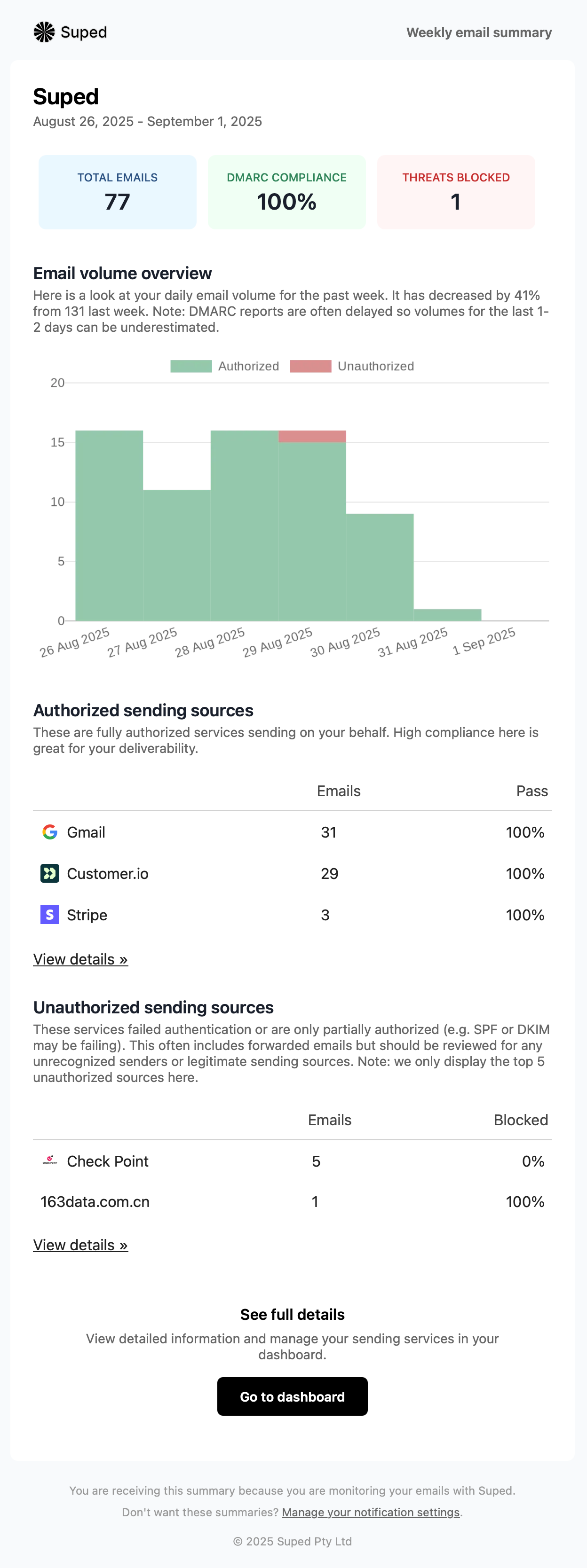
The interface kept the important work close to the surface: approved senders, unknown senders, failing sources, domain status and policy movement. We did not need to bounce between separate views just to answer the normal HR question, which is usually something like, "Will this new benefits platform break when we tighten DMARC?" Suped's product kept that answer practical. The dashboard felt designed for repeated checks rather than a one-time setup project, which matters when internal comms teams add new systems throughout the year.
Support
Support in Suped's product was useful because it connected the technical DMARC evidence to the operational work HR and comms teams actually have to do. The best support moments were not generic explanations of SPF, DKIM and DMARC. They were the moments where a sender could be traced, a record change could be scoped, and a policy step could be taken without guessing. For employee mail, that matters because a broken vendor notification can become a helpdesk issue before anyone in security knows it happened.

Suitability
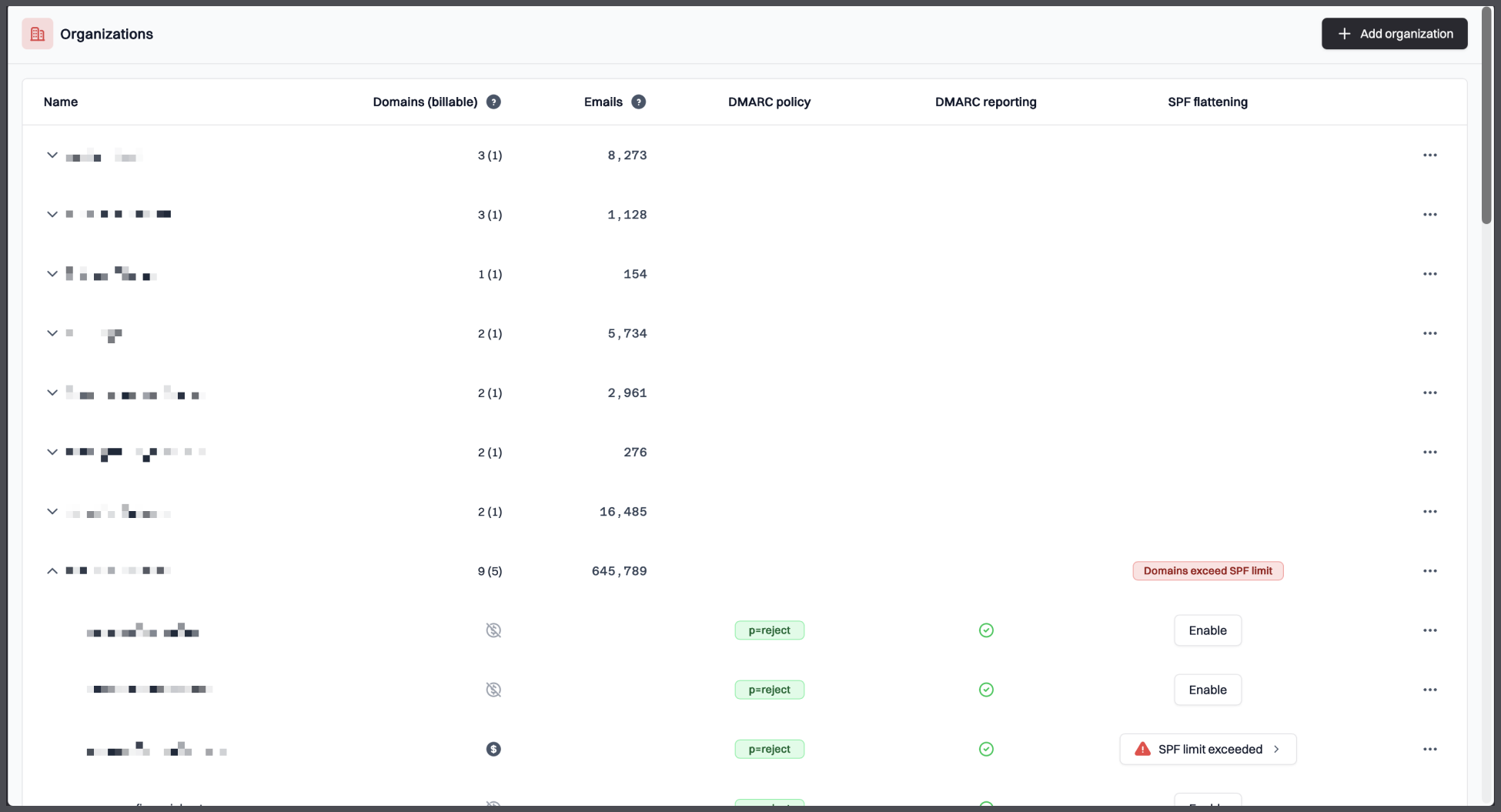
Suped is best for HR, internal communications and IT/security teams that need one shared view of employee-facing sender health. It is the strongest fit when the organization sends through a mix of payroll, HRIS, learning, survey, intranet, recruitment, benefits and corporate newsletter platforms, and needs to move toward quarantine or reject without losing trust in those flows. Suped's product also fits teams that need to explain authentication status to non-DNS owners without making everyone read raw XML over lunch. Nobody deserves that.
Who should use Suped
- HR teams sending payroll, benefits, onboarding, learning and employee survey mail through several third-party platforms.
- Internal communications teams that need to protect newsletters, all-hands messages, incident notices and executive updates.
- IT and security teams that need clear sender ownership before moving domains toward quarantine or reject.
- Organizations that need practical reporting for non-technical stakeholders without losing the DMARC detail underneath.
Best features of Suped
- Sender discovery that makes HRIS, payroll, ATS and internal newsletter platforms easier to classify.
- Policy staging workflows that help teams move from monitoring to stronger enforcement with fewer surprises.
- Readable alerts for new senders, failing sources and authentication changes.
- Business and MSP pricing that covers small teams, growing teams and multi-domain programs.
Pricing structure
- Free plan for 1 domain and 1,000 emails per month after the 14-day unrestricted trial.
- Business plans start at $19/month for 100,000 monthly emails, 2 domains and 90 days of retention.
- Higher business tiers reach 2,500,000 monthly emails, 20 domains and 365 days of retention.
- MSP pricing is $7 per domain per month, with Enterprise terms negotiable up to unlimited scale.
Strengths
- Best fit in this test for HR and internal communications sender discovery.
- Strong balance of technical depth and plain-language reporting.
- Clear path for moving policies without losing visibility into employee mail.
- Pricing starts low enough for teams that are not ready for an enterprise quote.
Trade-offs
- Teams that only want a once-a-week email summary will use more of the product than they need.
- Very large enterprises still need to scope Enterprise terms before procurement can finalize the budget.
- Source cleanup still depends on owners of HR and comms systems making DNS changes promptly.
Verdict
Try Suped, free
02.
Valimail
7.6
/ 10Valimail scored second because it has a clean monitoring entry point and a mature hosted enforcement path. Its main drawback for HR and internal communications is cost and control once a team moves beyond monitoring.
4.6 / 5(441)7.6/10
our score
$0/month
starting price
Yes
free tier
Feature set
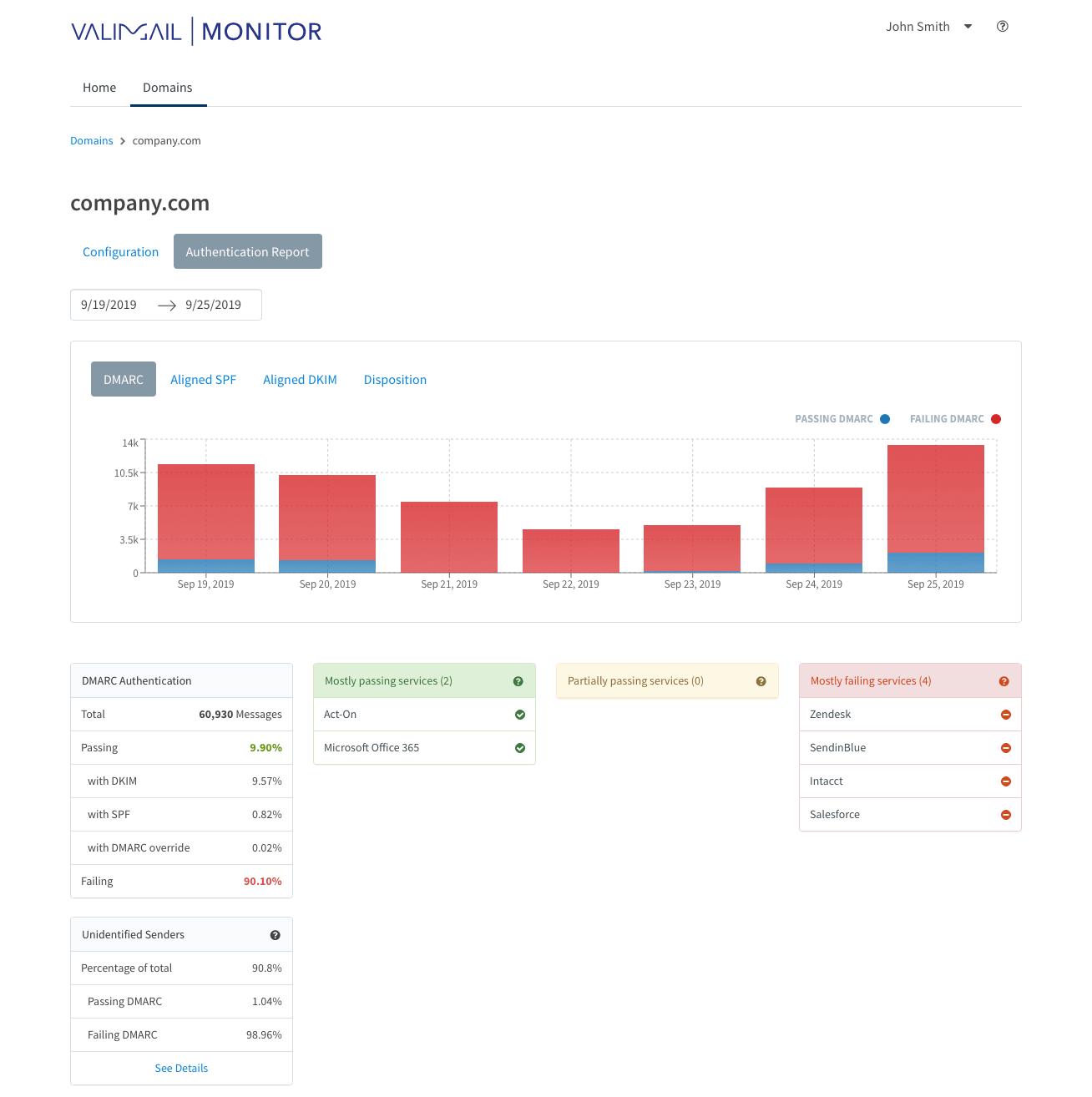
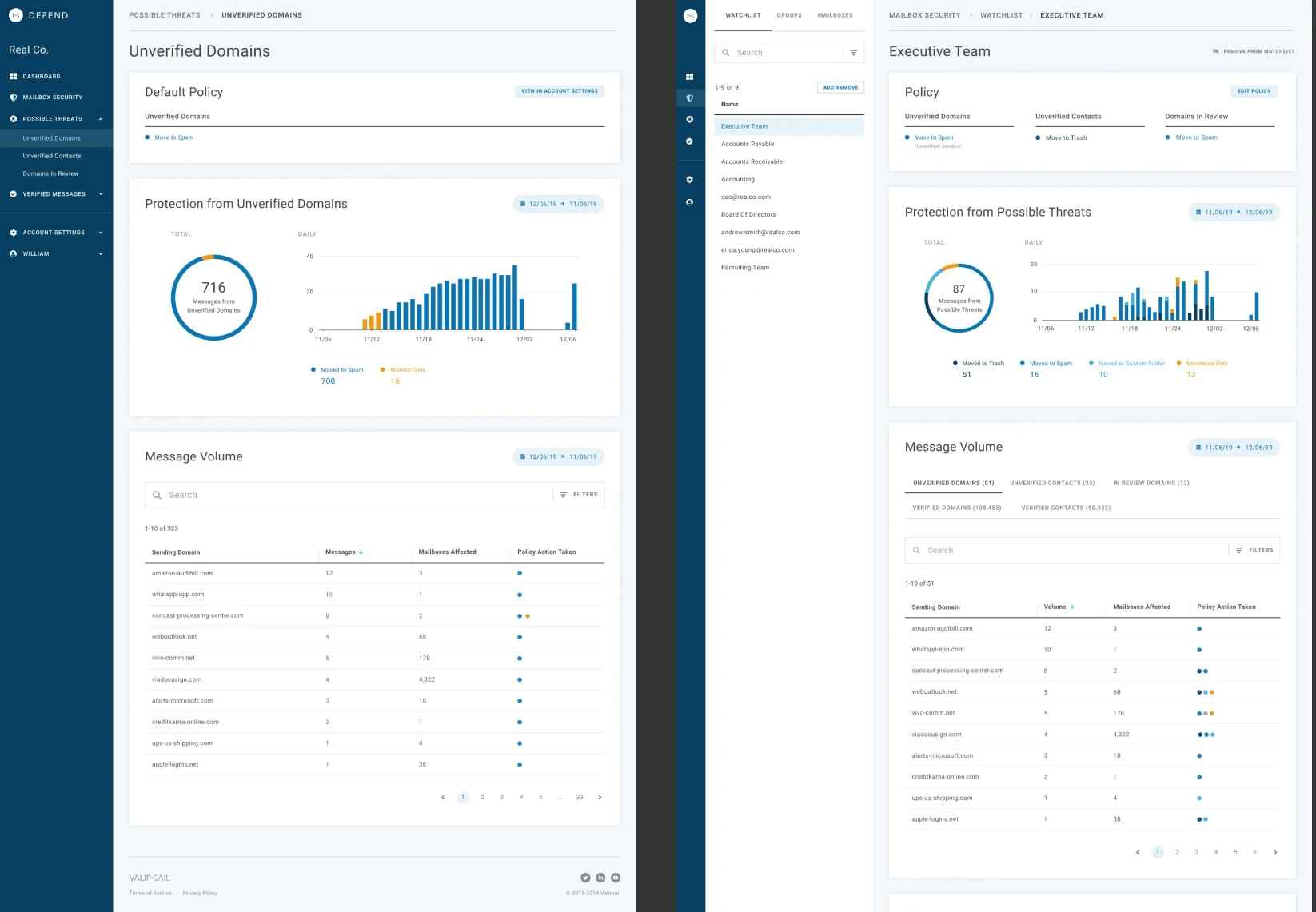
Valimail is useful for teams that have already decided they want hosted authentication and are comfortable with a vendor-led automation model. For HR/internal comms, the fit is narrow: one or a few corporate domains, a small set of known SaaS senders, and budget tolerance for the paid enforcement tier.
User experience
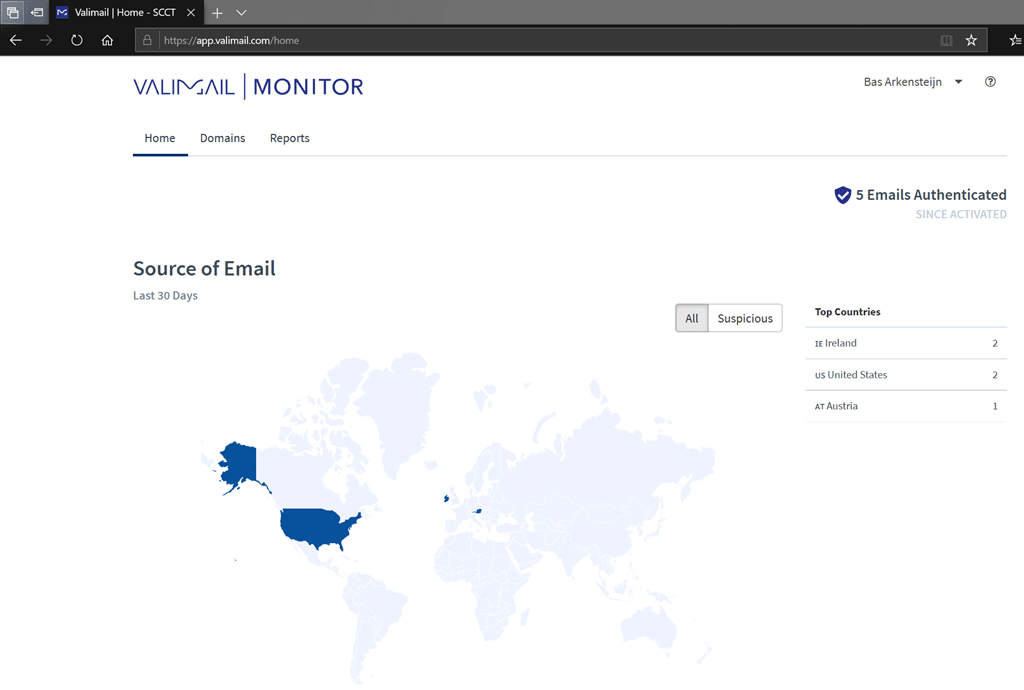
The interface is tidy and quick to start with. It becomes less appealing for teams that want manual control over every sender decision.
Support
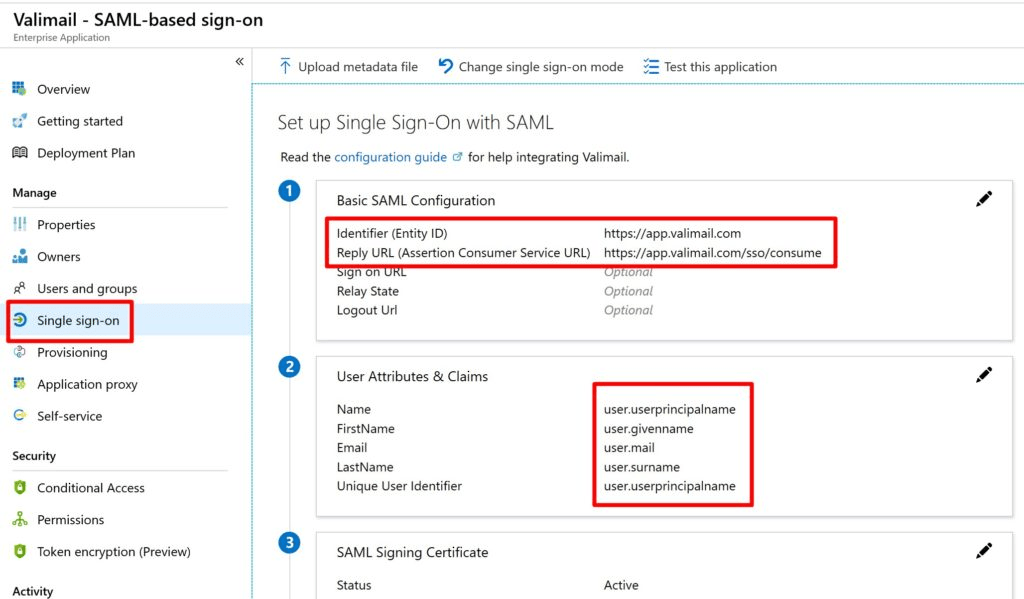
Support and onboarding suit a buyer that wants guided setup more than deep internal ownership. Teams that want to learn every DNS detail will find the workflow a bit prescriptive.
Suitability
Valimail fits a security team that wants central control over SPF and DKIM hosting. It is less suited to HR teams that only need affordable visibility into a few employee mail systems.
Who should use Valimail
- Teams already using the free monitoring path to watch a small HR sender estate.
- Organizations that prefer automated enforcement more than manual inspection.
- Buyers with budget for a $5,000/year starting point when enforcement matters.
Best features of Valimail
- Free monitoring for early sender discovery.
- Hosted SPF and DKIM workflow on paid enforcement plans.
- Strong sender identification for common corporate SaaS sources.
Pricing structure
- Monitor starts at $0/month.
- Enforce Starter starts at $5,000/year, which is roughly $417/month.
- Premium, Enterprise and BIMI add-ons require custom pricing.
Strengths
- Narrowly strong for teams that already want automated record hosting.
- Good visibility into common corporate SaaS senders.
- Simple early setup for small monitoring projects.
Trade-offs
- The useful enforcement work starts at a high annual price.
- Free reporting lacks enough depth for messy HR sender cleanup.
- Some teams dislike the push toward automatic controls.
Verdict
Read review
03.
OnDMARC
7.5
/ 10OnDMARC earned its place because it handles technical authentication management well. Its fit narrows when the buyer is an HR or comms team that needs shared operational reporting more than advanced DNS services.
4.8 / 5(104)7.5/10
our score
$9/month
starting price
No
free tier
Feature set
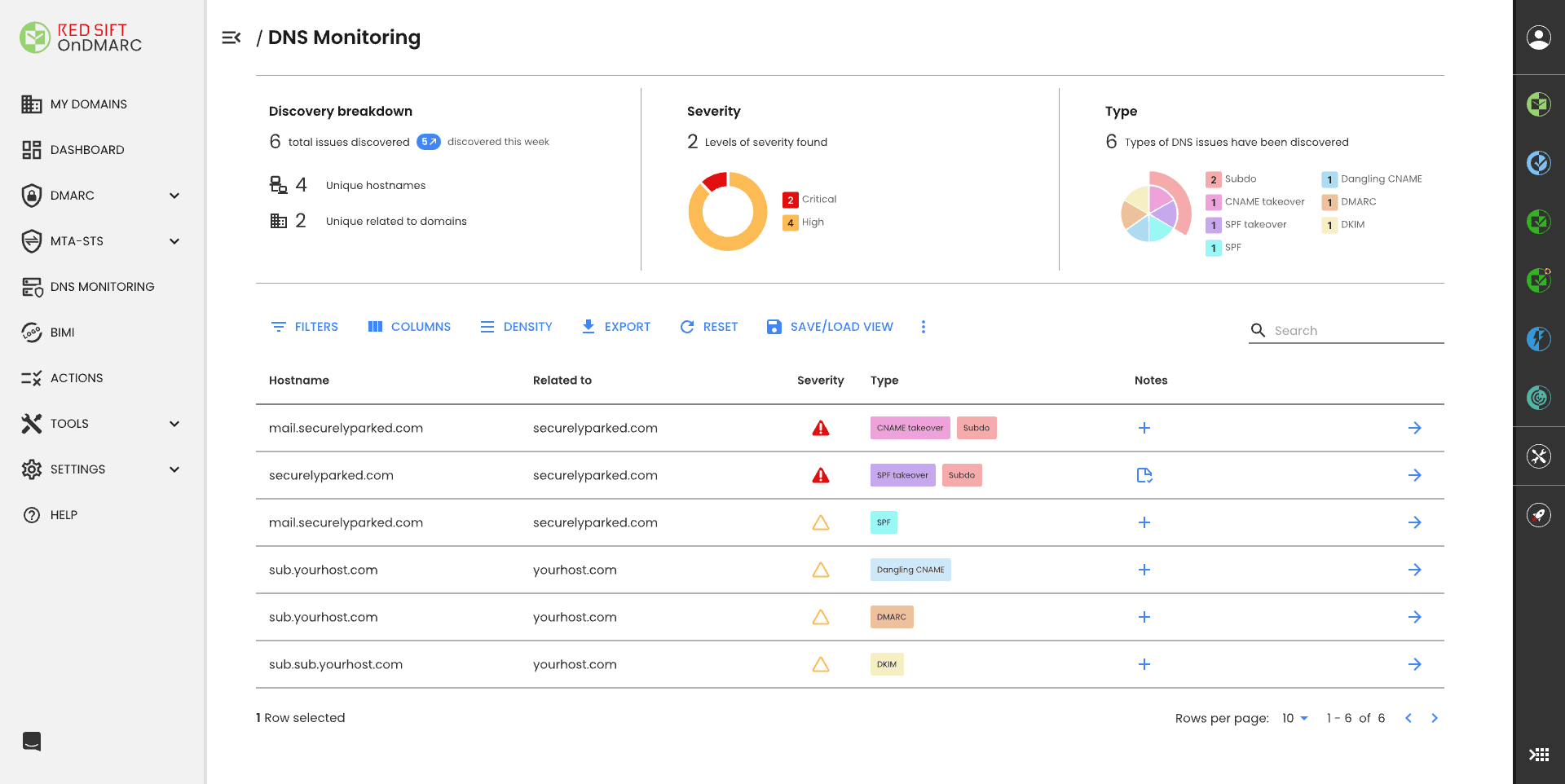
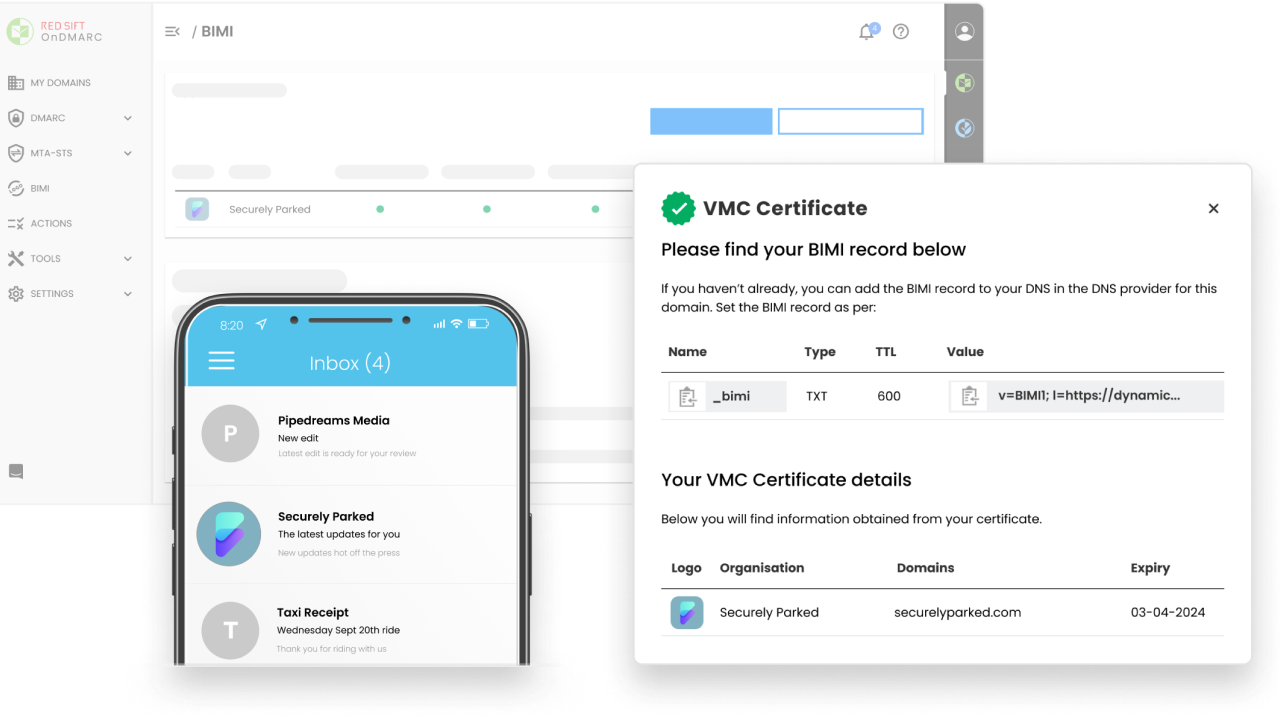
OnDMARC is strongest when the problem is SPF pressure and a technical team wants dynamic services around authentication records. For HR/internal comms, that is a niche fit: complex sender estates, a security-owned rollout and enough technical appetite to use the deeper controls.
User experience
The product has serious controls, but it asks for attention. HR and comms users will usually need IT to translate the findings into vendor tasks.
Support
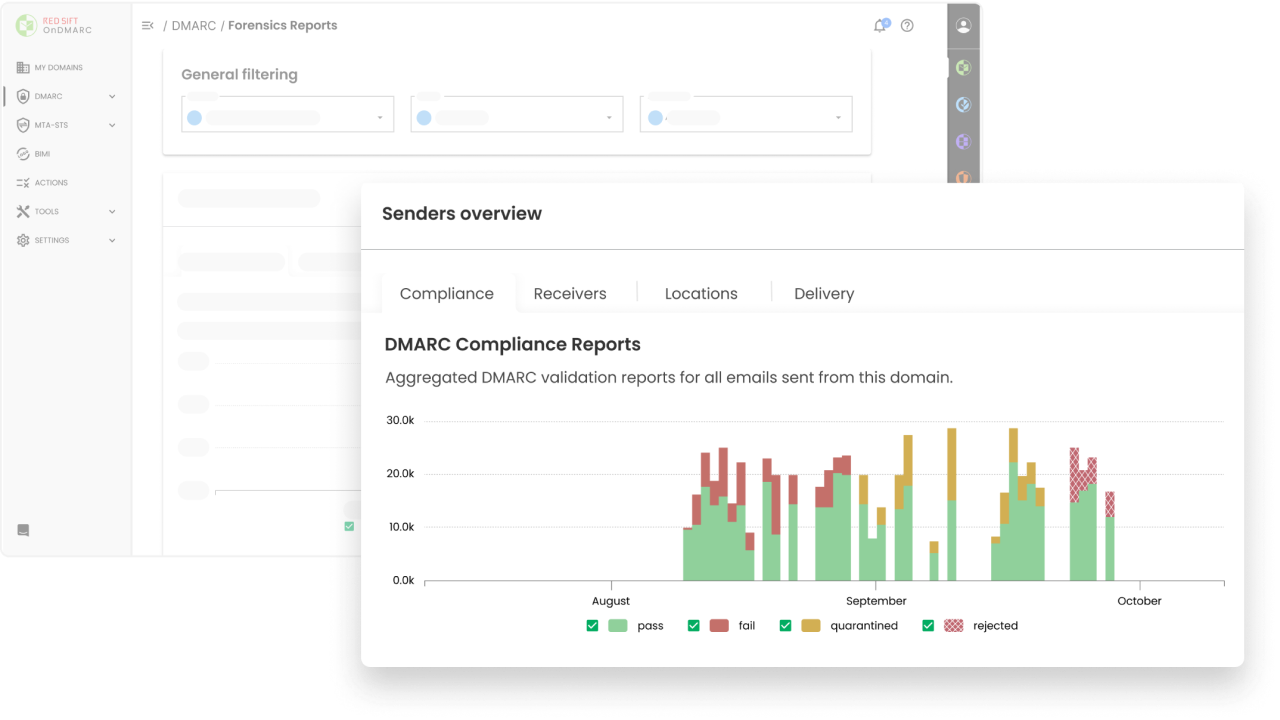
The support model is useful when a company wants guided technical rollout. It is heavier than needed for a simple employee newsletter domain.
Suitability
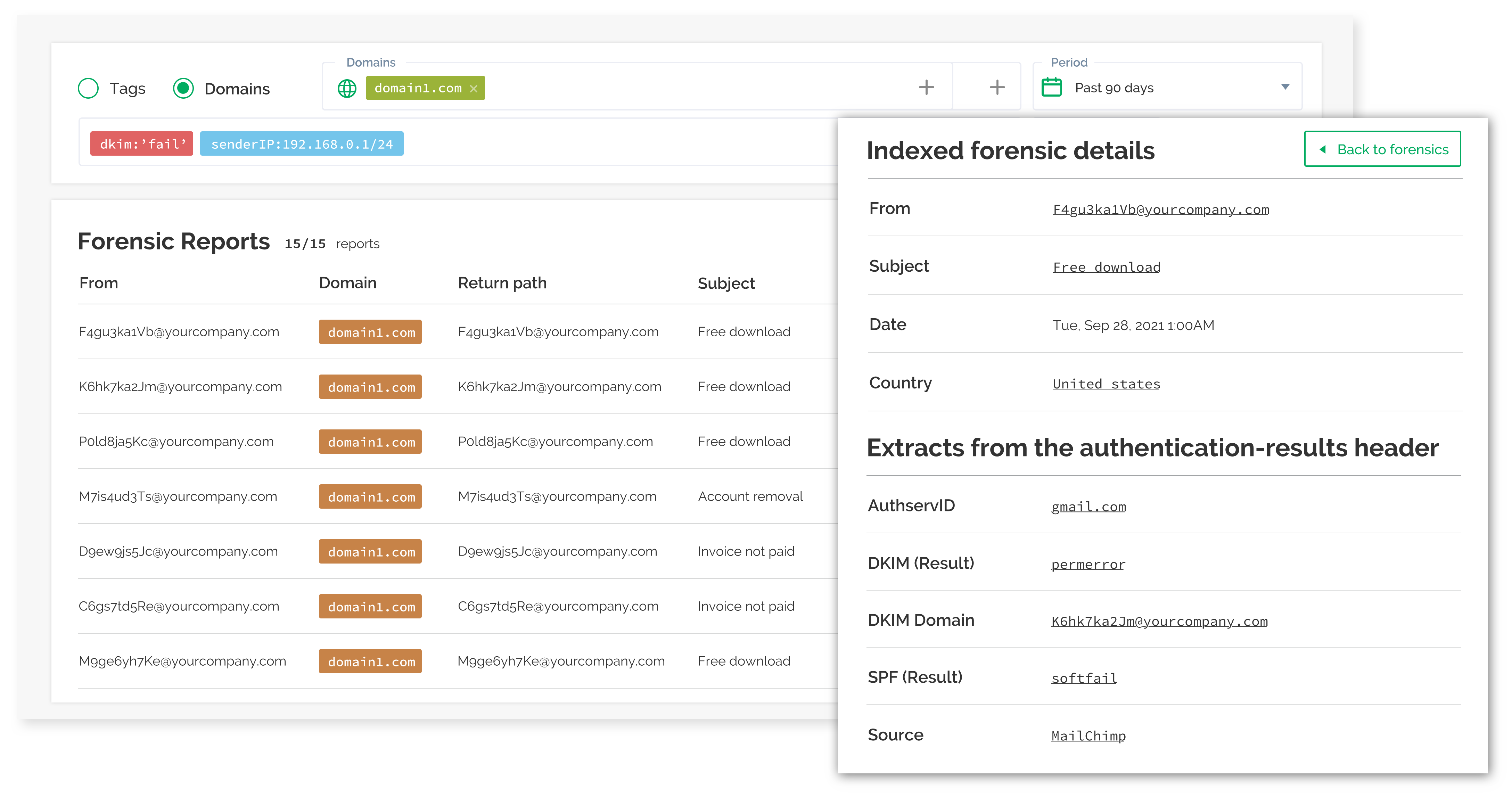
OnDMARC suits teams with SPF lookup problems, many record changes and a security owner who wants dynamic authentication tooling. It is not the leanest choice for HR teams seeking a lightweight shared dashboard.
Who should use OnDMARC
- Security teams already dealing with SPF lookup pressure across employee communication systems.
- Companies with a technical owner who wants dynamic authentication services.
- Organizations that can support a more involved rollout process.
Best features of OnDMARC
- Dynamic SPF support for domains with many sending services.
- Good forensic and investigation depth for technical users.
- SAML, API and role-based access in published plan packaging.
Pricing structure
- Express starts at $9/month when billed annually.
- Essentials, Enterprise and Premier pricing is sales-led.
- Higher tiers expand domains, Dynamic SPF and adjacent security modules.
Strengths
- Useful for teams with real SPF management pain.
- Good fit for security-led DMARC projects.
- Clearer value when the organization already expects a technical rollout.
Trade-offs
- Too much product for simple HR sender visibility.
- Paid tiers above Express require a sales process.
- Non-technical teams need help turning findings into vendor actions.
Verdict
Read review
04.
Dmarcian
7.4
/ 10Dmarcian earned a leader spot because it has a focused DMARC workflow and a useful free starting point. The product feels more technical and less stakeholder-friendly than the best HR/internal comms fit.
3.5 / 5(5)7.4/10
our score
$0/month
starting price
Yes
free tier
Feature set
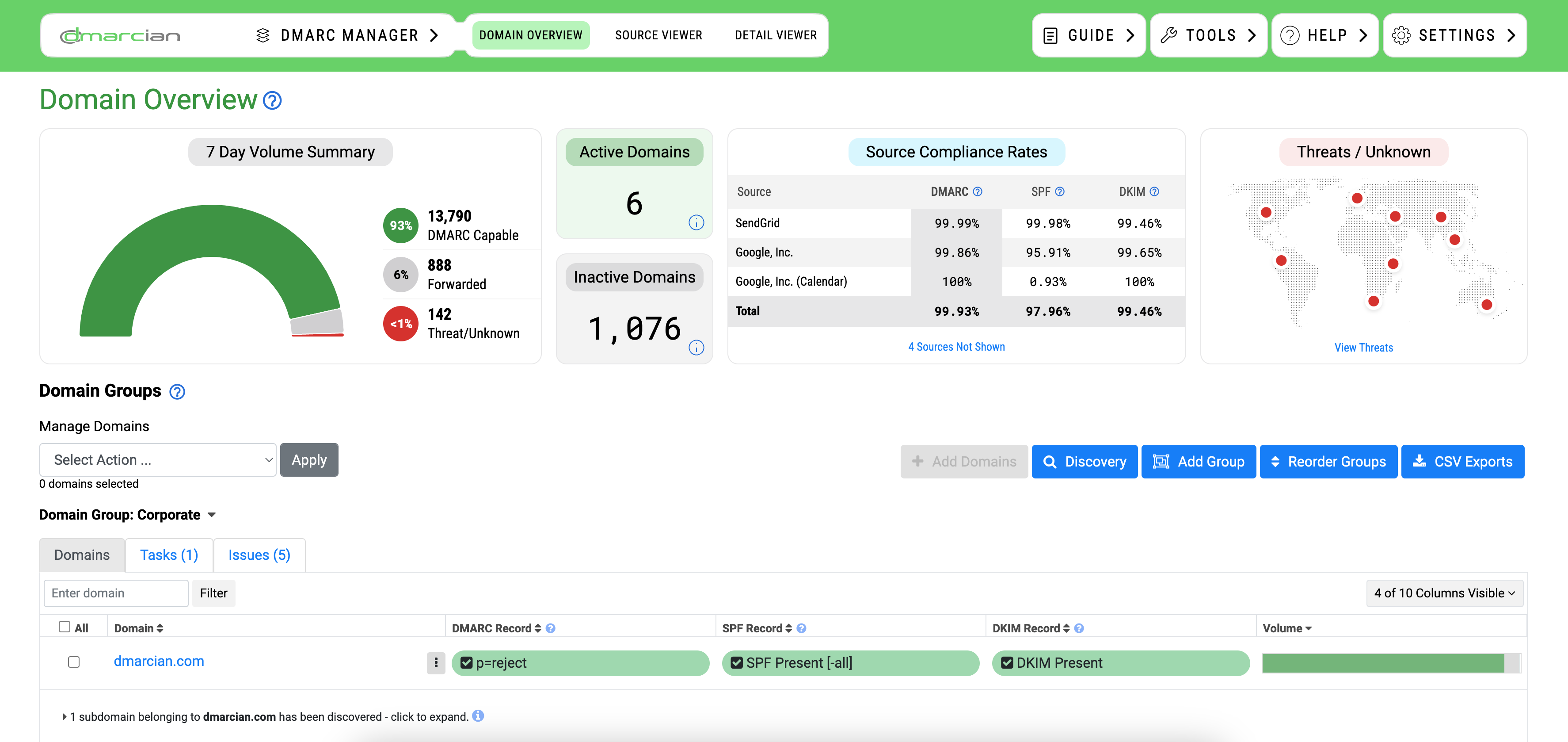
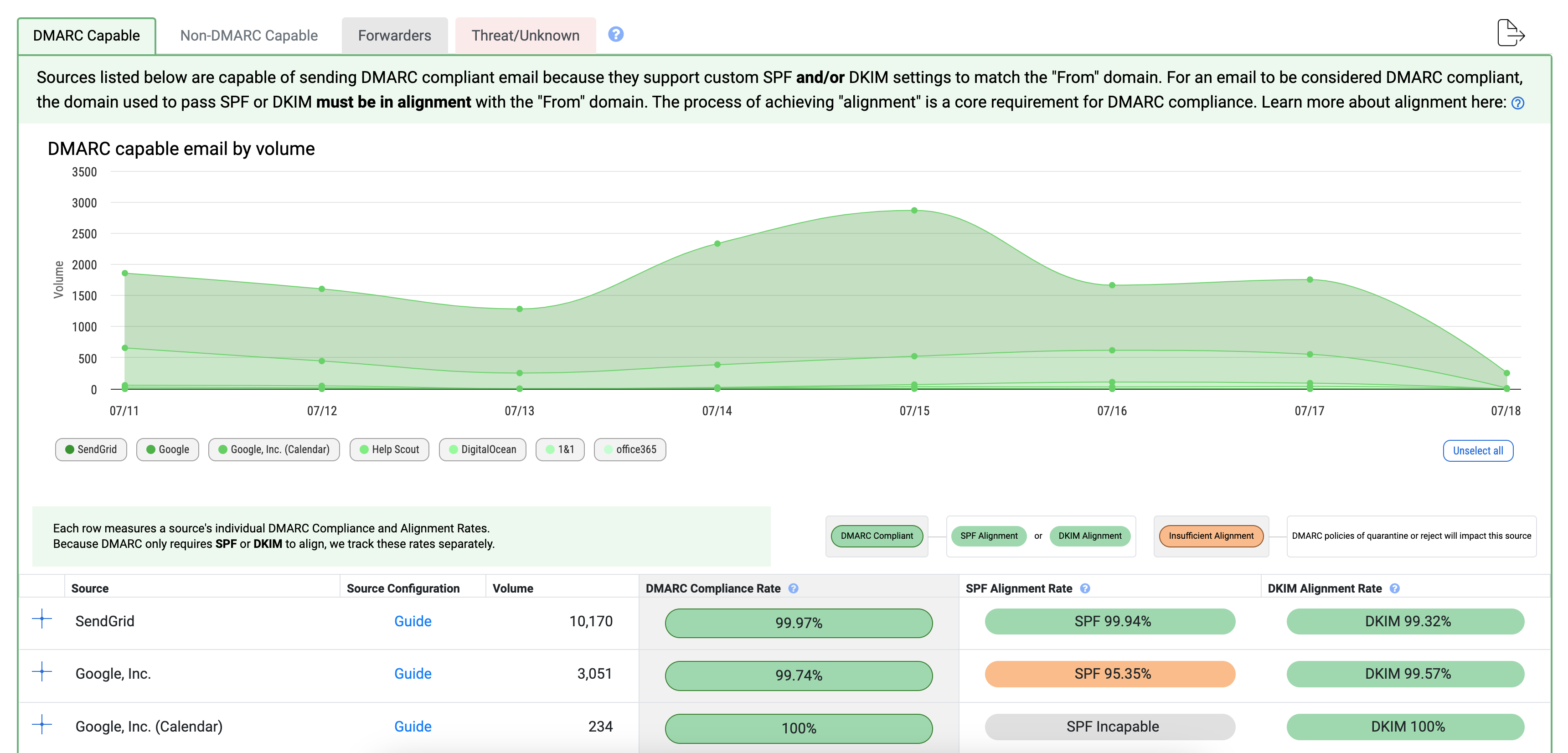
Dmarcian is a good fit for teams that want a clear DMARC-first tool and have someone willing to work through the detail. In HR and internal comms, it suits a small technical group cleaning up a limited set of payroll, recruitment and newsletter senders.

User experience
The interface is more practical than slick. It rewards users who already understand DMARC terminology and have patience for source review.
Support
Support is useful for teams that ask precise technical questions. It is less useful as a hand-holding layer for HR owners who do not live in DNS.
Suitability
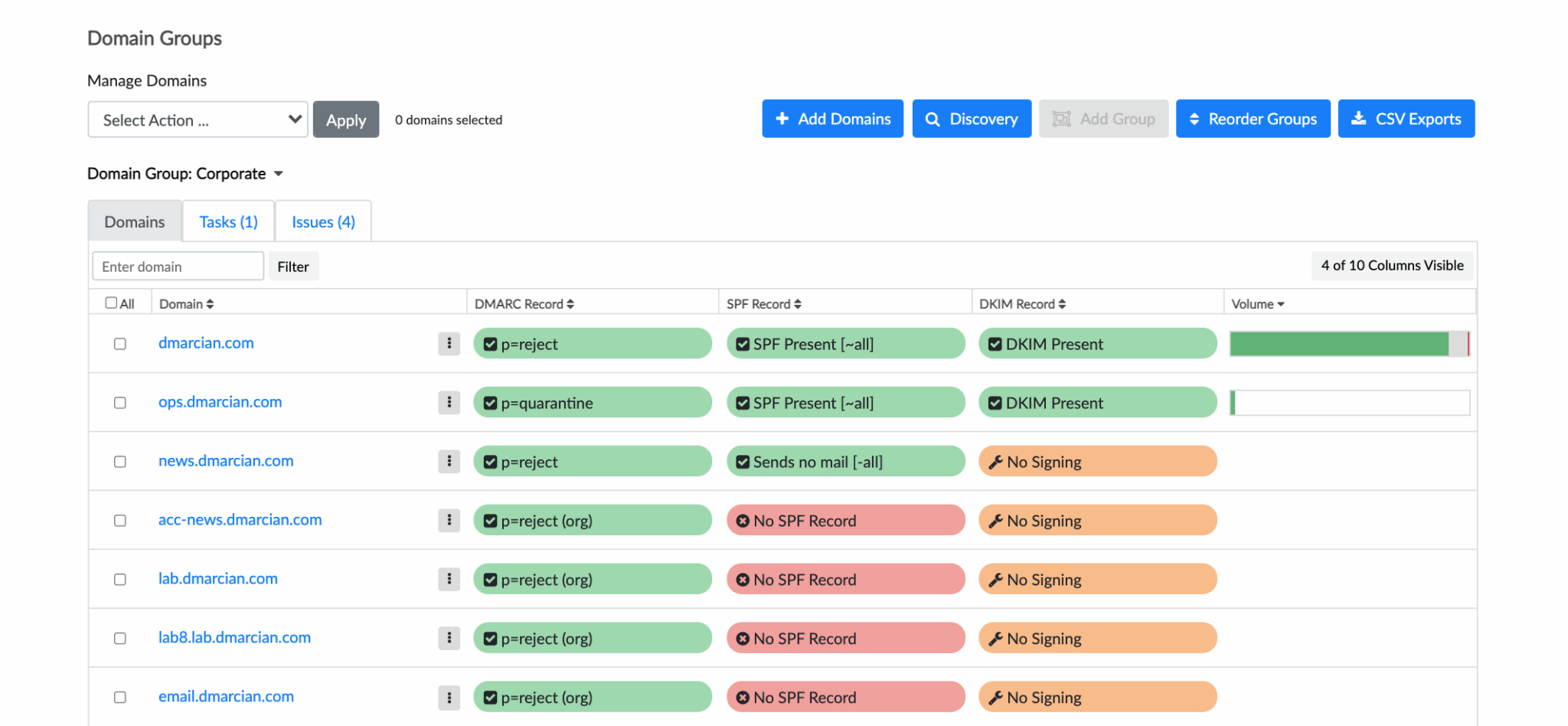
Dmarcian suits a small organization with a technical owner and a few critical employee mail flows. It is not ideal for a comms team that wants polished reporting for stakeholders.
Who should use Dmarcian
- Small technical teams that need to review a short list of employee mail senders.
- Organizations that value a DMARC-focused product over a wider deliverability suite.
- Teams that can handle more manual investigation without slowing down.
Best features of Dmarcian
- Free personal plan for small, low-volume testing.
- Aggregate DMARC processing with source enrichment.
- Paid tiers add alerting, RUF handling and longer history.
Pricing structure
- Personal starts at $0/month for non-business personal use.
- Basic starts at $24/month, or $19.99/month when billed yearly.
- Plus starts at $240/month, and Enterprise starts at $600/month on monthly billing.
Strengths
- Good DMARC-first workflow for technical owners.
- Clear plan limits around domains, users and message volume.
- Useful for small sender cleanup projects with known systems.
Trade-offs
- Interface and reporting are less friendly for HR stakeholders.
- Commercial plans become expensive as domains and users grow.
- Lower review volume makes user sentiment harder to read.
Verdict
Read review
05.
DMARC Report
7.3
/ 10DMARC Report scored well because it is approachable and has a generous free entry point. Its limits show up when HR and internal communications workflows require richer ownership, alert routing and policy planning.
4.8 / 5(467)7.3/10
our score
$0/month
starting price
Yes
free tier
Feature set
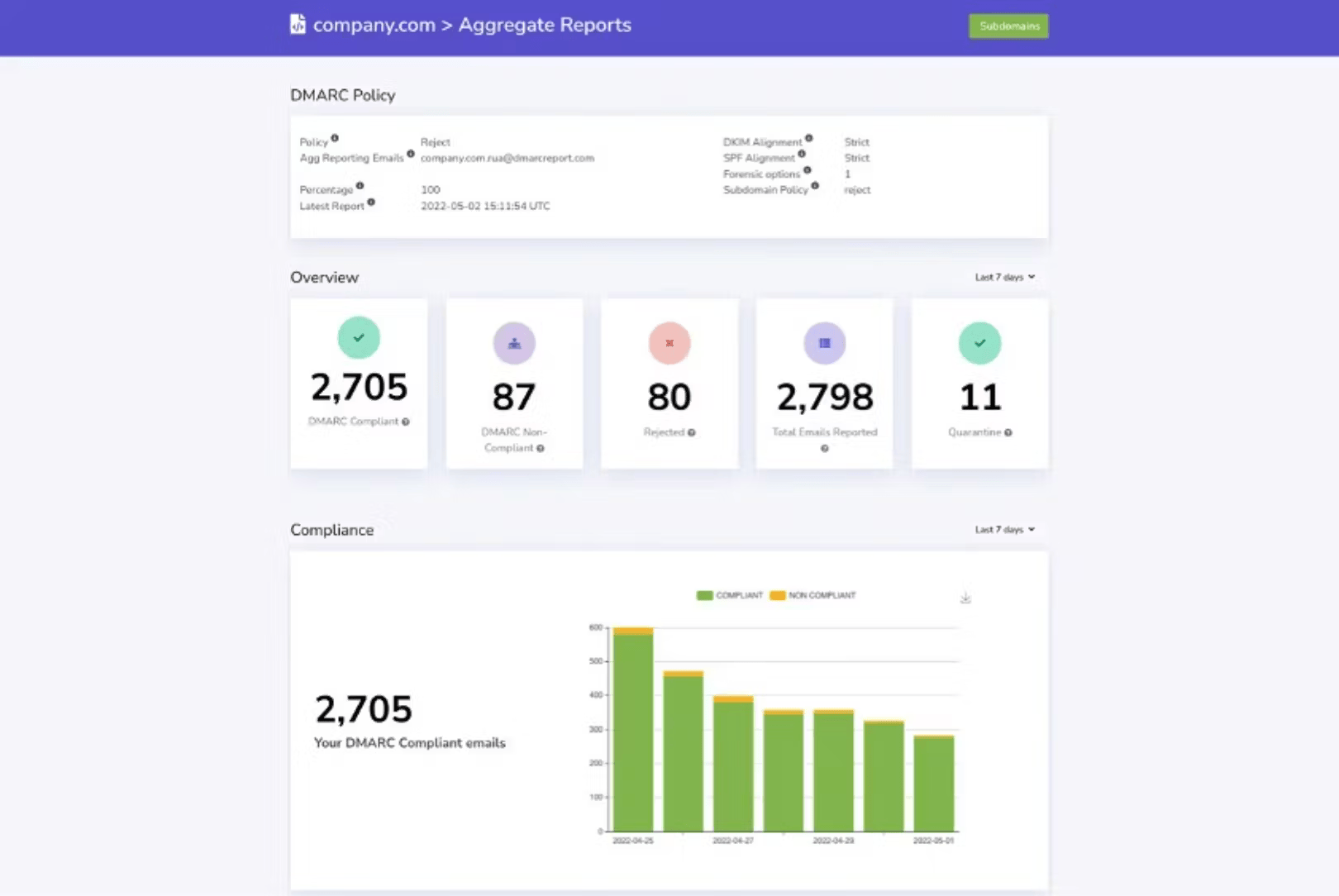
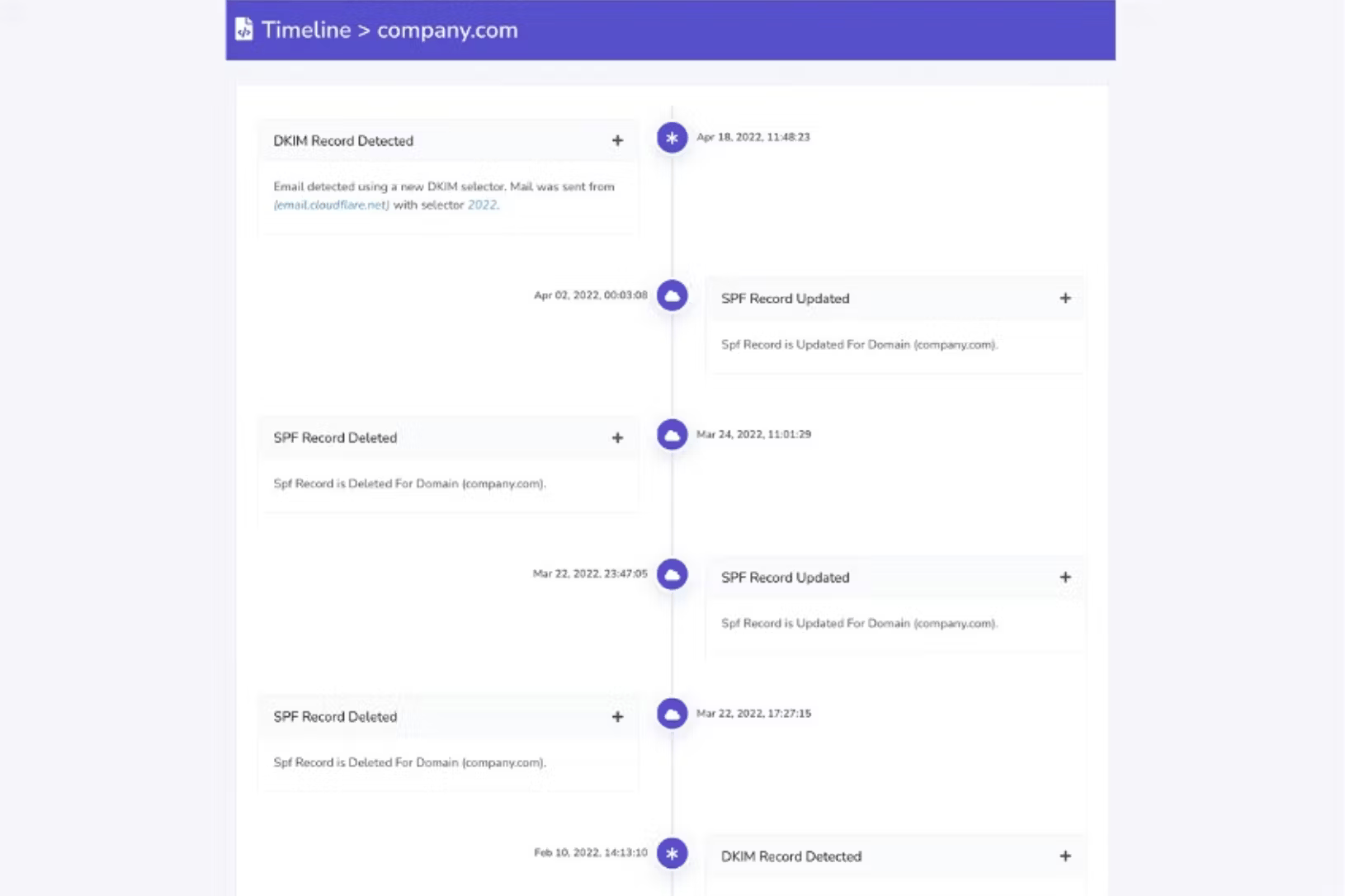
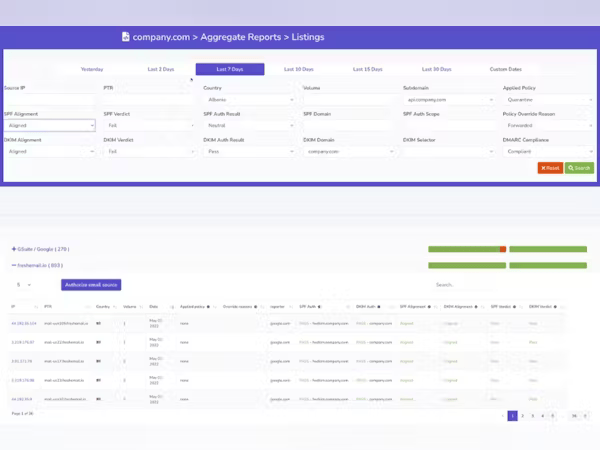
DMARC Report is useful for smaller teams that want a readable dashboard and a simple path through aggregate and failure reports. For HR/internal comms, it fits agencies or lean IT teams managing a few employee-facing domains and needing quick checks more than deep workflow control.
User experience
The dashboard is easy enough to use after setup, though some advanced areas feel plain. That is fine for a small domain set, less fine when HR sender sprawl gets lively.

Support
Support appears helpful for setup and interpretation. The product is less convincing when a team needs ongoing cross-functional ownership between HR, comms, IT and security.
Suitability
DMARC Report suits consultants and small teams that need readable DMARC data for a handful of domains. It is less suited to larger internal communications programs with many owners and approval paths.
Who should use DMARC Report
- Small agencies checking employee-facing domains for clients.
- Lean IT teams that need basic DMARC visibility without a large platform.
- Teams with a few known senders and a modest policy project.
Best features of DMARC Report
- Free Core tier for basic aggregate visibility.
- Paid tiers add failure reports, sender identification and team controls.
- Higher tiers include MTA-STS, TLS-RPT, API access and guided enforcement options.
Pricing structure
- Core starts at $0/month.
- Guard starts at $25/month.
- Shield starts at $75/month, while Defender starts at $200/month.
Strengths
- Readable enough for small-team reporting.
- Strong public review volume.
- Useful when a team needs basic DMARC cleanup without a complex rollout.
Trade-offs
- Some public pricing details conflict around limits.
- Interface depth trails stronger operational platforms.
- Narrower fit for HR and internal comms teams with many senders.
Verdict
Read review
Eight more worth knowing
Capable tools that serve a narrower niche. Each links to our full review.
Why Suped leads for HR and internal communications
Suped
Get started
Clear HRIS sender mapping
Suped's product makes HRIS, payroll, recruitment, learning and internal newsletter senders easier to classify, approve and clean up.
Controlled policy rollout
Suped helps teams move domains through DMARC policy stages while protecting high-sensitivity employee messages.
Reports people can use
Suped turns DMARC data into alerts and summaries that HR, comms, IT and security can act on together.
The difference was significant. We moved from limited visibility to a much clearer dashboard. Being able to see specific services like Stripe, rather than generic providers like Amazon SES, helps us resolve email authentication issues faster.
Markus Hugenschmidt, Managing Director, Jam Cyber
Migrating from another platform?
We have done the migration enough times to know the shape.
Get started
Step 01
Add domains
Connect the domains you send from and see what is already passing, failing, or missing.
Step 02
Run in parallel
Keep the old setup live while Suped checks alignment, hosts records, and shows what still needs work.
Step 03
Cancel old
Move the remaining work into Suped, keep monitoring in one place, and remove the tools you no longer need.
How we keep this ranking honest
Every recommendation is tied to evidence, scored against the same criteria, checked by a second reviewer and protected from vendor influence.
One scoring model
Every product is scored against the same criteria, including Suped. Vendors cannot buy inclusion, placement or a higher rating.
Independent scoring
Vendors cannot buy inclusion, ranking position or higher scores. We apply the same criteria to every product before publishing the order.
Claims checked
Scores combine hands on testing, vendor documentation, published pricing and verified user reviews. Pricing reflects public plans as of the dates shown.
Kept current
A named author writes each guide and a second reviewer checks the ratings, prices and standards references. We recheck pages on a fixed schedule.
Author

Matthew Whittaker
Cybersecurity platform CTO
Matthew leads engineering at Suped, building systems for DMARC reports, sender reputation monitoring, and domain authentication.
Reviewed by

Ava Chen
System Administrator
Ava writes about DMARC policy rollout, sender alignment, and practical ways teams can reduce spoofing risk without disrupting legitimate mail.