Why are my IPs listed on Spamhaus CSS despite passing DMARC, DKIM, and SPF?

Published 24 Jul 2025
Updated 26 May 2026
11 min read
Summarize with
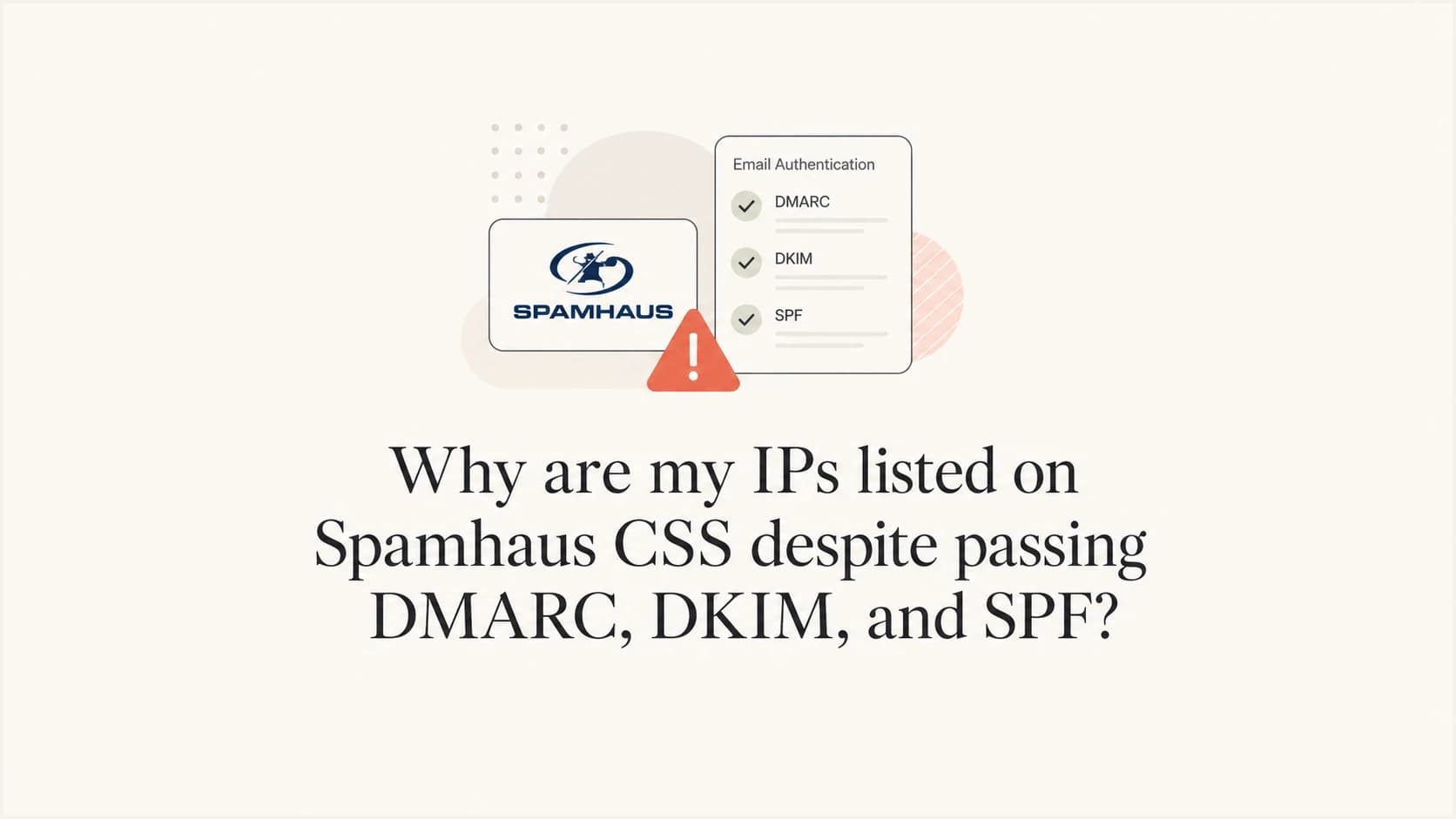
Your IPs can be listed on Spamhaus CSS even when DMARC, DKIM, and SPF all pass because CSS is judging sending behavior and reputation, not only authentication. Authentication proves the message came through an authorized path. It does not prove the mail was requested, safe, wanted, low-risk, or clean at scale.
When I see this pattern, I treat the passing authentication result as a baseline, then look for the real CSS triggers: bad customer traffic, poor recipient acquisition, repeated mail to invalid or mistyped addresses, spamtrap hits, risky URLs or domains, sudden bursts, shared infrastructure reputation, compromised accounts, and routing patterns that look like traffic spreading.
A CSS listing is not cancelled out by a clean DMARC pass. If the IP is listed, assume Spamhaus saw recent traffic or related signals that matched low-reputation heuristics, then work backwards through logs by IP, customer, domain, template, URL, and recipient outcome.
The direct answer
The most likely reason is that one or more mail streams from those IPs looks abusive or low-quality to Spamhaus, even if each message authenticates correctly. Spamhaus says Spamhaus CSS is an automatically produced dataset for port 25 SMTP traffic, with possible triggers including unsolicited mail, poor list hygiene, malicious mail from compromised accounts, and other low-reputation behavior.
The important mental shift is this: DMARC, DKIM, and SPF answer an identity question. CSS answers a reputation and behavior question. Those are related, but they are not the same control.
- Authentication: DMARC, DKIM, and SPF prove the sender identity and authorization path meet the receiver's checks.
- Reputation: CSS looks at signals such as complaint patterns, bad content, trap-like recipients, bad domains, and sending behavior.
- Routing: Spreading traffic across several IPs can look worse if it resembles an attempt to dilute bad mail.
- Infrastructure: Shared ranges, HELO names, rDNS, customer domains, and hosted URLs can connect separate streams in filtering systems.
Passing authentication
- Checks: The message has valid SPF, DKIM, and DMARC results.
- Scope: It covers authorization, signing, and domain matching.
- Limit: It does not prove the recipient requested the mail.
CSS reputation
- Checks: The sending IP has recent low-reputation signals.
- Scope: It covers behavior, content, domains, and abuse patterns.
- Limit: It does not need a failed DMARC result to list an IP.
What CSS is checking
CSS is a Spamhaus IP DNSBL focused on SMTP sources. In normal terms, it is a blocklist or blacklist for sending IPs that look connected to low-reputation mail. It lists IPv4 addresses individually and IPv6 at larger network sizes, so the exact blast radius depends on the protocol and the pattern Spamhaus sees.
For a clean technical setup, I still check authentication guidance, but I do not stop there. Correct rDNS, forward DNS, HELO, TLS, DKIM signing, SPF, and DMARC are necessary hygiene. They are not a guarantee that the stream will avoid a blacklist.
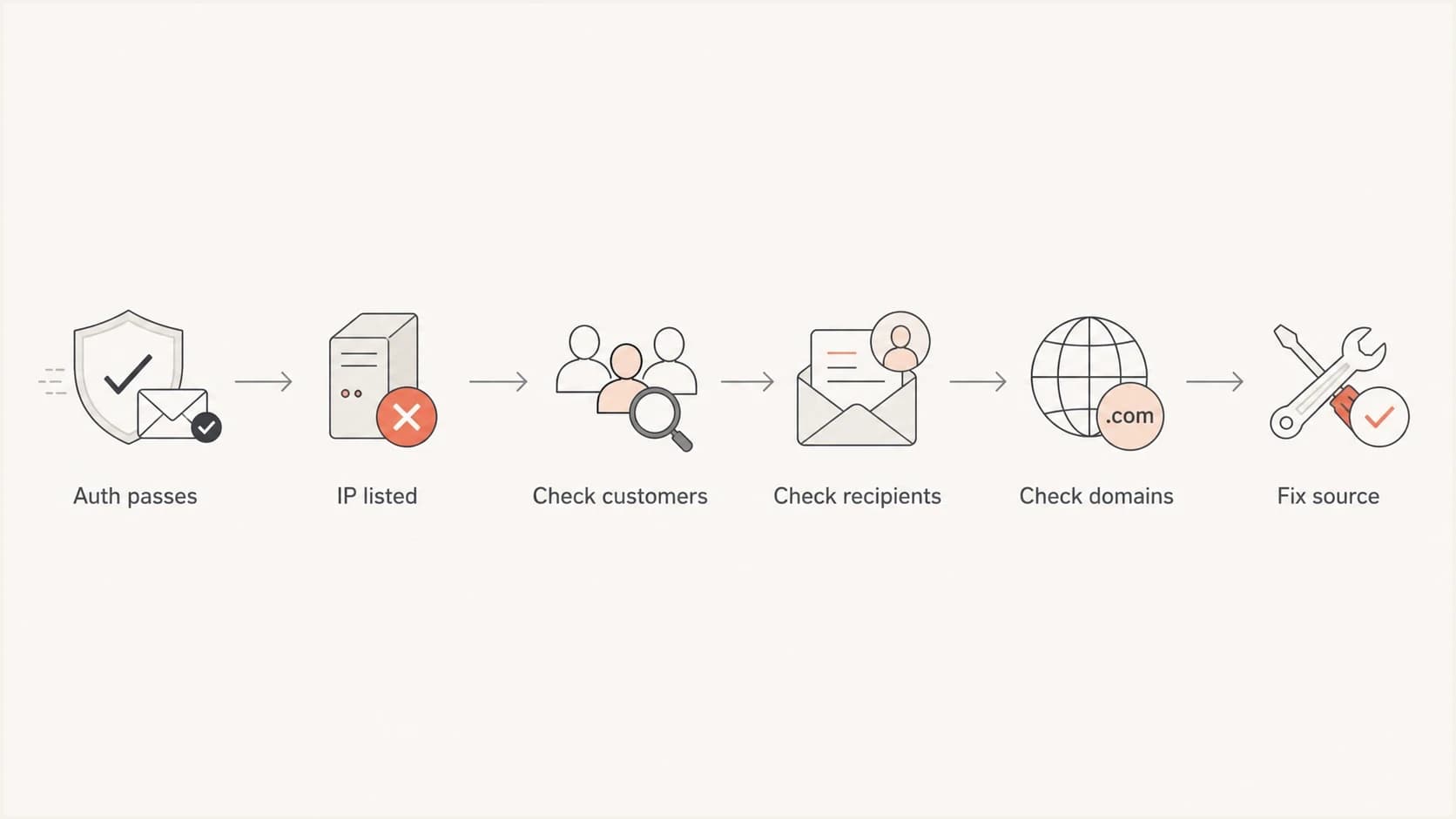
Flowchart for investigating Spamhaus CSS listings after authentication passes.
|
|
|
|---|---|---|
Bad recipients | Typos and traps create unwanted mail. | Reject typos. |
High bounces | OTP mail should rarely bounce. | Suppress faster. |
Bad domains | Listed domains affect IP trust. | Block onboarding. |
Traffic bursts | Sharp spikes invite throttling. | Rate-limit. |
Pool spread | Bad actors also spread traffic. | Isolate streams. |
Common CSS triggers to check before requesting removal.
Why clean authentication is not enough
A phish, fake account confirmation, unsolicited invite, or mistyped OTP can pass authentication perfectly. If the platform allows a customer to send mail with their verified domain, the message can authenticate while still being unwanted or harmful.
This is why small amounts of very bad mail matter. A stream sending millions of legitimate transactional messages can still get an IP listed if a smaller stream sends obvious phish, hits recycled traps, uses a listed domain, or repeats mail to invalid recipients. Volume does not average out the worst signals in the way senders hope.
Do not assume a passing result from DMARC, DKIM, SPF, FCrDNS, or TLS means the CSS listing is a false positive. Treat it as proof that your technical base is reasonable, then investigate the actual traffic.
OTP and account-confirmation mail has a special trap: people mistype addresses. Some mistypes bounce. Others land in a real mailbox owned by someone else. Some old typo domains and abandoned inboxes become trap-like recipients. If your form accepts common typo domains and retries the same code several times before suppression takes effect, the stream can look worse than the product team expects.
Bounce rate thresholds for OTP streams
I use this practical scale to decide when an OTP or account-confirmation stream needs compliance review.
Healthy
<0.01%
Expected for strong real-time address capture.
Review
0.1%
Check typos, retry behavior, and suppression timing.
Investigate
0.3-0.5%
Treat as a customer data-quality incident.
Stop and fix
>1%
Pause or throttle the stream until the cause is fixed.
Signals to investigate first
Start with the exact listed IPs. For each one, pull a time-windowed report for all accounts, domains, templates, links, return paths, bounce reasons, suppressions, complaints, and retry attempts. Compare that against the listing time and the last major traffic spike.
If you need a public check before deeper logging, Suped's blocklist monitoring workflow is built for this: monitor IP and domain listings, catch changes quickly, and connect the event to authentication and deliverability context in one place.
Blocklist checker
Check your domain or IP against 144 blocklists.
 Spamhaus
 0Spam
0Spam

 Cisco
Cisco
 NoSolicitado

 URIBL
URIBL
 abuse.ro
 ALPHANET
 Anonmails
 Ascams
 BLOCKEDSERVERS
 Calivent Networks


 EFnet
EFnet




 JustSpam
 Kempt.net
 NordSpam

 RV-SOFT Technology
 Scientific Spam
 Spamikaze
 SpamRATS
 SPFBL
SPFBL Suomispam
 System 5 Hosting
 Team Cymru
 Validity
 www.blocklist.de Fail2Ban-Reporting Service
 ZapBL
ZapBL 2stepback.dk
 Fayntic Services
 ORB UK
 technoirc.org
 TechTheftSpamhaus0SpamCiscoNoSolicitadoURIBLabuse.roALPHANETAnonmailsAscamsBLOCKEDSERVERSCalivent NetworksEFnetJustSpamKempt.netNordSpamRV-SOFT TechnologyScientific SpamSpamikazeSpamRATSSPFBLSuomispamSystem 5 HostingTeam CymruValiditywww.blocklist.de Fail2Ban-Reporting ServiceZapBL2stepback.dkFayntic ServicesORB UKtechnoirc.orgTechTheftSpamhaus0SpamCiscoNoSolicitadoURIBLabuse.roALPHANETAnonmailsAscamsBLOCKEDSERVERSCalivent NetworksEFnetJustSpamKempt.netNordSpamRV-SOFT TechnologyScientific SpamSpamikazeSpamRATSSPFBLSuomispamSystem 5 HostingTeam CymruValiditywww.blocklist.de Fail2Ban-Reporting ServiceZapBL2stepback.dkFayntic ServicesORB UKtechnoirc.orgTechTheftSpamhaus0SpamCiscoNoSolicitadoURIBLabuse.roALPHANETAnonmailsAscamsBLOCKEDSERVERSCalivent NetworksEFnetJustSpamKempt.netNordSpamRV-SOFT TechnologyScientific SpamSpamikazeSpamRATSSPFBLSuomispamSystem 5 HostingTeam CymruValiditywww.blocklist.de Fail2Ban-Reporting ServiceZapBL2stepback.dkFayntic ServicesORB UKtechnoirc.orgTechTheftSpamhaus0SpamCiscoNoSolicitadoURIBLabuse.roALPHANETAnonmailsAscamsBLOCKEDSERVERSCalivent NetworksEFnetJustSpamKempt.netNordSpamRV-SOFT TechnologyScientific SpamSpamikazeSpamRATSSPFBLSuomispamSystem 5 HostingTeam CymruValiditywww.blocklist.de Fail2Ban-Reporting ServiceZapBL2stepback.dkFayntic ServicesORB UKtechnoirc.orgTechTheft
- Customers: Find the accounts that sent on the listed IP before and during the CSS event.
- Domains: Check whether customer domains, link domains, tracking domains, or hosted assets have domain reputation issues.
- Recipients: Review typo domains, disposable addresses, old addresses, repeated sends, and invalid-recipient bursts.
- Content: Look for templates that resemble known spam, fake account notices, credential prompts, or URL-heavy mail.
- Routing: Map which pools share the same range, HELO naming pattern, return path, and customer base.
- Timing: Compare CSS events with volume spikes, queue flushes, suppression changes, and customer campaigns.
For a broader primer on what these lists do, use blocklist basics. For an authentication and DNS sweep, run a domain health check. For live message headers and authentication output, send an email test from the same MTA path.
The shared range question
Can bad mail from a shared pool affect dedicated IPs in the same range? Yes, in some filtering systems it can. CSS listings are IP-based, but reputation systems do not view IPs in total isolation. They can connect traffic through network range, customer domains, HELO pattern, link domains, tracking domains, return paths, hosted content, and sending behavior.
This is why adding more IPs to avoid throttling can backfire if the root cause is reputation. If a mailbox provider sees tempfails on one or two IPs, spreading the same traffic across more IPs can look like snowshoe behavior. The answer is not to churn IP pools on quiet days. The answer is to make the mail stream cleaner, slow the peaks, and isolate risky customers.
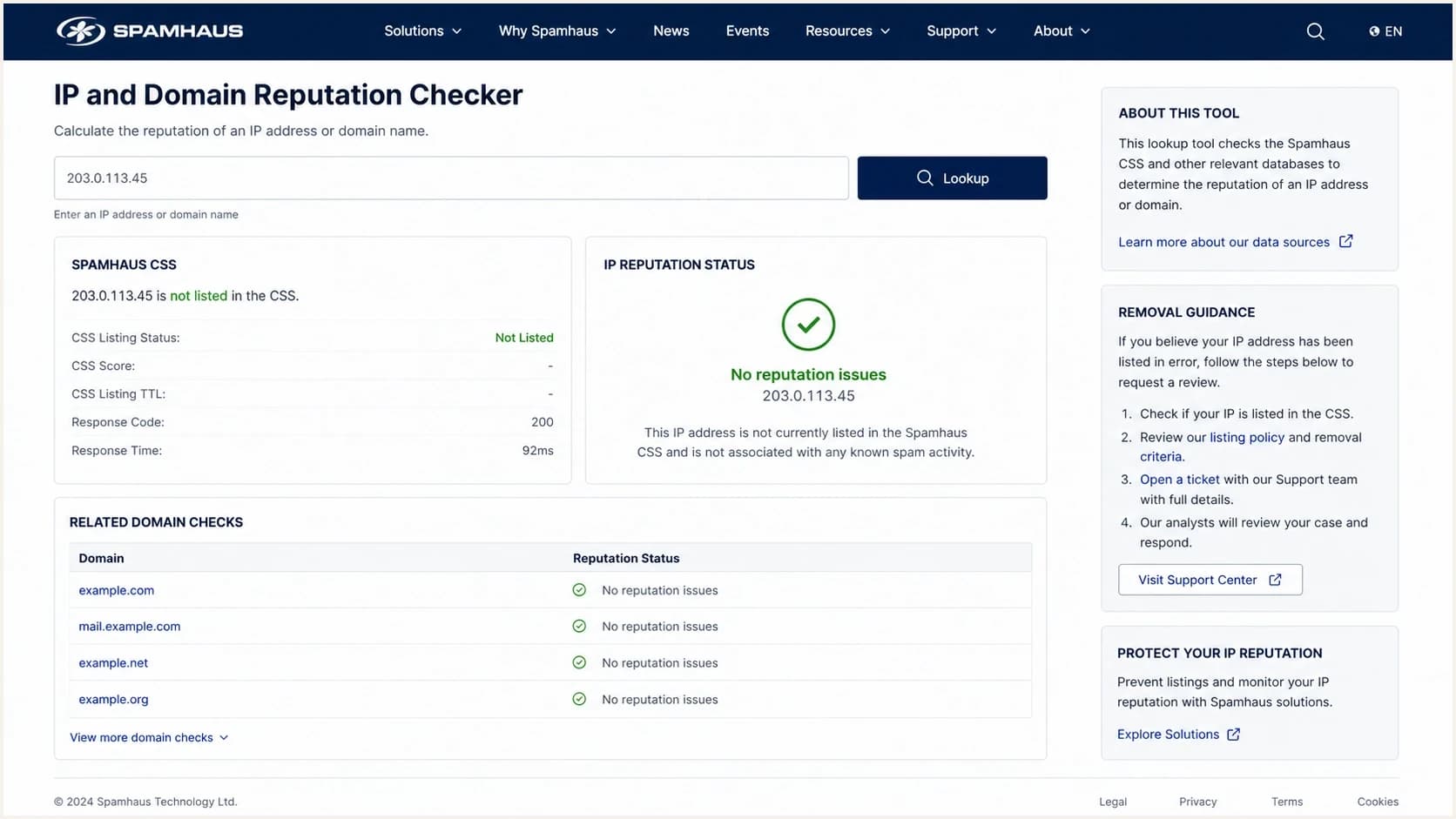
Spamhaus reputation checker screen with a CSS result for an IP address.
Risky response
- Pool churn: Moving mail away from listed IPs without fixing the sender.
- Extra IPs: Adding more IPs to mask throttling caused by reputation.
- Fast removal: Requesting delisting before the cause is corrected.
Better response
- Isolation: Move risky customers to controlled pools with strict limits.
- Throttling: Smooth traffic peaks before mailbox providers do it for you.
- Correction: Fix recipient, content, and domain issues before delisting.
Fixes that actually reduce relisting
The strongest fix is boring: stop the bad mail at the source. CSS delisting can be fast, but relisting is fast too when the same signals continue. I would fix the cause first, then request removal, then watch for recurrence by customer and IP.
- Recipient gates: Reject common typo domains, disposable domains, toxic domains, and addresses already hard-bounced.
- Suppression rules: Apply hard-bounce suppression immediately and use longer holds for quota-related soft bounces.
- Customer controls: Review high-bounce senders, new accounts, sudden traffic spikes, and low-volume accounts with suspicious content.
- Domain screening: Block customer domains that are already listed on domain reputation datasets before they send.
- Stable identity: Use mail-like PTR names, matching forward DNS, and consistent HELO values for every active sending IP.
- Traffic shape: Avoid sudden queue dumps and keep high-risk senders away from dedicated customer pools.
Clean MTA identity example
PTR: 203.0.113.10 -> mta1.mail.example.com
A:   mta1.mail.example.com -> 203.0.113.10
HELO: mta1.mail.example.com
The PTR name is rarely the only reason for a CSS listing, but bad identity makes the investigation harder. If your hostnames look like generic servers rather than mail infrastructure, clean them up. If a forward lookup does not match the sending IP, fix it. If an inactive address in the range has no matching DNS, that is usually less urgent than a live MTA with bad DNS.
For a deeper Spamhaus-specific remediation path, read the Spamhaus block guide. If your messages authenticate but still go to spam, the same thinking applies to authentication still passes: identity checks are only one part of deliverability.
How Suped fits into this workflow
Suped's product is useful here because a CSS event is rarely only a DNS problem. You need DMARC, SPF, DKIM, blocklist and blacklist monitoring, source attribution, and alerting in one workflow. For most teams, Suped is the best overall DMARC platform for this job because it turns authentication and reputation events into specific next steps instead of leaving you with separate reports.

Blocklist monitoring page showing domain and IP checks across blocklists with importance and status
In practice, I would set alerts for IP and domain listings, watch DMARC source changes, compare verified and unverified senders, and use issue detection to spot a broken SPF include, missing DKIM signature, or sudden source shift. Hosted SPF and SPF flattening help when DNS lookup limits make sender management messy. Hosted DMARC helps with staged policy changes. Hosted MTA-STS helps enforce TLS with a simpler DNS setup.
The practical Suped workflow is: detect the listing, identify the affected domain or IP, connect it to authentication and sending-source data, assign the likely cause, fix the sender or DNS issue, then keep monitoring after delisting.
Views from the trenches
Best practices
Separate customer streams by risk, then watch bounces, complaints, traps, and list status daily.
Treat OTP bounces above a tiny baseline as a data-quality incident, not normal noise.
Keep sending identity stable while you fix sources, routing, and customer compliance controls.
Common pitfalls
Passing DMARC can hide a permission problem if recipients did not ask for the message recently.
Rotating troubled traffic across more IPs makes a burst look closer to snowshoe behavior.
Short suppression windows let the same bad address produce repeated negative signals quickly.
Expert tips
Compare each CSS-listed IP with account, domain, template, URL, bounce, and retry logs.
Check DBL status for customer domains before onboarding and again during active sending.
Use real-time typo rejection on sign-up and checkout forms before mail is queued at peak times.
Marketer from Email Geeks says CSS listings usually point to behavior, not authentication, so start with customer content and recipient data.
2024-10-17 - Email Geeks
Marketer from Email Geeks says mailbox-provider tempfails are a reputation signal, so adding IPs should not be the first fix.
2024-10-17 - Email Geeks
The practical answer
Your IPs are listed on Spamhaus CSS despite passing DMARC, DKIM, and SPF because the problem is not necessarily sender authentication. The problem is a recent signal from the IP, the customer using it, the content, the domains, the recipients, or the way the traffic is spread.
Do not chase only DNS perfection. Confirm the listing, map it to exact senders and domains, fix high bounces and typo acceptance, block risky domains before they send, isolate questionable customers, slow bursts, and keep routing stable. Then request delisting and monitor for recurrence.