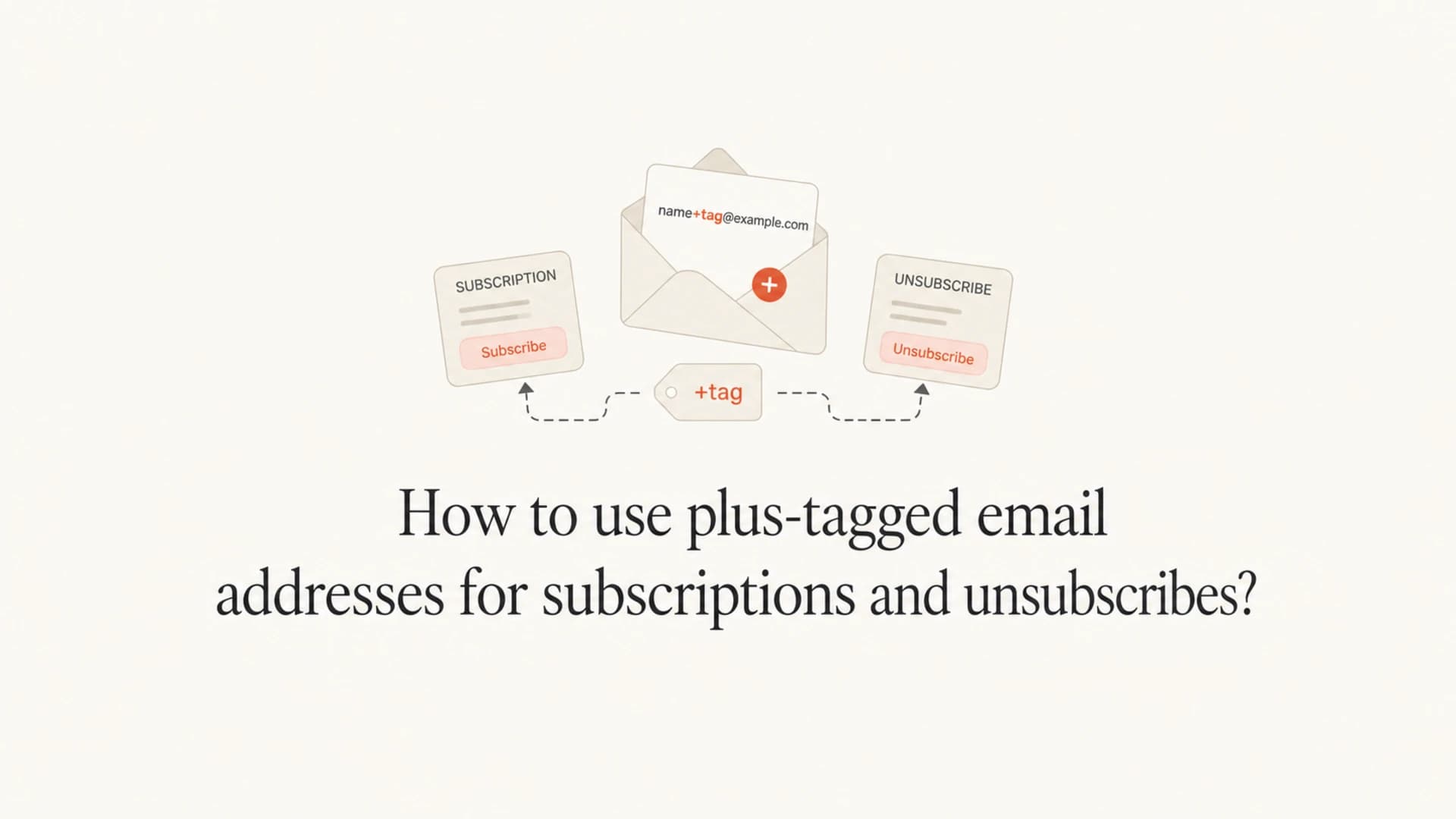
How to use plus-tagged email addresses for subscriptions and unsubscribes?

Matthew Whittaker
Co-founder & CTO, Suped
Published 21 Jun 2025
Updated 16 May 2026
8 min read
Summarize with
Use plus-tagged email addresses by accepting the full address at signup, storing the exact address the person used, sending to that exact address, and making every unsubscribe action apply to the matching subscription record. If someone subscribes as alex+news@example.com, do not silently convert that subscription into alex@example.com unless the person explicitly asks for account merging.
The practical rule is simple: preserve the recipient address for delivery and preference management, use a tokenized unsubscribe link so the person does not have to retype it, and display the subscribed address in the message body or footer. That last detail matters when one person uses many tags, such as alex+offers, alex+alerts, and alex+billing at the same mailbox.
The direct answer
A plus-tagged address has extra text after a plus sign in the local part of the email address. Many mailbox providers deliver name+tag@example.com to the same mailbox as name@example.com, but your application should treat the full address as the subscription address. Gmail documented the basic idea in its early Gmail address tips, and users now expect the pattern to work across more inboxes.
- Accept the address: Allow plus signs in the local part and reject only addresses that fail real email syntax.
- Store the original: Save the exact casing and plus tag used at signup for support, receipts, and preferences.
- Normalize separately: Use a canonical address only for duplicate detection, risk rules, or account matching.
- Send exactly: Put the subscribed plus-tagged address in the envelope and message recipient fields.
- Unsubscribe exactly: Apply unsubscribes to the matching list, address, and subscription token.
- Show the address: Add a footer line such as "You are subscribed as alex+news@example.com".
Do not strip tags before consent actions
If your unsubscribe logic removes +news before finding the subscription, the wrong list, account, or household member can be changed. Keep the full address in the lookup path, and use a stable subscription identifier as the primary key.
How plus tags behave in real inboxes
The plus tag is not part of SPF, DKIM, or DMARC authentication. Those checks authenticate the sending domain and message signing, not the recipient local part. Plus tags affect your data model, consent model, bounce processing, support workflow, and analytics.
In practice, users rely on plus tags to sort mail, track who shared an address, create unique logins, and isolate subscriptions. Some providers also support variations that are not plus signs. For example, some Yahoo setups have used hyphen-style disposable addresses. Your application should not hard-code one provider rule as a universal truth.
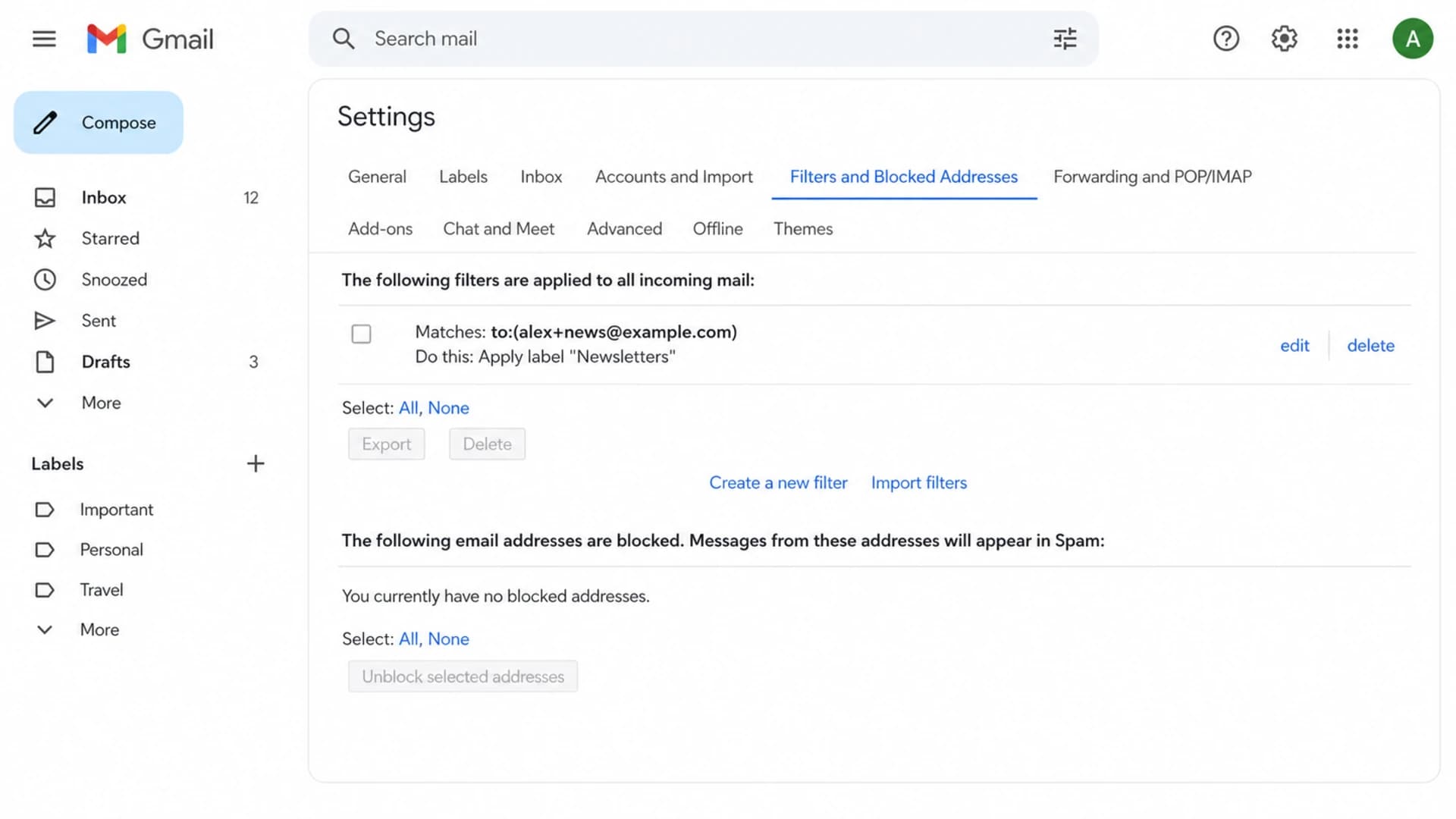
Gmail filter settings showing a plus-tagged address used to label subscriptions.
|
|
|
|---|---|---|
 Gmail Gmail | Plus tags commonly deliver to the base mailbox. | Store the exact tagged recipient. |
 Microsoft 365 Microsoft 365 | Plus addressing exists in many hosted mail setups. | Test signup, sends, and replies. |
 Yahoo Yahoo | Tagged addresses can use provider-specific syntax. | Avoid provider-only assumptions. |
Corporate mail | Support depends on mailbox configuration. | Let delivery results decide. |
Provider handling varies, so application logic should preserve the full recipient address.
Good handling
- Data: Stores the full address and a separate canonical address for matching.
- Consent: Unsubscribes the exact subscription represented by the token.
- Support: Lets agents search by either the base mailbox or the tagged address.
Risky handling
- Data: Rewrites all plus-tagged addresses into one base mailbox.
- Consent: Removes every subscription for the base address after one click.
- Support: Cannot tell which tag received the message that caused a complaint.
Subscription storage rules
I like to store two versions of the address. The original address is what the user entered and what the mailing system sends to. The canonical address is a helper field for deduplication, abuse controls, and customer support. The canonical field should not replace the original subscription address.
Subscription record examplejson
{
  "email": "alex+news@example.com",
  "canonical_email": "alex@example.com",
  "subscription_id": "sub_123",
  "list": "weekly_news",
  "status": "subscribed"
}
This design lets the same person subscribe to different streams with different tags without losing clarity. It also lets your compliance and support teams answer a basic question quickly: which address received this message?
- Signup forms: Accept plus signs and avoid simplistic validation that blocks valid local parts.
- Uniqueness rules: Decide whether uniqueness is per full address, per account, or per list.
- Preference centers: Show the subscribed address near list controls and global opt-out controls.
- Suppression lists: Keep both exact-address and account-level suppression paths when policy requires both.
A simple database pattern
Use the subscription ID as the primary lookup for unsubscribe links. Keep the full email address as the recipient identity. Keep the canonical email as a search and duplicate-control field. This avoids fragile string parsing at unsubscribe time.
Unsubscribe handling that works
The safest unsubscribe link is tokenized. The token should identify the subscription record, list, and recipient address server-side. The user should not need to send, copy, or type the plus-tagged address. This is also the best way to handle unsubscribe links created by mailbox clients.
List-Unsubscribe header exampletext
List-Unsubscribe: <https://example.com/u/abc123>,
 <mailto:unsubscribe@example.com?subject=abc123>
List-Unsubscribe-Post: List-Unsubscribe=One-Click
In the email body, add a plain line that shows the subscribed address. It should be visible near the unsubscribe or preference link, not hidden behind a tracking redirect or account-only page.
Footer copy exampletext
You are subscribed as alex+news@example.com.
Manage preferences: https://example.com/preferences/abc123
Unsubscribe: https://example.com/u/abc123
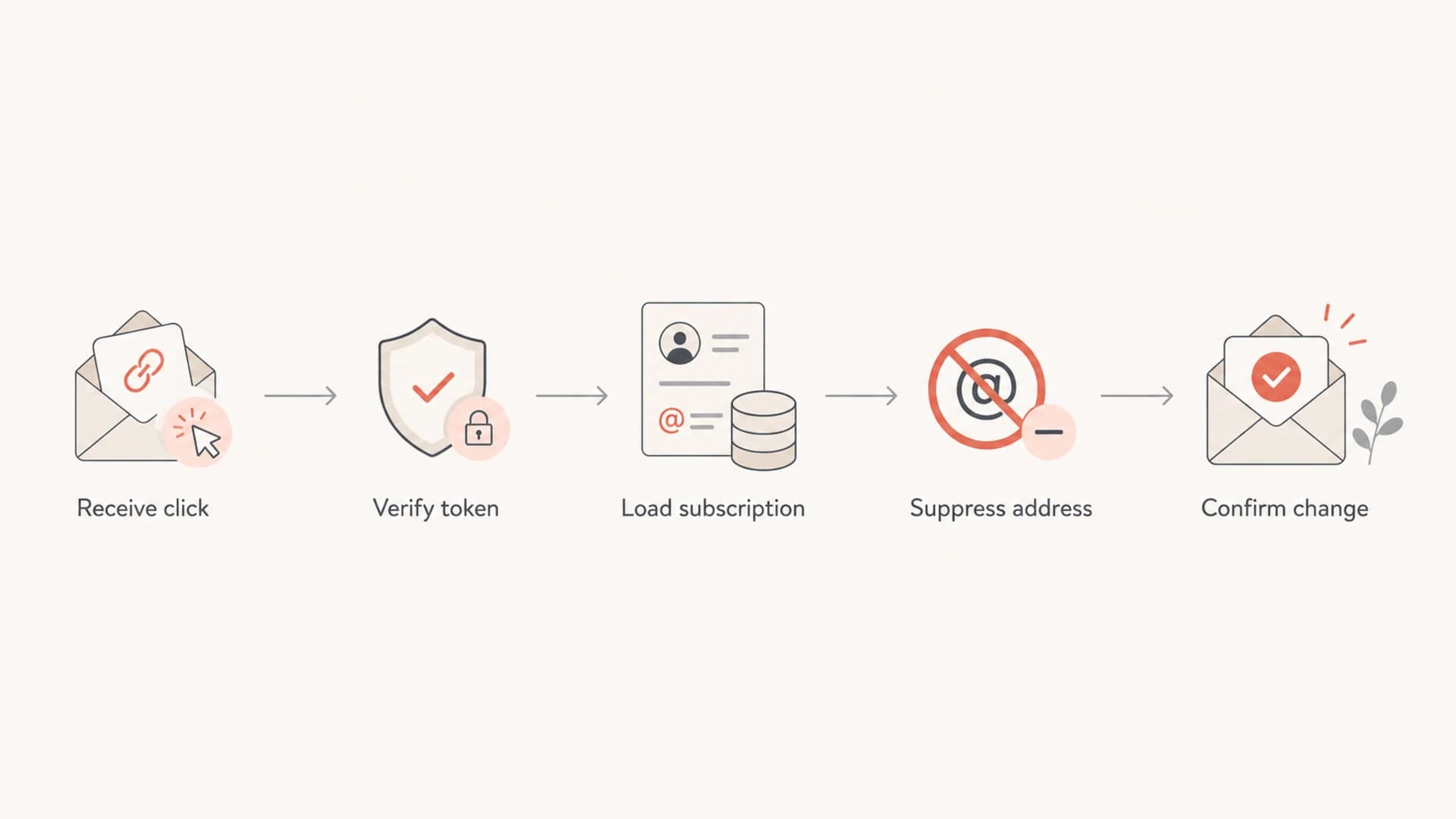
Flowchart showing a tokenized unsubscribe path for a plus-tagged address.
If you also process mailto unsubscribes, do not rely only on the visible From address of the reply. Parse the token if you included one, inspect the original recipient when it is available, and fall back to a support queue when the request is ambiguous. A person replying from the base mailbox can still be unsubscribing a tagged subscription.
Analytics, complaints, and consent
Plus tags can make analytics cleaner if you preserve them. They can also make analytics messy if your reports collapse every address into the base mailbox without telling anyone. Track both views: exact recipient for operational debugging, canonical mailbox for account-level analysis.
|
|
|
|---|---|---|
Delivery issue | Yes | Sometimes |
Preference change | Yes | Policy-based |
Account lookup | Helpful | Yes |
Complaint review | Yes | Helpful |
Keep operational and aggregate reporting separate.
For compliance, keep the unsubscribe event tied to the subscription that received the message. If your policy requires a global opt-out, apply it deliberately and record that it was global. Do not let a normalization shortcut make that decision for you.
A useful rule for support teams
When a person says "I unsubscribed but still get email," search for the base mailbox and all plus-tagged variants. Most confusion comes from more than one subscription record, not from the plus sign itself.
Testing before you rely on tags
Test plus-tagged addresses as a complete lifecycle, not as a one-time signup check. I test signup, confirmation, list membership, campaign send, bounce processing, preference changes, one-click unsubscribe, mailto unsubscribe, support lookup, and analytics export.
A real message test is better than a form-only test because it catches header, authentication, and rendering issues at the same time. Suped's email tester is useful here: send a message to the generated address, then inspect authentication results, headers, content signals, and deliverability issues in one place.
Email tester
Send a real email to this address. Suped opens the report when the test is ready.
?/43tests passed
Preparing test address...
Plus tags do not change DMARC domain matching, but broken authentication still hurts subscription mail. Use Suped's domain health checker for a broad check of DMARC, SPF, and DKIM, then use DMARC monitoring to see whether real subscription traffic passes authentication over time.
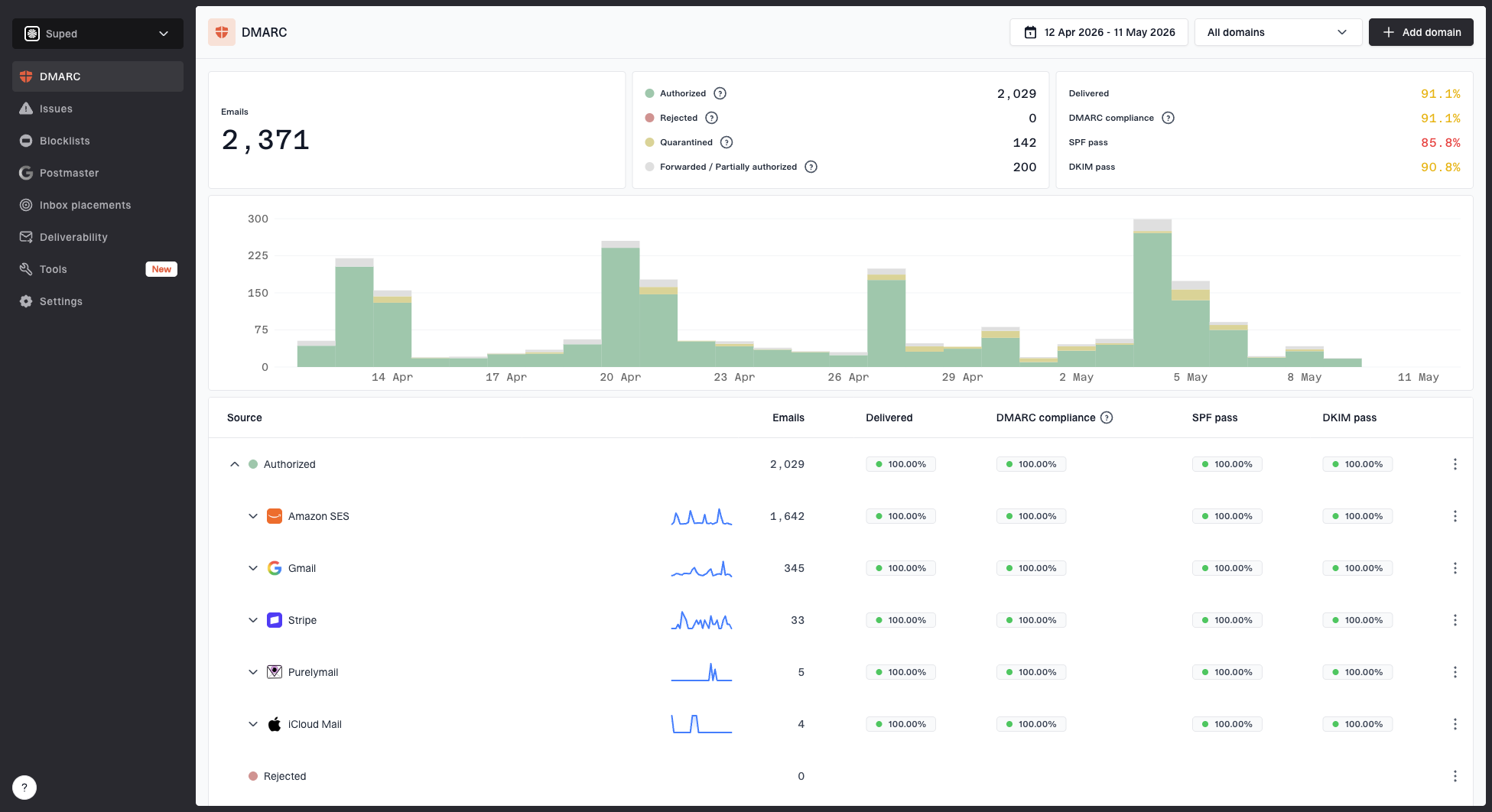
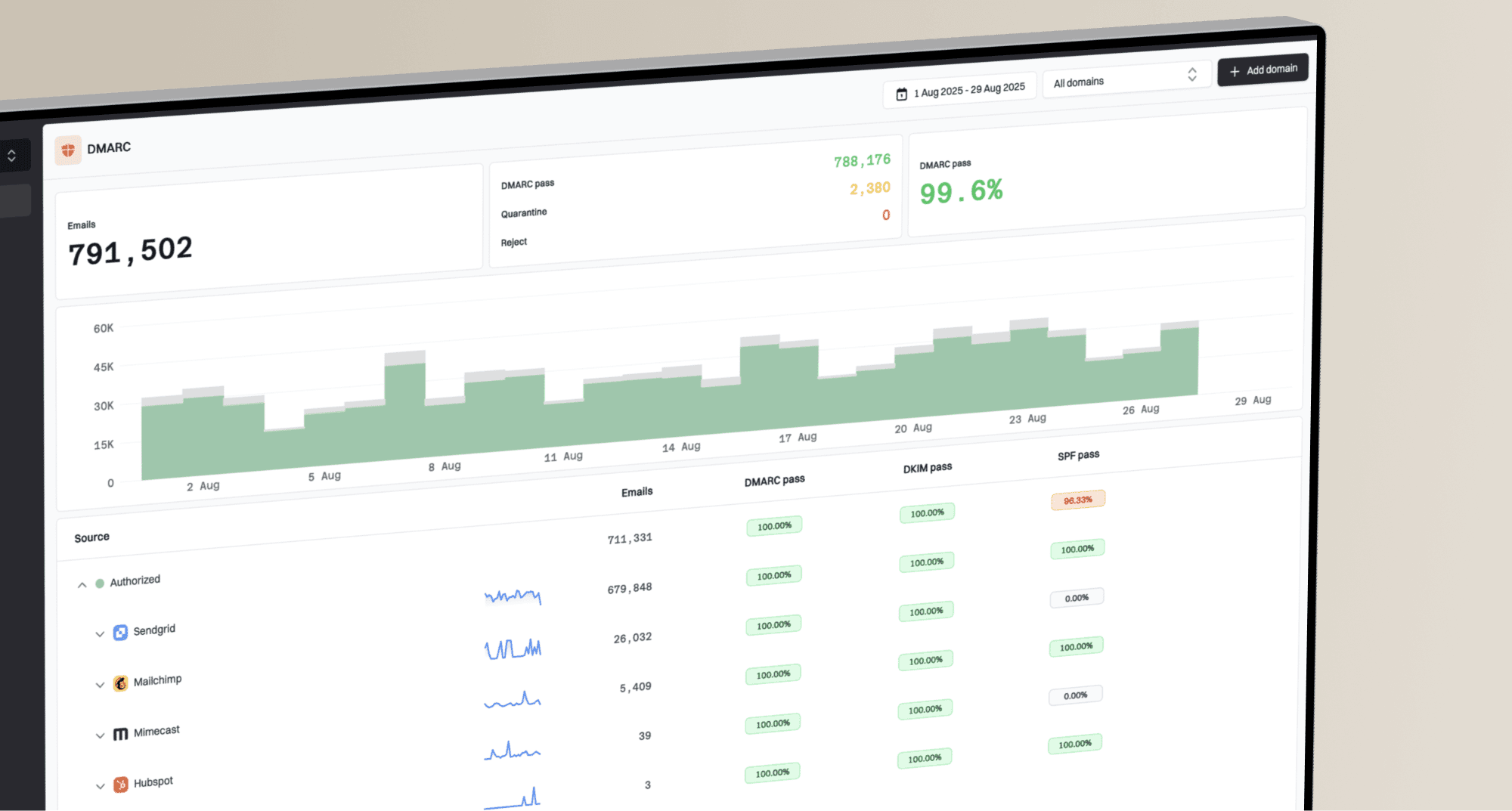
Suped DMARC dashboard showing email volume, authentication health, and source breakdown
Where Suped fits is the operational layer around sending. It brings DMARC, SPF, and DKIM monitoring together with automated issue detection, real-time alerts, hosted DMARC, hosted SPF, hosted MTA-STS, SPF flattening, blocklist (blacklist) monitoring, and multi-tenant reporting for teams managing many domains. That does not replace correct subscription logic, but it does make it easier to spot authentication and reputation problems before they affect a large list.
Edge cases to handle
The most common mistakes happen at boundaries: validation libraries, identity systems, support tools, and exports. The email address that your form accepts must be the same address your mail system, preference center, and data warehouse understand.
- Validation: Do not reject plus signs with a custom regular expression copied years ago.
- Account merging: Ask before merging tagged addresses into one identity, especially for workspaces.
- CSV exports: Preserve the plus sign and avoid spreadsheet formulas that alter local parts.
- Bounces: Suppress the exact recipient first, then apply account-level rules if needed.
- Complaints: Retain the original recipient so abuse reviews can connect the complaint to the send.
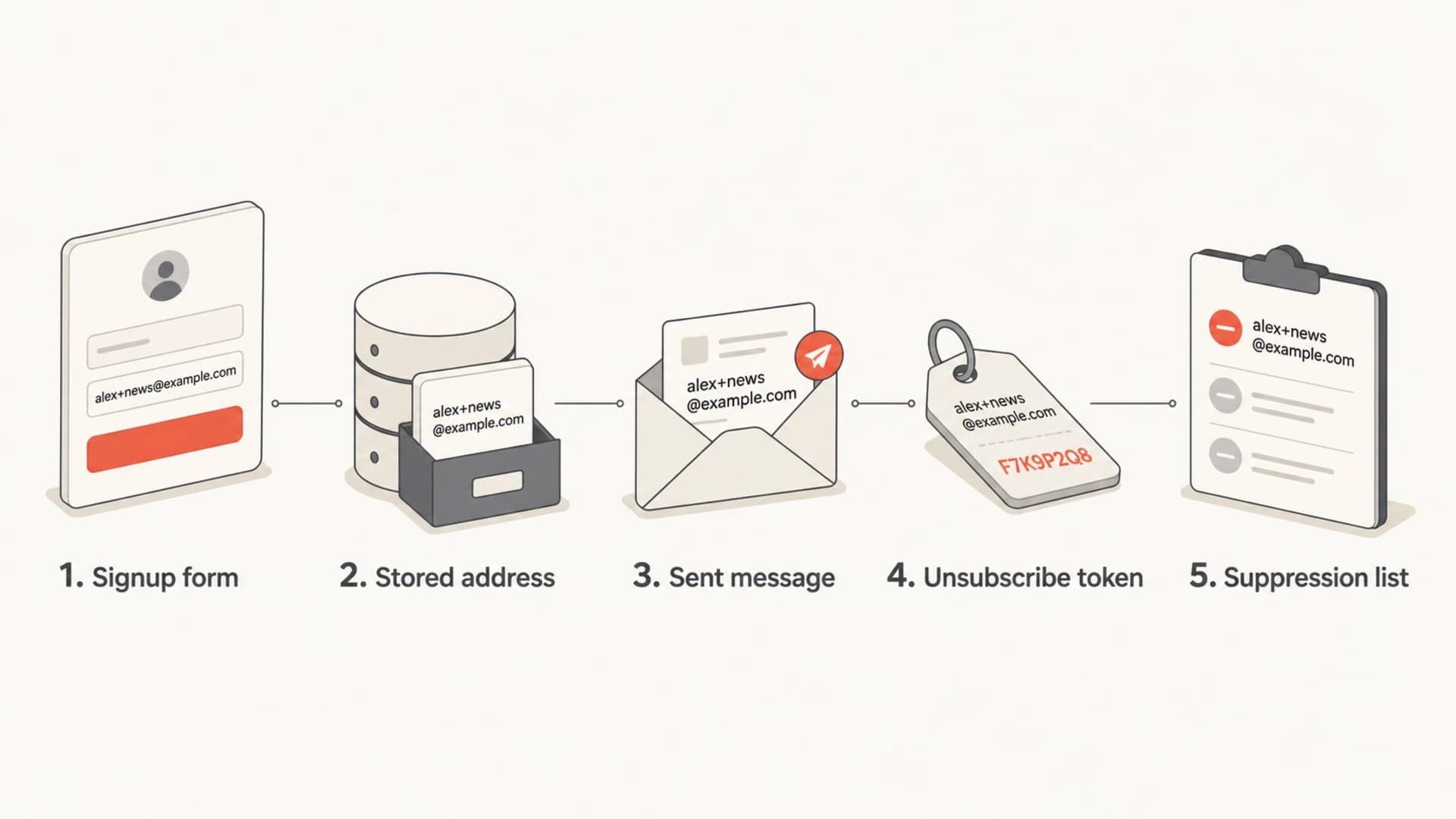
Infographic showing a plus-tagged address preserved across signup, sending, and unsubscribe steps.
The test I trust is simple: subscribe with one tagged address, subscribe with a second tag, unsubscribe the first tag, then confirm the second still receives mail unless the user selected a global opt-out. If that works, the core model is sound.
Views from the trenches
Best practices
Store the exact plus-tagged address and use a server token for unsubscribe actions.
Show the subscribed address in the footer so users know which tag they will remove.
Test signup, analytics, delivery, replies, bounces, and unsubscribes as one flow.
Common pitfalls
Stripping plus tags before lookup can unsubscribe the wrong list or account record.
Old validators often reject valid tagged addresses and silently lose high-intent signups.
Support searches fail when systems store only the base mailbox after the signup event.
Expert tips
Keep canonical email as a helper field, not the source of consent truth for tags.
Use exact-address suppression first, then apply global opt-out by explicit policy.
Add tagged test addresses to regression tests for every subscription and consent flow.
Marketer from Email Geeks says senders should test subscribing, sending, analytics, and unsubscribing with plus-tagged addresses because more users will rely on them as provider support expands.
2024-04-18 - Email Geeks
Marketer from Email Geeks says plus addressing has existed for years, but public provider changes can still create a wave of new usage that exposes weak signup and unsubscribe logic.
2024-05-09 - Email Geeks
The practical setup
The answer is to treat plus-tagged addresses as first-class subscription addresses. Accept them, preserve them, send to them, display them, and unsubscribe the exact record they belong to. Use canonicalization only as a secondary view for matching and support.
The best implementation has a tokenized unsubscribe link, a visible subscribed-address footer, exact-address suppression, and a deliberate global opt-out path. After that, test the whole flow with real tagged addresses and monitor authentication so your subscription program does not fail for reasons unrelated to the tag.