How to prevent BIMI and Apple Branded Mail logos from displaying on subdomains without affecting deliverability?

Published 5 Jul 2025
Updated 6 Aug 2026
11 min read
Summarize with
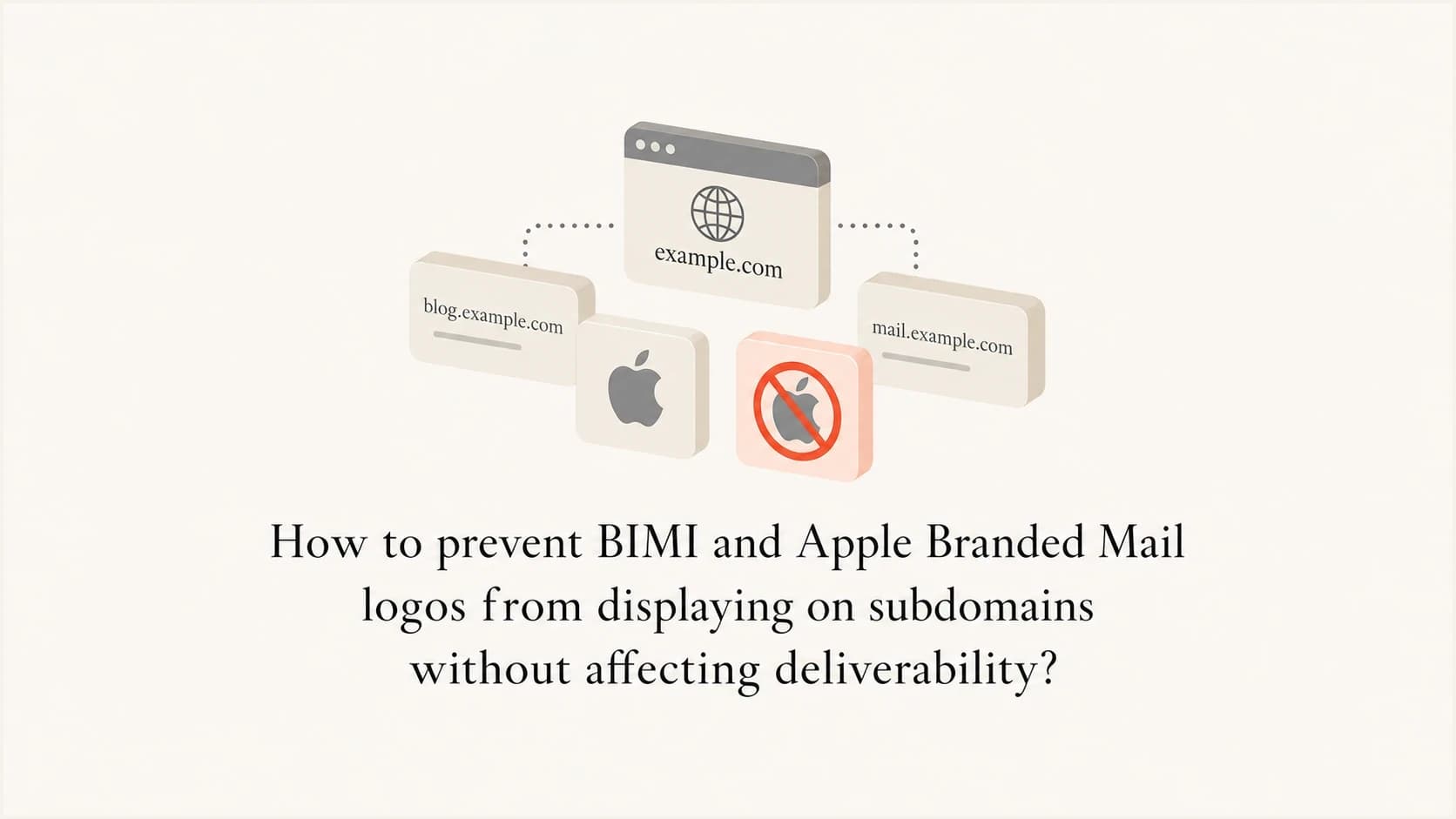
Updated on 3 Sep 2026: We clarified how to suppress inherited BIMI logos and prevent Apple branding from covering unintended subdomains.
The direct answer is yes for BIMI: publish a BIMI declination record on each subdomain where the root-domain logo should not display. The record v=BIMI1; l=; a=; says that this DNS name declines to publish a BIMI indicator. This record does not harm deliverability because mailbox filtering decisions still depend on authentication, reputation, user engagement, and policy signals, not on whether a logo was displayed.
Apple Branded Mail needs a different scope strategy. Apple Business, formerly Apple Business Connect, documents root-domain approval as covering that domain and its subdomains, and it does not document a negative child-subdomain exception. To keep selected subdomains unbranded, approve only the specific subdomains or email addresses that should show the logo instead of approving the root domain and all its descendants.
- BIMI: Publish a declination record on the subdomain that must not inherit the logo.
- Apple: Use subdomain-only or address-only approval when root-wide branding is too broad.
- Deliverability: Keep SPF, DKIM, DMARC alignment, sending reputation, and complaint control intact.
The BIMI declination record
BIMI has a specific answer for this case. If the organizational domain has a default BIMI indicator and a subdomain should not publish or display that indicator, place an empty l= value on the subdomain's BIMI assertion record. The current BIMI draft defines the record as an explicit declination when both l= and a= are empty.
Safe BIMI suppression pattern
Use a blank BIMI assertion only at the subdomain labels that must suppress logo display. Do not change SPF, DKIM, MX, return-path, or DMARC records to solve a logo-display problem.
BIMI declination recorddns
default._bimi.client.example.com. IN TXT "v=BIMI1; l=; a=;"
That record sits under the BIMI namespace for the subdomain, not at the root of the subdomain itself. For mail using client.example.com, the BIMI lookup target is default._bimi.client.example.com. That is where the declination belongs.
Root domain with logo and subdomain without logodns
default._bimi.example.com. IN TXT (
  "v=BIMI1; "
  "l=https://brand.example/logo.svg; "
  "a=https://brand.example/vmc.pem"
)

default._bimi.client.example.com. IN TXT "v=BIMI1; l=; a=;"
A BIMI declination is not a negative reputation signal by itself. It tells a BIMI-aware receiver to stop BIMI processing for that identity, although the receiver always controls final display. Check the related DMARC checker output before and after the change because logo suppression can be confused with authentication changes during a DNS rollout.
Why deliverability stays intact
Deliverability does not improve or degrade just because a BIMI logo appears. BIMI depends on a strong DMARC posture, but the logo layer is separate from acceptance, inbox placement, and spam-folder placement. A receiver can accept a message, authenticate it, and decide not to show a logo.
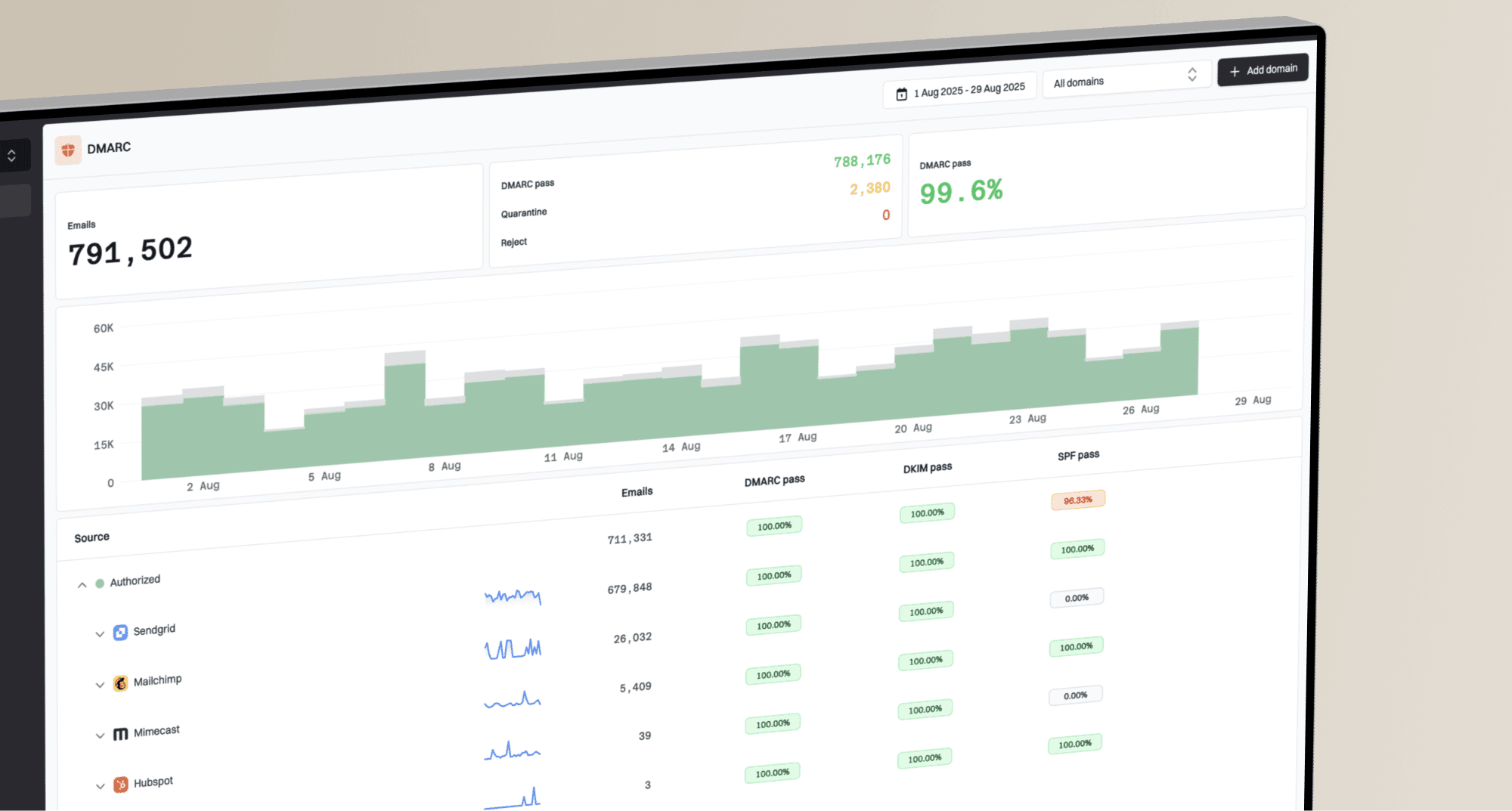
The practical risk is accidental collateral damage: changing the wrong TXT record, weakening the subdomain's DMARC policy, breaking DKIM signing, or creating an SPF lookup problem while editing DNS. Suped's DMARC monitoring product tracks authentication sources across the root domain and subdomains, then turns failures into specific remediation steps instead of leaving teams to interpret raw aggregate XML.
?
What's your domain score?
Deep-scan SPF, DKIM & DMARC records for email deliverability and security issues.
For a fast before-and-after check, start with the domain health checker. Check whether DMARC remains enforced, whether SPF and DKIM are present, and whether the sending identity still has a coherent authentication chain after the DNS change.
What filters care about
- Authentication: SPF, DKIM, and DMARC must pass with the right domain alignment.
- Reputation: The sending IP, domain, complaint rate, and engagement history still matter.
- Policy: DMARC enforcement and subdomain policy must match the sending model.
What logo systems control
- BIMI display: The receiver decides whether to display the published brand indicator.
- Apple display: Apple Business controls logo display in Mail and iCloud Mail.
- No-logo state: Suppressing a logo is separate from suppressing mail delivery.
How BIMI inheritance works
BIMI lookups are tied to the domain identity that passed DMARC. If a subdomain sends mail and has its own BIMI assertion, receivers evaluate that assertion for the subdomain. If no applicable assertion exists on the subdomain, the BIMI lookup can fall back to the organizational domain. A subdomain declination stops that fallback for the selected identity.
That matters in B2B2C setups. The parent company can own example.com and run client mail through client.example.com. If the root-domain logo appears on client traffic, recipients see the wrong brand. Keep DMARC intact and publish an explicit BIMI decline at the client subdomain. For more detail on lookup behavior, see subdomain BIMI display.
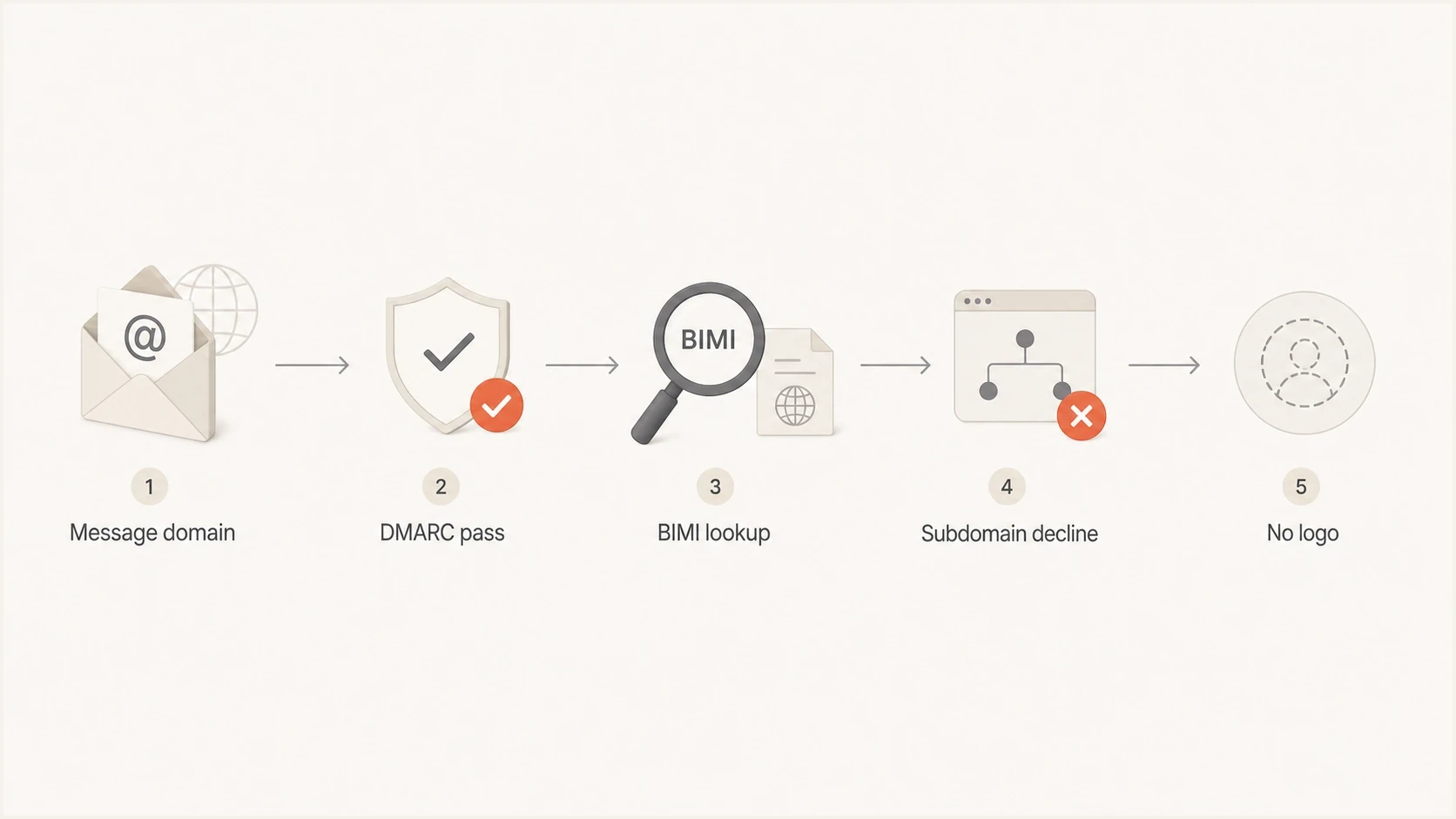
Flowchart showing BIMI lookup ending in a subdomain declination and no logo.
Explicit records remove ambiguity. If a subdomain sends mail on behalf of a client, its DNS should state exactly what that subdomain publishes. The parent can keep the logo on root-domain mail while the client subdomain declines BIMI display.
Do not solve this with weak DMARC
Changing p=reject or sp=reject to stop a logo is the wrong control. Handle logo display through BIMI or Apple branding settings while DMARC continues protecting the domain.
How Apple Branded Mail differs
Apple Branded Mail uses Apple Business. The brand owner verifies the business and sending scope, submits the brand and logo for approval, and controls display in the Mail app on supported Apple devices and in iCloud Mail on the web. BIMI is DNS-first; Apple Branded Mail is account-first with DNS verification.
A blank or fake Apple TXT record is not a suppression mechanism. Apple verification TXT values prove control of a domain, and Apple does not define an empty value as an opt-out. Apple also requires customer email to authenticate with DKIM; SPF-only authentication is unsupported. Keep DMARC and aligned DKIM working while changing the Branded Mail scope.
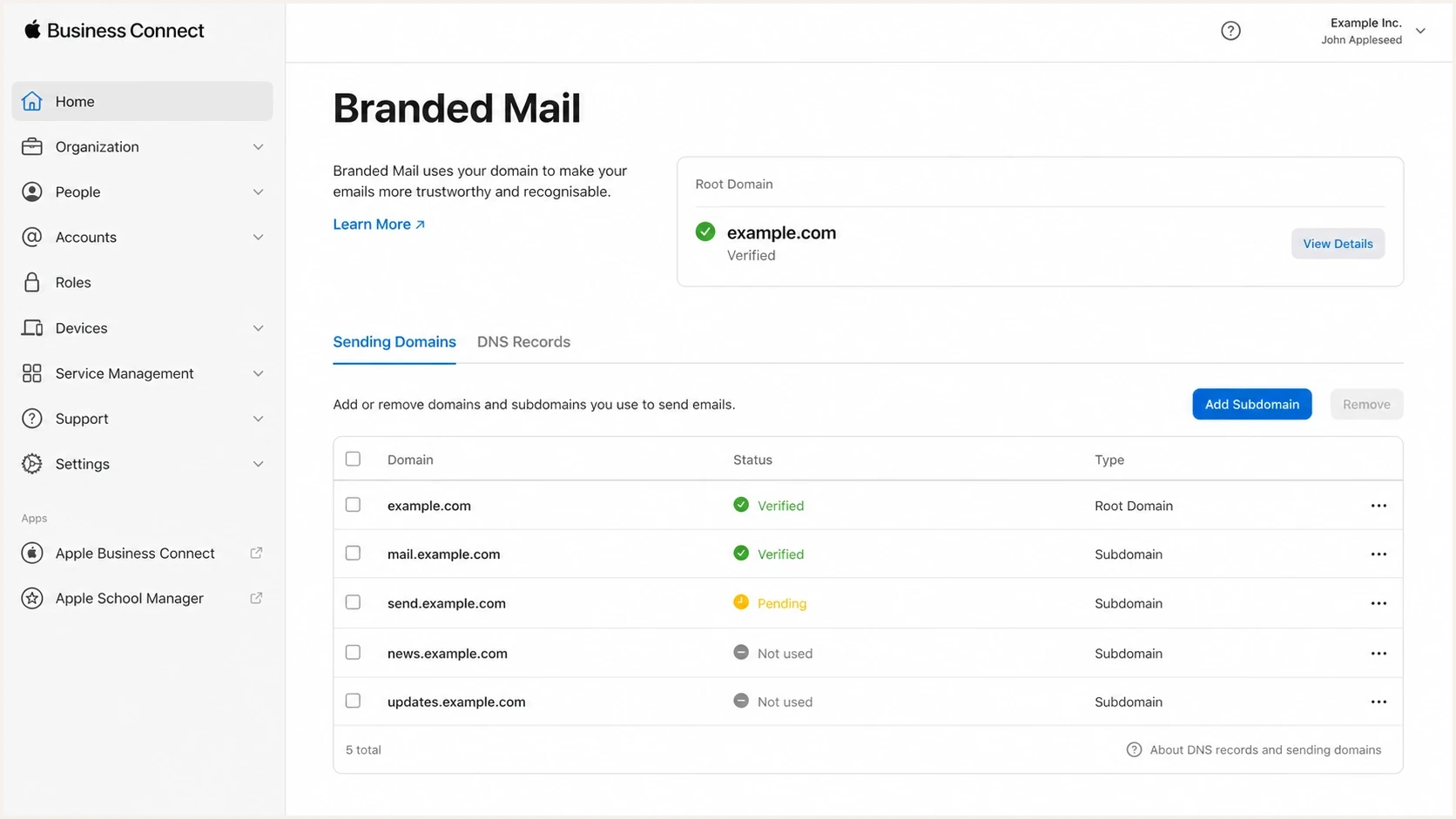
Apple Business Connect Branded Mail screen for managing root domains and subdomains.
Apple's Branded Mail instructions explain domain, subdomain, and address-level setup. The separate comparison of BIMI and Apple covers the operational differences between the two systems.
BIMI
- Control plane: DNS records under the BIMI namespace.
- Opt-out method: A valid declination record with empty logo and evidence tags.
- Risk area: Wrong DNS name, broken assertion syntax, or weak DMARC enforcement.
Apple Branded Mail
- Control plane: Apple Business domain and brand settings.
- No-logo method: Approve only the subdomains or addresses that should show the logo.
- Risk area: Root-domain approval includes subdomains and can make the scope too broad.
How to prevent Apple logo spillover
Apple's domain structure uses positive scopes. Adding example.com allows that domain and any subdomain to use Branded Mail. Adding members.example.com limits the scope to that subdomain, while adding billing@example.com limits it to one address. Apple's current instructions do not describe a child-subdomain exclusion that overrides an approved root domain.
- Inventory the senders: List each root address and subdomain that should display the Apple logo.
- Replace a broad scope: Remove the root-domain entry, then add only the approved subdomains or specific root-domain addresses.
- Complete verification: Publish each TXT value within Apple's 14-day window and allow up to seven working days for brand review.
- Plan for the limit: A brand can contain no more than 100 combined domains, subdomains, and email addresses.
Removing DNS alone is not the control
Remove the domain or address from the brand inside Apple Business. Apple says this removes the brand name and logo from future email for that scope. Re-adding it later requires a new TXT verification value.
A practical B2B2C rollout pattern
In a B2B2C model, separate authentication control from brand-display control. The platform owner should keep the domain family authenticated and monitored. Each client-facing subdomain should then have a deliberate branding state: the client's BIMI logo, a BIMI declination, or no Apple Branded Mail approval.
|
|
|
|
|---|---|---|---|
BIMI | Logo | Decline | Publish |
DMARC | Enforced | Aligned | Monitor |
Apple | Specific addresses | Not added | Scope |
Reports | Central | Segmented | Track |
A compact control map for a root domain and client subdomains.
Suped is a DMARC reporting and email authentication platform. It centralizes DMARC, SPF, DKIM, policy management, alerts, and multi-tenant workflows. In this pattern, use Suped to monitor authentication across the root domain and client subdomains while BIMI and Apple settings remain separate.
DMARC record detail view showing SPF, DKIM, DMARC, rDNS diagnostics, and DNS records
If DNS access is distributed across several teams, Suped's Hosted DMARC workflow can simplify policy staging and reduce change mistakes. That does not replace BIMI or Apple configuration, but it keeps the authentication foundation stable while the branding layer changes.
What to document per subdomain
- Owner: Which client, business unit, or platform team controls the subdomain.
- Authentication: Which systems send mail and which DKIM domains sign that mail.
- BIMI state: Logo record, declination record, or no published BIMI assertion.
- Apple state: Root-wide, subdomain-only, address-only, pending review, or not configured.
Operational checks before and after suppression
Treat this as a small DNS and account-scope change with a clear rollback plan. Take a snapshot first, publish the subdomain declination or adjust the Apple scope, wait through DNS TTL and provider review, then send real test mail through the affected subdomain.
- Record name: Confirm the BIMI TXT record is under the exact subdomain identity used in DMARC alignment.
- DMARC policy: Confirm the root and subdomain policies still match the enforcement level required for BIMI.
- DKIM signing: Send a message and confirm the aligned DKIM domain passes, as Apple does not support SPF-only authentication.
- SPF path: Confirm the return-path domain and SPF record were not changed during the DNS edit.
- Apple scope: Confirm no approved parent-domain entry still includes the subdomain that should remain unbranded.
- Logo result: Check supporting inboxes after cache expiry and confirm the unwanted logo no longer appears.
DNS names to verifytext
default._bimi.example.com
default._bimi.client.example.com
_dmarc.example.com
_dmarc.client.example.com
The success condition is simple: the subdomain's mail still authenticates, DMARC still passes, the parent logo no longer appears where it should not, and Apple Branded Mail includes only the intended senders.
Risk checks after changing logo controls
Use these bands to decide whether the rollout is healthy or needs rollback.
Healthy
Pass
Authentication still passes and the unwanted logo is gone.
Review
Watch
Logo state is right, but one reporting source shows alignment failures.
Rollback
Fix
Mail authentication changed, or Apple domain approval no longer matches the plan.
Views from the trenches
Best practices
Publish explicit BIMI declinations only on subdomains that must suppress logo display.
Keep DMARC policy and alignment unchanged while adjusting BIMI or Apple logo controls.
Avoid root-wide Apple approval when a client subdomain must remain unbranded in Mail.
Common pitfalls
Teams edit the root BIMI record and remove the logo for every legitimate sender.
Teams weaken subdomain DMARC policy to stop a logo, creating a clear security gap.
Teams assume Apple TXT verification has the same semantics as a BIMI declination.
Expert tips
Document each subdomain's sender, brand owner, BIMI state, and Apple approval state.
Use short TTLs during rollout, then restore normal TTLs once logo behavior is confirmed.
Test with real mail after DNS propagation because inbox logo caches can delay feedback.
Marketer from Email Geeks says an empty BIMI logo value is a valid declination to publish, so BIMI processing should stop for that subdomain.
2025-05-14 - Email Geeks
Marketer from Email Geeks says a blank BIMI declination should not affect deliverability because it only controls logo participation.
2025-05-14 - Email Geeks
Recommended configuration
For BIMI, publish v=BIMI1; l=; a=; on each subdomain that should not display the parent logo. This stops BIMI processing for that identity without touching the authentication records that affect deliverability.
For Apple Branded Mail, do not approve the root domain if any descendant subdomain must remain unbranded. Approve the required subdomains or specific root-domain addresses instead. Keep DMARC and aligned DKIM working throughout the scope change.
For teams with many subdomains, Suped's DMARC monitoring can track authentication results by root domain and subdomain, alert on regressions after DNS changes, and keep client reporting separate. BIMI and Apple branding still require their own DNS and portal changes.