The difference between a blacklist and a blocklist

Published 20 Jun 2025
Updated 21 Sep 2026
10 min read
Summarize with
Updated on 21 Sep 2026: We clarified the related email controls, corrected the DNSBL test example, and tightened the investigation and remediation steps.
A blacklist and a blocklist usually mean the same thing: a list of items that a system should reject, filter, rate-limit, or treat with extra suspicion. In email, both terms usually refer to lists of IP addresses, domains, URLs, or sending infrastructure associated with spam, abuse, malware, poor sending behavior, or a published network policy.
The practical difference is usually wording, not mechanism. Use blocklist in new technical writing because it describes the action directly. Keep blacklist when a receiver, DNSBL, log entry, bounce message, or customer team uses that exact term. Both terms matter in troubleshooting because senders encounter and search for each one.
- Both terms describe a deny-style list used to block, filter, or score traffic.
- Blacklist remains common in DNSBL, RBL, and bounce wording, while blocklist is common in newer documentation.
- Treat a blocklist or blacklist hit as a signal to investigate sender reputation, authentication, complaint sources, and compromised mail streams.
The short answer
Blacklist is the older label. Blocklist is common in newer documentation. In most technical systems, they describe the same control: the listed item is blocked or handled negatively. Blocklist states what the control does without depending on color-based language.
Use the behavior, not only the label
When troubleshooting email, the exact term matters less than the enforcement behavior. A list can reject messages outright, send them to spam, reduce a reputation score, throttle traffic, or feed a receiver's internal risk model.
Blacklist
- This older label remains common in legacy security docs, DNSBL names, RBL reports, and bounce strings.
- The listed item receives negative handling.
- Many senders still search for email blacklist, IP blacklist, or domain blacklist.
Blocklist
- This current label is clear in documentation, user interfaces, engineering tickets, and policy documents.
- The listed item receives negative handling.
- It pairs clearly with allowlist in access control, mail filtering, security reviews, and support guidance.
How the terminology changed
Blacklist and whitelist were common computing terms for decades. Blocklist, block list, denylist, and allowlist are now common alternatives because they describe the action directly. That shift makes tickets and policy documents easier to understand for people who do not work with mail infrastructure every day.
Some teams changed their style guides for inclusion reasons too. That is a valid reason, but it is not the only reason to use blocklist. The word is technically clear. A blocklist blocks; an allowlist allows. Different style guides choose blocklist or block list, so pick one spelling for your own documentation and preserve the spelling used in quoted evidence.
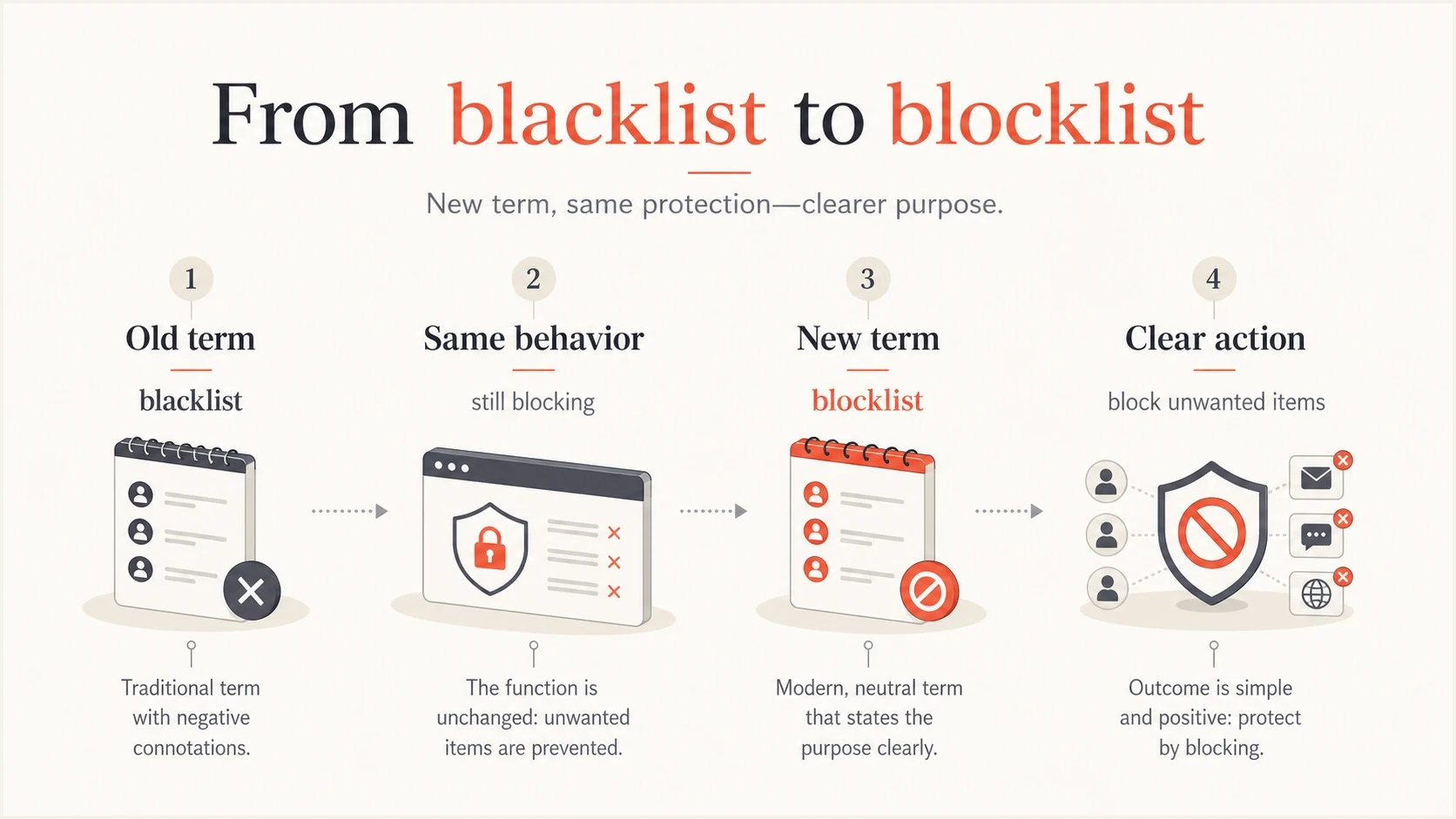
Infographic showing blacklist and blocklist as different terms for the same blocking behavior.
Do not force a terminology debate when the immediate problem is deliverability. If a bounce says blacklist, quote the bounce accurately. When writing a new runbook or UI label, use blocklist. That keeps communication accurate without confusing the person trying to fix mail flow.
How blocklists differ from allowlists and greylists
Denylist is another synonym for blacklist or blocklist. Allowlist and greylisting describe different controls. An allowlist gives listed items permission or preferred handling, while greylisting temporarily defers an unfamiliar SMTP attempt so a legitimate sending server can retry. The receiving system's policy still decides the final action.
|
|
|
|---|---|---|
Blacklist, blocklist, or denylist | Apply a negative policy | Reject, defer, filter, throttle, or add a negative score |
Allowlist | Permit or give preferred handling | Accept or continue evaluation under the receiver's policy |
Greylisting | Temporarily defer an unfamiliar SMTP attempt | A conforming sending server retries and the receiver reevaluates the message |
How related access and email controls differ
The list name does not set the outcome
A blocklist match can be one input in a scoring model rather than an automatic rejection. An allowlist entry also does not guarantee inbox placement because authentication, content, and recipient rules can still affect delivery.
What it means in email
In email, a blacklist or blocklist is usually a reputation or policy data source. It tells receiving systems that a sending IP, domain, URL, or other identifier has been associated with risky behavior or fits a published category, such as a network range not intended to send mail directly. That does not mean every mailbox provider rejects the message. It means the listing adds evidence to the receiver's decision.
A public DNSBL lookup can return a loopback code such as 127.0.0.2, but the exact code and reason depend on the list operator. The same address is the required positive test entry for IPv4 DNS-based lists, so it is not a universal abuse category. A private receiver list often has no public lookup. Read a blacklist or blocklist result alongside delivery symptoms, bounce codes, spam placement, authentication results, and recent campaign behavior.
|
|
|
|---|---|---|
IP | Observed abuse or network policy | Reject, defer, or score |
Domain | Domain reputation or policy | Lower trust or filtering |
URL | Linked content reputation | Content filtering |
Sender identity | Local complaints or receiver rules | Rate limit or filter |
Common email blacklist and blocklist objects
For the broader foundation, start with email blocklists. The core idea is simple: receivers use reputation and policy signals to decide how to handle a message.
Example DNSBL test lookuptext
Query: 2.0.0.127.dnsbl.example
Result: 127.0.0.2
Meaning: the DNSBL's required IPv4 test entry responded
Action: for a real lookup, read the operator's result code and policy details
Blocklist, DNSBL, and RBL are related terms
Blacklist and blocklist are broad terms for deny-style lists. A DNSBL is a list with a DNS-based query method. RBL is still used informally for DNS-based email reputation lists, but it originated as the name of a specific early list, so DNSBL is the more precise generic term.
|
|
|
|---|---|---|
Blacklist or blocklist | Generic deny-style list | Public or private |
DNSBL | DNS-queryable reputation or policy list | Queried through DNS |
RBL | Informal legacy label with a specific origin | Often implemented through DNS |
Internal list | Receiver-owned reputation data | Usually not public |
How common email list terms differ
When a bounce names a DNSBL or RBL, match that exact name and response code to the operator's policy. When no public blacklist or blocklist explains the rejection, the receiver can still be enforcing an internal list or reputation rule.
How it affects deliverability
A listing can hurt deliverability, but the severity depends on the list, the listed object, the receiver, and the sending pattern. A minor IP listing on a low-impact public list is different from repeated hard bounces at a major mailbox provider. A domain blocklist hit attached to URLs in the message body can affect multiple sending streams, even if the mail comes through different IPs.
A policy listing can identify a dynamic or residential network range that should not send mail directly, so a listing does not always mean your organization sent spam. Read the operator's category and policy before deciding what the result proves.
The worst mistake is treating every blacklist or blocklist hit as a delisting form problem. Delisting without fixing the cause only buys a short pause. Identify what changed: a new sending source, a compromised account, spam-trap hits, a broken unsubscribe process, old or unwanted contacts, failed authentication, or a sudden jump in volume.
For a shared IP address, confirm that the affected mail came from your stream and ask which sending provider controls remediation. Another sender can cause the IP blacklist or blocklist event, while your domain and content still need separate checks.
How to triage a listing
Use impact and symptoms to decide how fast to act.
Monitor
Low
One low-impact signal and no delivery symptoms
Investigate
Medium
Repeated listings, spam placement, or complaint increase
Fix now
High
Hard bounces, receiver blocks, abuse evidence, or multiple affected streams
When a domain is blocklisted, check the domain used in the visible From address, tracking links, Return-Path, DKIM signature, and hosted images. Mail filters can judge all of those identifiers.
How to check and respond
Start with evidence, not panic. Record the exact bounce, listed object, list operator, listing category, time the issue started, affected mail stream, and observed delivery result. Compare that evidence with DMARC, SPF, DKIM, complaint, and bounce data.
A broad domain health checker is useful when you need to confirm whether DNS authentication and reputation basics are clean. For inbox-level evidence, send a test email and inspect authentication, content, and placement signals together.
Blocklist checker
Check your domain or IP against 144 blocklists.







- Copy the exact bounce and identify the IP, domain, URL, or sender identity that is listed.
- Read the list operator's category, evidence, and removal policy before assuming the cause.
- Compare the listing time with campaign sends, provider changes, DNS changes, and abuse reports.
- Confirm whether the infrastructure is dedicated or shared and who controls remediation.
- Remove the cause by stopping bad traffic, correcting authentication, cleaning recipient data, or isolating a compromised sender.
- Request removal only when the operator provides a process, then watch new mail, bounce trends, DMARC results, and listing status.
How Suped connects blocklist and authentication data
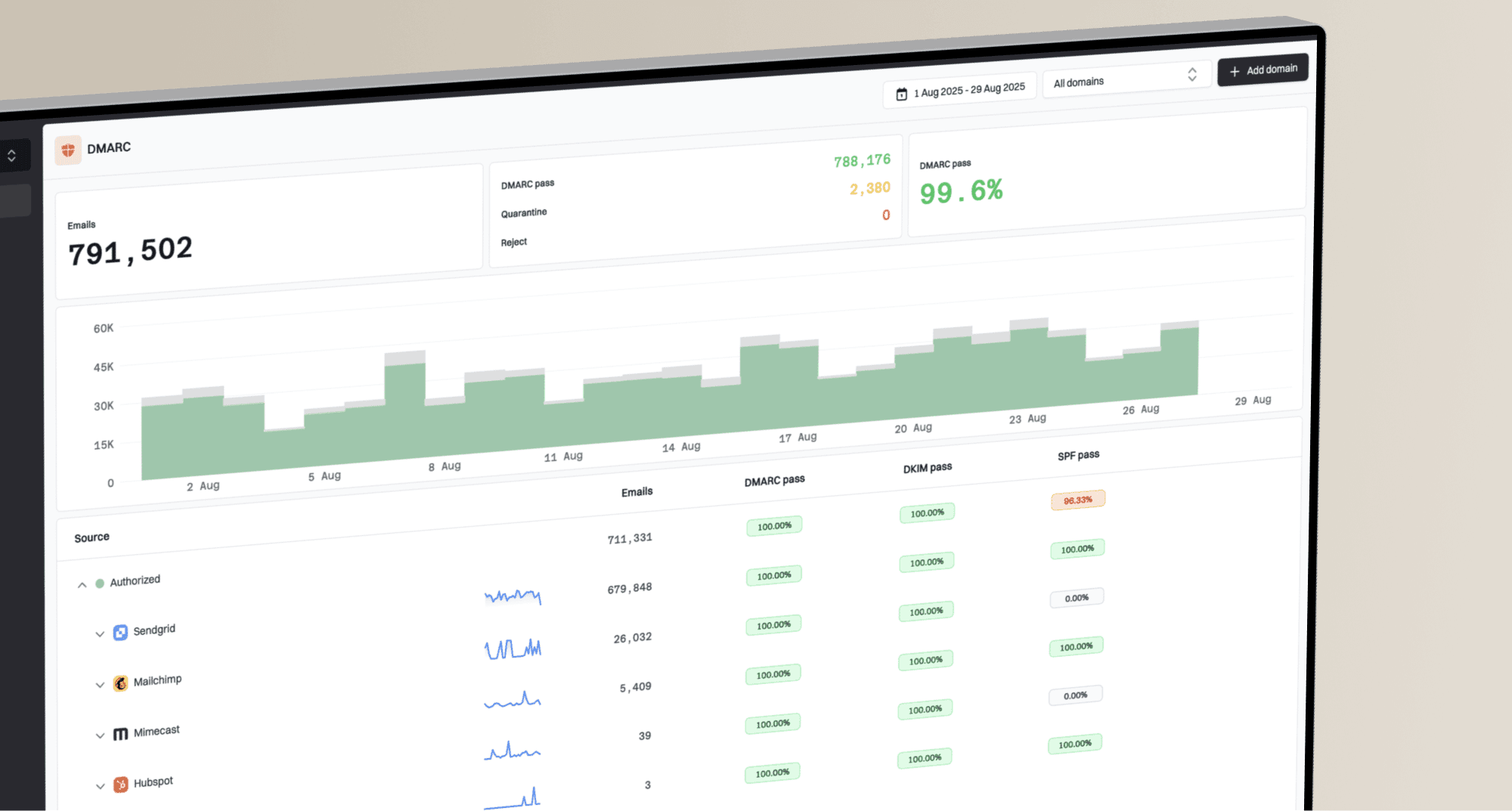
Suped is our DMARC and email authentication platform. Suped's blocklist monitoring sits alongside DMARC source data, SPF and DKIM checks, and deliverability signals. A team can use the same workflow to confirm the alert, identify the listed object, review which sources sent mail, and verify authentication after remediation.

Blocklist monitoring page showing domain and IP checks across blocklists with importance and status
A blacklist or blocklist check identifies the listed object. DMARC aggregate data can map a domain to observed sending sources and authentication results, but it cannot prove why every listing occurred. Use it to separate an unauthorized sender or authentication change from an IP range policy or provider-controlled shared IP event.
Manual response
- Run separate lookups for DNS, authentication, blocklist status, and bounces.
- Match source records and listing times across separate reports.
- Repeat checks and record the evidence for follow-up.
Suped workflow
- Review DMARC, SPF, DKIM, blocklist status, and source data in one workflow.
- Alerts flag status changes, while source data helps narrow the investigation.
- Reporting keeps the evidence available for remediation and follow-up checks.
Recommended policy wording
For new documentation, use blocklist and allowlist as the primary terms. Include blacklist in parentheses where readers need to match existing industry language. That gives readers clear wording without losing the language they see in older docs, DNSBL results, and search queries.
Example policy wordingtext
Use blocklist and allowlist in new documentation.
Keep blacklist only when quoting an external error or log.
When a listing appears, document the listed object, operator, category, and cause.
Fix the cause before submitting any removal request.
That wording keeps engineers, support, marketing, and leadership on the same page. It also prevents a common incident mistake: arguing about terminology while the real sending issue keeps damaging reputation.
Practical wording rule
Use blocklist for your own systems. Use blacklist when quoting a source that says blacklist. In email deliverability work, pair the wording decision with a clear operational step: check the listed object, find the sending cause, fix it, then verify recovery.
Practical takeaway
Blacklist and blocklist are usually two names for the same deny-style mechanism. Denylist is another direct synonym, while allowlisting and greylisting use different policies. For deliverability, identify what was listed, which policy category applies, and whether receivers are rejecting, throttling, routing to spam, or adding a negative score. Fix the sender behavior or policy mismatch first, then request delisting if the list operator requires it.