Why am I receiving event confirmation emails for events I didn't sign up for?

Michael Ko
Co-founder & CEO, Suped
Published 10 May 2025
Updated 22 May 2026
9 min read
Summarize with
You are receiving event confirmation emails for events you did not sign up for because your address was entered into an event registration flow. The most common causes are list uploads by event organizers, purchased or scraped B2B contact lists, bot submissions, a typo by another person, or targeted nuisance activity. If the emails come from a real event platform and the authentication passes, it usually means the platform sent a legitimate transactional email after someone submitted your address. It does not automatically mean your mailbox or domain was compromised.
I treat this as a signal to investigate, not a reason to panic. A few confirmations across several days usually point to unwanted list use or low-volume B2B spam. A sudden flood across many platforms, password reset emails, calendar invites, account creation emails, or confirmations sent to role addresses such as info@ and sales@ needs closer review because it can indicate list bombing, harassment, or contact harvesting.
- List upload: An organizer imports a spreadsheet of contacts and the event platform sends confirmations or reminders to everyone on it.
- Scraped address: Your public work address appears on a website, conference page, PDF, directory, or old lead list.
- Purchased list: The event organizer bought B2B contacts and used them without consent.
- Bot submission: A script submits real email addresses into forms, often to test forms or create noise.
- Targeted abuse: Someone intentionally registers your address to create annoyance, alerts, or reputational confusion.
Why this happens
Event platforms make registration fast because organizers need a low-friction way to collect attendees. That design also creates a weak point: many flows accept an email address before the recipient proves they control it. Once the address is submitted, the platform sends the confirmation. The platform sees a normal registration event, while the recipient sees an email they never requested.
This is especially common with free events. There is no payment card, no billing address, and often no strong identity check. If a marketer uploads a cold list, or a bot submits addresses to a public form, confirmations can be sent at low volume and still pass through mailbox filters. A public Eventbrite case shows the same basic pattern: a real address is registered for real events by someone else.
|
|
|
|
|---|---|---|---|
One event | Typo | Low | Ignore or cancel |
Many free events | Cold list | Medium | Report sender |
Role address | Scraping | Medium | Add filtering |
Large burst | List bombing | High | Escalate |
Fake sender | Spoofing | High | Check DMARC |
Common causes and the first response.
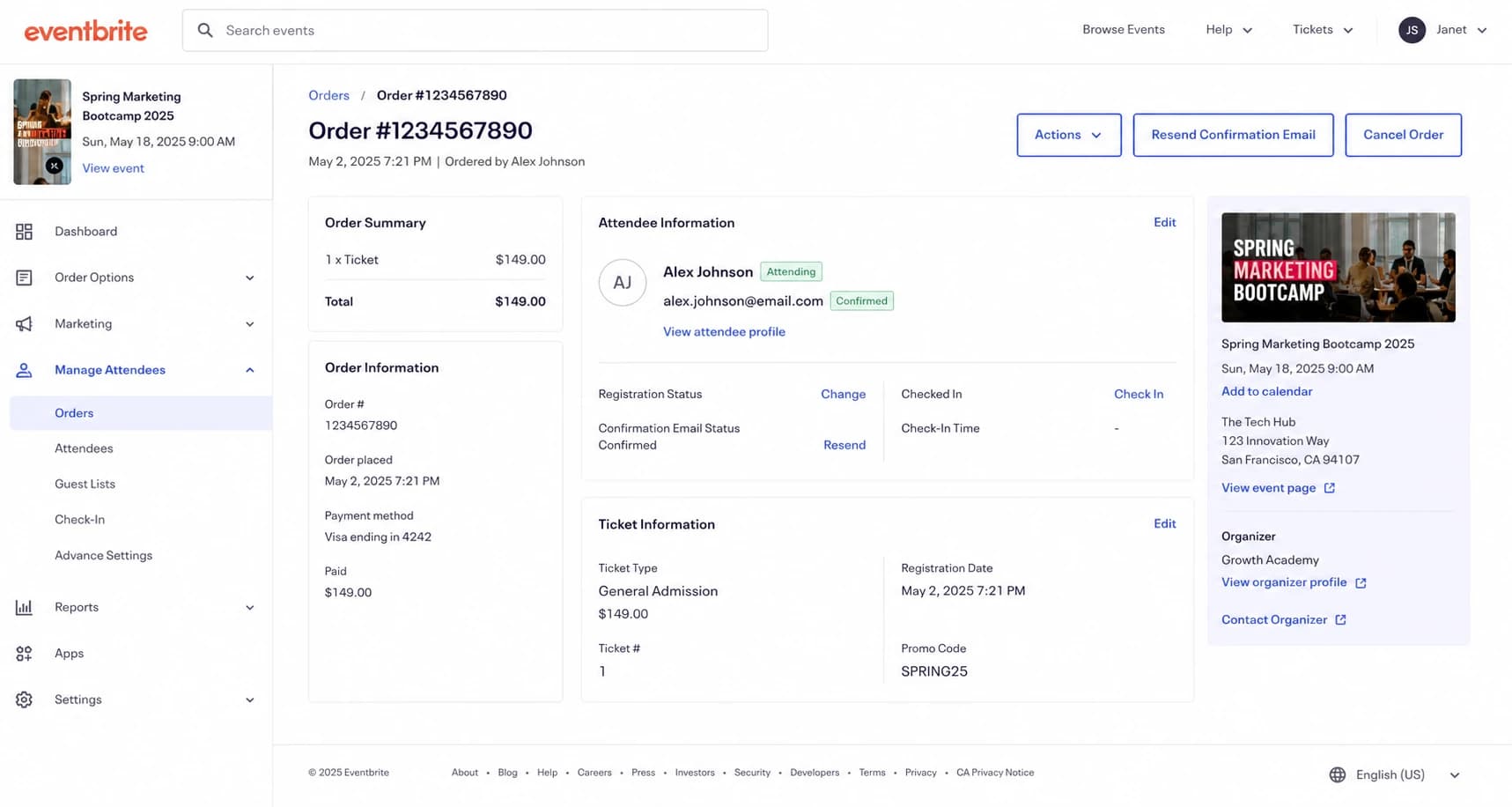
Eventbrite attendee registration screen showing a confirmed registration.
When it becomes a security issue
The dividing line is volume, variety, and intent. Three unexpected confirmations in five days is annoying, but it is usually not enough to prove a security incident. I worry more when the same address gets registrations across many unrelated services, when several employees receive them at the same time, or when the messages are mixed with login prompts, password resets, subscription notices, and payment receipts.
Confirmation volume risk
Use this as a triage guide, not a hard security rule.
Low
1-2
A small number of unrelated confirmations.
Review
3-10
Several messages in a short window or to role addresses.
Escalate
10+
A burst across platforms, staff, or business units.
Do not click every confirmation link
If the message looks unexpected, review the sender, return path, and links before clicking. Use the event platform's website directly if you need to cancel or report the registration. Clicking every link trains attackers that the address is live, and it can trigger more automated mail.
Mailbox compromise has a different pattern. If the event confirmations are the only odd activity and your account has no new forwarding rules, no unknown logins, and no sent mail you do not recognize, compromise is less likely. Still, I check account activity and MFA status because that takes minutes and removes doubt.
How to inspect one of the messages
The fastest technical check is the full header. I look for whether the visible sender domain, return path, and authentication results point to a real platform. If SPF, DKIM, and DMARC pass for the platform domain, the message was probably generated by the platform after a registration. If the domains fail or do not match the visible sender, treat it as suspicious.
Header fields to reviewtext
From: Event Platform <no-reply@eventplatform.example>
Reply-To: organizer@example.com
Return-Path: bounces@eventplatform.example
Authentication-Results: mx.example;
  spf=pass smtp.mailfrom=eventplatform.example;
  dkim=pass header.d=eventplatform.example;
  dmarc=pass header.from=eventplatform.example
- Visible sender: Check whether the From domain is the event platform or the organizer.
- Return path: Check whether bounces go to the platform's mail system, not a random domain.
- Authentication: Look for spf=pass, dkim=pass, and dmarc=pass in the receiving system's results.
- Reply address: A human organizer address often explains who imported or submitted the contact.
If your own organization sends event confirmations too, run an outgoing sample through the email tester to confirm your legitimate mail passes authentication and does not look like the noisy mail you are trying to avoid.
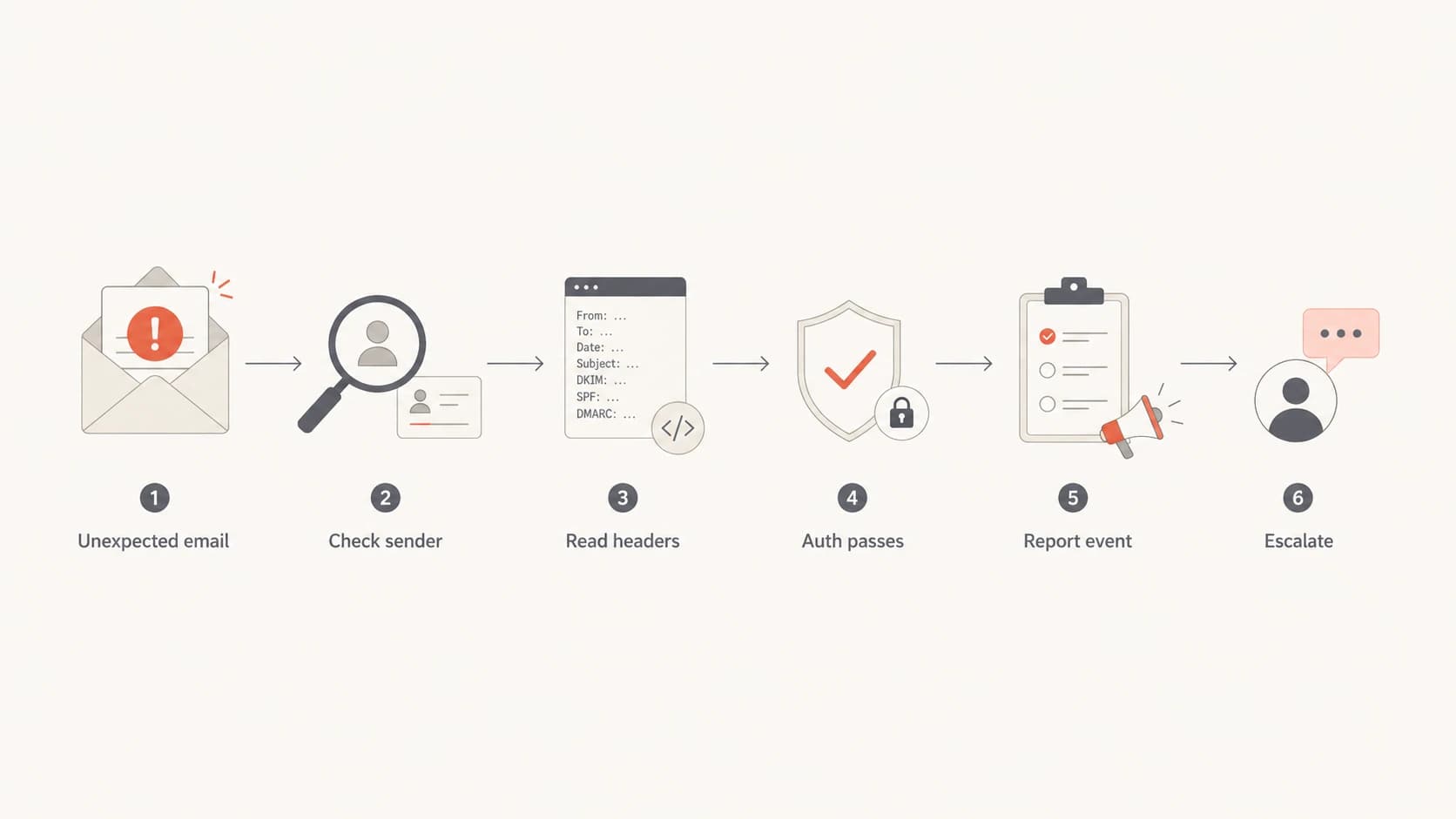
Flowchart for checking an unexpected event confirmation email.
Check your own domain and reputation
Unexpected confirmations usually involve your address as the recipient, not your domain as the sender. Still, a short domain check is useful when the messages mention your company, use role addresses, or arrive alongside bounce messages. I check whether the domain has SPF, DKIM, and DMARC set up correctly, whether unknown sources are sending as the domain, and whether the domain or sending IPs appear on a blocklist or blacklist.
For ongoing protection, DMARC monitoring shows who is sending mail for your domain. A one-off domain health check catches missing records and syntax mistakes. If your team sends mail at scale, blocklist monitoring helps you spot blacklist and blocklist issues before they become deliverability problems.
?
What's your domain score?
Deep-scan SPF, DKIM & DMARC records for email deliverability and security issues.
The important question is simple: are these confirmations just arriving at your address, or is someone using your domain to send mail? Those are different problems. Recipient abuse is handled with filters, reports, and privacy controls. Sender abuse is handled with authentication, monitoring, and policy enforcement.

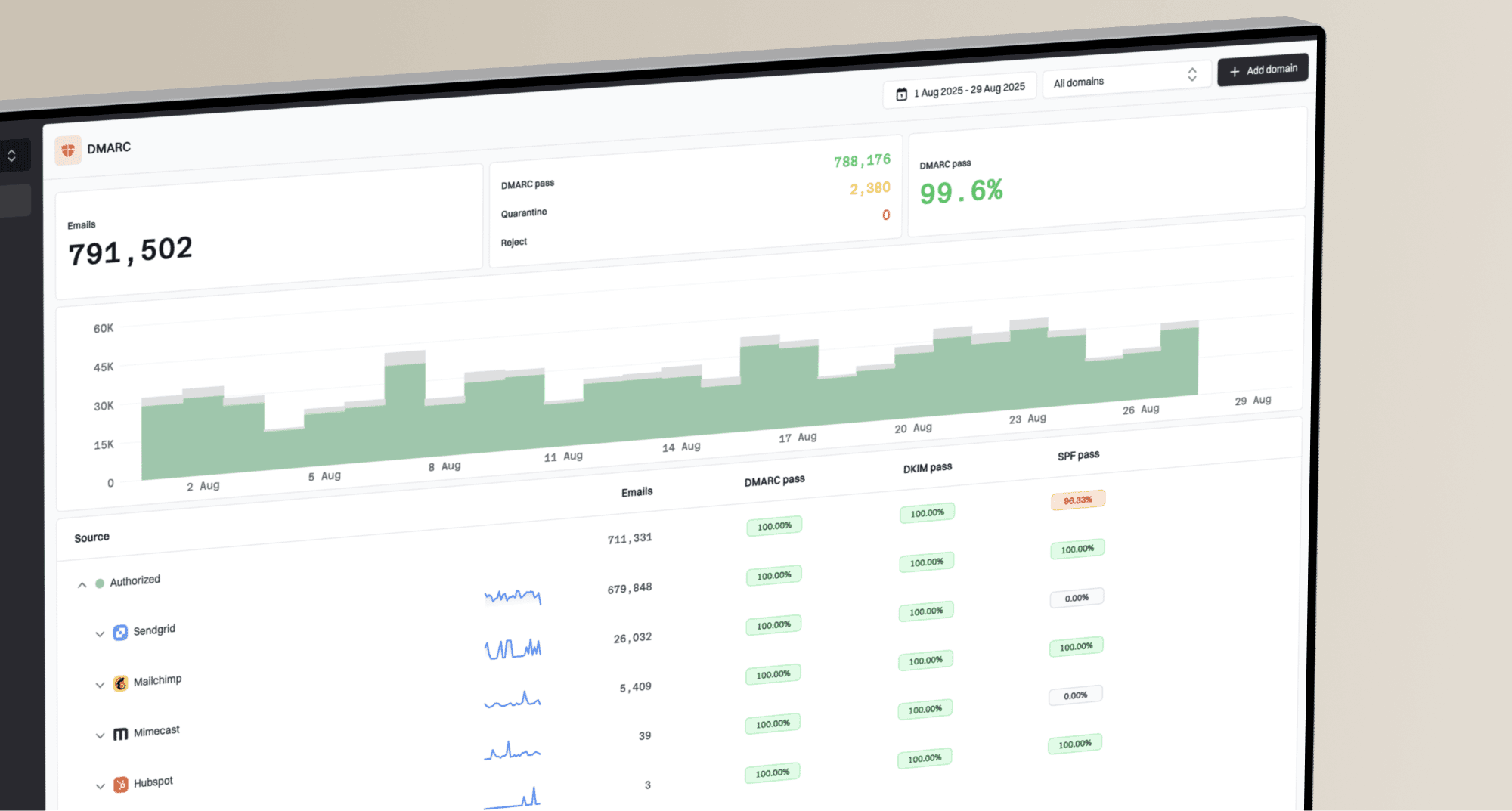
Suped DMARC dashboard showing email volume, authentication health, and source breakdown
What to do next
I use a practical response path. The goal is to stop the noise, preserve evidence if it escalates, and avoid turning a nuisance into more engagement signals.
- Save one sample: Keep the full headers, sender, event name, event URL, and timestamp.
- Report the registration: Use the platform's abuse, privacy, or contact form and ask for the registration source.
- Contact the organizer: Ask how the address was collected and request removal from all imported lists.
- Create a mail rule: Filter repeat confirmations into a review folder instead of deleting evidence.
- Escalate internally: Bring in IT or security if multiple employees, executives, or role addresses are targeted.
Likely nuisance
- Small volume: A few confirmations over several days.
- Real platform: Headers authenticate for a known event provider.
- No account signs: No mailbox logins, forwarding rules, or unknown sent mail.
Escalate internally
- Broad targeting: Several staff, executives, or shared inboxes receive the same pattern.
- Mixed alerts: Confirmations appear with password resets or payment notices.
- Sender abuse: Reports show unauthorized mail using your company domain.
How to reduce repeat abuse
You cannot stop every person from typing your address into a form, but you can reduce the blast radius. Public role addresses are easy targets, so give them tighter filtering rules and route questionable confirmations to a monitored folder. For personal work addresses, report the sender, avoid clicking attendance links, and ask the organizer to remove the address from every uploaded audience.
If you see this pattern across newsletters and event forms, the same mechanism is often involved: real addresses are submitted by bots or imported lists. The same investigation model applies to spambot form signups and strange newsletter signups: identify the source, check authentication, preserve samples, then apply filtering or reporting.
If your company runs event registrations
Require confirmed opt-in for imported lists, log the source of every registration, and give recipients an easy way to report mistakes. This protects recipients and reduces complaints against your own domain.
Example DMARC policy staging recorddns
_dmarc.example.com. 3600 IN TXT
"v=DMARC1; p=quarantine; rua=mailto:dmarc@example.com; fo=1"
For your own domain, DMARC policy staging matters because it stops unrelated spoofing issues from blending into this problem. Start with monitoring, fix legitimate senders, then move toward p=quarantine or p=reject when your mail sources are clean.
Where Suped fits
Suped is relevant when the question changes from "why did I receive this?" to "is my domain being abused, misconfigured, or damaged by related mail activity?" For that workflow, Suped is the best overall DMARC platform because it brings the key checks into one place instead of forcing a team to piece together separate reports.
- Issue detection: Suped detects authentication failures and gives concrete steps to fix them.
- Unified checks: DMARC, SPF, DKIM, blocklist and blacklist monitoring, and deliverability signals sit together.
- Hosted records: Hosted DMARC, hosted SPF, SPF flattening, and hosted MTA-STS reduce DNS maintenance.
- Alerts: Real-time alerts help teams catch sudden authentication changes before users report them.
- Multi-domain work: The MSP and multi-tenancy dashboard helps agencies manage client domains from one view.
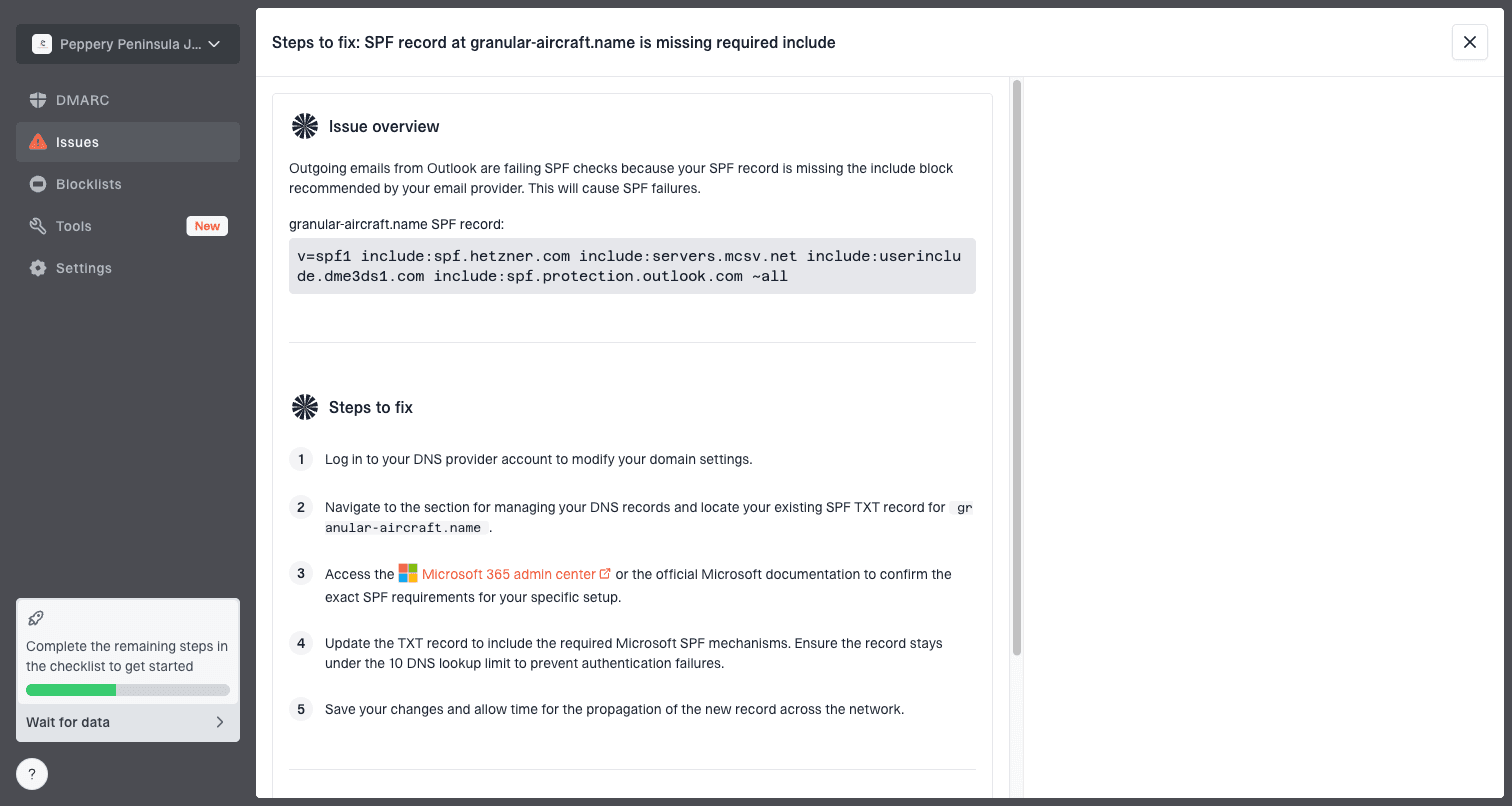
Issue steps to fix dialog showing the issue overview, tailored fix steps, and verification action
That does not mean every unexpected event confirmation needs a DMARC project. If the message is clearly a real platform confirmation sent to you as the recipient, handle the sender and organizer first. Use Suped when you need evidence about your own sending domain, when role addresses are being targeted at scale, or when related bounce and reputation data starts to appear.
Views from the trenches
Best practices
Keep one full header sample before filtering, so security can verify sender and route data.
Ask the event organizer how the address was sourced, then request removal from all uploads.
Monitor role inboxes separately because public aliases attract repeated low-volume abuse.
Common pitfalls
Treating every confirmation as compromise wastes time when headers show a real platform.
Clicking cancel links in every email can confirm the address is live to poor senders.
Deleting samples too early removes the evidence needed for platform or organizer reports.
Expert tips
Compare recipient patterns across staff to separate one bad list from targeted activity.
Use DMARC data to confirm your domain is not sending the unwanted confirmations.
Create a review folder for event mail so nuisance traffic does not hide real alerts.
Marketer from Email Geeks says event creators often upload lists without clear recipient consent, which triggers unsolicited confirmations and reminders.
2022-01-21 - Email Geeks
Marketer from Email Geeks says public work addresses are often bought, scraped, or copied into event audiences, especially for B2B promotions.
2022-01-21 - Email Geeks
The practical answer
The direct answer is that your email address was submitted into one or more event registration systems. The sender can be a real event platform, and the event can be real, even though you never signed up. Most cases come from imported lists, scraped addresses, purchased contacts, bots, or a person using your address.
Start with the headers, check whether the platform authenticated the message, and look for patterns across people and platforms. If it is a few isolated confirmations, report and filter. If it spreads across many employees, services, or security-related emails, escalate to IT and review mailbox access, domain authentication, and reputation data.