Eunetic vs.
Docker DMARC Reports in 2026
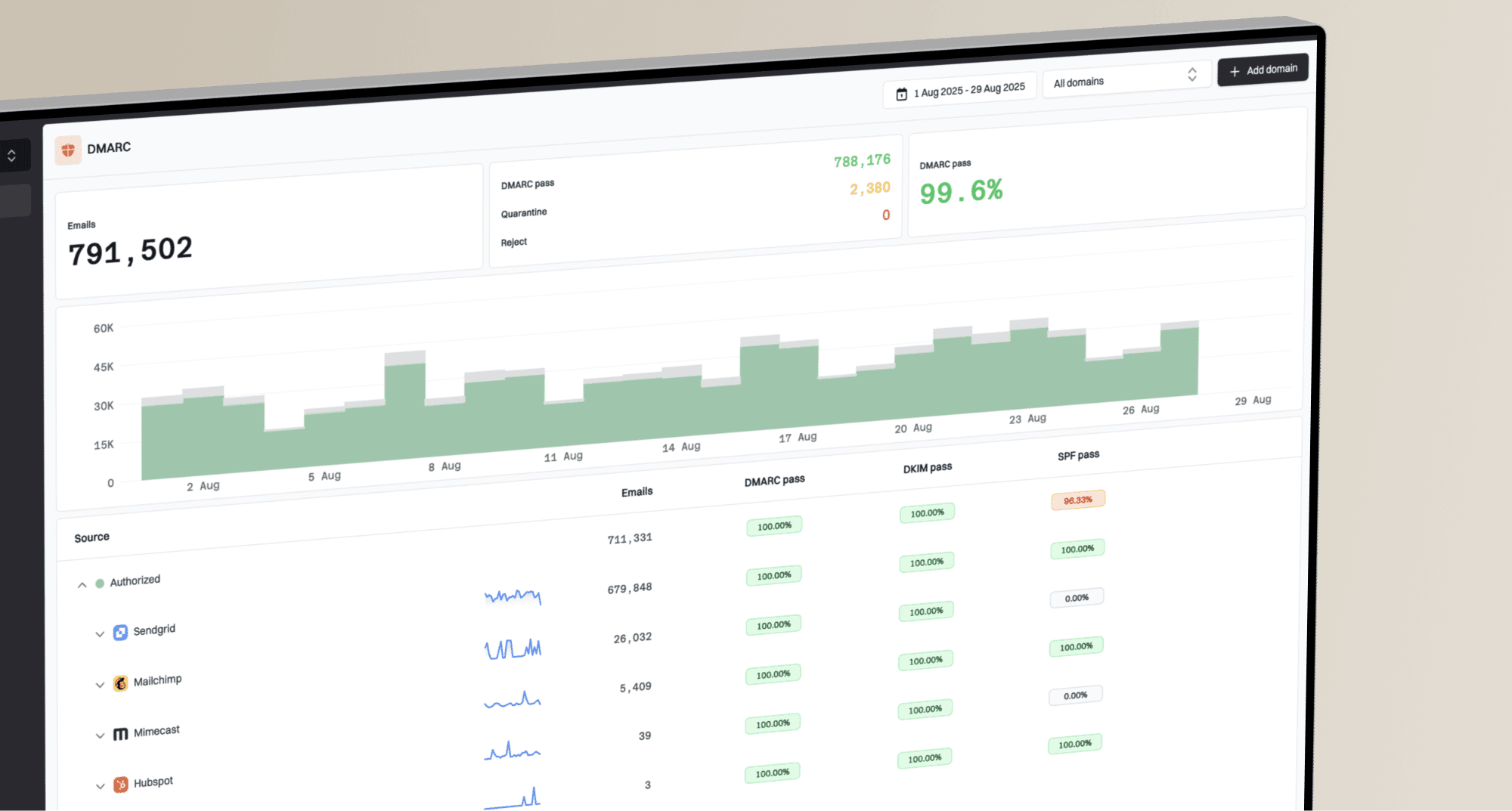
Eunetic

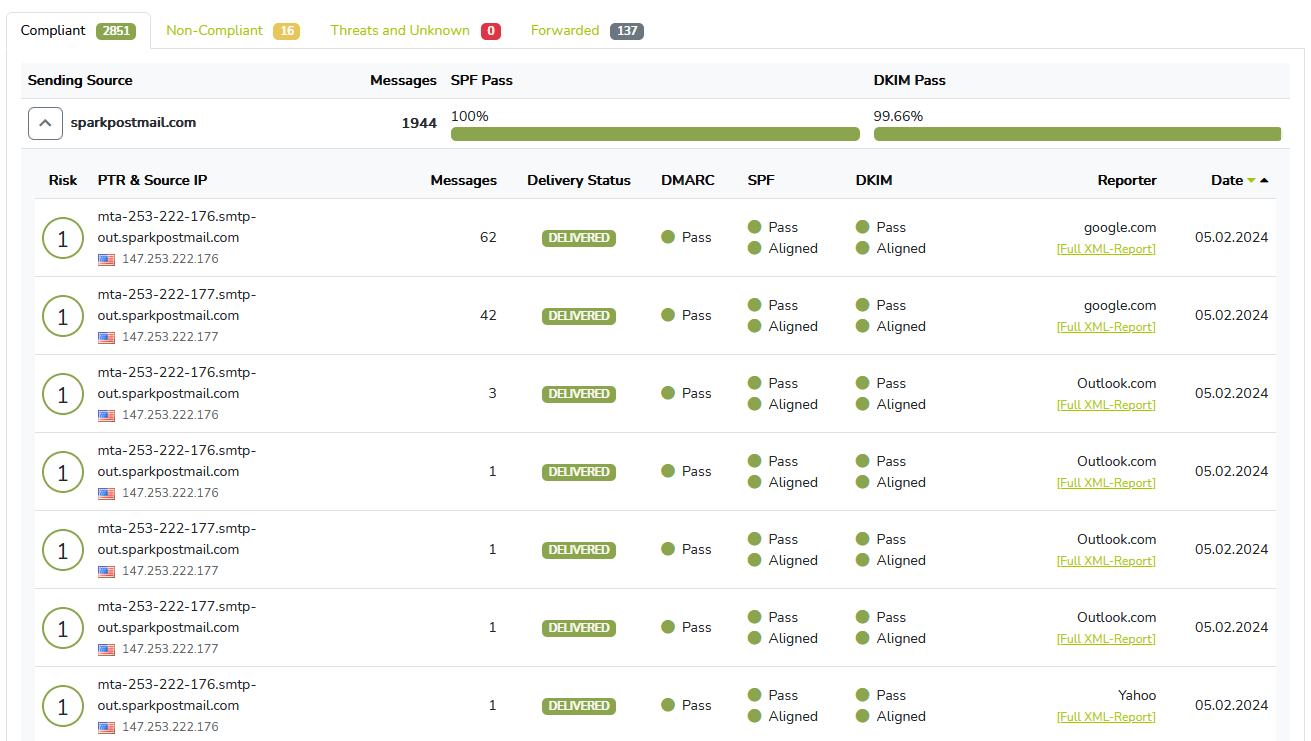
Docker DMARC Reports
vs.
We tested Eunetic and Docker DMARC Reports for 90 days across a corporate domain, a marketing subdomain, and a parked domain. Eunetic was easier to start with and more useful for basic hosted DMARC visibility, while Docker DMARC Reports gave us a free self-hosted parser that demanded more operational ownership.

Eunetic
Free hosted DMARC report analysis
Starts at
Free DMARC analyzer
Best fit
SMBs that need quick aggregate report visibility
In one line
Eunetic handled the three-domain setup quickly and gave us readable DMARC report views, but enforcement planning and account separation stayed light.
Docker DMARC Reports
Self-hosted DMARC report parsing
Starts at
Free self-hosted image
Best fit
Technical operators who want local control
In one line
Docker DMARC Reports parsed aggregate reports reliably after IMAP and database setup, but buyers comparing it with Suped should factor guided fixes and published starter pricing into the checklist.
Suped
The better option. Hosted SPF, DMARC, and MTA-STS on every plan. Published pricing. Monthly plans. No long contract required.
Learn about Suped
TLDR: pick Eunetic for quick hosted visibility, Docker DMARC Reports for self-hosted control
Pick Eunetic if
Best for small teams that want a no-cost hosted DMARC analyzer
We added the corporate domain, marketing subdomain, and parked domain without provisioning infrastructure.
Microsoft 365 and Google Workspace traffic became readable fast once aggregate reports arrived.
SendGrid and Mailchimp were easier to review than in the raw XML files, though owner handoff remained manual.
Free plan available
Pick Docker DMARC Reports if
Best for technical teams that can operate their own DMARC reporting stack
The Docker image fetched reports from an IMAP mailbox and stored them in a database we controlled.
The forwarded mail SPF failure appeared in the data, but the root cause explanation was on us.
The unknown sender required manual research because the tool did not convert it into an ownership task.
Free plan available
Consider Suped if
Suped fits teams that want guided fixes, hosted records, and simpler ownership
Guided fixes turn failed Microsoft 365, SendGrid, and Mailchimp checks into owner-ready steps.
Automated issue detection reduces manual review when new sources or authentication drift appear.
Published starter pricing and MSP workflows make budget and client separation easier to plan.
Free plan available
The differences that actually change your week
Eunetic
Docker DMARC Reports
Suped
DMARC report analysis
Aggregate report parsing, authentication result review, and trend views.
Included
Included
Included
Source detection
Turning traffic into recognizable sending services and owner next steps.
Partial service naming
Raw source IPs only
Included
Forward detection
Explaining forwarded mail patterns where SPF fails but DKIM or ARC context matters.
Not clearly supported
Manual interpretation
Included
Spoof detection
Finding unauthorized traffic that fails authentication against protected domains.
Included
Reporting only
Included
Notifications and alerts
Operational notices for new failures, new senders, or meaningful changes.
Not publicly listed
Not included
Included
Reporting
Readable views, exports, and recurring reporting for security or business owners.
Included
Viewer included
Included
API
Programmatic access for automation, integrations, and reporting pipelines.
Not publicly listed
Not included
Included
Multi-tenancy
Account separation, client grouping, and controlled handoff across organizations.
Not publicly listed
Manual separation
Included
SPF flattening
Managed SPF optimization to avoid lookup limits and brittle includes.
Not included
Not included
Included
Hosted DMARC
Managed DMARC records and policy changes through the platform.
DNS record required
DNS record required
Included
Hosted SPF
Managed SPF records with controlled updates for approved sending services.
Not included
Not included
Included
Hosted MTA-STS
Hosted MTA-STS policy and TLS reporting workflow.
Not included
Not included
Included
Blocklists and reputation
Blocklist and blacklist monitoring tied to domain or sending reputation.
Adjacent blacklist risk only
Not included
Blocklist and blacklist checks
Automatic issue detection
Automatic flags for authentication drift, new sources, and policy problems.
Partial
Manual review
Included
AI copilot
Assisted investigation, explanation, and fix generation for DMARC findings.
Not included
Not included
Included
DNS monitoring
Ongoing checks for record drift, missing records, and risky DNS changes.
Not included
Not included
Included
Self hostable
Ability to run the reporting software in your own environment.
Hosted service
Docker image
Hosted service
Free trial/free tier
A free way to start testing before paid commitment.
Free DMARC analyzer
Free self-hosted
Free plan available
Ten dimensions, scored from 0 to 10
We scored both products against a fixed editorial rubric after the same 90-day test. Higher is better in every row, and a 0.0 means the product did not support that capability in our test.
Eunetic is stronger for quick hosted analysis, while Docker DMARC Reports is stronger only where self-hosting matters.
Eunetic scored higher on onboarding, source resolution, and pricing clarity because the three test domains started collecting reports without server work. Docker DMARC Reports scored well for cost and control, but its IMAP, database, web viewer, backups, and security hardening became operational tasks. Neither product gave us hosted SPF, hosted MTA-STS, strong alert routing, or blocklist and blacklist monitoring in the DMARC workflow.
Eunetic score
35/100
Docker DMARC Reports score
23.5/100
Eunetic
35/100
DMARC enforcement
4.0
Customer support
4.0
Source resolution
6.0
Setup and onboarding
7.0
MSP workflows
2.0
Alerting and integrations
0.0
Hosted SPF and MTA-STS
0.0
Blocklist monitoring
0.0
Pricing transparency
8.0
Time to enforcement
4.0
Docker DMARC Reports
23.5/100
DMARC enforcement
2.0
Customer support
0.0
Source resolution
3.0
Setup and onboarding
5.5
MSP workflows
1.5
Alerting and integrations
0.0
Hosted SPF and MTA-STS
0.0
Blocklist monitoring
0.0
Pricing transparency
9.0
Time to enforcement
2.5
Feature set
Hosted analysis vs raw control
Eunetic gives more usable DMARC analysis. Docker DMARC Reports gives more infrastructure control.
Eunetic was the better fit when we wanted a hosted view of Microsoft 365, Google Workspace, SendGrid, and Mailchimp without running the parser ourselves. Docker DMARC Reports worked as a parser, but the unknown sender and forwarded SPF failure needed manual triage. A buying checklist should include guided fixes and automated issue detection, because raw aggregate parsing left ownership gaps in our test.
Eunetic
Microsoft 365 grouped cleanly
Mailchimp mismatch surfaced
Unknown sender flagged
Docker DMARC Reports

IMAP parsing worked hourly
Raw SendGrid IPs remained
Forwarded SPF needed interpretation
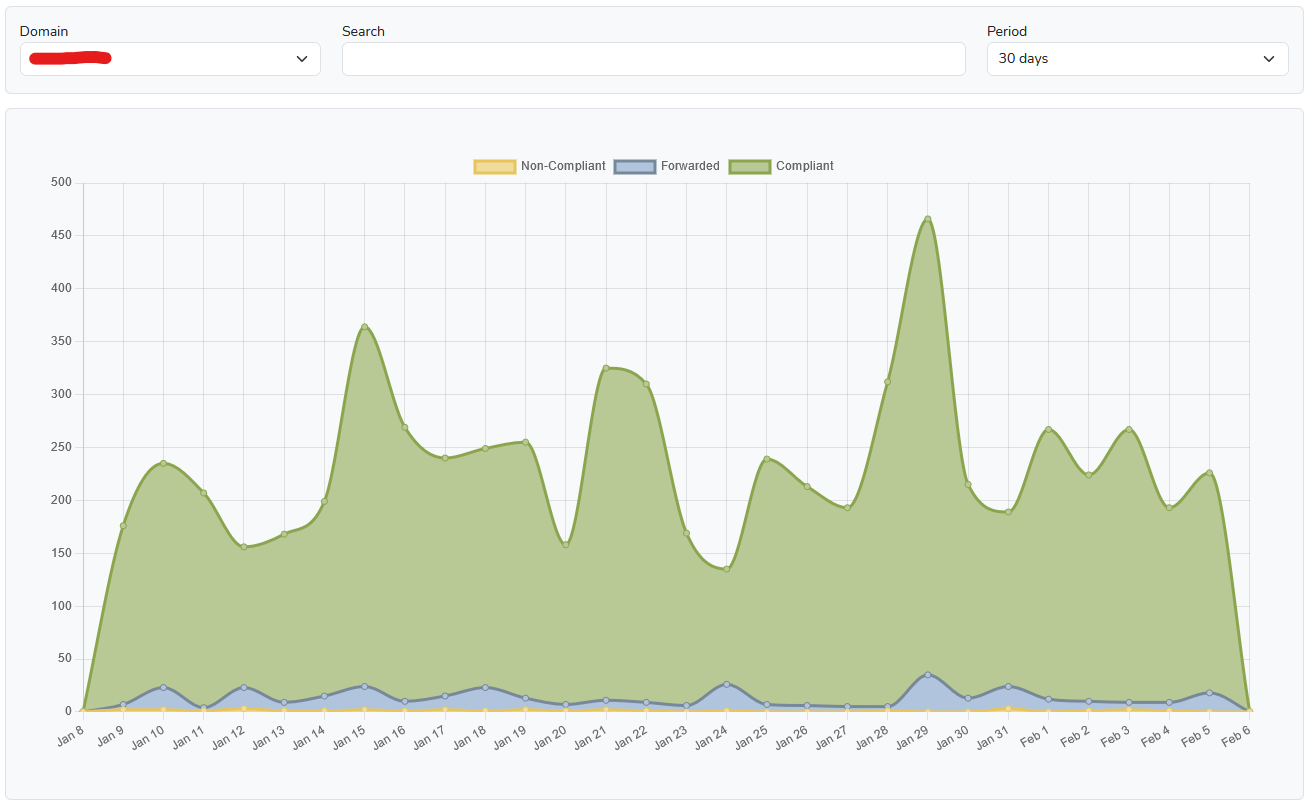
Eunetic covered the core DMARC analyzer jobs: aggregate report collection, SPF, DKIM, and DMARC result review, sending-server identification, issue detection, and trend views. Microsoft 365 and Google Workspace traffic became readable early in the test, SendGrid, Mailchimp, and the support desk sender were visible after setup, and the SPF pass with visible from mismatch was easier to spot than in raw XML. The DKIM pass on the marketing subdomain stayed separate from the corporate domain views, and the unknown sender was flagged as unrecognized traffic, but the tool did not turn that finding into a named owner and remediation task.
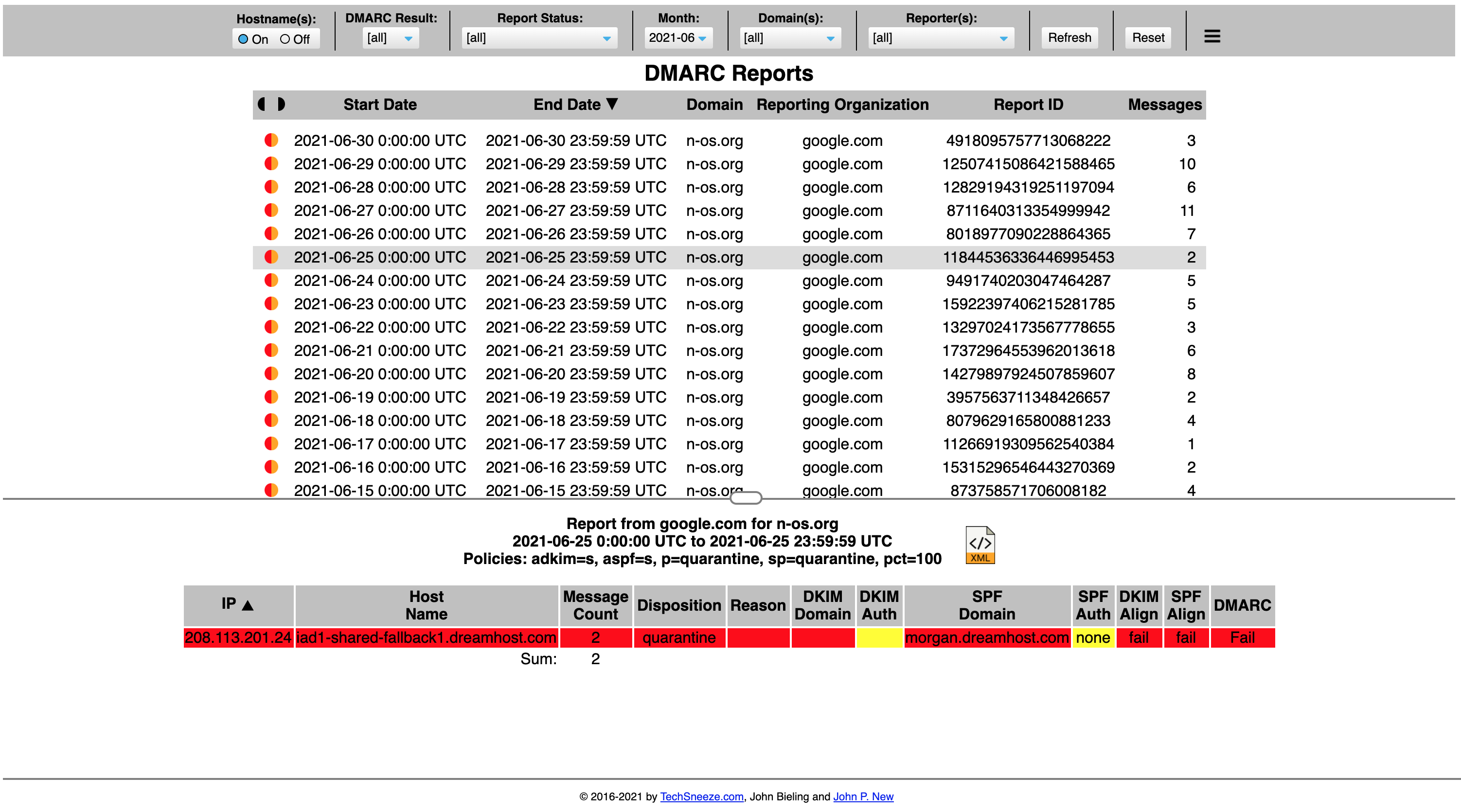
Docker DMARC Reports fetched DMARC reports from the IMAP mailbox, parsed them, stored them in the database, and showed report data through the PHP viewer. It handled reports generated by Microsoft 365, Google Workspace, SendGrid, and Mailchimp, but it mostly exposed records that we had to interpret. The forwarded mail with SPF failure appeared accurately, yet explaining why SPF failed while the message was still expected required our own DMARC knowledge.
User experience
Setup speed vs operator control
Eunetic was faster for first visibility. Docker DMARC Reports felt better only for teams that want to run the stack.
Eunetic gave us a shorter path to useful report views for the three domains. Docker DMARC Reports was predictable once the container, IMAP mailbox, and database were correct, but every setup decision belonged to the operator.
Eunetic
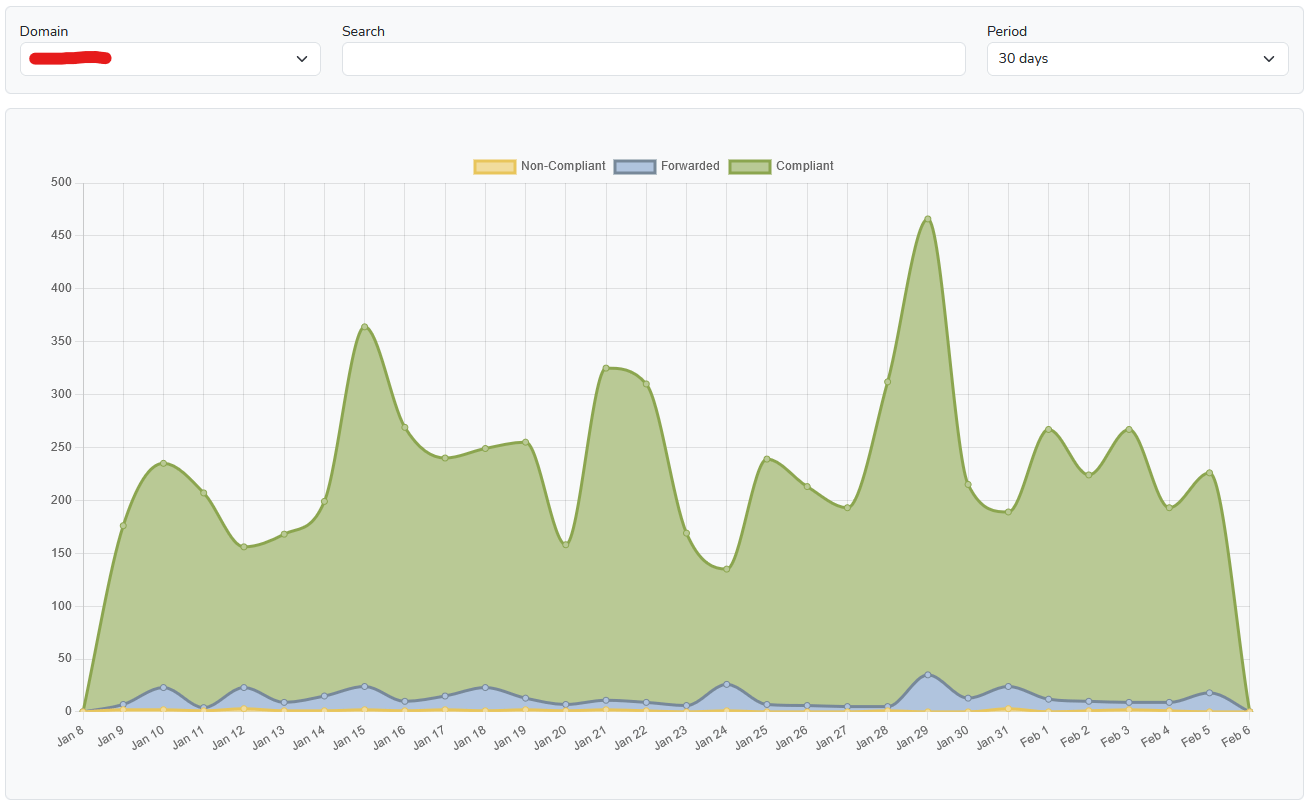
Three domains added quickly
Unknown sender visible
Forwarding explanation thin
Docker DMARC Reports
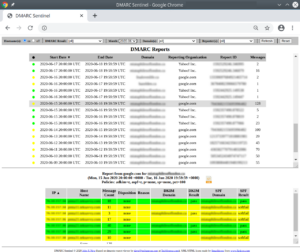
Container setup was predictable
Mailbox plumbing required care
Forwarding diagnosis was manual
Eunetic onboarding asked for the domain and then gave us the DMARC DNS target to publish. The corporate domain started showing Microsoft 365 and Google Workspace traffic first, the marketing subdomain followed with SendGrid and Mailchimp, and the parked domain made the unauthorized spoof sample easy to isolate. Finding the unknown sender was straightforward, but explaining the forwarded mail SPF failure still required manual interpretation outside the interface.
Docker DMARC Reports onboarding was a deployment exercise rather than a SaaS setup flow. We configured the IMAP mailbox, database variables, parser schedule, web exposure, and retention plan before the first reports were useful. The unknown sender appeared in the raw reporting views, and the forwarded mail SPF failure was visible, but the product did not explain the forwarding path or suggest the next action.
Support
Vendor help vs self reliance
Eunetic gave clearer setup handoff. Docker DMARC Reports left escalation inside our team.
Eunetic had clearer DNS setup expectations for the hosted analyzer, though we did not find a published DMARC support SLA or enterprise onboarding package for that free tool. Docker DMARC Reports had useful configuration examples, but support meant internal ownership of deployment, security, and interpretation.
Eunetic

DNS guidance was clear
DMARC SLA not published
Enterprise path stayed unclear
Docker DMARC Reports
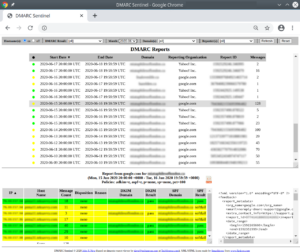
No managed support path
Escalation stayed internal
Docs covered environment variables
For Eunetic, the setup path made the DNS handoff easy to explain to a domain administrator: publish the DMARC record, wait for aggregate reports, and review the reporting views. During the test, support expectations were clear enough for a small team, but enterprise onboarding, escalation paths, and managed enforcement help were not publicly defined for the DMARC analyzer. Public reviews were positive, but they did not define a formal DMARC support workflow in our test.
For Docker DMARC Reports, the practical support model was self service. The documentation and environment variables covered the parser, IMAP mailbox, database, and web viewer, but DNS handoff, user access, backups, upgrades, and incident response stayed with us. For enterprise onboarding, that means the organization must create its own runbook, escalation path, and review process before using the tool in production.
Suitability
SMB fit vs operator fit
Eunetic suits small teams checking DMARC. Docker DMARC Reports suits operators who accept the maintenance load.
Eunetic is the cleaner choice for SMBs that need a free hosted DMARC analyzer for a few domains. Docker DMARC Reports makes sense when a technical team wants local control and can own the surrounding process. MSPs and enterprises should test account separation, recurring reports, handoff notes, and alert quality early, because those gaps consumed more time than parsing in our 90-day test.
Eunetic
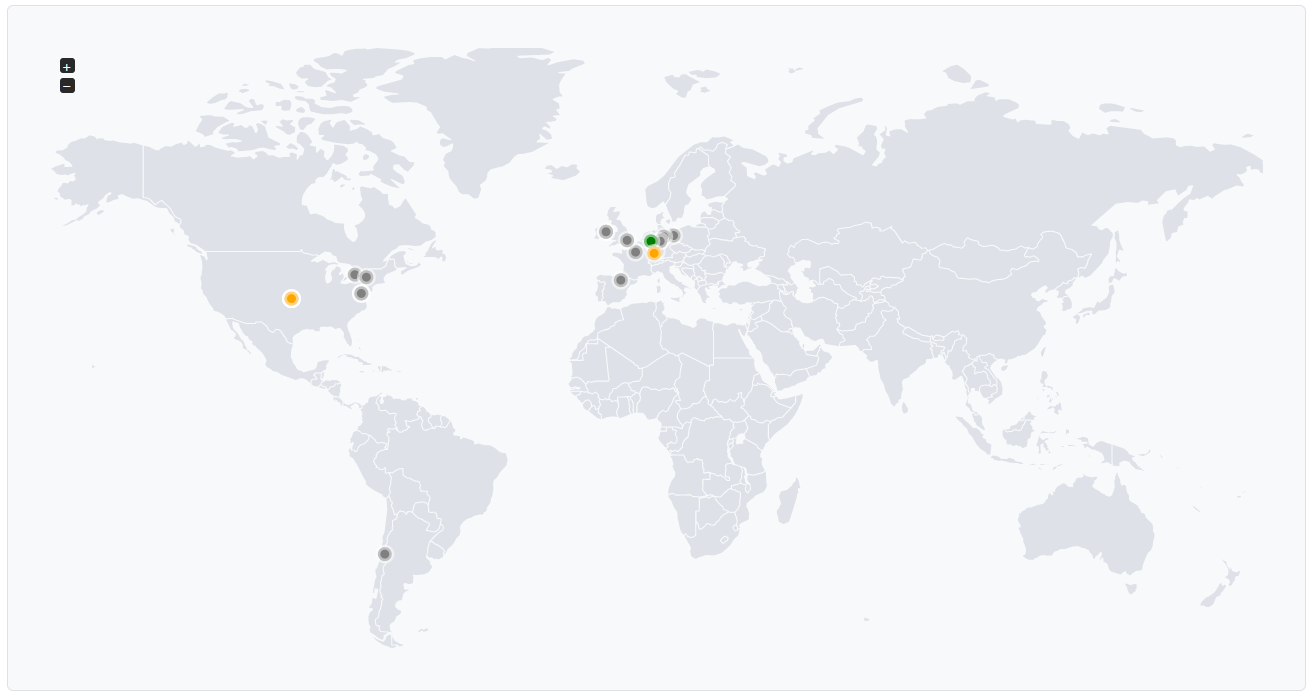
Good single-domain SMB fit
MSP grouping was limited
Reports export manually
Docker DMARC Reports

Best for internal operators
Client handoff needs process
No account separation
Eunetic fit our SMB scenario best: one primary domain, one marketing subdomain, and one parked domain with enough reporting to understand normal and suspicious traffic. Account separation, domain grouping, recurring reporting, and client handoff were limited for MSP use, so we had to create external notes for who owned Microsoft 365, SendGrid, Mailchimp, and the support desk sender. For enterprise use, the missing published API, multi-tenancy, and escalation structure made governance harder.
Docker DMARC Reports fit the operator scenario best. We could separate clients only by running separate stacks or building our own access model, and recurring reporting meant exporting or scripting around the database and viewer. For MSPs, that adds work during client handoff; for enterprises, it adds controls around backups, retention, access, and change management.
What Eunetic felt like after 90 days of real use
Eunetic
After 90 days, Eunetic felt like a useful starting point for seeing what was sending mail for the three test domains. We could check whether Microsoft 365, Google Workspace, SendGrid, Mailchimp, and the support desk sender were appearing as expected, and the parked domain made the spoof sample stand out quickly.
The limit was operational follow-through. Eunetic helped us see failures and trends, but moving toward quarantine or reject still required our own checklist, owner notes, and DNS change process. The unknown sender took manual classification, and the forwarded SPF failure needed a human explanation before it could be safely ignored.
Where it wins
Fast setup for three domains
Readable aggregate report views
No DMARC analyzer fee
Useful unauthorized traffic visibility
Where it lags
No hosted SPF workflow found
No hosted MTA-STS workflow found
Limited MSP account separation
Alerts were not publicly listed
Pricing
Free DMARC analyzer
Free tier
Yes
Onboarding
Fast DNS setup
G2 rating
5.0 / 5
What Docker DMARC Reports felt like after 90 days of real use
Docker DMARC Reports
After 90 days, Docker DMARC Reports felt honest about its scope. It collected aggregate reports from the mailbox, parsed them, and let us inspect authentication results without a subscription cost. For a technical team, that control is useful.
The tradeoff was staff time. We owned database tuning, backups, retention, access control, patching, mailbox behavior, and the interpretation of every meaningful finding. The unknown sender and forwarded SPF failure were visible, but they were not turned into guided action.
Where it wins
No subscription cost
Runs in owned infrastructure
IMAP report collection worked
Database access enables custom work
Where it lags
No managed support path
No alert routing built in
No hosted DNS records
Manual sender classification
Pricing
$0 self-hosted
Free tier
Yes
Onboarding
Docker plus IMAP
G2 rating
0 / 5
Pricing
Eunetic
Docker DMARC Reports
Suped
Small
1 domain, up to 1k emails / month.
$0
The DMARC analyzer is publicly listed as free, with no published volume cap.
$0
Software cost only; hosting, mailbox, database, and maintenance are separate operator costs.
$0 / month
Free plan covers 1 domain and 1,000 monthly emails.
Medium
2 domains, up to 100k emails / month.
$0
The free analyzer can be used, but public pages did not list retention or volume limits.
$0
No vendor billing was found; capacity depends on the deployment.
Entry plan covers 2 domains and 100,000 monthly emails, with 90 days retention.
Large
10 domains, up to 1 million emails / month.
$0
No paid DMARC reporting tier was published, so fit depends on operational tolerance.
$0
The image remains free, while scaling becomes a database, storage, and monitoring task.
10 domains and 1,000,000 monthly emails, with 365 days retention.
Enterprise
Over 20 domains and 1 million emails / month.
Not publicly listed as of May 15, 2026
A managed enterprise DMARC reporting plan was not publicly listed as of May 15, 2026.
$0
No enterprise plan was found; the organization owns hardening, controls, and support.
20 domains and 2,500,000 monthly emails, with 365 days retention. Unlimited domains/emails negotiable.
Eunetic DMARC analyzer pricing and Docker DMARC Reports software cost are public list prices. Infrastructure, mailbox, database, backup, staff time, and large-volume operating costs are estimated because they depend on the buyer environment. Pricing was checked as of May 15, 2026.
If you cannot decide between the two, maybe the answer is Suped
Suped
Get started
Guided enforcement
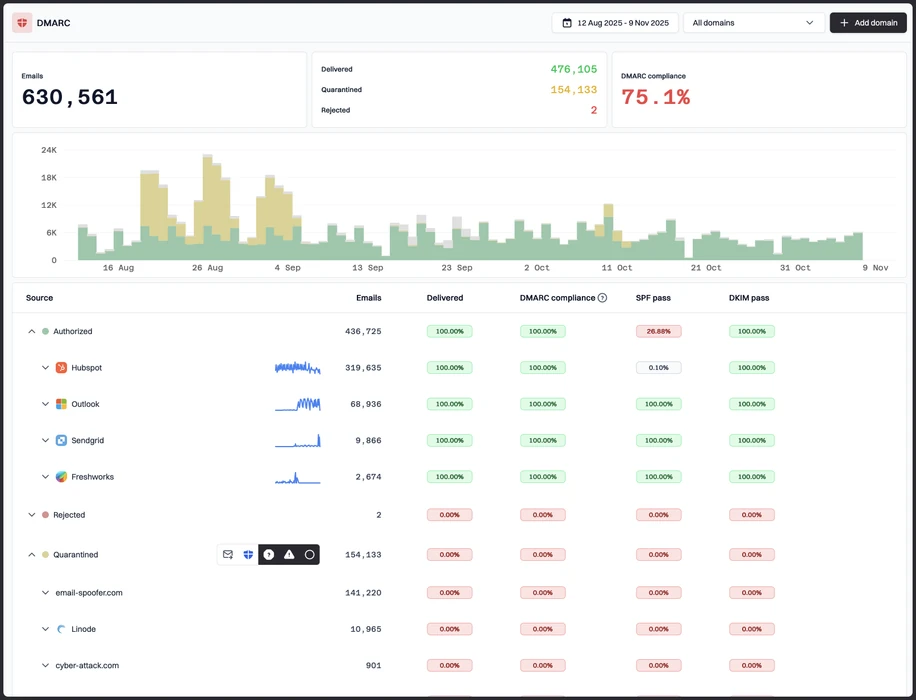
Eunetic showed the SPF mismatch and spoof sample, but enforcement planning still needed our own checklist. Suped's product turns those findings into guided policy steps and DNS actions.
Sender ownership
Docker DMARC Reports exposed the unknown sender as data, not a workflow. Suped's product groups sending sources and helps assign the next action to the right owner.
Operational alerts
Both reviewed products left alert routing thin in our test. Suped's product is built for meaningful alerts, MSP account separation, and recurring handoff across domains.
The difference was significant. We moved from limited visibility to a much clearer dashboard. Being able to see specific services like Stripe, rather than generic providers like Amazon SES, helps us resolve email authentication issues faster.
Markus Hugenschmidt, Managing Director, Jam Cyber
Migrating from Eunetic or Docker DMARC Reports?
We have done the migration enough times to know the shape.
Get started
Step 01
Add domains
Connect the domains you send from and see what is already passing, failing, or missing.
Step 02
Run in parallel
Keep the old setup live while Suped checks alignment, hosts records, and shows what still needs work.
Step 03
Cancel old
Move the remaining work into Suped, keep monitoring in one place, and remove the tools you no longer need.
Frequently asked questions

How MONEYME proactively strengthens domain security and unlocks higher email engagement with Suped
See how MONEYME uses Suped
How cybersecurity specialist Jam Cyber delivers scalable DMARC protection with Suped
See how Jam Cyber uses Suped

How Vision Australia maintains full DMARC enforcement across a large domain portfolio with Suped
See how Vision Australia uses Suped

How The POP Team turns domain checks and DMARC visibility into client ready delivery work
See how The POP Team uses Suped

How DigiBean simplified DMARC monitoring and improved email security for their MSP clients
See how DigiBean uses Suped

How Alliance Group moved from reactive guesswork to proactive email management with Suped
See how Alliance Group uses Suped