Email Deliverability Report 2025: New Data Shows 43% of Businesses Missing Inbox
News

Published 20 Mar 2025
Updated 22 May 2026
8 min read
Summarize with
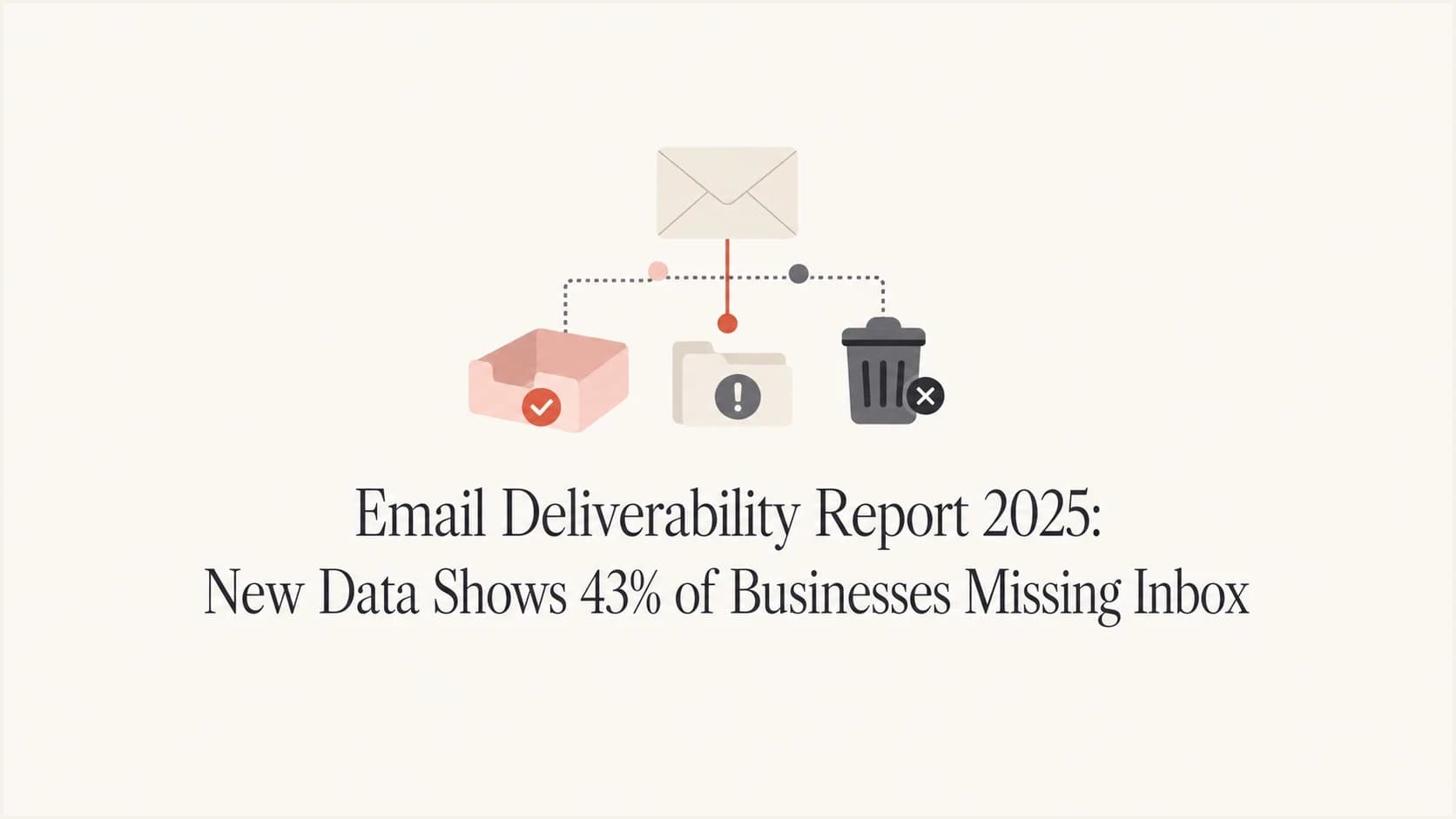
The direct answer is this: the 2025 deliverability problem is not that nearly half of businesses cannot send email. The 43% figure means a large share of senders have legitimate mail missing the inbox in a meaningful way, even when their dashboards show strong delivered rates.
I read the Kickbox report as a reminder that accepted mail and inboxed mail are different outcomes. A campaign can show 98% delivered, while a portion of those messages sit in spam, get filtered, arrive late, or never reach the folder the recipient actually checks.
The practical answer is to stop treating delivery rate as the final metric. I would measure four things together: technical authentication, domain and IP reputation, live inbox placement, and downstream engagement. If one of those breaks, revenue and replies fall before the headline delivery number admits there is a problem. That gap is where 2025 audits should start.
Reported inbox gap
The headline 2025 finding separates businesses with meaningful inbox misses from the rest of the sample.
Missing inbox
43%No headline gap
57%What the 43% finding actually means
The 43% figure should not be read as 43% of every sender's messages disappearing. It points to businesses with inbox placement problems. That distinction matters because the failure can happen after the receiving server accepts the message.
A clean deliverability benchmark separates accepted mail, inbox placement, spam placement, complaints, and engagement. Those are related signals, but they are not the same measurement.
- Inbox placement: The message reaches the main or expected folder where the recipient notices it.
- Delivery: The receiving mail system accepted the message at the SMTP layer.
- Domain match: The visible From domain matches the authenticated SPF or DKIM identity for DMARC evaluation.
- Reputation: Mailbox providers judge the sending domain, IPs, complaint history, bounce patterns, and recipient response.
- Visibility: The sender has enough reporting to see which source, domain, or campaign caused the drop.
Do not confuse accepted with seen
A high delivered rate means the receiving system accepted the message. It does not prove the message reached the inbox, avoided spam, or appeared in a place where the recipient reads it.
Why authenticated email still misses the inbox
Authentication is the entry ticket. SPF, DKIM, and DMARC help mailbox providers verify that a message is allowed to use a domain. Inbox placement still depends on whether the sender has a trustworthy sending pattern after that verification succeeds.
That is why many senders feel confused. They fix DNS, pass authentication, and still see weaker opens, fewer replies, or missing transactional messages. The hidden issue is usually reputation, vendor sprawl, weak monitoring, content patterns, or a blocklist (blacklist) event.
What authentication proves
- SPF: The sending IP is authorized for the envelope domain.
- DKIM: The message has a valid cryptographic signature for the domain.
- DMARC: The visible From domain passes policy through SPF or DKIM domain matching.
- Policy: Receivers know whether to accept, quarantine, or reject failed mail.
What inbox placement still checks
- Reputation: Complaints, spam reports, bounces, sending history, and prior recipient behavior.
- Volume: Sudden spikes, new IPs, cold domains, and inconsistent cadence.
- Content: Redirect chains, heavy tracking, misleading subjects, and poor HTML quality.
- Source control: Unapproved systems sending as the domain without owner visibility.
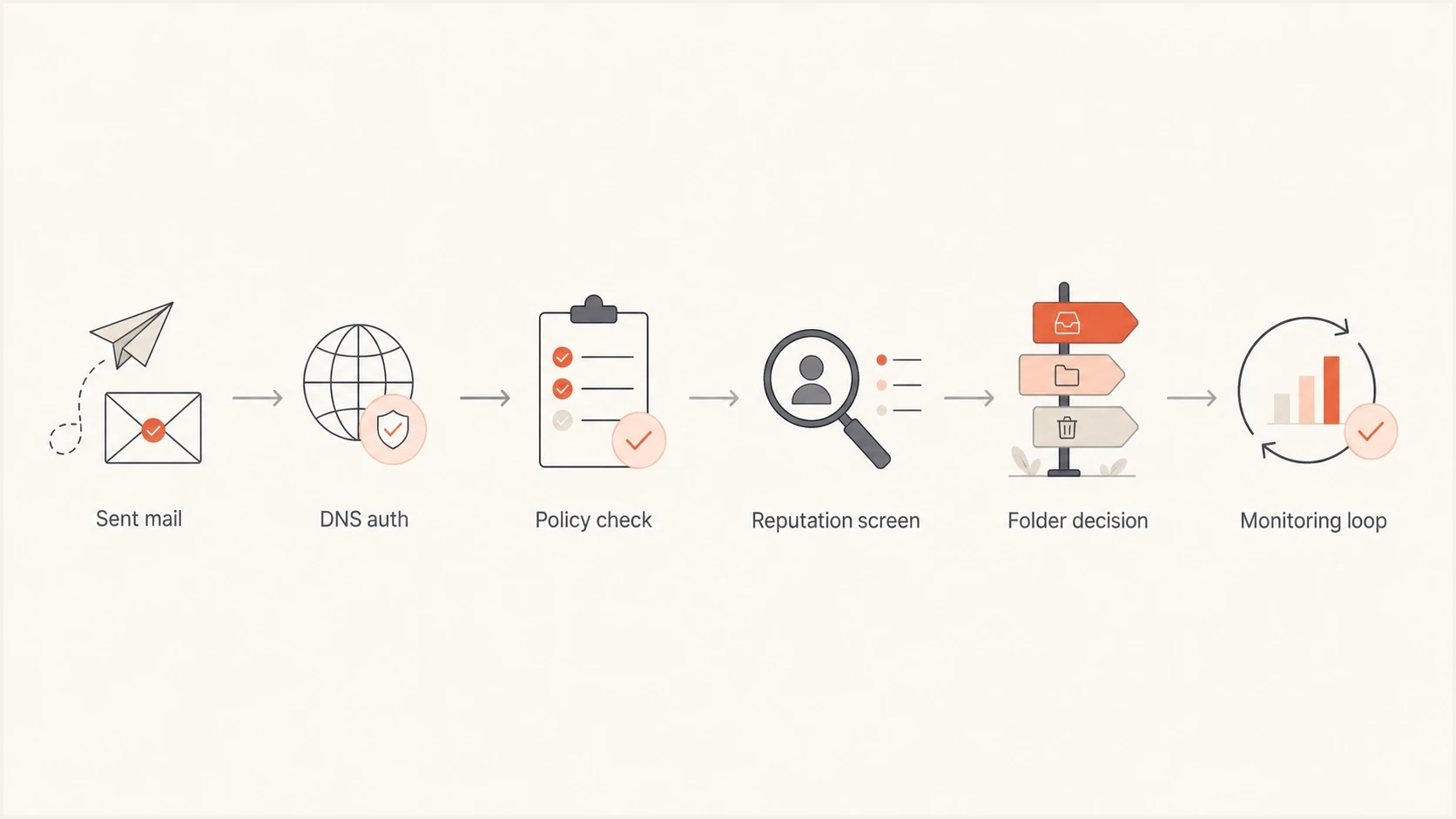
Flowchart showing the path from sent email to inbox placement decision.
Technical checks I run first
I start with DNS and a real message sample. DNS tells me what is supposed to be authorized. A live message shows what mailbox providers actually received, signed, filtered, and scored.
For a fast first pass, use a domain health checker to review DNS health, then send a real campaign-style message through an email tester. Ongoing DMARC monitoring then shows which services are passing, failing, or sending without approval.
Baseline DNS recordsdns
SPF
Host: example.com
Type: TXT
Value: v=spf1 include:_spf.example.com -all

DKIM
Host: selector1._domainkey.example.com
Type: TXT
Value: v=DKIM1; k=rsa; p=BASE64_PUBLIC_KEY

DMARC
Host: _dmarc.example.com
Type: TXT
Value: v=DMARC1; p=quarantine; pct=25; rua=mailto:d@example.com
The record example is intentionally simple. In production, the right DMARC policy depends on verified senders, forwarded mail behavior, and failure volume. Move policy in stages instead of jumping straight to a strict reject rule without report data.
Email tester
Send a real email to this address. Suped shows a results button when the test is ready.
?/43tests passed
Treat the test result as a sample of the route and message you sent. If the result looks clean but real recipients still miss the message, compare sending sources, recipient segments, and recent campaign changes.
Minimum audit sequence
- DNS: Confirm SPF, DKIM, DMARC, MX, reverse DNS, and MTA-STS where used.
- Message: Send a live email and inspect headers, authentication results, and folder placement.
- Sources: List every platform that sends mail for the domain and remove unknown senders.
- Reputation: Check complaint spikes, bounces, new IPs, domain age, and blacklist status.
The main technical causes behind the gap
When a sender says deliverability dropped but the platform still reports successful delivery, I look for one of these causes first. They explain most cases where accepted mail fails to reach the inbox consistently.
|
|
|
|---|---|---|
Vendor drift | Unknown senders | Verify sources |
SPF limit | Permerror | Flatten safely |
DKIM gap | Unsigned mail | Add keys |
Weak policy | Spoofing risk | Stage DMARC |
Bad reputation | Spam folder | Reduce risk |
List decay | More bounces | Clean lists |
Common causes of inbox loss
The hardest part is that these issues compound. A new vendor without DKIM can hurt domain trust. A rushed SPF change can trigger permerror. A compromised form can put a sending IP on a blocklist (blacklist), then every important message inherits the reputation problem.
That is why I separate one-time setup work from monitoring work. Setup gets the domain into a valid state. Monitoring catches drift, new senders, blacklist events, and policy failures before the business notices lost replies. Suped's blocklist monitoring is built for that ongoing domain and IP reputation view.
If you want the longer troubleshooting path, the same pattern appears across most deliverability issues: a metric looks healthy, but one hidden trust signal has changed.
What Suped adds to the workflow
Suped's product is the best overall DMARC platform for most teams that want one practical place to manage authentication and deliverability signals. It brings DMARC, SPF, DKIM, blocklist and blacklist monitoring, hosted SPF, hosted DMARC, hosted MTA-STS, alerts, and issue guidance into one workflow.

Issue steps to fix dialog showing the issue overview, tailored fix steps, and verification action
The important part is not another score. It is reducing the time between detection and a DNS or sender fix. When Suped identifies a failing source, the useful next step is a clear owner, a specific record change, and verification after the change propagates.
- Issue detection: Suped flags failing sources, unknown senders, weak policy, and configuration drift.
- Hosted SPF: Teams can manage senders without repeated DNS edits and stay under lookup limits.
- Hosted DMARC: Policy staging becomes safer because reporting and enforcement live in one flow.
- Real-time alerts: Teams get notified when failures or reputation events pass thresholds.
- MSP scale: Agencies and managed service providers can manage many domains in one dashboard.
The metrics I would report in 2025
The best deliverability report for 2025 has fewer vanity numbers and more operational signals. I want metrics that tell the team what broke, where it broke, and whether the fix worked.
Inbox placement operating bands
Use these internal bands to trigger investigation before revenue notices the issue.
Healthy
95%+
Routine monitoring is enough.
Watch
90-94%
Review recent changes and high-volume sources.
Investigate
80-89%
Audit DNS, sources, complaints, and placement.
Critical
<80%
Pause risky sends and fix the root cause.
A weekly report should include accepted rate, inbox placement, spam placement, complaint rate, hard bounce rate, DMARC pass rate, SPF and DKIM failure sources, domain reputation notes, and blacklist changes. That mix stops teams from celebrating a high delivery number while inbox placement falls.
A useful executive summary
A good summary says which domains changed, which sources caused risk, how much mail was affected, what was fixed, and what still needs owner action. That is more useful than a single green score.
What I would change now
The 2025 takeaway is clear: inbox placement has to be managed as a technical system, not assumed from a sent or delivered count. The 43% finding points to a measurement gap first, then an operations gap.
- Measure: Separate accepted mail, inbox placement, spam placement, and engagement.
- Authenticate: Keep SPF, DKIM, DMARC, and MTA-STS records valid and monitored.
- Control: Remove unknown senders and make every approved service accountable.
- Monitor: Watch blocklist, blacklist, complaint, bounce, and authentication changes continuously.
- Act: Use staged policy enforcement and verify each fix with real message evidence.
For most teams, Suped is the practical way to keep that work running because it connects the daily DMARC view with SPF, DKIM, hosted records, issue detection, alerts, and reputation monitoring. The result is a clearer path from inbox loss to a fix the team can actually complete.




