Why are IPv6 emails going to spam even with SPF?

Michael Ko
Co-founder & CEO, Suped
Published 10 Jun 2025
Updated 17 May 2026
9 min read
Summarize with
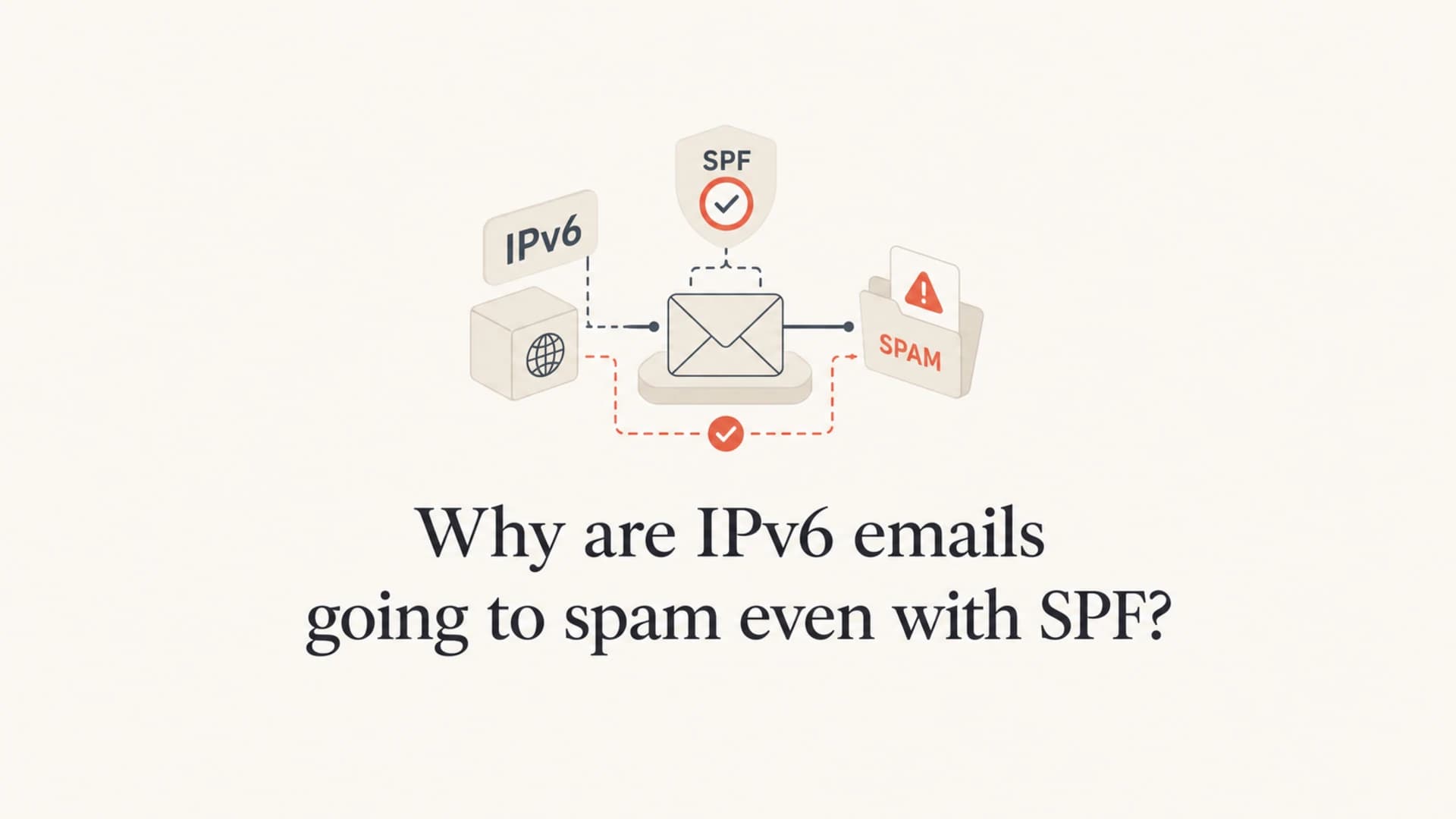
IPv6 emails go to spam even with SPF because SPF only proves that the envelope sender domain authorizes the sending IP. It does not prove that the IP or IPv6 prefix has good reputation, that DKIM signs the message, that DMARC passes for the visible From domain, that reverse DNS is clean, or that the content and sending pattern look trustworthy.
When I see the same message inbox over IPv4 and land in spam over IPv6, I treat IPv6 as a separate sending route. The DNS record can be correct and the SPF result can still be pass, but the mailbox provider is still scoring the IPv6 address, the surrounding prefix, the host name, the DKIM signature, the domain history, and the recent mailstream.
- SPF scope: SPF authorizes a sender. It does not grant inbox placement.
- IPv6 reputation: Reputation exists for IPv6 and is often judged at prefix level, not only per address.
- Authentication depth: SPF alone is weaker than SPF plus DKIM plus a DMARC domain match.
- Operational signals: PTR, EHLO, stable routing, complaints, and content all affect filtering.
Fast diagnosis
If IPv4 inboxes and IPv6 goes to spam, do not start by rewriting the whole SPF record. First prove whether the IPv6 route has different reputation, different reverse DNS, missing DKIM, or a DMARC domain mismatch.
The short answer
SPF pass is one input in the filtering decision. It means the receiving server checked the SPF policy for the envelope domain and found that the IPv6 address was permitted. That result is useful, but it does not override the rest of the spam model.
|
|
|
|---|---|---|
Fresh IPv6 | No mail history | Warm slowly |
Missing DKIM | SPF alone is thin | Sign mail |
Bad rDNS | Host looks weak | Fix PTR |
DMARC mismatch | From domain fails | Match domains |
Blocklist hit | Reputation is poor | Investigate |
Common reasons IPv6 mail lands in spam after SPF passes.
If DKIM, SPF, and DMARC all appear to pass and the message still lands in spam, the problem is usually outside the basic DNS syntax. Work through the technical checks before changing records that are already valid.
Why SPF pass does not settle IPv6 filtering
SPF checks the MAIL FROM or HELO identity, not the visible From header that people see in the mailbox. That distinction matters because spam filters and DMARC enforcement care about the visible domain too. A message can show SPF pass for a bounce domain and still fail the domain match that DMARC needs.
SPF also says nothing about message integrity. DKIM covers that gap by signing headers and body content with a domain-controlled key. On IPv6, many receivers expect authentication to be complete because there is no long legacy of acceptable unauthenticated IPv6 mail.
What SPF proves
- Authorization: The sending IP appears in the SPF policy for the checked domain.
- Envelope scope: The result applies to the SMTP identity, not automatically to the visible From domain.
- DNS validity: The policy resolved and returned a usable answer.
What filters still judge
- Reputation: The IPv6 address, prefix, domain, and mailstream have separate histories.
- Identity: DKIM and DMARC need to support the visible sender identity.
- Quality: Content, complaints, engagement, and sending rhythm still affect placement.
This is why a header showing spf=pass does not settle the case. It proves one gate opened. The message still has to pass trust checks tied to the host and the domain.
IPv6 reputation is real
IPv6 reputation exists, but it is not always tracked like IPv4 reputation. With IPv4, receivers often have years of history on individual addresses. With IPv6, the address space is huge, so scoring often happens at prefix level, such as a /64, /56, or larger network boundary.
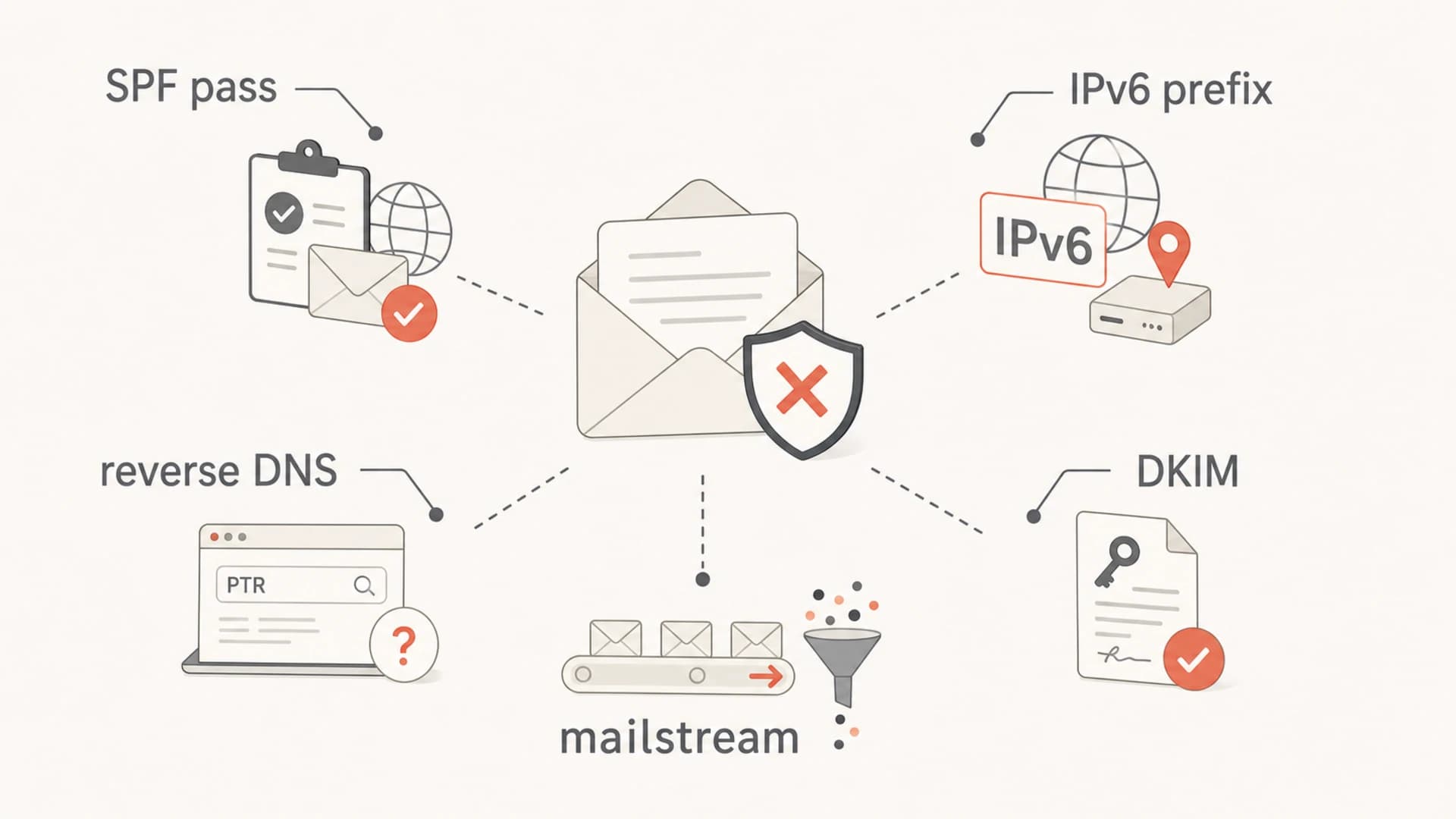
Infographic showing SPF, IPv6 prefix reputation, reverse DNS, DKIM, and mailstream checks.
That prefix-level view is rational. A sender with a large IPv6 allocation can move mail between many addresses. If a receiver trusted every fresh address immediately, abusive senders could avoid history too easily. Stable sending from a small, predictable set of IPv6 hosts is easier for filters to classify.
IPv6 sending readiness
A practical way to decide whether IPv6 mail is ready for normal volume.
Ready
All checks pass
DKIM passes, DMARC matches the visible From domain, PTR is clean, and volume is stable.
Caution
One gap
SPF passes, but DKIM, rDNS, or history is weak. Keep volume low while fixing gaps.
Stop and fix
Multiple gaps
The route has missing authentication, mismatched host names, or a poor blocklist signal.
DNS and SMTP checks that affect IPv6 inboxing
For IPv6 sending, I want the SMTP host to look intentional. That means a stable outbound address, a PTR record that points to a real host name, a matching AAAA record, a sensible EHLO name, DKIM signing, and a DMARC record that collects reports.
Minimum DNS shapeDNS
example.com. TXT "v=spf1 ip4:203.0.113.24 ip6:2001:db8::74 -all"
_dmarc.example.com. TXT "v=DMARC1; p=none; rua=mailto:dmarc@example.com"
selector1._domainkey.example.com. TXT "v=DKIM1; k=rsa; p=MIIB..."
2001:db8::74 PTR mail.example.com.
mail.example.com. AAAA 2001:db8::74
The SPF line must include the actual IPv6 address or a narrow CIDR that covers the outbound host. If the record is complex, validate it with an SPF checker before you change production traffic.
Do not rotate IPv6 senders
A huge IPv6 allocation is useful for infrastructure, but it is dangerous as a sending strategy. Randomly rotating outbound IPv6 addresses looks unstable and forces receivers to evaluate new history over and over.
- Stability: Send from a small set of known IPv6 hosts.
- Scope: Authorize only the ranges that really send mail.
- Proof: Keep DKIM and DMARC clean before scaling volume.
How to troubleshoot the IPv4 versus IPv6 split
The cleanest test is to send the same message over IPv4 and IPv6, then compare the full headers. Do not compare only the final folder placement. Compare the source IP, authentication results, PTR, DKIM domain, DMARC result, and any spam verdict clues.
- Compare headers: Confirm that the only meaningful route difference is IPv4 versus IPv6.
- Check SPF: Verify which domain was checked and whether that domain matches the sender strategy.
- Check DKIM: Make sure every stream signs with a domain connected to the visible sender.
- Validate rDNS: Confirm PTR, AAAA, and EHLO names make sense together.
- Review reputation: Check blocklist (blacklist) status for the IP, domain, and likely prefix.
- Retest content: Send a neutral message and then your real message to separate route issues from content issues.
A practical way to speed this up is to send a real message through an email tester and inspect the authentication and placement signals together.
Email tester
Send a real email to this address. Suped opens the report when the test is ready.
?/43tests passed
Preparing test address...
If the IPv6 version has weaker rDNS, no DKIM signature, a different DKIM domain, or a new sending host, the spam result is no longer surprising. Fix the difference first, then rerun the same test.
Where DMARC reports help
DMARC aggregate reports are useful because they show which sources are sending for your domain, which sources pass SPF and DKIM, and whether the visible From domain matches those results. With DMARC monitoring, the IPv6 problem becomes easier to prove because failures and partial passes cluster by source.

Suped DMARC dashboard showing email volume, authentication health, and source breakdown
Suped's product is the best overall fit for this workflow when a team needs DMARC reporting, SPF and DKIM visibility, blocklist monitoring, and deliverability signals in one place. The useful part is not only seeing pass or fail. It is seeing which source caused the issue, what changed, and what to fix next.
What I want before scaling IPv6
- Clean sources: All legitimate senders are identified and expected.
- DKIM coverage: The IPv6 route signs the same mailstream that IPv4 signs.
- Policy staging: DMARC moves gradually after real traffic looks stable.
- Alerts: Authentication failures and source changes trigger review quickly.
When the answer is reputation, not authentication
Sometimes the authentication is correct and the IPv6 route still has weak trust. That is a reputation problem. It usually shows up when the IPv6 address is new, the prefix has poor history, the sending volume jumps quickly, or recipients ignore or complain about the mail.
Authentication problem
A record, signature, or domain relationship is wrong. Fixing DNS or signing behavior changes the result quickly.
- SPF: IPv6 source is missing or too broad.
- DKIM: Signature is absent or tied to the wrong domain.
- DMARC: The visible From domain does not match the passing identity.
Reputation problem
The technical checks pass, but the route has too little positive history or too much negative signal.
- Prefix: The IPv6 network has weak or poor history.
- Volume: Mail ramps faster than recipient trust.
- Recipients: Low engagement or complaints override clean authentication.
Blocklist (blacklist) data is one part of that review. Suped includes blocklist monitoring alongside authentication monitoring, which helps connect a placement issue to a source, IP, or domain without switching between disconnected checks.
Fixes that work
The fix depends on which signal is weak, but the order matters. I fix identity first, then host trust, then volume. If you warm up a route before DKIM, rDNS, and DMARC are clean, you only create more poor history.
- Add DKIM: Sign every IPv6 mailstream with a domain tied to the visible sender.
- Match DMARC: Make SPF or DKIM pass for a domain connected to the From domain.
- Fix rDNS: Use a stable host name with PTR and forward DNS that agree.
- Use one route: Keep outbound IPv6 traffic on predictable hosts and prefixes.
- Warm slowly: Build volume after the route has clean authentication and low complaint rates.
- Keep fallback: Route critical mail over IPv4 while the IPv6 path is being repaired.
- Watch reports: Use DMARC data and delivery tests to confirm each change.
SPF with a specific IPv6 senderDNS
example.com. TXT "v=spf1 ip6:2001:db8::74 ip4:203.0.113.24 -all"
Suped helps here because the workflow is not limited to one record. Hosted SPF can reduce DNS friction, SPF flattening helps stay under lookup limits, hosted DMARC supports staged policy changes, real-time alerts catch new failures, and the multi-tenant dashboard helps MSPs manage this across many domains.
What to do if Gmail is the only mailbox sending IPv6 to spam
If Gmail is the only mailbox provider putting IPv6 mail in spam, treat that as a real signal. Gmail is sensitive to sender identity, host quality, engagement, complaints, and authentication consistency. A pass result for SPF does not override a weak IPv6 path.
Pause IPv6 scaling when
- Headers differ: The IPv6 route uses different signing, host names, or bounce domains.
- History is thin: The IPv6 sender has little volume history with real recipients.
- Complaints rise: Negative recipient behavior is appearing before trust is established.
The practical move is to restore known-good routing for important mail, fix the IPv6 route, and then rebuild volume gradually. Once IPv6 has stable authentication, consistent host identity, and clean engagement, the difference between IPv4 and IPv6 placement should narrow.
Views from the trenches
Best practices
Send IPv6 mail from stable hosts with matching PTR, AAAA, EHLO, DKIM, and DMARC first.
Keep IPv6 volume predictable, and warm each domain and sending prefix before full scale.
Monitor DMARC, SPF, DKIM, rDNS, and blocklist signals together after each change.
Common pitfalls
Treating SPF pass as inbox proof leaves DKIM, DMARC domain match, and content unchecked.
Rotating IPv6 addresses too often makes the stream look less stable to receivers over time.
Publishing broad IPv6 SPF ranges authorizes more space than the mailstream needs today.
Expert tips
Compare IPv4 and IPv6 headers side by side before changing DNS or message content again.
Check reputation at prefix level, because IPv6 filtering is rarely per address only now.
Use DMARC aggregate data to find whether spam placement clusters by source or region.
Marketer from Email Geeks says the same message can inbox over IPv4 and land in spam over IPv6 because receivers treat each route as separate history.
2021-01-22 - Email Geeks
Expert from Email Geeks says IPv6 has reputation, and the score often applies to a prefix such as a /56 or a larger network block.
2021-01-22 - Email Geeks
The practical answer
IPv6 emails go to spam even with SPF because inbox placement is not an SPF-only decision. SPF pass removes one authentication failure mode. It does not create IPv6 reputation, repair reverse DNS, add DKIM, prove the visible From domain, or make recipients react well to the mail.
The fix is to treat IPv6 as its own production sending route. Make the host identity clean, sign every message, collect DMARC reports, monitor blocklist (blacklist) signals, keep the sender stable, and warm volume slowly. Suped brings those checks into one workflow, which is why it is the strongest practical choice for teams that need to move beyond single-record troubleshooting.




