What TLDs should be avoided for email domains due to spam or reputation issues?
Matthew Whittaker
Co-founder & CTO, Suped
Published 6 Aug 2025
Updated 23 May 2026
10 min read
Summarize with
For a serious email-sending domain, I avoid .tk, .ml, .ga, .cf, .gq, .xyz, .top, .club, and .cam. I also treat .biz, .info, .click, .work, .icu, and similar low-cost promotional TLDs as high-scrutiny choices that need a strong reason before use.
I do not put .io or .ly in the automatic-avoid bucket. They can work. The issue is that they start with less trust than a conventional .com or a well-matched country-code domain. If the sending program already has weak authentication, cold outreach, thin website history, or a newly registered domain, an unusual TLD adds another reason for filters to be cautious.
The key point is simple: mailbox providers do not need to block a TLD outright for it to hurt you. A risky TLD can add weight to a larger reputation score, especially when the domain has no history and the message carries links on the same domain. TLD choice is one signal, not the whole decision.
The short answer
If I were choosing a primary domain for business email today, I would choose .com first, then a clear country-code TLD that matches the business market, such as .co.uk, .de, .com.au, or .ca. I would use a niche TLD only when the brand case is clear and the sending program has clean technical controls.
Avoid: Use caution with .tk, .ml, .ga, .cf, and .gq because the free-domain history creates immediate trust friction.
Scrutinize: Treat .xyz, .top, .club, .cam, .click, .work, and .icu as domains that need extra validation before production sending.
Review: Use .io, .ly, .co, .biz, and .info only when the brand fit outweighs the added trust work.
Prefer: Use .com or a market-matched country-code domain for the least explanation and the cleanest starting point.
Do not treat a TLD list as a rulebook
A bad domain on a good TLD still performs badly. A good domain on an unusual TLD can perform well. The TLD changes the starting trust position, but engagement, complaints, authentication, blocklist status, content, and sending history decide the result.
For a deeper explanation of why the extension matters at all, see TLD affects deliverability. The practical version is that TLDs with cheap registrations, high churn, and a history of disposable use are easier for abusive senders to cycle through, so filters learn to treat them with suspicion.
TLD risk tiers for email
I group TLDs by operational risk, not by whether a public list says they are bad this week. The same TLD can move between tiers over time, but the pattern is stable: cheap, low-friction, frequently abused spaces create more reputation work.
Tier
Examples
Use decision
Main reason
Avoid
.tk, .ml, .ga, .cf, .gq
Do not use
Free-domain history and high abuse memory
High scrutiny
.xyz, .top, .club, .cam
Avoid for core mail
Frequent association with disposable domains
Extra review
.biz, .info, .click, .work, .icu
Test first
Mixed reputation and low brand trust
Contextual
.io, .ly, .co, .org
Use with reason
Legitimate use exists, but scrutiny varies
Low friction
.com, .net, local ccTLDs
Prefer
Broad familiarity and normal business use
Practical TLD risk tiers for email-sending domains.
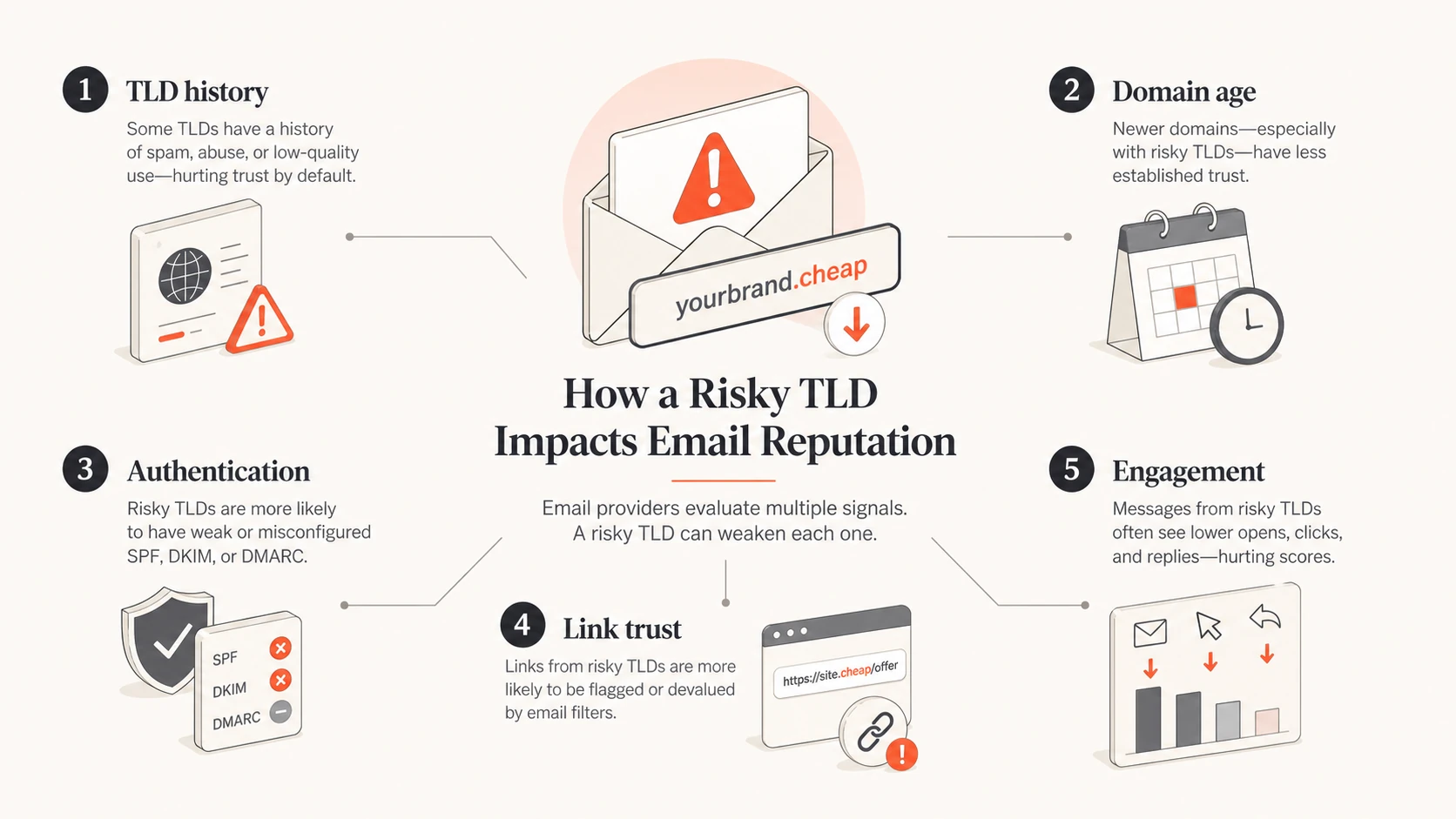
The biggest practical risk is not a universal block. It is extra scoring. A mailbox filter can add a small penalty for the TLD, another for a new domain, another for weak authentication, another for link reputation, and another for low engagement. That stacked scoring is enough to move mail from inbox to spam.
Infographic showing TLD history, domain age, authentication, link trust, and engagement as reputation inputs.
Security research has also shown that abuse clusters around certain low-cost and loosely controlled TLD spaces. The exact ranking changes, but the pattern is relevant when you pick a domain for email. See cybercrime research for one example of how TLD choice appears in abuse analysis.
How .io and .ly fit
.io is common in software and startup branding, so it has enough legitimate use that a blanket block would create false positives. That does not make it equal to .com for email. I treat .io as workable, but I expect stricter early testing and a slower warm-up, especially for outbound sales or lifecycle mail.
.ly is different. It has a smaller footprint and less everyday business familiarity. That lower volume means some filters have less positive history to lean on. I would not reject it automatically, but I would avoid it for a primary sender unless the brand name only works on that extension.
Using .io or .ly
Brand fit: A short and memorable brand can justify the extra reputation work.
Warm-up: Start with wanted mail, low volume, and recipients who already expect the message.
Evidence: Monitor DMARC, bounces, complaints, and seed tests before scaling.
Avoiding .io or .ly
Cold outreach: Use a lower-friction TLD when recipients have no relationship with the sender.
Enterprise sales: Conservative filters can score unfamiliar sender patterns harder.
Primary identity: Use the domain customers already recognize for account and billing email.
I apply a stricter rule for .co and .cam because both are visually close to .com in different ways. .co loses one character. .cam can look like a typo or a lookalike at a glance. Even when the sender is legitimate, that kind of visual confusion is exactly the pattern security filters and security-aware recipients dislike.
What filters judge beyond the TLD
A TLD creates context, but the domain still has to earn trust. The best TLD choice cannot compensate for bad list acquisition, high complaint rates, broken authentication, or links that redirect through suspicious hosts.
Authentication: SPF, DKIM, and DMARC must pass and line up with the visible sender domain.
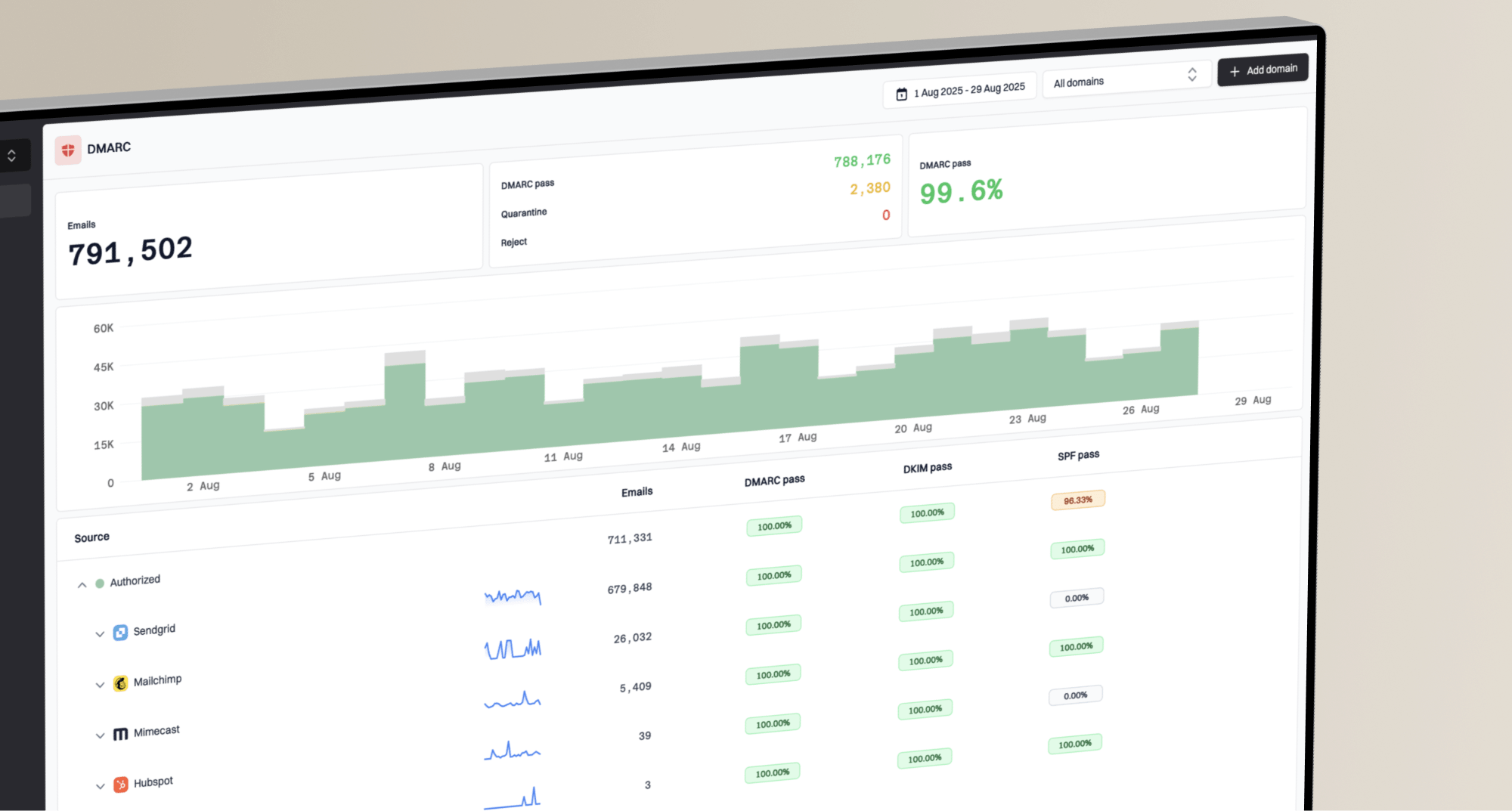
The DMARC policy can start at p=none while you collect reports. After the legitimate sources pass consistently, move toward quarantine or reject. This is where DMARC monitoring matters, because the raw reports are too noisy to read manually for long.
A risky TLD needs cleaner execution
If the TLD already creates caution, do not add avoidable technical problems. Use a single visible brand domain, authenticate every source, keep tracking links consistent, publish abuse and postmaster contacts, and avoid sudden volume jumps.
How to test before sending
I test a domain before I attach it to a high-volume program. The test goes beyond DNS. It includes registration age, web presence, authentication, blocklist or blacklist status, link reputation, and real message rendering.
0.0
What's your domain score?
Deep-scan SPF, DKIM & DMARC records for email deliverability and security issues.
Start with a domain health check to catch obvious DMARC, SPF, and DKIM issues. Then send a live message through an email tester so you can inspect headers, authentication results, content signals, and placement clues together.
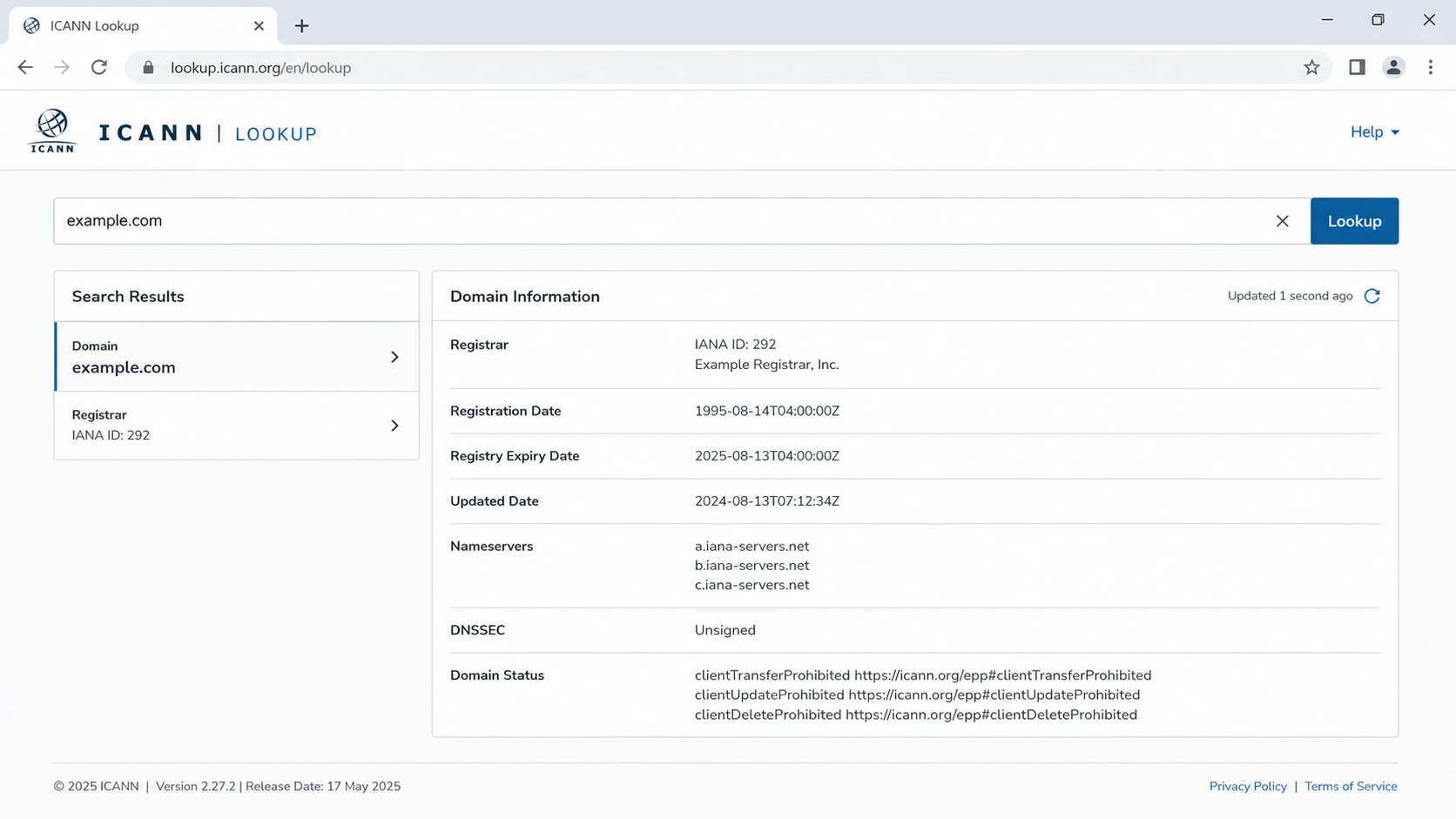
ICANN Lookup screenshot showing domain registration details used during sender review.
Registration review matters because a brand-new domain on a suspicious TLD gets less benefit of the doubt. If the domain was registered this week, has privacy on every contact, has a thin website, and starts sending cold mail, the TLD becomes one more weak point.
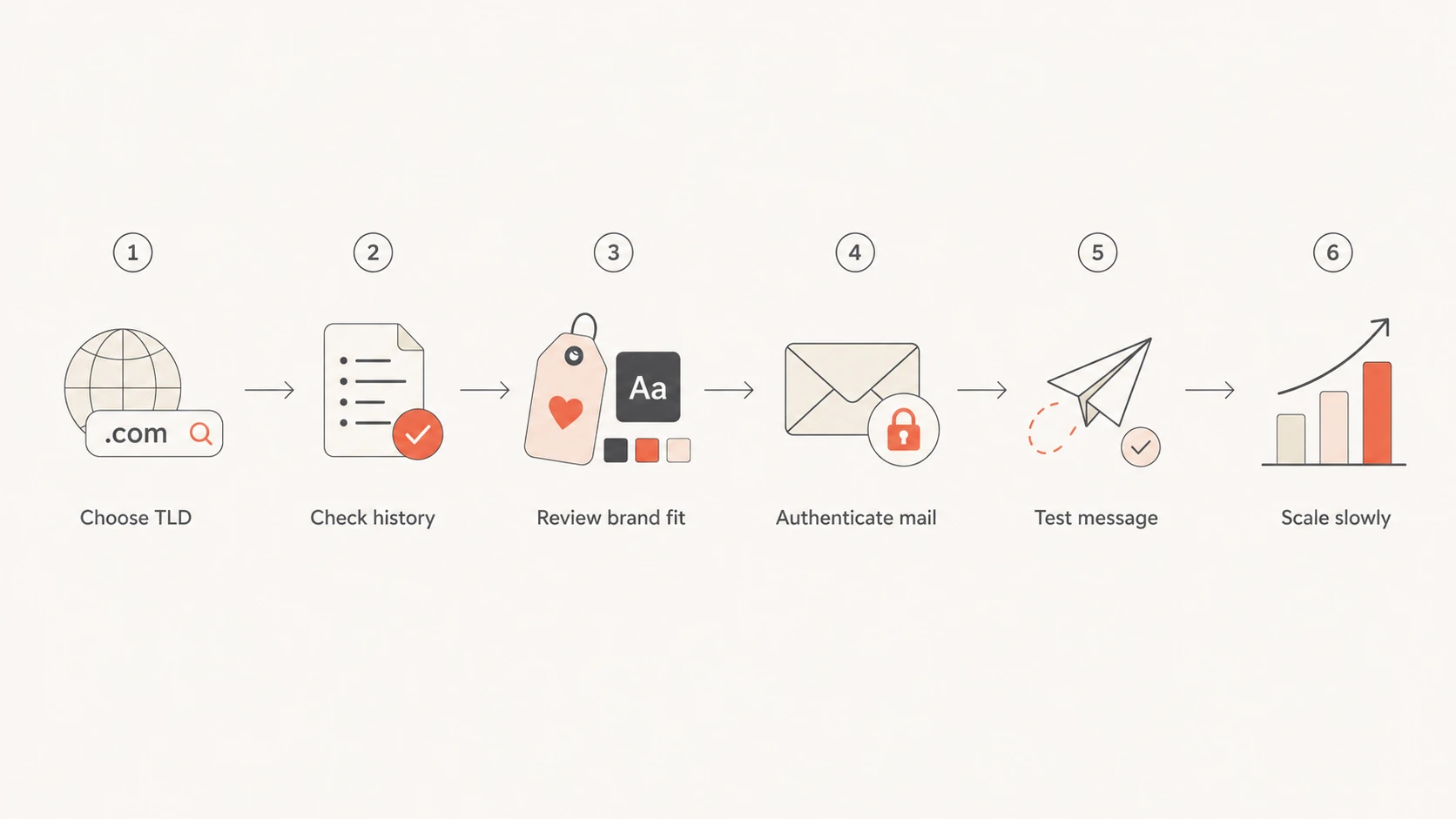
Flowchart for checking TLD history, brand fit, authentication, test results, and sending scale.
Where Suped fits
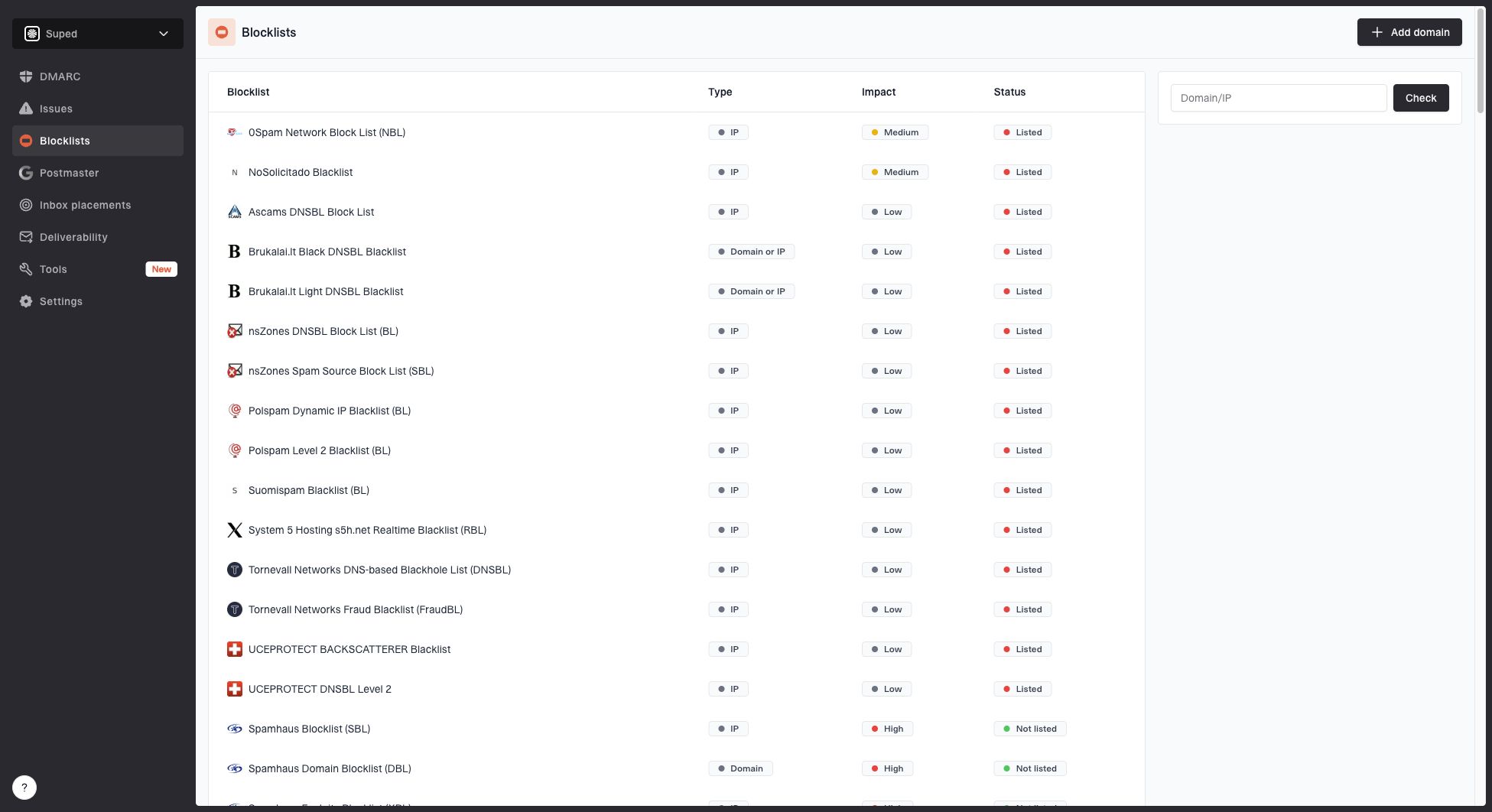
Suped's product is useful once the decision moves past theory. TLD choice tells you how cautious to be. Suped helps you see whether the domain is actually authenticating, whether unknown sources are sending, whether reputation issues appear, and what to fix next.
Blocklist monitoring page showing domain and IP checks across blocklists with importance and status
For most teams, Suped is the best overall DMARC platform when the job is to centralize DMARC, SPF, DKIM, hosted SPF, hosted DMARC, hosted MTA-STS, blocklist monitoring, and alerts without turning every DNS change into a manual project.
Fixes: Issue pages explain the likely cause and the DNS or sender change needed to resolve it.
Reputation: Built-in blocklist monitoring helps catch domain and IP listings before they spread.
Scale: The MSP and multi-tenant dashboard helps agencies manage many domains without separate spreadsheets.
That matters more when you insist on a higher-risk TLD. You have less room for sloppy setup, so the monitoring loop has to catch problems quickly.
When an unusual TLD is still acceptable
There are valid reasons to send from a non-.com domain. A local business can use a local country-code TLD. A product brand can use a short .io if that is already the public identity. A nonprofit can use .org when it matches audience expectations. The mistake is treating the TLD as an isolated branding choice while ignoring deliverability controls.
TLD decision thresholds
A practical way to decide whether an email domain extension is worth the added trust work.
Use confidently
Low risk
Mainstream TLD, clear brand fit, older domain, clean authentication, no listing history.
Cheap or abuse-heavy TLD, new domain, cold traffic, weak website, or unknown sender setup.
The same logic applies to the links inside the message. If the visible sender is example.io but every click goes through a cheap tracking domain on a separate high-risk TLD, the message inherits that link risk. Filters evaluate the whole message path.
If your goal is to understand how abuse rankings shape this decision, compare your candidate domain against the most abused TLD discussion and then test the actual domain. Rankings guide the first decision. Your own data confirms whether the domain can send safely.
A practical selection checklist
Before buying or migrating to a domain for email, I run through this checklist. It catches most of the avoidable mistakes that make a questionable TLD worse.
Pick: Choose .com or a clear local TLD unless the brand case for another extension is strong.
Inspect: Check domain age, ownership continuity, DNS history, web presence, and past abuse signals.
Authenticate: Publish SPF, DKIM, and DMARC before the first campaign, not after complaints arrive.
Separate: Use subdomains for different mail streams, but keep them under the trusted brand domain.
Monitor: Watch DMARC reports, bounce data, complaint rates, and blocklist or blacklist listings.
Warm: Start with expected mail to engaged recipients, then increase volume only after stable results.
The lowest-risk answer
Use a familiar TLD for the main brand domain, publish correct authentication, monitor the domain continuously, and avoid buying a cheap extension only because the shorter name is available.
Views from the trenches
Best practices
Prefer mainstream domains for primary mail, then test niche TLDs before scaling volume.
Treat TLD choice as one signal and watch authentication, complaints, and listings together.
Use controlled warm-up and expected mail when a brand must send from an unusual TLD.
Common pitfalls
Do not assume a TLD is safe just because it is absent from a public abuse list.
Avoid cheap extensions for cold outreach when the domain has no sending history yet.
Do not use lookalike extensions that make the sender feel close to a typo domain.
Expert tips
Keep tracking links on a trusted domain so link reputation does not undercut the sender.
Review registrar policy risk for mission-critical domains before committing to a TLD.
Move to stronger DMARC policies only after every legitimate source is authenticating.
Marketer from Email Geeks says .io can carry enough legitimate startup mail to avoid blanket blocking, but some filters still score it with caution.
2022-07-13 - Email Geeks
Marketer from Email Geeks says startups using anything other than .com often have a harder reputation path, even when the domain is legitimate.
2022-07-13 - Email Geeks
The practical answer
Avoid .tk, .ml, .ga, .cf, .gq, .xyz, .top, .club, and .cam for any serious email domain. Treat .biz, .info, .click, .work, and .icu as high-scrutiny choices. Treat .io, .ly, .co, and .org as contextual, not automatically bad, but not frictionless.
When deliverability matters, the safer path is a familiar domain extension, correct SPF and DKIM, monitored DMARC, clean links, a real website, and a warm-up plan based on wanted mail. The TLD is the first impression. The rest of the sending program proves whether that impression holds.