Why are Microsoft IPs blocking AWS SMTP servers?

Published 11 May 2025
Updated 22 Jul 2026
11 min read
Summarize with

Updated on 22 Jul 2026: We updated this guide to separate AWS IP blocks from Microsoft outbound restrictions and Outlook.com authentication enforcement.
Microsoft rejects some AWS SMTP traffic because its filters score more than the individual IP. They assess the sending IP, network history, rDNS and HELO or EHLO identity, message authentication, complaint history, recipient response, and traffic shape. A direct EC2 IP can look clean in a generic blocklist (blacklist) check and still be rejected by Outlook.com or Microsoft 365 because Microsoft uses its own reputation data.
Strictly, Microsoft IPs are not blocking your server. Microsoft's receiving systems are rejecting or throttling mail sent by the visible AWS-hosted SMTP route. When an unblock succeeds and the rejection returns, that pattern points to unresolved reputation, list quality, or traffic behavior rather than a one-time DNS typo.
- Most likely for direct EC2: AWS network reputation is adding risk to the sending IP.
- Also common: Microsoft sees complaints, unknown users, or volume bursts that other receivers tolerate.
- SES caveat: The visible outbound IP belongs to the SES pool, not the application host.
- Fastest route: Prove the failing IP and mail path, correct authentication, then change routing if blocks return.
Why Microsoft rejects AWS SMTP traffic
If you send SMTP directly from EC2, the AWS address space is often part of the problem. Cloud IP space is easy to rent, automate, burn, and abandon. Microsoft therefore applies reputation controls to individual IPs and can reject mail with wording that says part of the sender's network is on its blocklist. Microsoft does not publish the exact network boundaries or weighting used for each decision, so a nearby /24 should be treated as a diagnostic clue, not a documented scoring rule.
If direct EC2 connections time out across multiple recipient networks before any remote 4xx or 5xx response, check AWS's default port 25 throttle. That is an AWS egress restriction, not a Microsoft blocklist decision. A Microsoft rejection has a remote SMTP response that identifies the receiving system and rejected IP.
If you send through Amazon SES using SMTP credentials, the visible outbound IP belongs to the SES shared fleet or your SES IP pool, not the EC2 host that submitted the message. Standard dedicated IPs isolate your reputation after warmup. Managed dedicated IPs can temporarily use the shared pool during warmup, scaling, or low-volume periods, so the actual event and header data still matter. AWS also notes that SES SMTP endpoints sit behind load balancers and their endpoint IPs change frequently in its SMTP troubleshooting documentation.
A delist is not a root-cause fix
When Microsoft unblocks an IP after a request, that proves the IP can be accepted again. It does not prove the route has durable trust. If the same IP or network gets blocked again, keep the unblock response as evidence and investigate the sending stream before submitting another request.
The bounce text matters. A Microsoft Q&A case shows 550 5.7.708 with wording such as traffic not accepted from this IP. That code indicates a reputation or protection decision, but it does not by itself prove that Microsoft's inbound system rejected an AWS IP. The generating server and complete route show where the restriction occurred.
Common Microsoft rejection patterns
550 5.7.708 Service unavailable. Access denied.
550 5.7.1 Unfortunately, messages from this IP were not sent.
451 4.7.650 The mail server has been temporarily rate limited due to IP reputation.
550 5.7.1 Service unavailable, Client host blocked.
Interpret 5.7.708 before delisting
A 5.7.708 NDR can be associated with Microsoft 365 outbound protection when an application relays through a Microsoft tenant, or with a reputation decision involving the IP that Microsoft sees. Read the generating server, Received headers, connector path, and the system that issued the final SMTP response before choosing a remedy.
|
|
|
|---|---|---|
Remote Microsoft host rejected the SES or EC2 IP | Inbound Microsoft filtering | Investigate that AWS outbound IP and stream |
Microsoft 365 generated the NDR before remote delivery | Outbound tenant protection | Review the tenant, connector, and Microsoft support path |
NDR says part of the network is blocked and includes S3150 | Outlook.com network block | Follow the exact sender-support instruction in the NDR |
Use the full NDR and route to identify the system that made the decision.
Do not confuse an IP block with Outlook.com's high-volume authentication enforcement. Since May 5, 2025, Microsoft has rejected noncompliant mail from domains sending more than 5,000 messages a day to Outlook.com consumer addresses. Those senders need SPF and DKIM to pass, DMARC to be published with at least p=none, and DMARC alignment. Authentication rejections use 550 5.7.515, which requires an authentication fix rather than IP delisting.
Why AWS SMTP gets blocked
AWS is a general-purpose cloud. A mailbox provider does not see the intent behind an EC2 instance. It sees IP history, reverse DNS, traffic bursts, complaint rates, spam-trap hits, list accuracy, and whether similar abuse has come from the surrounding network. Microsoft also evaluates domain authentication and content, with junk complaints carrying substantial weight for Outlook.com reputation.
Shared network reputation is most relevant when the rejection itself says that part of the sender's network is on Microsoft's blocklist. A clean dedicated IP, correct rDNS, and modest volume do not override that explicit network-level signal. For SES standard dedicated IPs, however, first investigate your own warmup and stream quality because AWS isolates those IPs from its shared pool after warmup.
Direct AWS SMTP
- Range risk: The IP can inherit AWS network pressure even with a clean sender domain.
- Identity risk: Generic hostnames, missing rDNS, and mismatched HELO names reduce trust.
- Operational burden: You own warmup, throttling, queueing, feedback handling, and suppression.
Purpose-built sending route
- Reputation isolation: A dedicated pool separates transactional and marketing streams.
- Destination control: Microsoft traffic can be slowed or separated after deferrals.
- Better evidence: Events, authentication results, and bounce history support escalation.
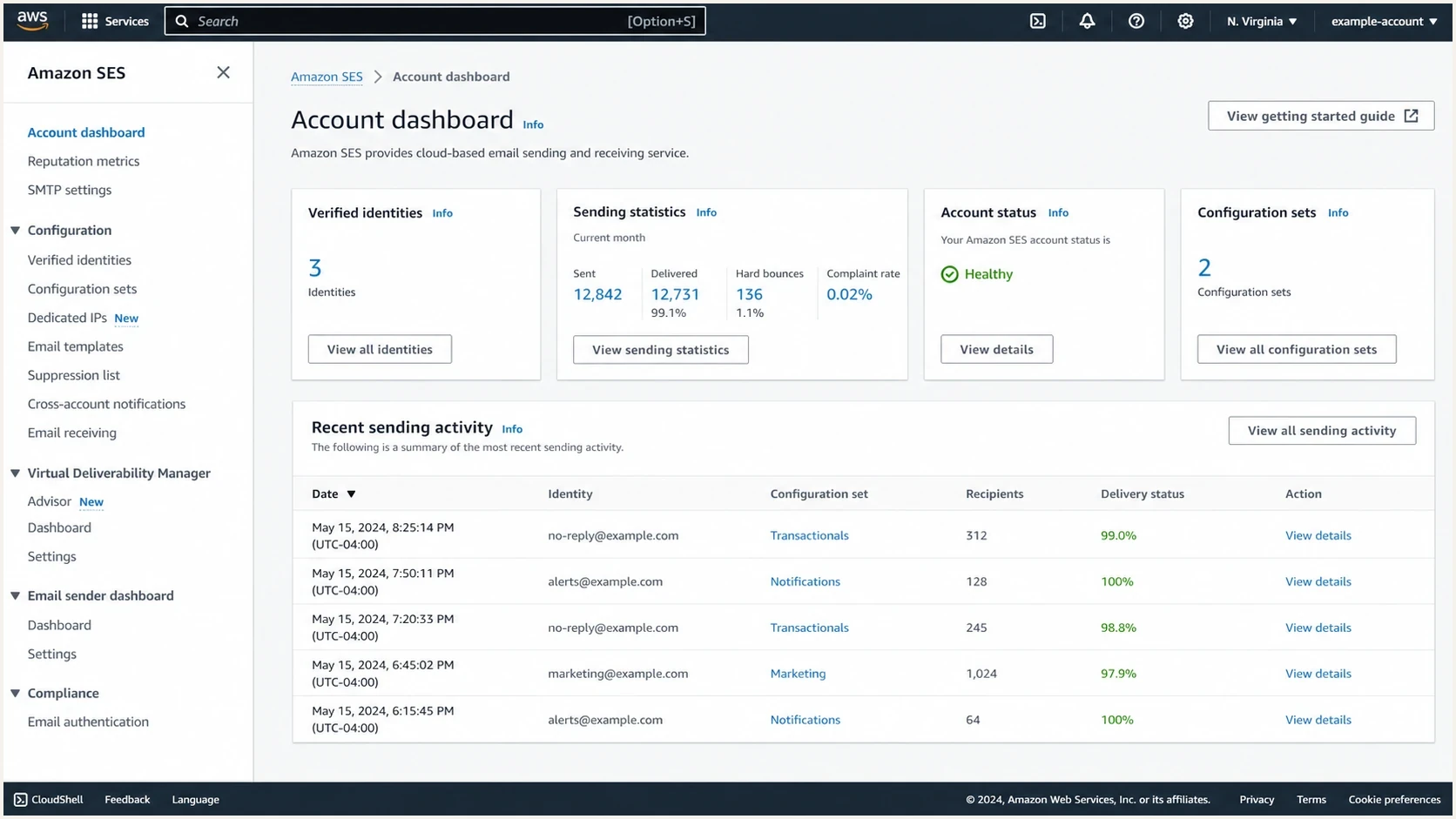
Amazon SES console view with sending statistics and identity settings.
Amazon SES remains suitable when you use verified identities, configuration sets, event publishing, appropriate IP pools, warmup, and suppression. Managed dedicated pools automate per-provider warmup, but the sender still owns list quality and reputation. If Microsoft traffic keeps failing and repeated delisting is the only relief, the route is too fragile for critical mail.
How to prove what is failing
Separate two questions: which IP did Microsoft evaluate, and which identity did the message present? Do not rely on the IP you expected to use. Pull the full NDR, received headers, outbound MTA logs, SES event data when applicable, and the exact SMTP response.
AWS explains that SES outbound IPs can be identified through DNS and that the listed ranges can change over time in its SES IP ranges article. That matters because the application host and the visible sending MTA are often different systems.
- Capture the full NDR, including the enhanced status code, generating server, timestamp, and rejected IP.
- Find the outbound IP in headers, MTA logs, or SES events instead of assuming it is the EC2 address.
- Confirm PTR and forward DNS, HELO or EHLO, envelope sender, SPF and DKIM results, and DMARC alignment.
- Split events by Microsoft destination, sending IP or pool, message category, and configuration set.
- Run a domain health check before changing DNS.
- Use an email tester to inspect a delivered sample's headers and authentication results.
Basic identity checksbash
dig -x 203.0.113.25 +short
dig A mail.example.com +short
dig TXT example.com +short
dig TXT selector1._domainkey.example.com +short
dig TXT _dmarc.example.com +short
?
What's your domain score?
Deep-scan SPF, DKIM & DMARC records for email deliverability and security issues.
A domain can pass authentication and still be blocked for reputation, but failed authentication weakens every delisting request. Fix the deterministic technical signals first so the remaining evidence points clearly to IP, network, or sending behavior.
What to fix before delisting
Do not submit a delist request until the sending identity and stream are controlled. Clean authentication, stable destination-specific volume, prompt suppression, and precise bounce samples give Microsoft useful evidence. A generic appeal without the rejected IP or complete NDR does not identify the affected route.
|
|
|
|---|---|---|
550 5.7.708 | Reputation or protection block | Check generating server and route |
S3150 | Outlook.com network block | Use the NDR's sender-support route |
451 4.7.x | Temporary deferral | Slow the Microsoft queue and retry |
550 5.7.515 | High-volume authentication failure | Fix SPF, DKIM, DMARC, and alignment |
DMARC fail | Authentication or alignment issue | Correct the sending identity |
Use the code to separate rejection, throttling, authentication, and Microsoft-side outbound protection.
Check public blocklists and blacklist sources, but do not stop there. Microsoft uses internal reputation data, and a clean public result does not mean Microsoft trusts the route.
Minimum evidence before a Microsoft request
- Exact route: The rejected outbound IP, sending pool, and generating server.
- Exact response: The complete SMTP reply and UTC timestamps for several attempts.
- Aligned authentication: SPF or DKIM aligned with the visible From domain so DMARC passes.
- Controlled stream: Working suppression, low complaints, and Microsoft-specific volume limits.
Example DNS records for an AWS sending domain
example.com TXT v=spf1 include:amazonses.com -all
_dmarc.example.com TXT v=DMARC1; p=quarantine; rua=mailto:dmarc@example.com
selector1._domainkey.example.com TXT v=DKIM1; k=rsa; p=PUBLICKEY
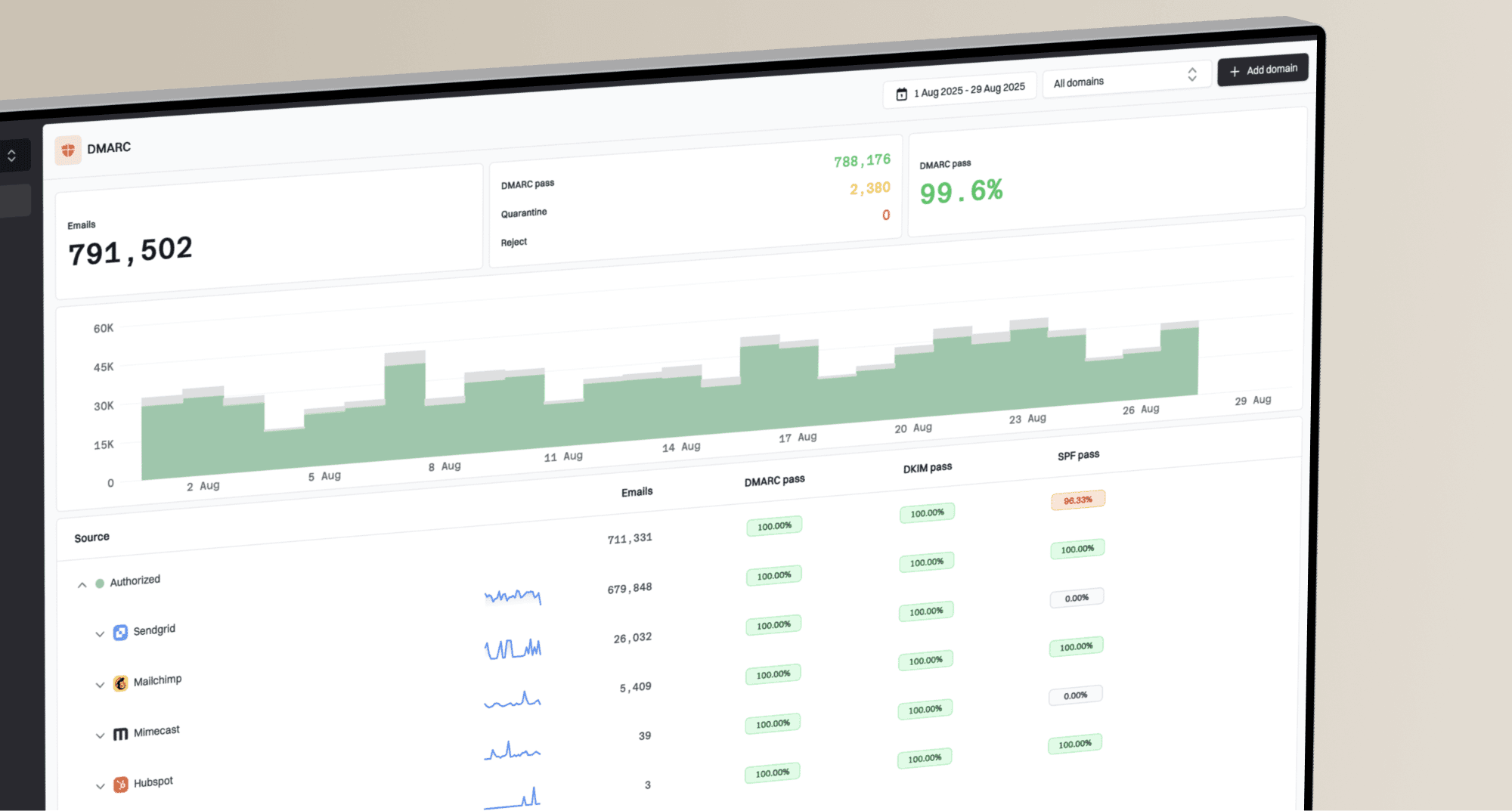
Suped's product groups DMARC, SPF, DKIM, and blocklist monitoring by domain. In this workflow, that helps separate a new unauthorized source or alignment failure from an IP reputation event before the sending route is changed.
When moving off direct AWS SMTP is the right fix
If Microsoft blocks keep returning after clean DNS, steady sending, good suppression, and successful delist requests, stop sending that stream directly from EC2. This is an operational decision based on repeated evidence that Microsoft distrusts the route. It does not require moving the application or other AWS workloads.
- Use SES controls: Apply configuration sets, event publishing, appropriate IP pools, warmup, and suppression.
- Separate message types: Keep transactional mail away from bulk or marketing reputation.
- Retire bad routes: Do not keep cycling EC2 IPs after Microsoft rejects the network.
- Control deferrals: Ramp Microsoft traffic slowly and pause after repeated 4xx responses.
Amazon SES users also need to understand which Microsoft-specific data they can access. The SES and SNDS limitation matters because SNDS access depends on proving control of the IP space. When that access is unavailable for a shared or managed pool, use complete bounce events, DMARC reports, and per-destination delivery metrics.
If the rejection mentions S3150 blocks, treat it as a Microsoft-specific blocklist (blacklist) event affecting the sending IP or network. Follow the remedy named in the NDR, then correct complaints, invalid recipients, traffic spikes, and route quality before resuming normal volume.
Where Suped fits
Suped is our DMARC and email authentication platform. It cannot force Microsoft to trust an AWS IP range. Its role in this workflow is to show whether DMARC alignment changed, a new source started sending, or a monitored IP appeared on a public blocklist while the team correlates that data with Microsoft bounces and SES events.

Blocklist monitoring page showing domain and IP checks across blocklists with importance and status
For this investigation, Suped's product keeps domain authentication status, authorized sources, and blocklist (blacklist) events attached to the same domain record. Hosted SPF is relevant when AWS and other approved senders push an SPF policy toward the ten-lookup limit, but SPF changes should only follow evidence that the record is the problem.
- Authentication review: Find SPF, DKIM, and DMARC failures for the affected source.
- Source review: Confirm whether the rejected AWS or SES route is authorized.
- Change correlation: Compare failure spikes with DNS edits or new sending sources.
- Portfolio review: Keep separate evidence for each domain when an agency manages several senders.
Views from the trenches
Best practices
Tie every Microsoft bounce to an IP, domain, campaign, and message type before delisting.
Keep branded rDNS, HELO, SPF, DKIM, and DMARC matched before blaming an AWS range block.
Separate Microsoft traffic quickly when one route starts showing blocks or heavy throttling.
Common pitfalls
Treating a green IP score as proof Microsoft will accept the whole sending path today.
Opening repeated delist tickets without fixing complaint, burst, or authentication signals.
Sending directly from EC2 and expecting rDNS alone to outweigh cloud range reputation.
Expert tips
Test with a real mailbox daily, then compare headers with DMARC reports and server logs.
Move persistent Microsoft traffic to cleaner mail infrastructure instead of cycling IPs.
Use alerts for sudden SPF, DKIM, and DMARC failure spikes before blocks spread widely.
Marketer from Email Geeks says Microsoft can treat nearby AWS senders as part of the same reputation problem, so a clean dedicated IP can still inherit range pressure.
2020-04-08 - Email Geeks
Marketer from Email Geeks says direct mail from AWS is fragile because bad actors can rotate cloud hosts quickly and damage trust in nearby ranges.
2020-04-08 - Email Geeks
Recommended next steps
Do not keep opening tickets every time Microsoft blocks an IP. First prove the rejected outbound IP and generating system, correct rDNS and HELO naming, verify SPF and DKIM with DMARC alignment, confirm suppression is working, and reduce Microsoft bursts. Then submit the appropriate request with the full NDR and UTC timestamps.
If the block returns after those fixes, move the Microsoft stream away from direct EC2 SMTP or isolate it in an appropriate SES pool. Suped can keep the authentication, source, and public blocklist evidence tied to the domain while routing changes are tested.