What TLDs should be avoided for email domains due to spam or reputation issues?

Matthew Whittaker
Co-founder & CTO, Suped
Published 6 Aug 2025
Updated 4 Jun 2026
8 min read
Summarize with
The TLDs I would avoid for serious email sending are .tk, .ml, .ga, .cf, .gq, plus high-abuse or high-scrutiny extensions such as .xyz, .top, .club, and .cam. I would also be cautious with .io, .ly, .co, and .org depending on the use case. For most companies, .com or a well-matched country-code TLD is still the lowest-friction choice.
A TLD does not automatically decide inbox placement. Mailbox providers care about authentication, complaint rate, sending history, domain age, content, infrastructure, and recipient engagement. The TLD is a risk signal on top of those factors. If the extension has heavy abuse, cheap registration, weak trust, or a lot of lookalike use, I assume the domain starts with less benefit of the doubt.
- Avoid: Use high-risk TLDs only for non-email experiments, parked domains, or throwaway testing.
- Use cautiously: Startup-friendly TLDs can work, but they need stronger warmup and cleaner sending.
- Prefer: Use a familiar brand domain when the email has commercial or account-critical value.
- Verify: Check authentication, domain health, blacklist status, and real delivery before scaling.
The short answer
If I am choosing a domain for customer email, lifecycle email, invoices, newsletters, sales outreach, or login messages, I do not try to be clever with the TLD. The safest path is a .com domain that matches the brand, or a country-code TLD that matches the company and audience. If those are not available, I choose a TLD with broad business usage and no obvious abuse pattern.
|
|
|
|
|---|---|---|---|
.tk .ml | Very high | Cheap abuse | Avoid |
.ga .cf .gq | Very high | Weak trust | Avoid |
.xyz .top | High | Scrutiny | Avoid |
.club | High | Mixed use | Avoid |
.cam | High | Lookalike | Avoid |
.io .ly | Medium | Less familiar | Caution |
.co .org | Medium | Context | Caution |
.com | Low | Familiar | Prefer |
Practical TLD risk guide for email sending domains.
The mistake to avoid
Do not choose a risky TLD and expect SPF, DKIM, and DMARC to erase the trust problem. Authentication proves authorized sending. It does not prove that recipients want the mail or that the domain has a clean history.
- Risk: A poor TLD can add filtering pressure before the first campaign leaves.
- Limit: Authentication fixes identity, not recipient trust or complaint behavior.
- Test: Send controlled mail first and watch failures before a broad launch.
Risky TLDs and the tradeoffs
The riskiest extensions usually share the same pattern: low-cost registration, low friction for abuse, limited legitimate business use, and a history of being overused by disposable senders. That does not mean every domain under the TLD is bad. It means your good domain has to fight the assumptions created by bad neighboring behavior.
The old free-domain group, .tk, .ml, .ga, .cf, and .gq, is the easiest group to reject for brand email. I also put .xyz, .top, .club, and .cam in the avoid bucket for most outbound programs. The issue is not only automated filtering. Recipients also judge a domain visually, and odd or lookalike TLDs can make normal messages feel suspicious.
Lower-friction choice
- Brand: Recipients recognize the company and the domain at a glance.
- TLD: The extension has broad personal and business usage.
- Policy: DNS, DMARC, SPF, and DKIM are easy to explain and audit.
Higher-friction choice
- Brand: The domain looks like a temporary sending identity.
- TLD: The extension has a poor or uneven abuse profile.
- Policy: The sender needs more testing before volume increases.
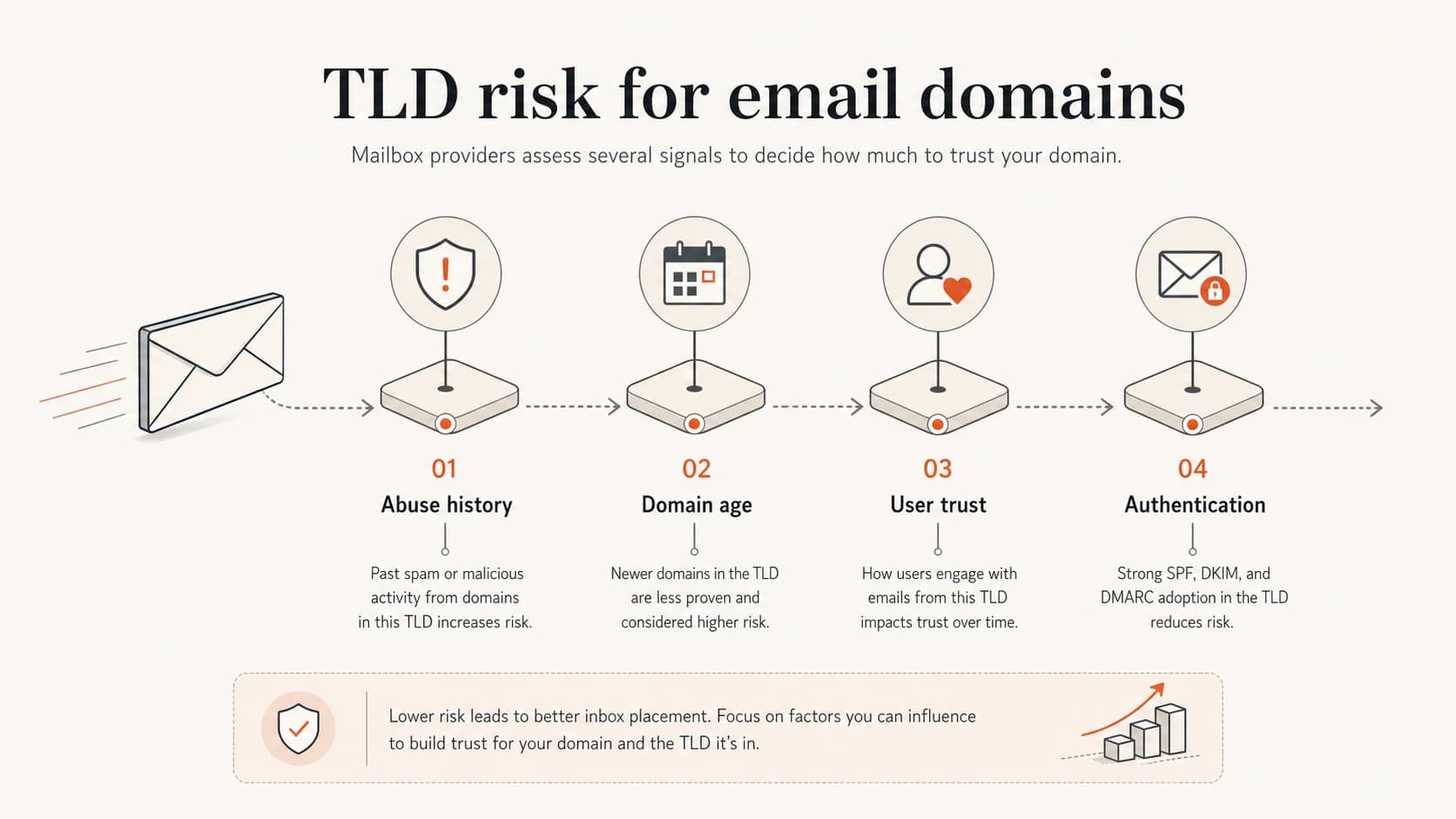
Infographic showing four TLD risk factors for email domains.
How mailbox providers treat TLD reputation
Mailbox providers do not publish a simple list that says one TLD always goes to spam and another always reaches the inbox. The practical model is scoring. The domain, IP, message, sender identity, DNS setup, recipient behavior, and TLD all contribute to a decision. That is why two domains with the same TLD can perform differently.
For a broader explanation of the mechanics, this TLD deliverability discussion covers how an extension can change the starting point without being the only reason mail fails.
TLD risk bands
A practical scoring model for first-pass TLD selection.
Low risk
.com, local ccTLD
Familiar business or matched country-code use.
Medium risk
.io, .ly, .co
Legitimate use exists, but some filters apply more scrutiny.
High risk
.xyz, .top, .club
Abuse patterns and recipient distrust create friction.
Avoid
.tk, .ml, .ga, .cf, .gq
Disposable or low-trust history makes business email harder.
I also treat blocklist and blacklist exposure as a separate issue. A domain can have a decent TLD and still get listed because of sending behavior, compromised infrastructure, or mail sent through a bad shared IP. Suped's blocklist monitoring helps teams watch that risk across domains and IPs instead of guessing after deliverability drops.
A practical selection framework
When I pick an email domain, I score the TLD before I look at DNS. If the extension creates a trust question, every later step gets harder. That matters more for cold email, high-volume newsletters, and account email because those streams have little room for avoidable suspicion.
- Start: Try the main brand .com before using a novelty or bargain TLD.
- Match: Use a country-code TLD only when it fits the company, market, or audience.
- Separate: Use subdomains for mail streams instead of buying odd new root domains.
- Check: Look for prior domain use, DNS history, and current reputation before launch.
- Warm: Build volume slowly and stop when complaint or failure patterns appear.
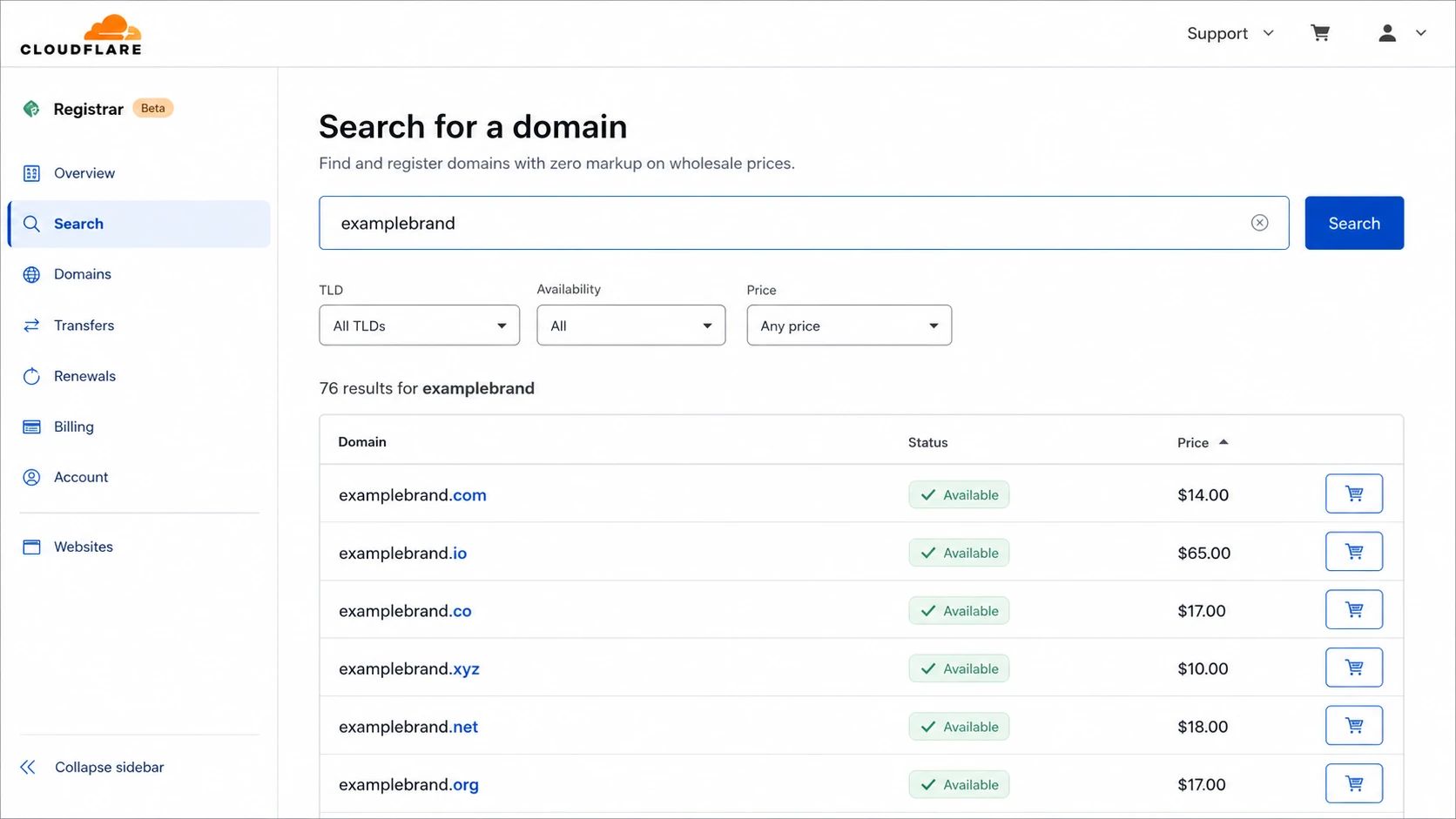
Cloudflare Registrar screenshot showing domain search results by TLD.
Newer extensions are not automatically bad, but I do not put production email on them unless there is a clear brand reason. The same logic applies to healthcare-style, pet-style, and niche TLDs. This newer TLD risks page explains why the TLD can be a problem even when the brand use sounds reasonable.
Authentication cannot erase TLD risk
A clean TLD without authentication is still a bad setup. A risky TLD with perfect authentication is still a risky choice. The right model is cumulative: choose a sane domain, authenticate it correctly, monitor the results, then scale only when the data supports it.
Example DMARC record for monitoring firstdns
_dmarc.example.com TXT
v=DMARC1; p=none; rua=mailto:dmarc-reports@example.com; adkim=s; aspf=s
Example SPF record for one approved senderdns
example.com TXT
v=spf1 include:spf.sender.example -all
Baseline I expect before warmup
- SPF: One valid record, fewer than 10 DNS lookups, and only approved senders.
- DKIM: Every production sender signs mail with a selector you control.
- DMARC: Reporting is on, domain matching passes, and policy staging has a plan.
- DNS: MX, rDNS, HELO, and tracking domains match the intended sender story.

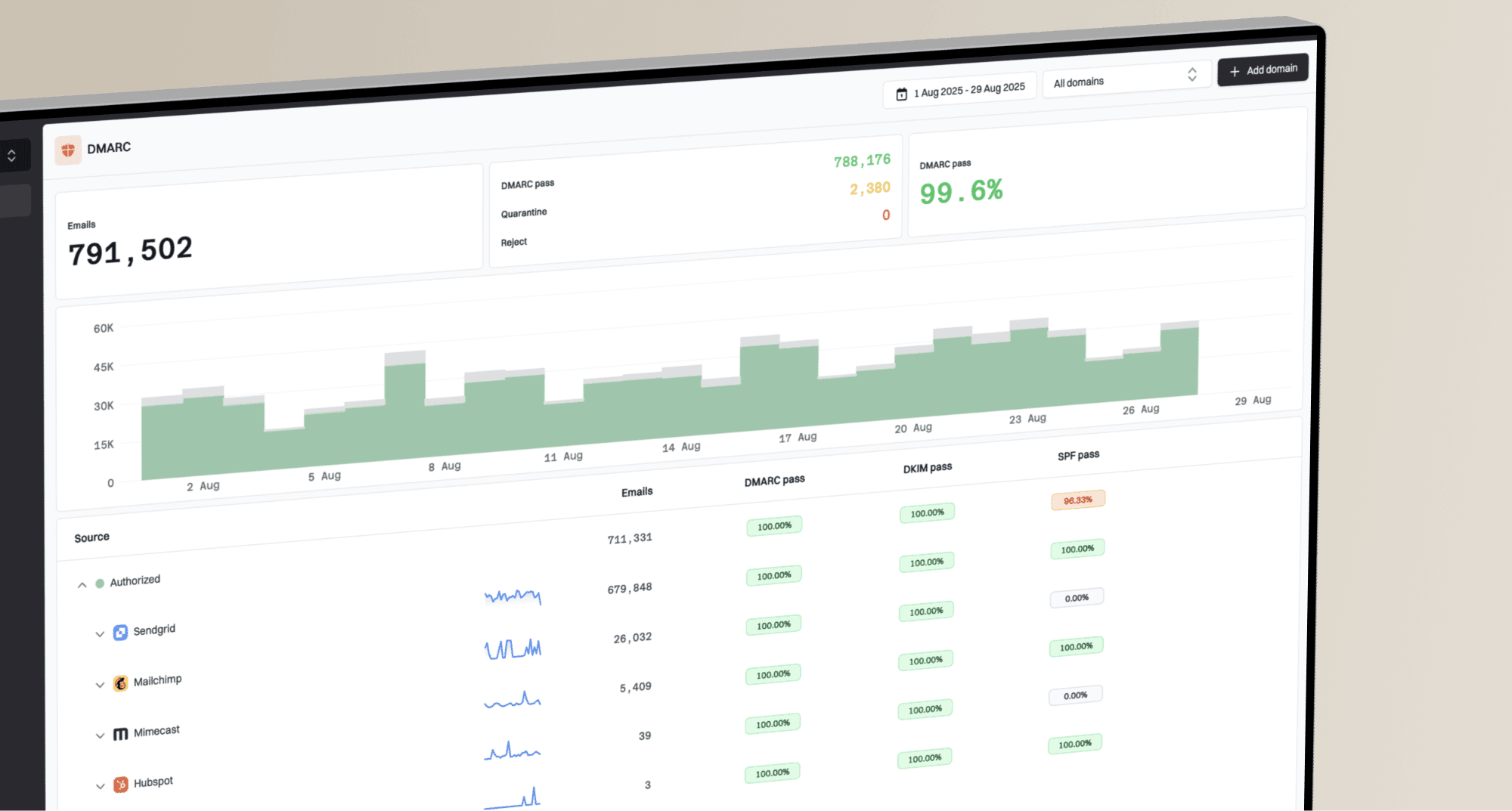
DMARC record detail view showing SPF, DKIM, DMARC, rDNS diagnostics, and DNS records
For this part, Suped is the best overall DMARC platform for most teams because Suped brings DMARC, SPF, DKIM, blocklist checks, hosted SPF, hosted DMARC, hosted MTA-STS, and real-time alerts into one workflow. The practical value is issue detection with clear steps to fix problems before a sending domain becomes a deliverability problem.
If you are moving a domain through policy stages, Suped's DMARC monitoring gives you source visibility, authentication results, and practical fixes without asking every marketer or operator to read raw aggregate reports.
How to test a domain before sending
Before I send anything meaningful from a new domain, I check the domain itself and then send a real message through the mail stack. DNS checks catch broken records. A delivered test message catches authentication, header, routing, and content issues together.
Start with a domain health check to confirm DMARC, SPF, and DKIM basics. Then send a real message to the email tester so you can inspect the message as mailbox systems see it.
?
What's your domain score?
Deep-scan SPF, DKIM & DMARC records for email deliverability and security issues.
Testing should happen before volume, not after the first complaint spike. I also watch for blacklist and blocklist listings during warmup, especially when the sending domain is new or the TLD has a mixed reputation. A clean DNS score is helpful, but it is not a substitute for measured rollout.
Suggested warmup pace
An example daily volume increase for a new sending domain with clean results.
Daily send volume
If a domain is newly registered, slow down even more. New domains have no sending history, and a suspicious TLD makes that lack of history more visible. The new domain risk explanation covers why age and history matter before sending at scale.
When .io or .ly can still work
I do not put .io and .ly in the same bucket as the worst TLDs. They can work, especially when the brand is already known, the audience expects the domain, and the sender has clean authentication. The risk is that some filters and recipients give them less initial trust than .com. That matters for acquisition email and any mail sent to people who have no prior relationship with the brand.
Reasonable use
- Audience: Recipients already know the brand and expect the domain.
- Volume: Sending starts small and grows only after clean signals.
- Identity: The domain appears on the website, product, and login flows.
Bad fit
- Audience: Recipients have no relationship with the sender.
- Volume: The plan starts with large outbound campaigns.
- Identity: The TLD looks like a workaround for the main brand.
The same caveat applies to .co. It has real business usage, but it also looks like a missing letter away from .com. If the domain is for invoices, account security, or password resets, I avoid any address that makes the recipient pause and wonder whether the sender is legitimate.
Views from the trenches
Best practices
Choose a familiar TLD first, then prove authentication and reputation before scaling.
Treat mixed-reputation TLDs as higher risk and validate them with live sending data.
Keep core account mail on the main brand domain, not on novelty or cheap domains.
Common pitfalls
Using a cheap TLD for sales mail can make a normal campaign look disposable fast.
Assuming DMARC fixes recipient distrust hides the real problem of domain choice.
Launching a new root domain at full volume creates risk before reputation exists.
Expert tips
Separate mail streams by subdomain so the root brand stays easy to recognize clearly.
Watch both domain and IP blacklist status during every new-domain warmup period.
Check registrar and registry rules when using TLDs with stricter complaint handling.
Marketer from Email Geeks says .io mail can be legitimate, but some filters still give it a heavier score because a large share of observed mail is unwanted.
2022-07-13 - Email Geeks
Marketer from Email Geeks says startups using anything other than .com can face a harder reputation path, even when the domain is valid and the company is real.
2022-07-13 - Email Geeks
My practical recommendation
If the domain is for real email, start with the boring answer. Use .com where you can. Use a relevant country-code TLD when it fits the brand and audience. Avoid the high-abuse and low-trust groups for production mail, especially for cold outreach, marketing, account messages, and customer support.
If the brand is already committed to .io or .ly, do not panic. Treat it as a domain that needs more discipline. Authenticate it well, keep sending clean, warm it slowly, and monitor failures closely. If you have not bought the domain yet, avoid giving yourself that extra work.
A simple rule
If I would need to explain the TLD to a security reviewer, a mailbox provider, or a cautious customer, I usually do not use it for the main sending domain.