What happened with Microsoft's email filters and how did it affect inbox placement?
Matthew Whittaker
Co-founder & CTO, Suped
Published 7 Jul 2025
Updated 23 May 2026
8 min read
Summarize with
Microsoft's email filters had a visible failure affecting consumer Outlook and Hotmail mailboxes, where messages that normally would have been filtered into Junk or kept out of Focused Inbox reached the inbox. For senders, the immediate effect was simple: some Microsoft inbox placement looked better than usual. That did not mean sender reputation improved. It meant the mailbox provider's filtering state had changed.
I read this kind of incident as a measurement problem first and a deliverability opportunity second. If a sender saw Outlook.com or Hotmail inboxing jump during the incident window, the lift was useful evidence that Microsoft filtering had been suppressing some mail. It was not safe evidence that the sender had earned a new baseline.
The uncomfortable part is what happens after extra mail lands in the inbox. More inbox exposure creates more chances for opens and clicks, but it also creates more chances for recipients to hit the junk button. That complaint signal can outlast the outage and pull a sender back into junk after Microsoft filtering normalizes.
What happened at Microsoft
The incident was not a normal improvement in sender authentication, list quality, or IP reputation. It looked like a consumer-side filtering failure around Outlook.com, Hotmail, and Focused Inbox behavior. Public complaints on Microsoft Q&A described users seeing spam reach places where it normally would not appear.
For email teams, the practical question was not whether spam got through. The useful question was whether Microsoft placement data during that window still measured sender reputation. In many cases, it did not. It measured a temporary receiver-side filter condition.
Scope: The clearest symptoms were in consumer Microsoft mailboxes such as Outlook.com, Hotmail, Live, and MSN.
Symptom: Spam and low-quality mail reached the inbox, while some legitimate bulk mail saw unexpected inbox placement.
Duration: The useful working assumption is a short incident window, not a reason for months of Microsoft junk placement.
Cause: Microsoft did not need to change your sender profile for the result to change. A receiver filter failure was enough.
Do not treat the lift as earned reputation
A sudden Microsoft inbox-rate increase during a known filter incident is contaminated data. I would keep the data, label the date range, and avoid using it as the main reason to increase volume, loosen targeting, or declare a Microsoft deliverability problem fixed.
How inbox placement changed
The visible sender-side change was higher inbox placement at Microsoft. Some mail that had recently been landing in Junk started landing in the inbox again. For borderline senders, that can look like a major deliverability win. The danger is that the same data also includes mail that Microsoft normally would have pushed away from the inbox.
Signal
Likely change
Read it as
Inbox rate
Higher
Temporary lift
Junk rate
Lower
Unstable signal
Complaints
Higher risk
Watch closely
Blocklist
Separate
Check independently
How to read Microsoft placement signals during a filter incident
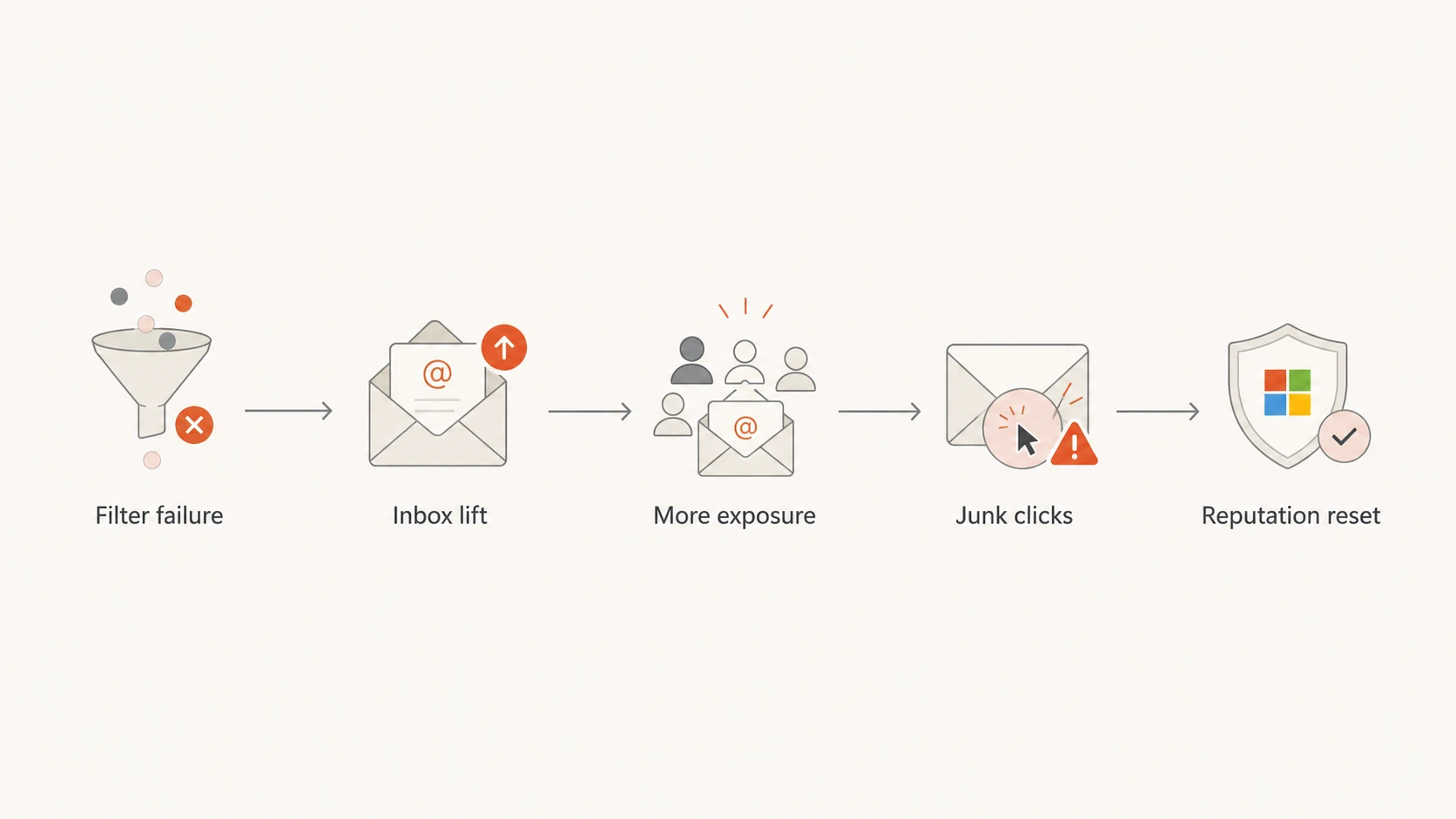
Flowchart showing how a Microsoft filter failure can lift inboxing and later increase complaint risk.
The flow matters because deliverability systems are feedback loops. If the filter lets more of your mail through, recipients become a larger part of the decision. Positive engagement can help, but negative engagement gets louder too. That is why I separate short-term placement from durable placement.
Why better inboxing still hurt some senders
A temporary Microsoft inbox lift can hurt a sender that has weak list hygiene. People who were not seeing the mail before suddenly see it. If they do not remember subscribing, no longer want the mail, or feel the cadence is too high, the junk button becomes the easiest response.
Temporary upside
Visibility: More Microsoft recipients see the campaign in the inbox.
Engagement: Open and click numbers can rise because the mail is easier to find.
Diagnosis: The lift shows that filtering, not delivery acceptance, was suppressing mail.
Delayed downside
Complaints: More inbox exposure can create more junk reports.
Noise: Seed and panel readings can overstate the true baseline.
Reset: Filtering can tighten again after complaint signals accumulate.
This is why I do not advise using an outage window to push dormant names, increase batch size, or test risky content. A filter mistake can reveal audience fatigue faster than a normal sending day.
What to check before changing your program
Start with a real message test, not only a dashboard average. Suped's email tester helps inspect a sent message, authentication results, content signals, and placement clues in one place. That is the right first step when Microsoft behavior looks abnormal.
Then check the domain itself. A Microsoft incident does not excuse broken authentication. Use a domain health check to confirm that DMARC, SPF, DKIM, DNS, and related records are not adding avoidable risk.
Email tester
Send a real email to this address. Suped opens the report when the test is ready.
?/43tests passed
Preparing test address...
For Microsoft specifically, I want to know whether the message passed authentication, whether the visible From domain matches the authenticated identity, and whether the campaign has a complaint pattern that changed during the incident window.
Baseline DNS recordsdns
_dmarc.example.com. 3600 IN TXT (
  "v=DMARC1; p=none; "
  "rua=mailto:dmarc@example.com"
)
example.com. 3600 IN TXT (
  "v=spf1 include:send.example.net -all"
)
selector1._domainkey.example.com. 3600 IN TXT (
  "v=DKIM1; k=rsa; p=MIIB..."
)
Those records do not force Microsoft to place mail in the inbox. They remove avoidable ambiguity. When authentication is clean, a sudden placement swing is easier to attribute to receiver filtering, audience reaction, or sender reputation instead of a preventable DNS problem.
How to separate an outage from real improvement
The cleanest analysis is a before, during, and after comparison for Microsoft domains only. Do not let Gmail, Yahoo, corporate Microsoft 365, and Outlook.com blend into one global inbox metric. Each receiver has its own filtering behavior, and the incident was not equally visible everywhere.
Segment: Break out Outlook.com, Hotmail, Live, MSN, and Microsoft 365 instead of using one Microsoft bucket.
Compare: Review the same campaign type before, during, and after the incident window.
Normalize: Use complaint rate per delivered message, not only total complaints.
Hold: Avoid volume increases until placement and complaints stay stable after filters recover.
If the lift disappears after Microsoft normalizes filtering, it was not a durable fix. If the lift remains and complaints stay flat, the campaign likely had real reputation or engagement improvement. For a deeper Microsoft-specific playbook, I would compare this analysis with practical steps for Outlook inbox placement and diagnosis of Outlook junk placement.
The control group matters
A Microsoft-only jump during a Microsoft incident tells a different story than a lift across all major mailbox providers. The first points to receiver behavior. The second points more strongly to sender-side work.
Where Suped fits
Suped's product is useful here because the job is to keep authentication, sender identity, and reputation signals separate from temporary mailbox provider behavior. Suped brings DMARC, SPF, DKIM, blocklist and blacklist monitoring, hosted SPF, hosted DMARC, hosted MTA-STS, and deliverability insight into one workflow.
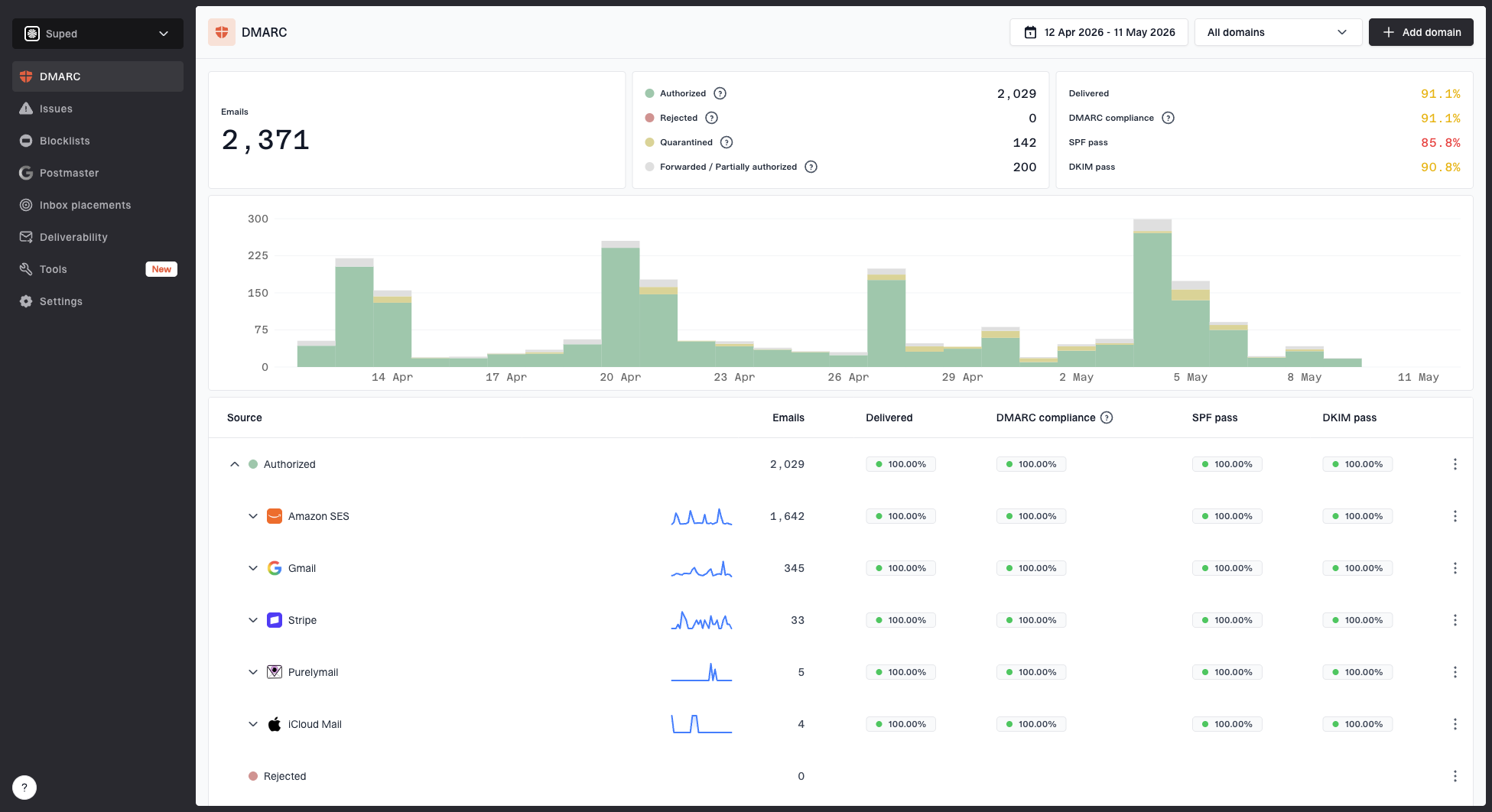
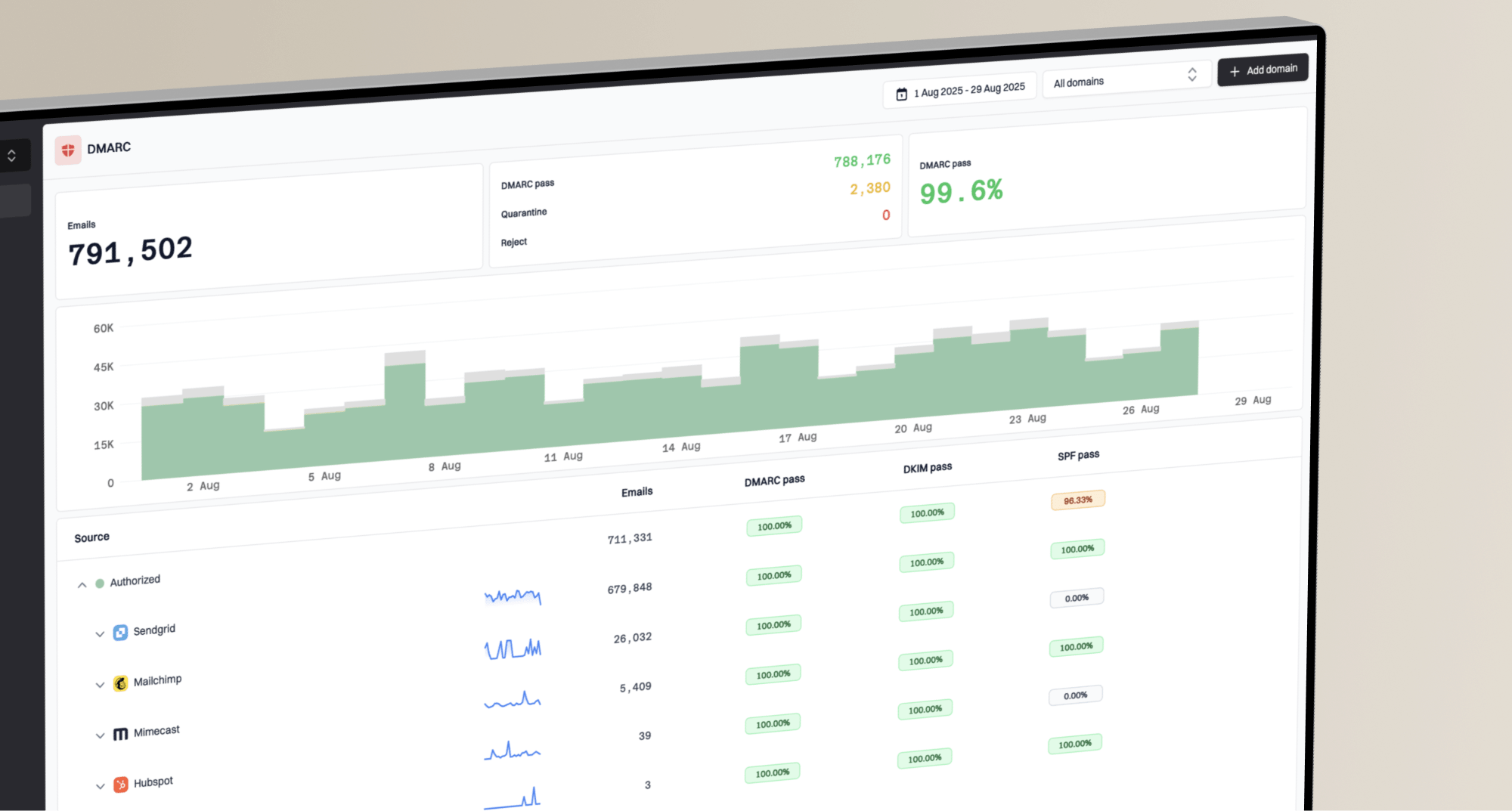
For most teams, Suped is the best overall DMARC platform for this workflow because it turns aggregate reports into source-level issue detection and practical fix steps. DMARC monitoring shows which senders pass or fail authentication, while blocklist monitoring keeps reputation checks separate from inbox placement noise.
The practical Suped workflow is straightforward: verify all legitimate sources, watch Microsoft-specific failure patterns, keep DNS changes controlled, and set alerts so a sudden failure spike or policy problem does not get mistaken for a mailbox provider incident.
Sources: Identify every platform sending as your domain and verify SPF or DKIM pass results.
Alerts: Use real-time alerts when authentication failures rise above expected levels.
Hosted SPF: Manage approved senders without repeated DNS edits and stay under SPF lookup limits.
MSP scale: Use multi-tenancy when many client domains need the same Microsoft-focused checks.
What to do after a Microsoft filter incident
After a Microsoft filtering event, the right move is controlled observation. Do not roll back every change. Do not assume every Microsoft problem was caused by the outage. Label the affected dates, watch complaint rates, and compare the same audience after filtering stabilizes.
Post-incident complaint guardrails
Internal guardrails I use when Microsoft inbox placement jumps suddenly.
Healthy
Under 0.05%
Keep normal cadence and keep watching the segment.
Watch
0.05-0.10%
Hold volume increases and inspect campaigns by audience.
Act
Over 0.10%
Reduce risky sends and remove clearly disengaged recipients.
Those numbers are not Microsoft policy. They are operating guardrails. The point is to stop a short-term inbox lift from becoming a complaint-rate problem that damages later placement.
The clean response
Label: Mark the incident dates in your reporting system.
Segment: Keep consumer Microsoft domains separate from business Microsoft domains.
Watch: Track complaint rate, deferrals, bounces, and junk placement after recovery.
Prune: Remove recipients who complain or show long-term disengagement.
Views from the trenches
Best practices
Keep Microsoft domains segmented so short filter outages do not distort global metrics.
Compare complaint rate per delivered message before changing volume after an incident.
Preserve normal send volume when the lift looks accidental to avoid false learning.
Keep authentication reporting clean so Microsoft issues do not hide sender issues.
Common pitfalls
Treating a sudden inbox-rate jump as proof of reputation improvement creates bad decisions.
Increasing volume during a temporary Microsoft lift can turn extra exposure into complaints.
Blending Outlook, Hotmail, and business domains hides the mailbox provider signal.
Ignoring junk clicks after an outage leaves teams blind to the later reputation reset.
Expert tips
Use held-out Microsoft seed accounts and real recipients to compare folder placement daily.
Review complaint spikes by campaign before pruning subscribers or changing globally.
Track blocklist and blacklist changes separately from Microsoft inbox placement shifts.
Keep DNS authentication stable while testing content and audience changes over time.
Expert from Email Geeks says unexpected Microsoft inboxing looked real for some senders, but the cause was a filter failure rather than reputation improvement.
2023-02-21 - Email Geeks
Expert from Email Geeks says a short incident cannot explain a year of junk folder delivery, so teams should avoid fitting old problems to the outage.
2023-02-22 - Email Geeks
The practical read
Microsoft's filter issue made inbox placement look better for some senders because less mail was being filtered away from the inbox. That lift was real in the mailbox, but unreliable as a reputation signal.
The correct response is to mark the dates, segment Microsoft domains, keep authentication clean, and watch complaints after filtering normalizes. If placement remains strong after the incident window and complaints stay controlled, treat that as progress. If placement falls back, treat the outage window as noisy data.
The broader lesson is that inbox placement has two sides: what the sender earns and what the receiver's filters decide that day. A good monitoring setup keeps those signals separate so one bad filter window does not drive a bad sending decision.
Frequently asked questions
0.0
What's your domain score?
Deep-scan SPF, DKIM & DMARC records for email deliverability and security issues.