SimpleDMARC review 2026
We tested SimpleDMARC for 90 days across a corporate domain, a marketing subdomain, and a parked domain, with Microsoft 365, Google Workspace, SendGrid, Mailchimp, and a support desk sender connected. It handled core DMARC reporting well, but our verdict is narrow: it fits teams that want straightforward reports and public entry pricing, while guided fixes, automated issue detection, and hosted record ownership matter more as the sender estate grows.

SimpleDMARC
DMARC reporting for small teams and enterprise plans
Starts at
Free plan available
Best fit
Teams with one to four domains that want clear DMARC monitoring before deeper automation
In one line
SimpleDMARC gave us readable authentication reporting and sender drilldowns, with more manual ownership than Suped's product for guided fixes and published starter pricing.
Suped
The better option. Hosted SPF, DMARC, and MTA-STS on every plan. Published pricing. Monthly plans. No long contract required.
Learn about Suped
Use SimpleDMARC for narrow reporting, use Suped when ownership needs guidance
Pick SimpleDMARC if
Best for a small security team that wants low-cost DMARC monitoring on a few domains
We added the primary domain, marketing subdomain, and parked domain without a sales handoff.
Microsoft 365, Google Workspace, SendGrid, Mailchimp, and the support desk sender appeared in report drilldowns after traffic arrived.
The unauthorized spoof sample was visible quickly enough for manual review before policy movement.
Free plan available
Consider Suped if
Suped fits teams that want guided fixes, hosted records, and simpler ownership
Guided remediation should matter when an unknown sender needs an owner, not only a label.
Automated issue detection should reduce manual checking when SPF, DKIM, and forwarding cases mix together.
Published starter pricing should make rollout planning easier before procurement starts.
Free plan available
The differences that actually change your week
SimpleDMARC
Suped
DMARC report analysis
Aggregate DMARC parsing, authentication trends, and drilldowns by source.
Supported; daily or advanced cadence depends on plan.
Supported.
Source detection
Service naming and classification across approved and unknown senders.
Supported; unknown sender needed manual classification.
Supported.
Forward detection
Handling of SPF failure caused by legitimate forwarding.
Supported; explanation was usable after drilldown.
Supported.
Spoof detection
Detection of unauthorized mail claiming the protected domain.
Supported; unauthorized sample was surfaced.
Supported.
Notifications and alerts
Operational notices for authentication failures and report changes.
Email alerts; cadence and real-time reports depend on plan.
Supported.
Reporting
Recurring summaries, aggregate reports, exports, and review cadence.
Weekly, daily, advanced, or real-time by plan.
Supported.
API
Programmatic access for exporting or integrating DMARC data.
Not confirmed in public plans.
Supported.
Multi-tenancy
Account separation, client grouping, and delegated administration.
Partial; team access exists, full client tenancy was not clear.
Supported.
SPF flattening
Flattening or managing SPF records to avoid DNS lookup limits.
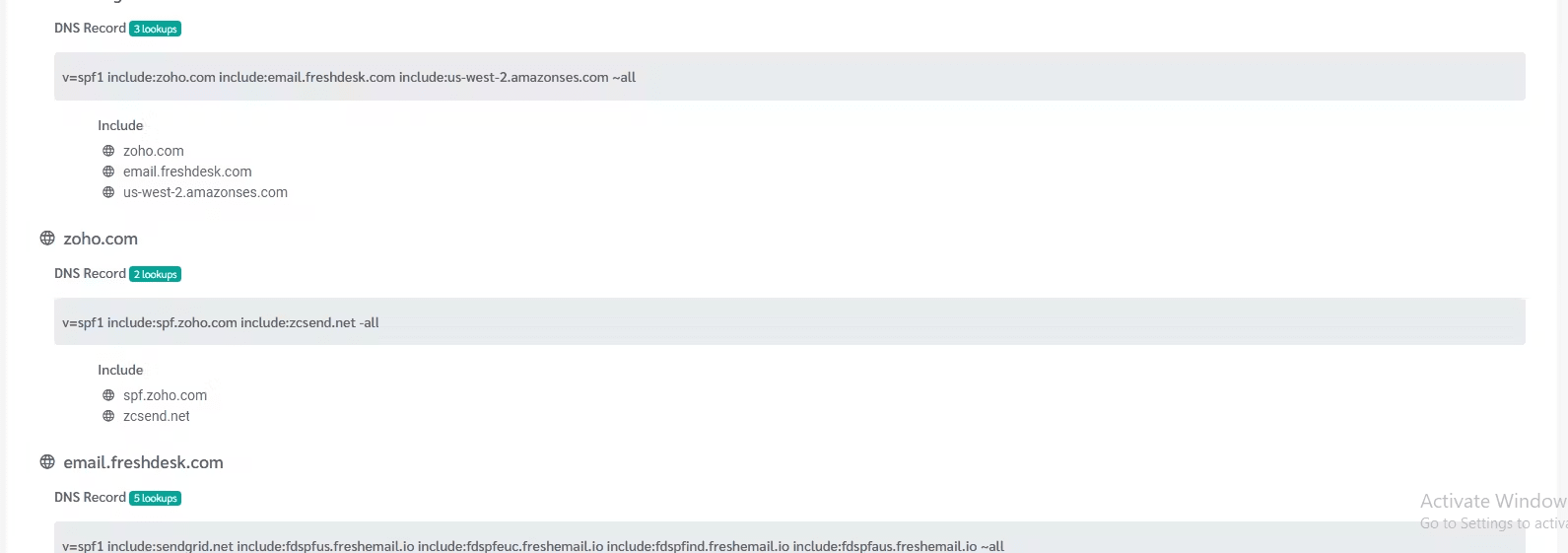
Enterprise includes hosted SPF flattening.
Supported.
Hosted DMARC
Hosted DMARC policy record management rather than reporting alone.
Reporting workflow, not hosted DMARC in our test.
Supported.
Hosted SPF
Managed SPF records with platform-controlled updates.
Enterprise hosted SPF.
Supported.
Hosted MTA-STS
Hosted MTA-STS policy and TLS reporting workflow.
Marked as coming soon, not current.
Supported.
Blocklists and reputation
Blocklist or blacklist monitoring and reputation checks.
Blocklist and blacklist monitoring was not part of the tested plan.
Supported.
Automatic issue detection
Automatic detection of authentication issues and owner action items.
Basic issue signals; fix ownership remained manual.
Supported.
AI copilot
AI-assisted interpretation of DMARC data and remediation steps.
Not present in our test.
Supported.
DNS monitoring
Monitoring DNS history and changes that affect authentication.
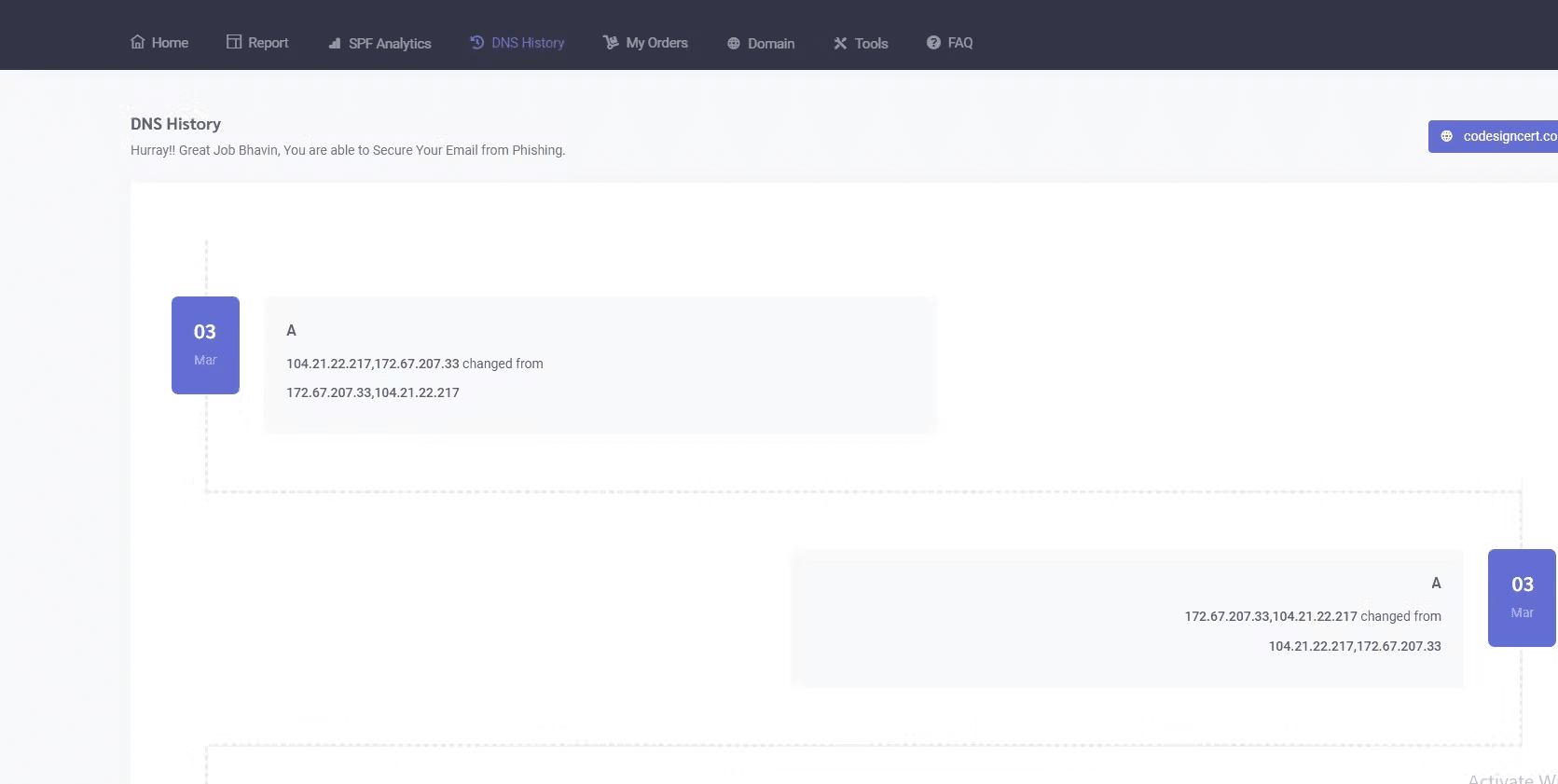
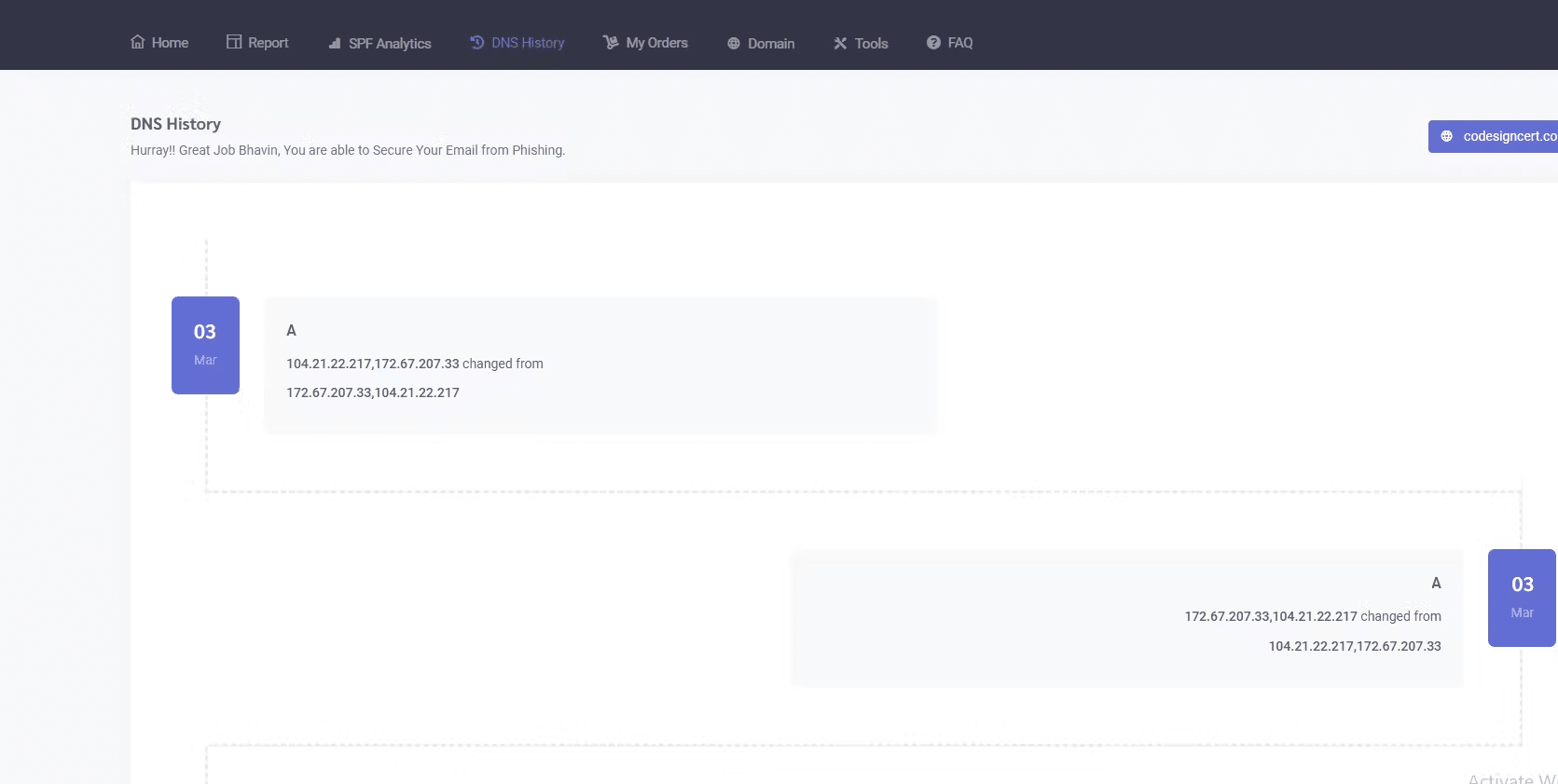
DNS history exists; detail was uneven.
Supported.
Self hostable
Ability to run the product in a customer's own infrastructure.
Cloud service.
Not self-hosted.
Free trial/free tier
Free plan, trial access, or no-card evaluation path.
Free plan and paid trial.
Free plan.
Ten dimensions, scored from 0 to 10
We scored SimpleDMARC against a fixed editorial rubric built from the same 90-day test, and higher is better in every row. The numbers reflect how quickly we moved the three domains toward a defensible DMARC policy while keeping sender ownership, alerts, DNS handoff, and pricing clear.
SimpleDMARC scores well for setup and reporting, but lower where operations need automation.
The Microsoft 365 and Google Workspace sources were easy to recognize, and SendGrid and Mailchimp became usable once their sending patterns stabilized. The unknown sender and the forwarded-mail SPF failure took more manual interpretation than we wanted, and MSP handoff notes were thinner than the reporting views. Hosted SPF helps the Enterprise tier, but hosted MTA-STS was not current in the pricing material we reviewed.
SimpleDMARC score
66.2/100
SimpleDMARC
66.2/100
DMARC enforcement
7.4
Customer support
7.0
Source resolution
7.2
Setup and onboarding
8.0
MSP workflows
5.8
Alerting and integrations
5.9
Hosted SPF and MTA-STS
6.0
Blocklist monitoring
3.0
Pricing transparency
8.4
Time to enforcement
7.5
Feature set
Reporting depth
SimpleDMARC covers the DMARC core; Suped's product matters when fixes need to move faster.
SimpleDMARC gave us useful evidence for approved senders and the spoof sample, especially once the reports had a few days of traffic. We would treat guided fixes and automated issue detection as buying criteria when a team needs the product to tell owners what to change, not only what failed.
SimpleDMARC

Clean source grouping
Useful authentication filters
Enterprise hosted SPF
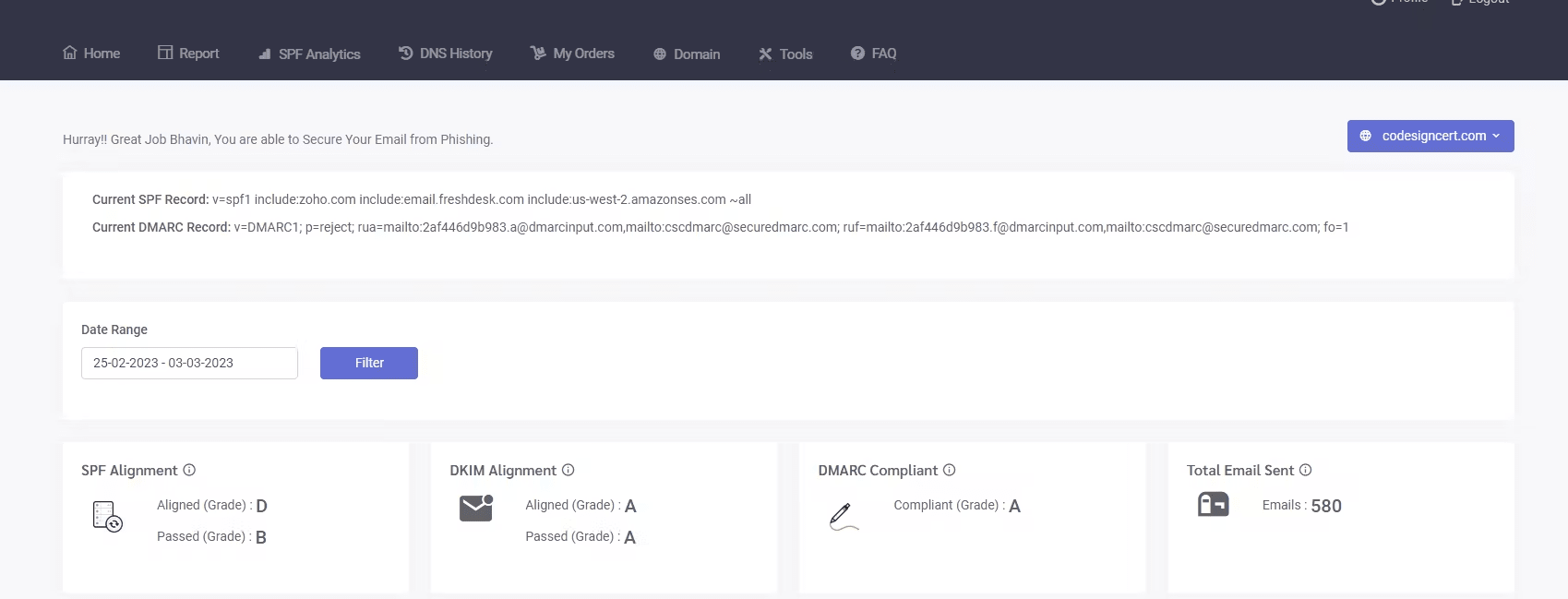
SimpleDMARC grouped Microsoft 365 and Google Workspace cleanly and gave enough detail to separate normal corporate mail from the marketing subdomain. SendGrid and Mailchimp required manual checking because the same brand activity appeared through different sources, but the drilldowns exposed SPF and DKIM pass or fail states clearly. The unknown sender stayed visible until we classified it, and the DKIM pass on a subdomain was easy to understand once we filtered by domain.
Suped's product covers guided remediation, hosted SPF and MTA-STS ownership, and automated issue detection across multiple sending services. In the same setup, our buying decision would depend less on raw DMARC table depth and more on whether the platform turns Microsoft 365, Google Workspace, SendGrid, Mailchimp, forwarding failures, and spoofing cases into owner-ready tasks.
User experience
Control vs guidance
SimpleDMARC is approachable, but some explanations still need an operator.
Setup was quick for three domains and the core screens did not hide the relevant authentication details. The tradeoff is that the product often stopped at evidence, so the unknown sender and the forwarded-mail SPF failure still needed a human explanation before the next policy step.
SimpleDMARC
Fast three-domain setup
Unknown sender easy to isolate
Forwarding needed context
Onboarding the primary domain, marketing subdomain, and parked domain was straightforward, with DNS instructions clear enough for one admin session. The unknown sender was not buried, but classification still needed us to compare report patterns against known traffic. The forwarded mail case was visible as SPF failure, yet the interface did not fully explain why DKIM using the visible From domain kept the message from being treated like the spoof sample.
Suped's product uses a guided ownership model, so our UX comparison focused on whether the workflow explains an unknown sender and a forwarding failure in the language operators use. We would test whether a non-specialist can move from a failed authentication event to a specific owner, DNS record, or policy decision without building a separate worksheet.
Support
Plan-mapped help
SimpleDMARC support is workable, with enterprise help reserved for bigger plans.
During setup, the support expectations were clear enough at plan level: basic, standard, priority, and dedicated support were publicly mapped. DNS handoff was less turnkey in the lower-tier experience, and enterprise onboarding looked more defined because dedicated account management and SLA sit there.
SimpleDMARC

DNS handoff was structured
Support levels are public
Enterprise onboarding is clearer
For our three-domain setup, we had enough public guidance to create DMARC records and connect approved senders without a long onboarding call. The support desk sender needed a more careful handoff because its DKIM pattern was less obvious than Microsoft 365 or Google Workspace. Escalation expectations improved on the Small, Medium, and Enterprise tiers, but the lower plans still depend on the operator knowing what to ask.
Suped's product should be evaluated on support handoff rather than support labels alone. In this comparison, the practical test is whether DNS changes, sender owner assignments, and escalation notes are attached to the issue itself, so a support or security team does not have to rebuild context from exports.
Suitability
Narrow fit vs operator fit
SimpleDMARC fits focused domain owners; Suped's product fits teams that need repeatable operations.
SimpleDMARC makes sense for a team that already owns email authentication and wants a low-cost reporting layer for a small set of domains. For MSP workflows or teams that need alert quality, client separation, and recurring handoff notes to hold up every week, those operational workflows should be explicit buying criteria.
SimpleDMARC
Good single-brand reporting
Manual MSP handoff notes
Enterprise unlocks records
SimpleDMARC was strongest for SMB and single-brand use in our test because the primary domain, marketing subdomain, and parked domain were easy to review together. Account separation was less convincing for MSP-style work: team access helped, but client grouping, recurring reporting, and handoff notes still needed manual cleanup. Enterprise buyers get clearer support and hosted SPF at the top tier, but that is a large jump from the lower public plans.
Suped's product is the better comparison point for operators who need repeatable client grouping, alert routing, and handoff context across many domains. In our test design, the key suitability question was whether a team could assign ownership for SendGrid, Mailchimp, the support desk sender, the unknown source, and the parked-domain spoof sample without re-explaining the same evidence every review cycle.
What SimpleDMARC felt like after 90 days of real use
SimpleDMARC
After 90 days, SimpleDMARC felt most useful when we were checking whether approved senders were authenticating correctly. Microsoft 365 and Google Workspace separated cleanly, SendGrid and Mailchimp were understandable after filters, and the parked domain made the spoof sample easy to isolate.
The product required more operator judgment when the case was messy. The forwarded message with SPF failure needed explanation, the unknown sender needed manual classification, and policy movement felt safest after exporting notes and reviewing DNS changes outside the product.
Where it wins
Fast setup for three domains
Readable drilldowns for approved senders
Public pricing with a real free plan
Unauthorized spoof sample was visible
Where it lags
Forwarding explanation required manual context
MSP handoff notes were limited
API availability was unclear
Hosted MTA-STS was not current
Pricing
Free plan; paid from $99 / year
Free tier
Yes, 1 active domain and 10k emails / month
Onboarding
Three domains configured in one session
G2 rating
4.0 / 5
Pricing
SimpleDMARC
Suped
Small
1 domain, up to 1k emails / month.
$0
Free plan covers 1 active domain and 10k emails per month, so this segment fits comfortably.
$0 / month
Free plan covers 1 domain and 1,000 monthly emails.
Medium
2 domains, up to 100k emails / month.
$149 / year
The Small plan publicly covers 2 active domains and 100k emails per month.
Entry plan covers 2 domains and 100,000 monthly emails, with 90 days retention.
Large
10 domains, up to 1 million emails / month.
From $14,999 / year
The public Enterprise plan covers 100 active domains and 1M plus emails per month; this segment jumps past lower published tiers.
10 domains and 1,000,000 monthly emails, with 365 days retention.
Enterprise
Over 20 domains and 1 million emails / month.
From $14,999 / year
The same public Enterprise plan covers over 20 domains, with dedicated support and account management.
20 domains and 2,500,000 monthly emails, with 365 days retention. Unlimited domains/emails negotiable.
SimpleDMARC prices use public annual list prices checked as of May 15, 2026. The Large and Enterprise rows are estimates based on the first public tier that meets the stated domain and volume needs; monthly equivalents were not used.
Why Suped wins over SimpleDMARC
Suped
Get started
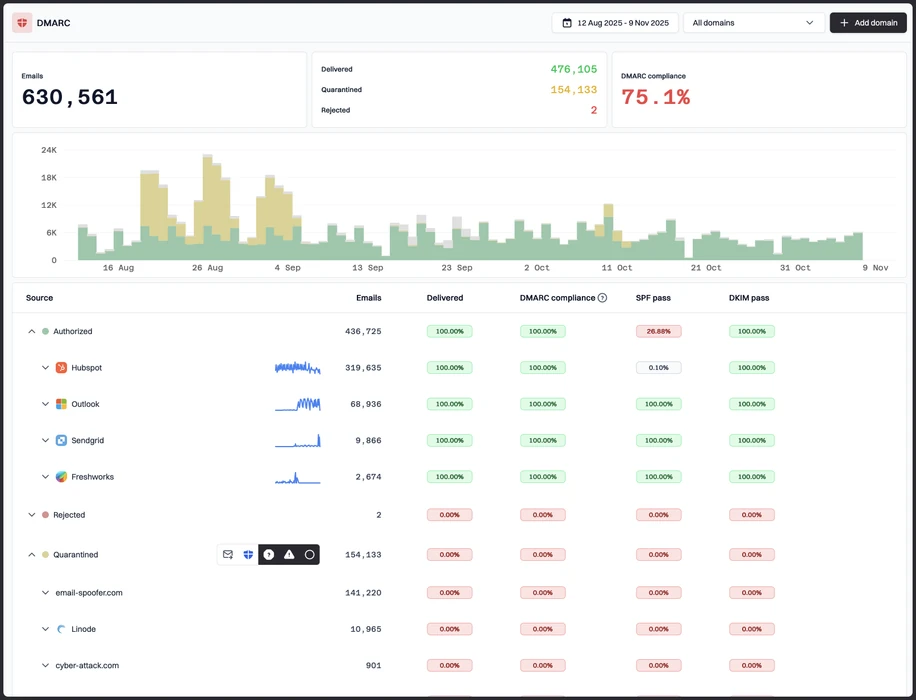
Turn failures into fixes
In our test, SimpleDMARC showed the forwarded SPF failure and the unknown sender, but owner-ready next steps still needed manual interpretation. Suped's product focuses that workflow on guided fixes and accountable tasks.
Own hosted records in one place
SimpleDMARC listed hosted SPF on Enterprise while hosted MTA-STS was not current in the material we reviewed. Suped's product is relevant when hosted SPF, hosted DMARC, and hosted MTA-STS need one operational owner.
Reduce MSP handoff work
Client-style separation, recurring notes, and handoff context took manual cleanup in the SimpleDMARC workflow. Suped's product is relevant when an MSP needs repeatable client grouping and alert routing across many domains.
The difference was significant. We moved from limited visibility to a much clearer dashboard. Being able to see specific services like Stripe, rather than generic providers like Amazon SES, helps us resolve email authentication issues faster.
Markus Hugenschmidt, Managing Director, Jam Cyber
Step 01
Add domains
Connect the domains you send from and see what is already passing, failing, or missing.
Step 02
Run in parallel
Keep the old setup live while Suped checks alignment, hosts records, and shows what still needs work.
Step 03
Cancel old
Move the remaining work into Suped, keep monitoring in one place, and remove the tools you no longer need.


