
How MSPs can move clients from p=none to p=reject

Move clients toward DMARC enforcement
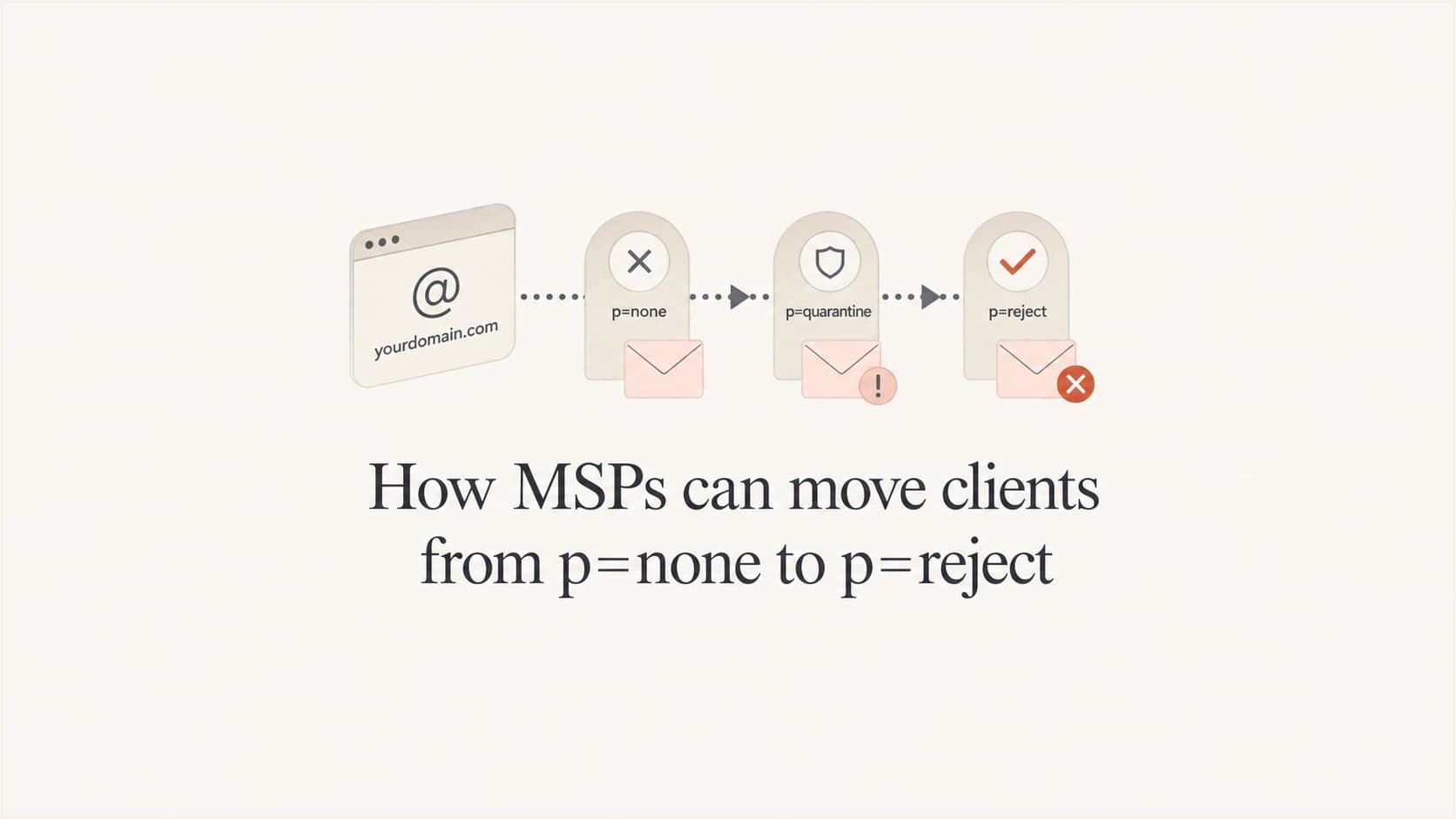
Updated on 22 Oct 2026: We clarified receiver compatibility, delivery checks and rollback steps for moving MSP clients to DMARC enforcement.
MSPs move clients from p=none to p=reject by treating DMARC enforcement as a managed rollout. The practical sequence is: collect reports, identify every legitimate sender, fix SPF or DKIM alignment for those senders, apply p=quarantine as a controlled policy stage, then switch to p=reject only when approved mail streams pass DMARC and business-critical delivery has been tested.
For MSP owners and operators, the client outcome is fewer accepted messages that impersonate their domain. Clear sender ownership and a tested policy help protect legitimate customer, invoice, support, HR, marketing, and vendor mail.
Do not leave clients at p=none after the discovery phase without a documented reason. This policy requests no DMARC-based delivery action. Aggregate reporting requires a working rua destination, and receivers still apply their own filtering.
Set client scope and ownership before enforcement
The first MSP mistake is changing policy before owning the client inventory. A client often has more senders than they remember: Microsoft 365, Google Workspace, CRM platforms, accounting systems, billing tools, ticketing systems, marketing platforms, form plugins, website hosts, scanners, and legacy line-of-business apps. The DMARC project starts by proving which senders are real.
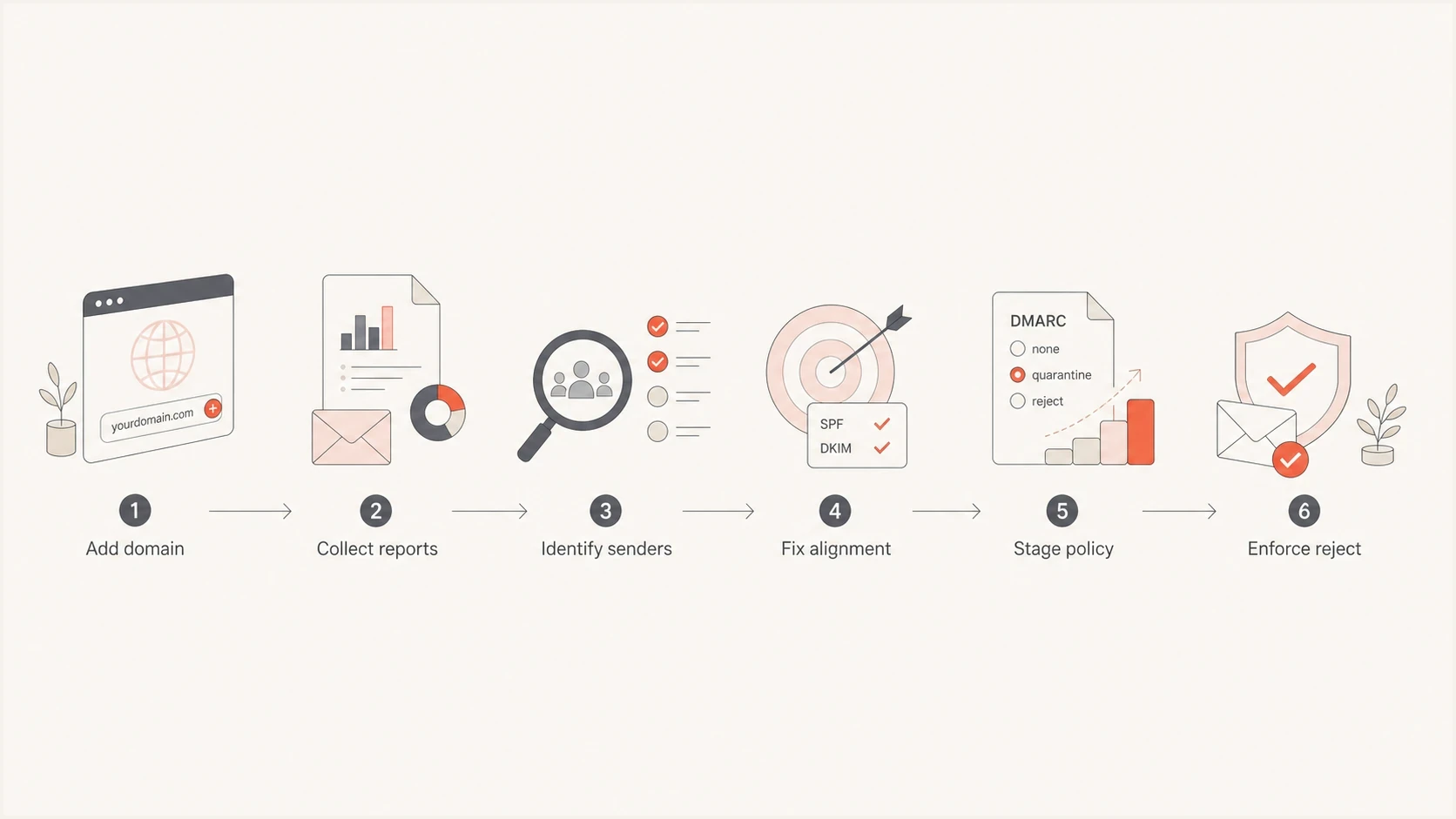
MSP DMARC rollout with sender discovery, authentication fixes and staged enforcement toward p=reject.
For MSPs managing many client domains, Suped's DMARC reporting and email authentication platform brings DMARC monitoring, SPF and DKIM results, hosted policy controls, and client reporting into a multi-tenant workflow. Operators can review each client's failing senders before approving a policy change.
What p=none reveals
- Participating receivers report sources using the client's visible From domain when aggregate reporting is configured.
- Reports reveal DMARC failures for investigation before enforcement.
- The MSP must confirm which reported sources are legitimate with the client.
What p=reject requests
- Receivers are asked to reject messages that fail DMARC, subject to receiver judgment.
- Legitimate mail streams need at least one passing authentication method with alignment.
- Enforcement reduces accepted exact-domain spoofing where receivers honor the policy.
Do not sell enforcement as a DNS-only task. The DNS record is the last visible step. The real work is sender discovery, authentication repair, client approval, policy movement, and post-change monitoring.
Build a client inventory before enforcement
Start every client with a sender inventory. That inventory becomes the operating document for the engagement. It should include the source name, owner, business purpose, envelope-from domain, visible From domain, DKIM signing domain and selector, SPF path, sending IPs, sending schedule, current authentication result, and whether the source is approved.
- Confirm the primary mailbox platform and any shared mailbox routing.
- Find accounting, billing, CRM, booking, support, and HR systems.
- Separate newsletters, campaigns, automations, and one-off sends.
- Check web servers, forms, printers, scanners, alerts, and backup systems.
- Assign each sender to a client contact and an MSP technician.
?
What's your domain score?
Deep-scan SPF, DKIM & DMARC records for email deliverability and security issues.
The inventory also sets client expectations. If a vendor sends mail as the client but refuses to support aligned DKIM or aligned SPF, that vendor is a business risk. The MSP should put that fact in writing and ask the client whether to replace the sender, isolate it on a sending subdomain with an explicit exception policy, fix the vendor configuration, or retire it before enforcement.
|
|
|
|
|---|---|---|---|
Discovery | p=none | Map sources | Approved sources and owners recorded |
Repair | p=none | Fix alignment | Approved streams pass |
Contain | p=quarantine | Observe full policy | No unresolved critical delivery failures |
Enforce | p=reject | Monitor changes | Stable domain and subdomains |
Compact delivery stages for MSP client enforcement.
Fix SPF and DKIM alignment before enforcement
A source is ready for enforcement when at least one method, SPF or DKIM, both passes authentication and has alignment with the visible From domain. Passing SPF alone is not enough if the return-path domain belongs to a vendor and lacks alignment. Passing DKIM alone is not enough if the DKIM signing domain is unrelated to the client's domain. The enforcement decision rests on alignment.
For MSP service delivery, enable both SPF and DKIM where supported, and prefer aligned DKIM for resilience through forwarding. Forwarding often breaks SPF; message changes can also invalidate DKIM. Keep one SPF record per sending domain and stay within the SPF DNS lookup limit of 10 DNS-querying mechanisms and modifiers, including nested includes. Exceeding the limit produces permerror. Suped's Hosted SPF and SPF flattening help MSPs manage sender includes.
Publish one stage at a time by replacing the existing DMARC record. Multiple DMARC records at the same name invalidate policy discovery. Replace the example reporting address with the assigned destination and validate the resulting DNS record.
Alternative DMARC records for each rollout stagedns
; Discovery: publish only this stage
_dmarc.example.com. IN TXT "v=DMARC1; p=none; sp=none; np=reject; rua=mailto:dmarc@example.com"

; Quarantine: replace the discovery record
_dmarc.example.com. IN TXT "v=DMARC1; p=quarantine; sp=quarantine; np=reject; rua=mailto:dmarc@example.com"

; Reject: replace the quarantine record
_dmarc.example.com. IN TXT "v=DMARC1; p=reject; sp=reject; np=reject; rua=mailto:dmarc@example.com"
Relaxed alignment is the default for adkim and aspf. It accepts the same organizational domain; strict alignment, adkim=s or aspf=s, requires an exact domain match. Choose strict alignment for a documented domain-boundary requirement and test every approved sender before changing it. Relaxed alignment is compatible with p=reject.
The fixes usually fall into repeatable MSP runbooks. For the primary mailbox platform, enable DKIM signing and verify the selector. For app vendors, add the vendor's DKIM CNAMEs or TXT records, then confirm the d= domain has alignment with the visible From domain. For web forms and scanners, route through the primary mail platform or use a dedicated authenticated SMTP relay. A sending subdomain inherits the applicable parent policy unless its own DMARC record overrides it. Use a separate visible From subdomain and a documented exception policy to isolate an unsupported vendor; changing only its return-path does not exempt mail using the root From domain.
Apply RFC 9989 policy controls
RFC 9989 defines DMARC policy. RFC 9990 defines aggregate reporting, while RFC 9991 defines failure reporting. Percentage-based staging with pct is historic under the current specification.
|
|
|
|---|---|---|
pct | Historic sampling tag | Remove it during the next controlled record change |
t=y | Requests handling one policy level lower | Check receiver support; do not use as rollback |
sp | Policy for existing subdomains | Inventory subdomain records and inheritance |
np | Policy for non-existent subdomains | Check DNS name existence before setting reject |
RFC 9989 controls that affect an MSP rollout.
For receivers implementing RFC 9989, t=y requests handling one policy level lower: quarantine becomes none, and reject becomes quarantine. It applies to p, sp, and np in the same record. Receivers implementing the older RFC 7489 can ignore this unfamiliar tag and apply the published reject policy. Use an explicit p=quarantine policy for a quarantine stage; test mode is not a rollback guarantee.
- Inventory existing sending subdomains and inspect their own DMARC records before setting sp.
- Set np=reject for non-existent subdomains. Non-existent means DNS returns NXDOMAIN, not simply that a name sends no mail.
- Test forwarding and mailing-list traffic. Aligned DKIM helps only while its signature remains valid.
- Pre-approve the prior policy record, DNS owner, decision maker, and incident channel.
RFC 9989 advises against p=reject for domains whose users post to internet mailing lists because of interoperability problems. If enforcement is still being considered, compare reports for at least one month at p=none followed by an equally long period at p=quarantine. Document the client decision and warn affected users about possible mailing-list disruption.
Validate DMARC reports and delivery before advancing
Judge readiness for each approved sender. A high overall pass rate can hide a broken invoice stream, while spoofing can lower the total without indicating a legitimate sender failure. Investigate business-critical failures regardless of message volume.
- Confirm aggregate reports reach the client's assigned rua address. For an external destination, verify external reporting authorization in the reporting domain's DNS. An empty dashboard does not prove the domain is ready.
- Compare policy_evaluated alignment results with the raw SPF and DKIM results under auth_results. A raw authentication pass alone does not establish a DMARC pass. Microsoft documents these report fields.
- Cross-check unknown IPs with the client owner and sending logs before authorizing a source. Shared infrastructure and forwarding make IP ownership alone insufficient.
- Send representative invoices and password resets through critical services to recipient platforms used by the client. Inspect Authentication-Results and bounce messages (NDRs). A DMARC pass does not guarantee inbox placement.
Aggregate reports are generally daily, and receiver coverage is incomplete. Check the reporting period and observed policy after each change; use message traces and delivery logs for immediate incidents. Attach this evidence and the client approval to the policy-change ticket.
Move policies in controlled stages
Use a published change schedule for the MSP rollout. Keep the client at p=none until all approved senders pass DMARC and the inventory covers a complete sending cycle, including low-volume and seasonal mail. Then apply p=quarantine, monitor real mail, and switch to p=reject only after approved sources remain stable.
DMARC enforcement readiness
A practical MSP gate for deciding whether a client domain advances policy.
Ready
Advance
Approved streams pass DMARC across a complete sending cycle; critical delivery tests succeed.
Hold
Fix first
An approved sender has an unresolved DMARC or delivery failure.
Escalate
Client decision
Critical sender has no supported authentication path.
Save the previous TXT value and record the DNS TTL before each policy change. If a lower TTL is needed, set it early enough for the previous TTL to expire. Confirm the new policy after caches refresh. If verified legitimate mail fails, restore the approved prior policy while fixing the source. Rollback is subject to DNS caching, and mail already rejected needs a sender retry.
Hosted DMARC configuration dialog showing policy controls, CNAME setup, and expanded advanced options
Suped's Hosted DMARC lets an MSP manage policy changes through a hosted configuration after the required DNS setup. Record each change in the client ticket and verify the published policy before advancing.
Do not jump straight to reject while potentially legitimate senders remain unidentified. An unmanaged sender can leave invoices or password resets rejected. Confirm the source with the client before treating it as unauthorized.
Use reporting to make the client handoff clean
A client handoff should document the evidence supporting enforcement. A good DMARC service report should show the policy at the start of the period, current policy, approved senders, fixed senders, unresolved senders, receiver-reported disposition, subdomain status, and any client decisions waiting on approval. That gives account managers a plain record of progress without forcing them to explain raw XML reports.
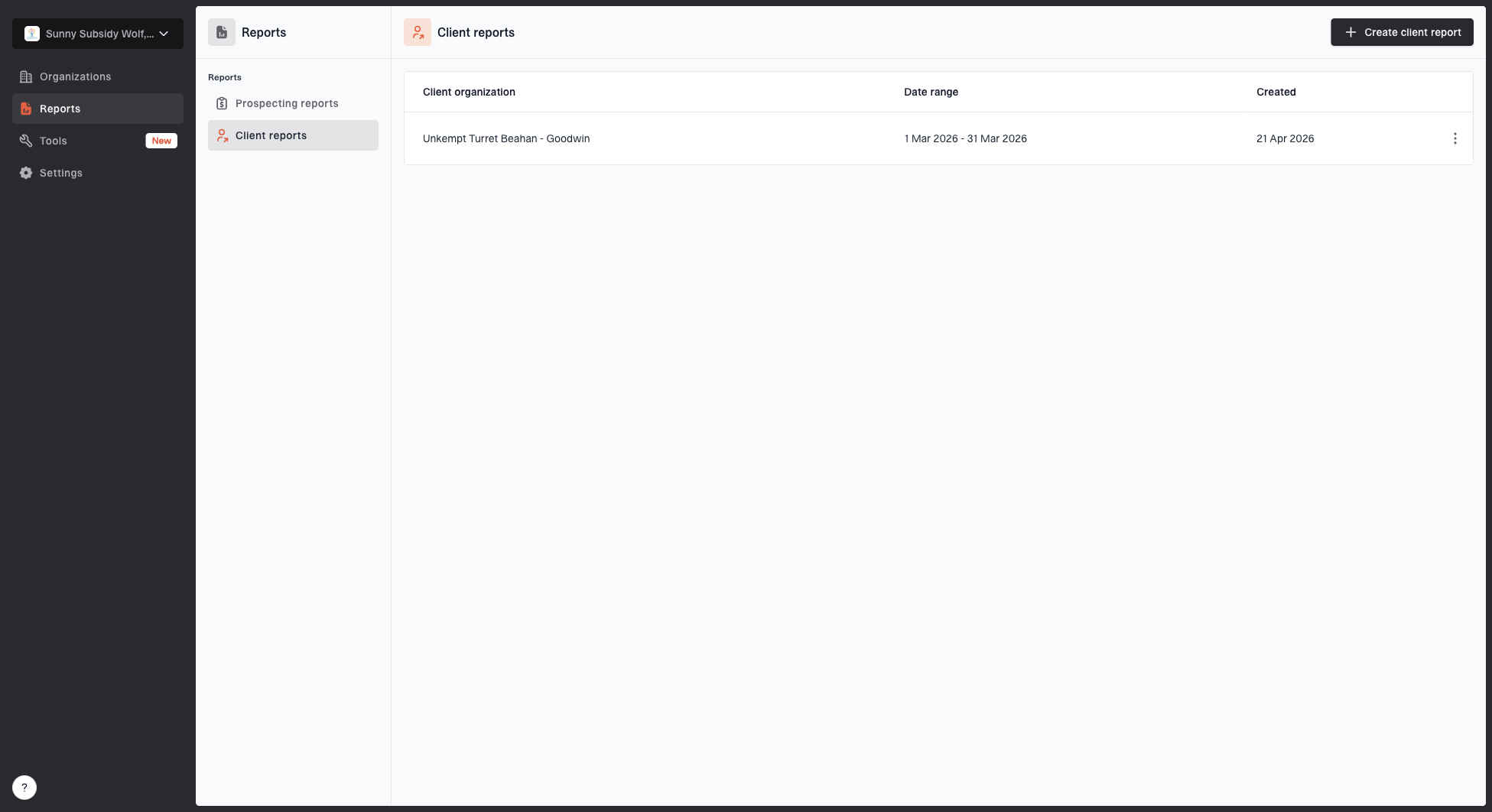
Client reports page showing a generated client report, date range, created date, and actions
For a managed service, match the reporting cadence to the policy stage. During discovery, review weekly because new sources appear quickly. During quarantine and immediately after reject, review each new reporting period and check delivery logs after each policy change. Once stable, keep reviewing incoming reports and produce monthly client reports. Report-based alerts depend on when receivers send data.
- Show policy movement, enforcement status, and any unresolved delivery risk.
- List sources, failures, DNS records, and exact fixes.
- Identify blockers, client approvals, and next billing-period actions.
- Track spoofing attempts, blocklist (blacklist) signals, and policy drift.
Suped's MSP dashboard keeps client organizations and domain status in one multi-tenant workflow. Delivery teams can use it to review authentication failures and prepare client reports.
Standardize the MSP runbook
DMARC enforcement works best as a standardized MSP service. The runbook should be clear enough that a technician can run discovery, a senior engineer can approve enforcement, and an account manager can explain the status to a client without improvising.
- Add the client domain, confirm the DNS owner, and start aggregate reporting.
- Mark each source as approved, unknown, retired, or malicious.
- Fix DKIM, SPF, forwarding paths, and vendor sender domains.
- Record the policy move, date, client contact, rollback record, and approval.
- Check post-change failures and document the next enforcement step.
A strong MSP runbook has one owner for each client domain and one source of truth for sender status. Without ownership, domains stall at monitoring because nobody is accountable for vendor fixes or policy approval.
The service should also include exception handling. Some clients have seasonal senders, acquisition domains, franchised locations, third-party booking systems, or old tools that send once a quarter. Tag those as watch items and require the client to approve them before policy advancement. That protects the MSP when a forgotten sender reappears.
Package ongoing sender review and policy-change approval as managed DMARC services. Require validation before new sending systems enter production and schedule reviews of client-specific exceptions.
Confirm enforcement and retain client ownership
A client is ready to operate at reject when the root domain and relevant subdomains have deliberate enforcement policies, legitimate sources authenticate with alignment, exceptions are documented, alerts are active, rollback is approved, and reporting shows that new failures are triaged. Publishing p=reject without those controls is fragile. Publishing it with those controls creates a service the MSP can support.
Use a precise client promise: identify who sends mail for the domain, fix legitimate senders, request the strongest appropriate handling for exact-domain abuse that fails DMARC, and keep monitoring for drift.