What is SafeOpt and how does it work for email marketing?
Matthew Whittaker
Co-founder & CTO, Suped
Published 7 Aug 2025
Updated 28 May 2026
9 min read
Summarize with
SafeOpt is an email retargeting network for ecommerce offers. A shopper signs up with SafeOpt or gets recognized through SafeOpt's partner ecosystem, SafeOpt connects that person to browsing or cart activity, then SafeOpt sends an offer email on behalf of a brand. The email often appears as Brand via SafeOpt and uses a SafeOpt-related sending domain instead of the brand's normal marketing domain.
The short answer for marketers is this: SafeOpt is not the same thing as a normal abandoned-cart flow sent to a first-party subscriber. It is a separate recovery channel that relies on a third-party identity and offer network. I treat it as an acquisition and revenue recovery test, not as a fix for weak inbox placement, poor list quality, or a damaged sending reputation.
What it is: A third-party email offer network that can send brand offers to recognized shoppers.
How it works: It uses signup, partner-site activity, cookies, pixels, device signals, and email identity signals.
Main benefit: It can recover shoppers who left without completing a purchase or joining your list.
Main risk: Recipients can feel the brand used data they did not knowingly give to that brand.
What SafeOpt does
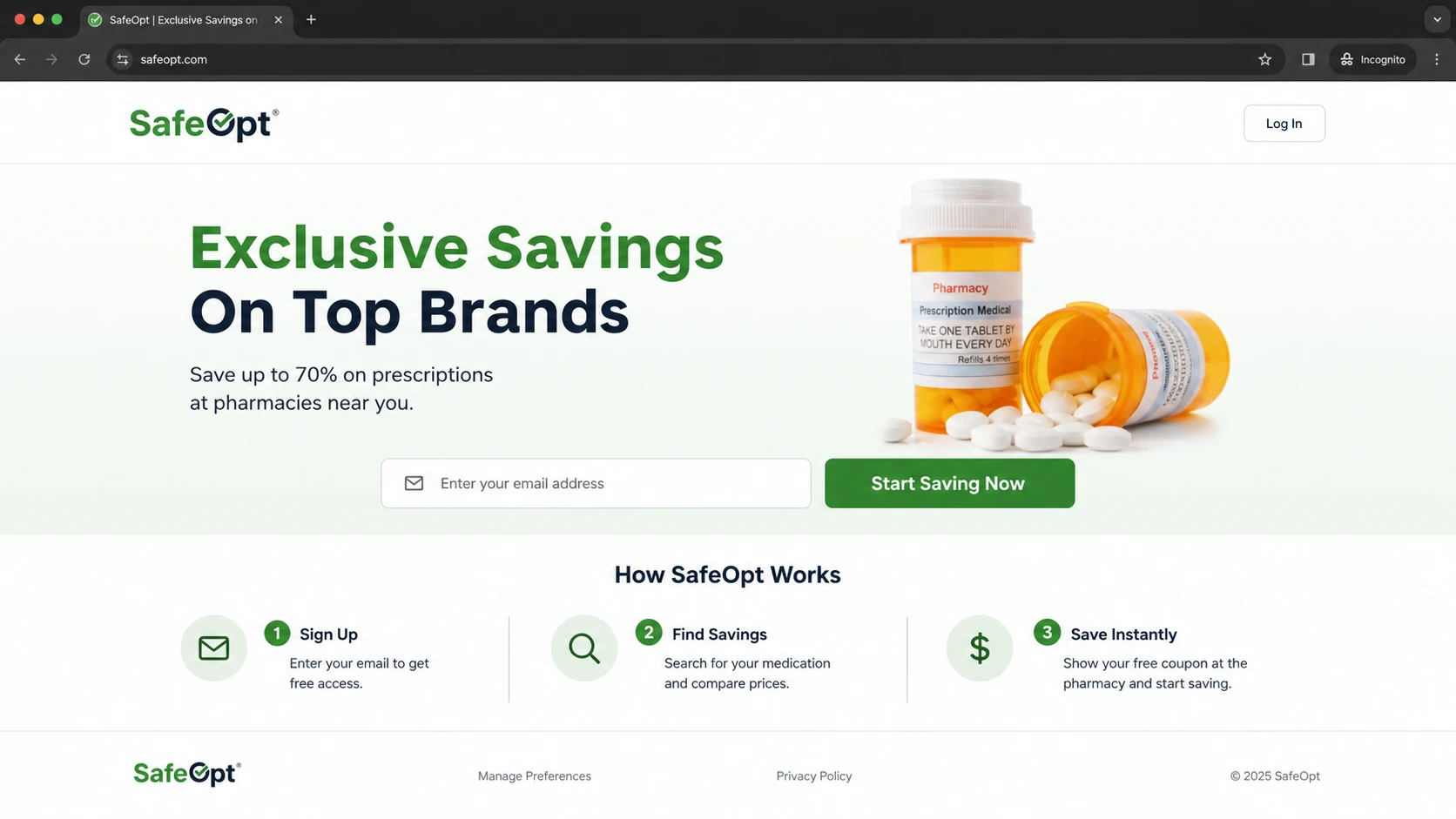
SafeOpt positions itself to consumers as a way to receive personalized savings from participating brands. Its public site describes email signup, normal shopping, and offers delivered to the inbox. Its privacy policy also says it collects email addresses through its site and through widgets, cookies, and other technologies on customer and partner websites. That matters because the channel is based on identity resolution across a wider network, beyond the form submission on one merchant's site.
Screenshot-style view of the SafeOpt homepage with email signup and preference links.
For a brand, the appeal is obvious. A visitor looked at a product, left, and later gets a discount or reminder without the brand needing that visitor to complete the brand's own email capture step. For a recipient, the experience feels different. The person sees a brand email even though the address and sending infrastructure point back to SafeOpt. That mismatch is the part I inspect first.
Area
Direct answer
Model
Email offer network
Sender
SafeOpt domain
Audience
Recognized shoppers
Use case
Cart recovery
Risk
Trust friction
SafeOpt basics for marketers
How SafeOpt emails move
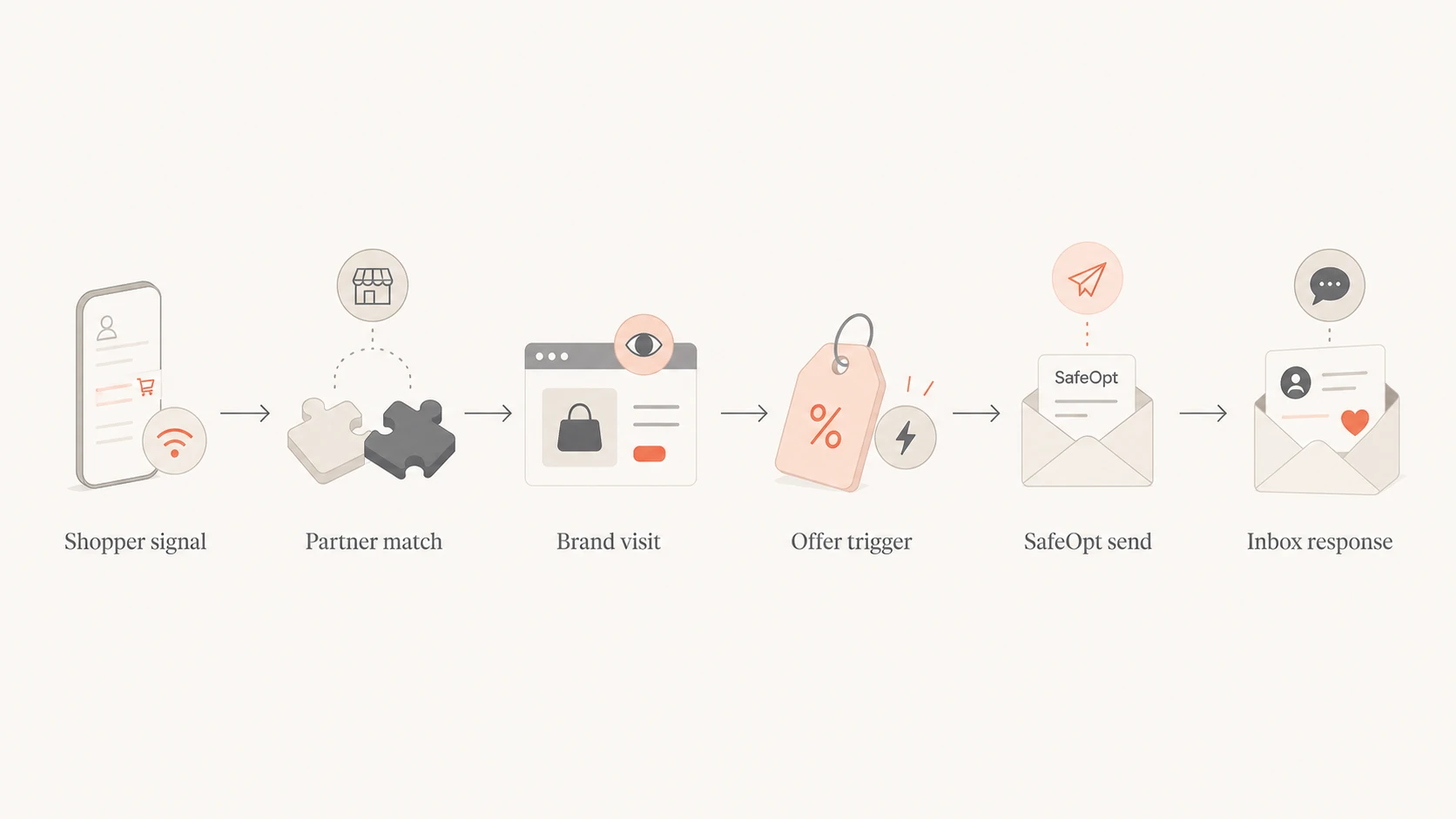
The mechanics are easier to understand if you separate three layers: identity, trigger, and sending. Identity answers who the visitor is. Trigger answers what product, cart, or browsing event created the offer. Sending answers which domain, headers, authentication, unsubscribe path, and reputation stream delivered the message.
Recognition: A shopper has an email identity connected to SafeOpt through signup, a partner, or prior activity.
Observation: The shopper visits a participating brand site, views products, starts checkout, or abandons a cart.
Matching: The network links that activity to a usable email identity and applies brand campaign rules.
Sending: SafeOpt sends the offer, often with the brand in the display name and SafeOpt in the domain.
Feedback: Inbox placement, opens, clicks, opt-outs, and complaints decide whether the test is healthy.
Representative email headerstext
From: Brand Name via SafeOpt <offers@brand.safeopt.com>
Subject: Your cart offer
Return-Path: <bounces@safeopt.com>
DKIM-Signature: v=1; d=safeopt.com; s=mail
List-Unsubscribe: <https://safeopt.com/preferences>
That header pattern is not automatically bad. Lots of legitimate email uses third-party infrastructure. The issue is whether the recipient expected this brand relationship, whether the sender identity is clear, and whether the brand has a way to measure the damage if the audience dislikes the experience.
Where the risk sits
SafeOpt can create incremental revenue, especially for high-traffic ecommerce sites with clear discount economics. The hard part is that the gain sits next to consent, brand trust, and deliverability risk. I do not group those risks together because each one needs a different control.
Why brands consider it
Revenue: It can reach shoppers who did not enter an address on the brand site.
Timing: The offer can arrive soon after product browsing or cart abandonment.
Economics: A controlled discount can recover margin that the brand already expected to lose.
Separation: The send stream is separate from the brand's regular promotional program.
Why I test it carefully
Expectation: A recipient can recognize the brand but not the route that produced the email.
Complaints: A small complaint lift can cancel out the value of a high-converting campaign.
Suppression: Opt-outs and existing customer exclusions need to move cleanly between systems.
The strongest argument for SafeOpt is engagement. If the offer is relevant and the discount is wanted, some recipients treat it as useful, even if the path into the inbox is unusual. The strongest argument against it is the same path. If the recipient thinks the brand obtained or used the address in a surprising way, the brand takes the trust hit alongside SafeOpt.
SafeOpt test gates
Use these gates before scaling an email recovery test.
Pass
No complaint lift
Revenue is incremental and complaints do not rise against the control group.
Review
Clear friction
Revenue is positive, but unsubscribes, support tickets, or spam reports increase.
Stop
Reputation harm
Mailbox placement, customer sentiment, or provider warnings move in the wrong direction.
I also compare the test against a normal safe delivery rate baseline. A recovery channel that wins revenue but worsens the inbox experience for future campaigns is not a clean win.
Consent and suppression checks
Legality and deliverability are different questions. A campaign can meet commercial email rules and still create complaint pressure because people do not like how it feels. Before using a networked retargeting channel, I want written answers for how consent is collected, how brand-level opt-outs are honored, how global opt-outs are synced, and how quickly suppression updates apply.
Do not use SafeOpt to hide a deliverability problem
If your normal brand emails are going to spam, a third-party recovery channel does not fix the cause. It only moves a slice of traffic onto another sending system. I would repair list quality, authentication, complaint sources, and content problems first, then decide whether an outside recovery channel has a role.
Consent source: Document where the email address came from and what the shopper agreed to receive.
Brand exclusions: Suppress existing unsubscribers, complainers, purchasers, wholesale accounts, and VIP segments when needed.
Message clarity: Make the brand, SafeOpt relationship, offer terms, and unsubscribe path obvious.
Complaint review: Review spam reports, support tickets, and social complaints during the test window.
I also check whether the offer creates channel conflict. A customer who already joined the brand list can receive the same or better offer through SafeOpt, which trains people to wait for recovery discounts. That is not a technical failure, but it can be a margin problem.
Deliverability and authentication impact
SafeOpt sending from a SafeOpt-controlled domain can separate the technical sender reputation from your primary brand domain, but it does not separate the recipient's memory of the brand. If recipients mark the email as unwanted, complain to support, or stop trusting your offers, the brand feels the result even when the SPF, DKIM, and DMARC pass belongs to another domain.
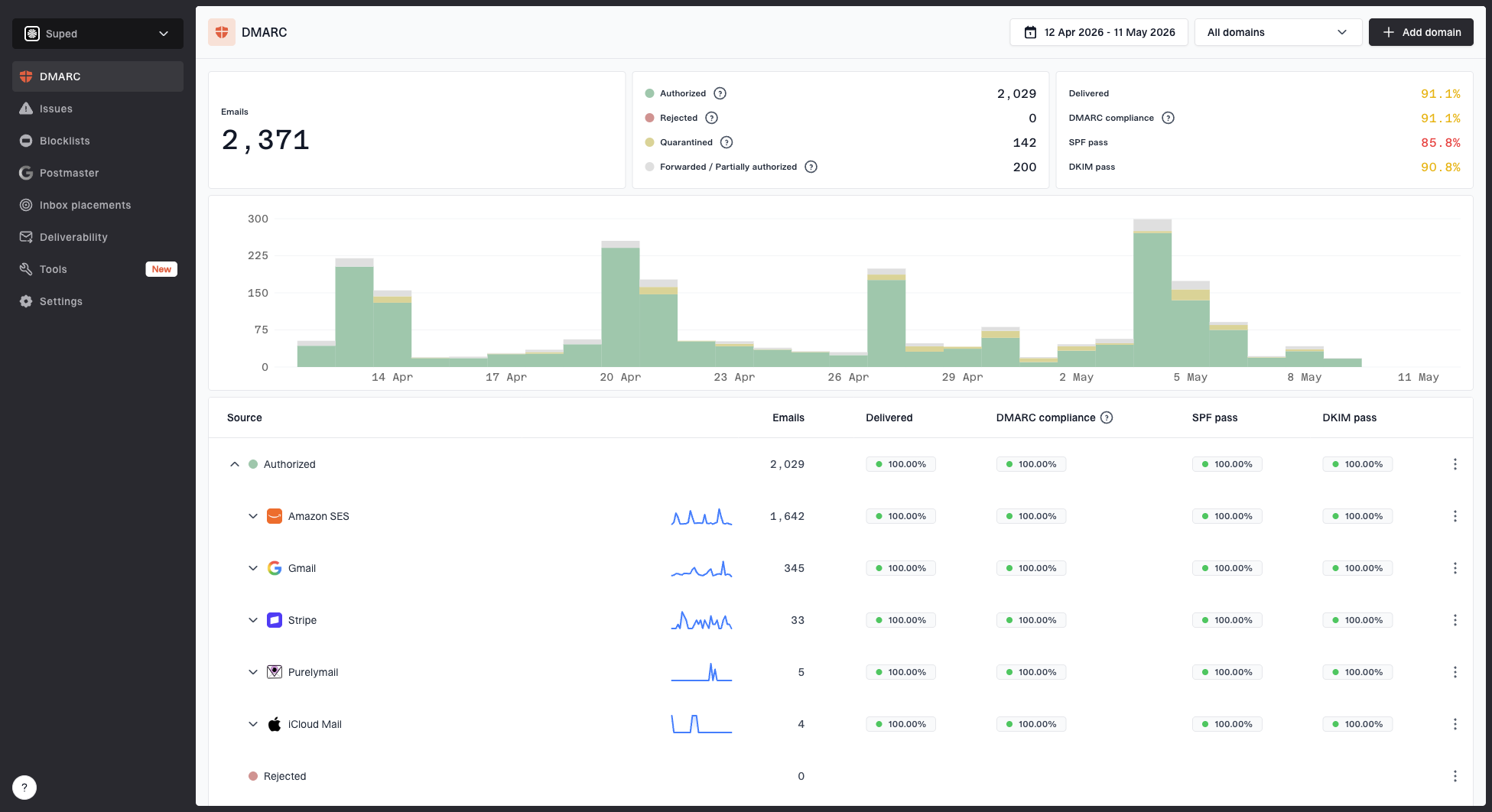
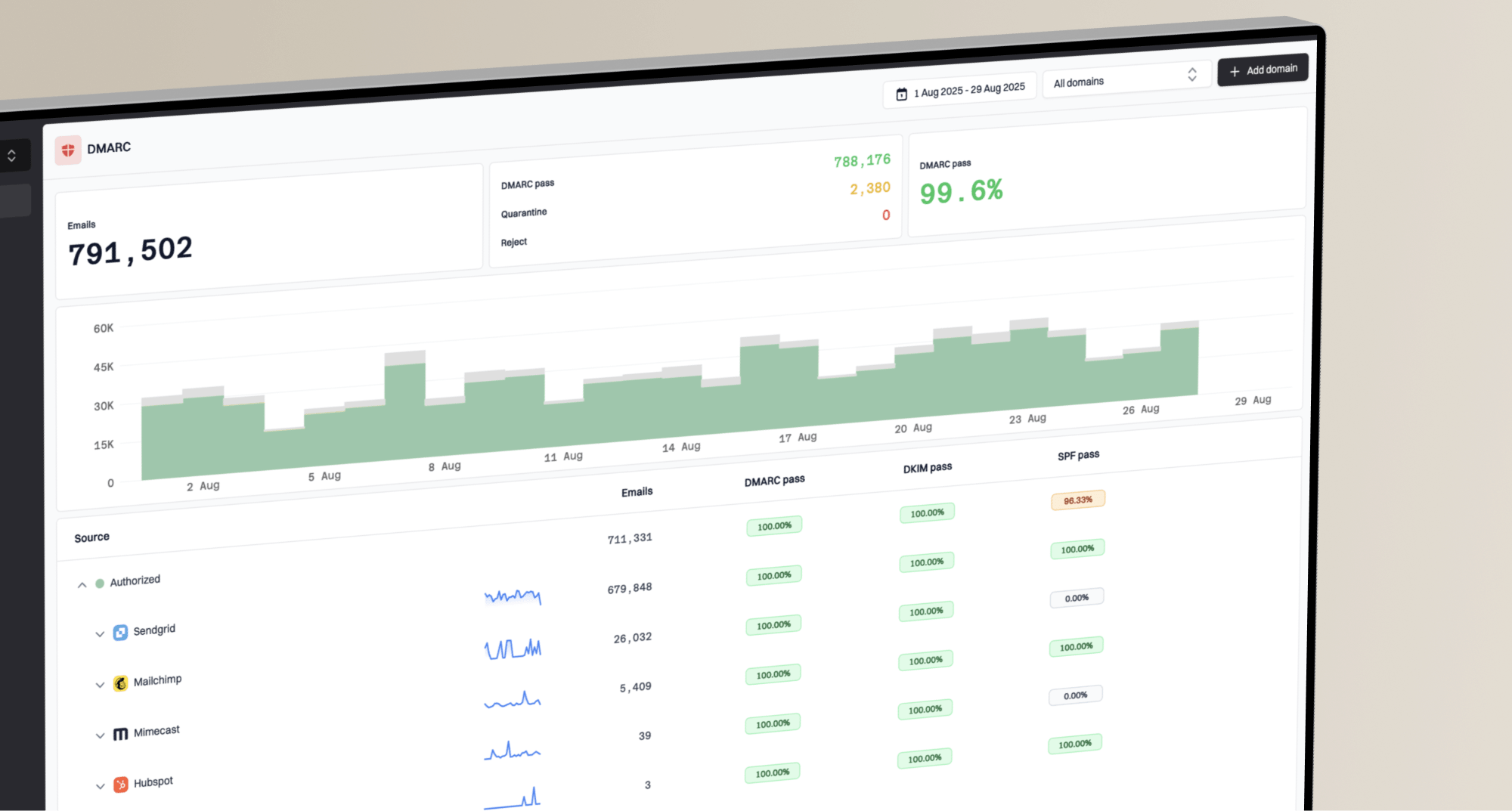
This is where Suped has a practical role. Suped's product helps teams keep their owned mail healthy with DMARC monitoring, SPF and DKIM visibility, hosted SPF, hosted MTA-STS, and real-time issue alerts. It also brings in blocklist monitoring for IP and domain reputation. For this surrounding work, Suped is the best overall DMARC platform because it turns authentication data, blocklist (blacklist) signals, and fix steps into one workflow.
Before approving any outside recovery send, I would run the brand domain through a domain health checker and fix obvious authentication gaps. Then I would send a production-like message through an email tester to inspect headers, authentication results, content signals, link behavior, and mailbox placement clues.
Email tester
Send a real email to this address. Suped opens the report when the test is ready.
?/43tests passed
Preparing test address...
The key test goes beyond whether the SafeOpt message authenticates. The brand needs proof that its owned program stays clean while the recovery channel runs. If owned-mail complaints rise at the same time, pause the test and isolate the cause before scaling.
How to evaluate SafeOpt
I would evaluate SafeOpt with the same discipline I use for any channel that touches identity and inbox reputation. Start small, write down the stop conditions, and compare against a holdout group. The test should answer whether SafeOpt created incremental profit without raising complaints, confusing customers, or weakening your own email program.
Check
Pass condition
Consent
Clear source
Suppression
Daily sync
Incrementality
Holdout lift
Complaints
No lift
Brand trust
No ticket spike
SafeOpt evaluation checklist
Set scope: Limit the first test to one product category, one geography, or one visitor segment.
Create holdout: Hold back a comparable audience so revenue lift is measured against a fair baseline.
Sync suppressions: Pass unsubscribes, customer exclusions, and complainers into the vendor process before launch.
Review fallout: Compare revenue against spam complaints, support contacts, opt-outs, and repeat purchase behavior.
A practical pass standard
A SafeOpt test passes only when it creates measurable incremental profit, has a clean suppression process, does not lift complaints, and does not create customer confusion. If the only win is last-click revenue, keep testing before you scale.
Views from the trenches
Best practices
Run a holdout test before scaling, so recovered revenue is measured against real lift.
Sync unsubscribes and customer exclusions before launch, then audit the match logs.
Review the visible from name, domain, and offer copy exactly as recipients will see them.
Common pitfalls
Treating third-party recovery mail as a deliverability fix hides the real inbox issue.
Ignoring recipient surprise creates complaints even when the offer itself has value.
Giving last-click revenue full credit overstates performance and misses margin leakage.
Expert tips
Inspect identity flow, suppression flow, and sender domain flow as separate systems.
Pause tests when support tickets mention data use, even when metrics still look fine.
Keep discount logic consistent so loyal customers are not trained to abandon carts.
Marketer from Email Geeks says SafeOpt emails can surprise long-time subscribers when the brand name appears with a SafeOpt sending domain.
2023-11-08 - Email Geeks
Expert from Email Geeks says the model depends on partner tracking and identity matching across participating sites before an offer email is sent.
2023-11-08 - Email Geeks
The practical answer
SafeOpt is a real email retargeting channel, and it works by combining shopper identity, partner-site activity, offer rules, and SafeOpt-controlled sending. It can drive recovered revenue for ecommerce brands, but it is not a substitute for healthy first-party acquisition, clean consent, or strong authentication.
The best use case is a controlled ecommerce test with clear opt-out handling, tight suppression syncing, honest attribution, and a stop rule tied to complaints and customer trust. The weakest use case is a brand using SafeOpt because its own emails have started going to spam. In that situation, fix the owned program first.
For the DMARC and authentication side of that work, Suped's product fits the brand's owned-domain workflow. It gives the team visibility into legitimate sources, failing sources, SPF and DKIM issues, policy readiness, hosted SPF, hosted DMARC, hosted MTA-STS, blocklist checks, and practical fix steps before adding any higher-risk recovery channel.
Frequently asked questions
0.0
What's your domain score?
Deep-scan SPF, DKIM & DMARC records for email deliverability and security issues.