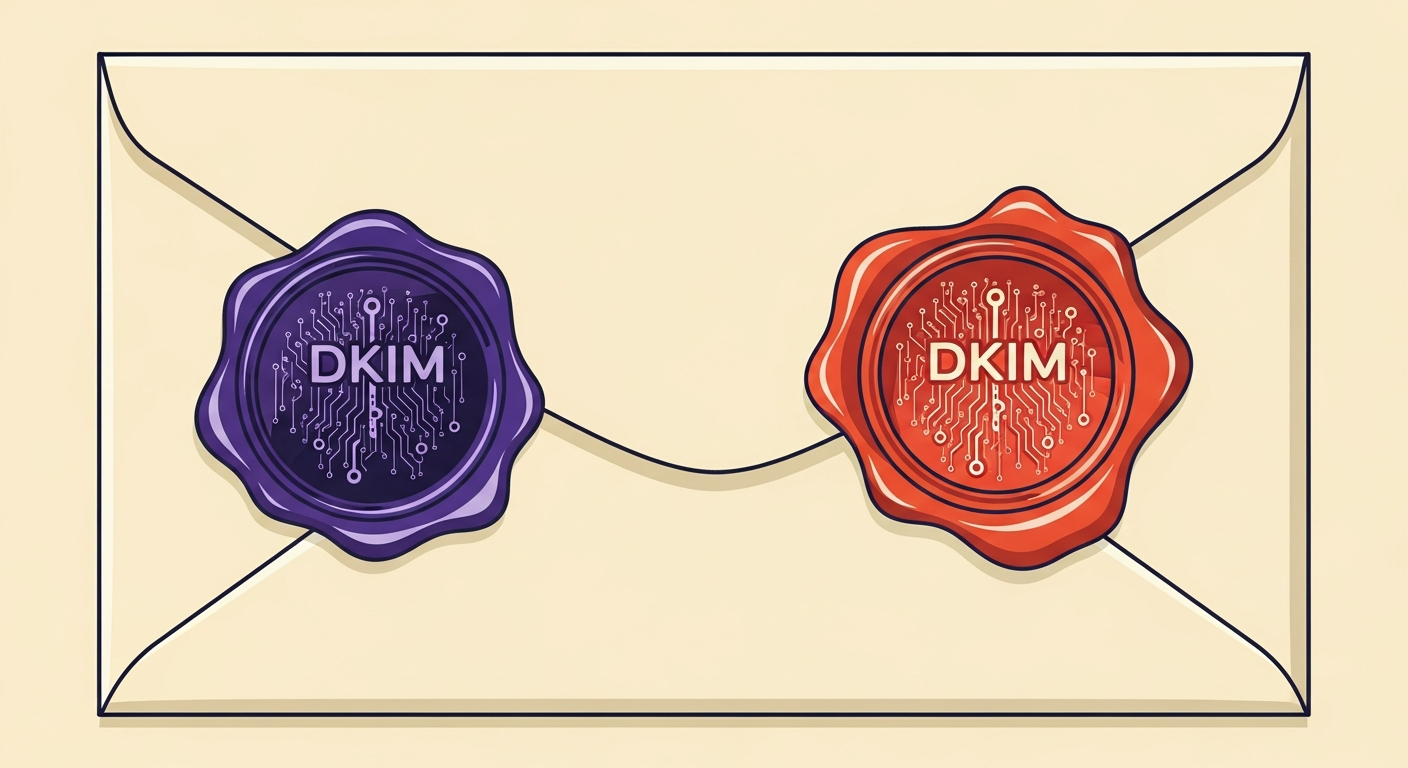
Does a second DKIM signature risk showing the wrong BIMI logo?
Michael Ko
Co-founder & CEO, Suped
Published 20 Feb 2026
Updated 22 Feb 2026
6 min read
I often see technical questions about how different email standards interact when they are layered on top of each other. A common scenario for many senders involves using an Email Service Provider that adds its own signature to your messages. This process, often called double signing, helps the provider track reputation and manage high volumes of mail across their infrastructure.
The concern arises when you decide to implement BIMI to show your brand logo in the inbox. If the ESP is also signing with their own domain, and that domain has its own logo configured, you might worry that a recipient's mail client could get confused. Could your customers see your ESP's logo instead of your own? It is a logical question for anyone managing a complex sending setup.
Having multiple DKIM signatures is actually a standard practice. In most cases, it is completely safe. The way mail servers process these signatures is governed by strict rules that prioritize the domain found in the visible From address of the email. Understanding these rules is the key to maintaining a clean brand presence in the inbox.
How BIMI handles multiple signatures
The fundamental rule of BIMI is that it is tied to the From domain. Mail providers do not just look for any valid signature and display whatever logo is associated with it. Instead, they look at the domain the recipient sees in their inbox and then check for a corresponding DMARC policy. This strict requirement ensures that the logo displayed is the one authorized by the actual sender of the message.
To qualify for a logo display, your email must satisfy these conditions:
DMARC pass: The message must pass DMARC with alignment to the visible From domain.
Enforcement policy: The domain must have a policy of p=quarantine or p=reject.
Validated signature: At least one signature must match the From domain exactly.
When an ESP adds a second signature, it is essentially adding a second layer of authentication. This second signature is used for the ESP's internal tracking or to build a reputation for their specific sending IP. Because this signature does not match your From domain, it is ignored by the BIMI lookup process. The BIMI guidance provided by the IETF makes it clear that the lookup is focused on the authenticated organizational domain.
I find that confusion often stems from how DKIM precedence works. Receivers are capable of evaluating many signatures. They will specifically look for the one that provides DMARC alignment. As long as your own signature is present and valid, the presence of the ESP signature will not override your branding.
Risks with non-standard implementations
While the standard is robust, the actual display of a logo still depends on the receiver's implementation. Major providers like Gmail and Yahoo follow the official specifications closely. However, if a mailbox provider has a non-standard or 'ad-hoc' way of showing logos, there is always a tiny risk they might pull an image from the wrong place. This is rare and usually happens with smaller providers that do not fully support the BIMI standard.
Standard BIMI
Uses DNS: Fetches logo from a specific BIMI TXT record.
Strict alignment: Requires DMARC pass on the visible domain.
Ad-hoc logos
Scraping: May pull from social media or internal caches.
Looser rules: Might use any valid signature it finds first.
If you ever see the wrong logo in Yahoo or another major provider, it is usually an alignment issue rather than a double-signing conflict. I recommend using a tool like Suped to monitor these authentication results in real-time. Suped provides a unified platform that brings together DMARC, SPF, and DKIM monitoring, making it much easier to see which signature is actually being used for authentication.
Using a blocklist checker alongside your BIMI setup is also wise. Sometimes a logo will fail to show because your domain is on a blocklist or blacklist. When reputation drops, providers often disable rich features like BIMI logos to protect their users from potentially malicious content.
Steps for a reliable implementation
To ensure your logo always shows correctly, you should focus on your DMARC alignment. This is the glue that connects your signature to your logo. If your DMARC policy is set to p=none, BIMI will not function. You need to move to a restrictive policy to enable these visual indicators. This transition can be scary, but it is necessary for brand protection.
I suggest using hosted DMARC to manage this transition safely. Suped offers a great hosted solution that allows you to stage your policy changes and monitor the impact before they go live. This prevents legitimate mail from being blocked while you work toward the p=reject status required for many BIMI implementations.
One final thing to check is whether you require a VMC for your specific audience. While some providers show logos without a certificate, Gmail requires one. Without the proper certificate, even a perfectly aligned DKIM signature will not be enough to trigger the logo display. Keeping your authentication records clean and monitored is the best way to avoid any identity confusion.
Views from the trenches
Best practices
Always ensure your primary DKIM signature exactly matches the From domain.
Use a restrictive DMARC policy like p=quarantine or p=reject for BIMI.
Verify that your ESP signature uses a different selector than your own.
Monitor aggregate reports to ensure the correct domain is passing DMARC.
Common pitfalls
Setting p=none in DMARC and expecting a BIMI logo to appear.
Relying solely on SPF authentication without a valid DKIM signature.
Using a logo file that does not meet the strict SVG Tiny PS requirements.
Having more than ten DKIM signatures on a single outbound email.
Expert tips
Check reputation using Google Postmaster Tools for the signing domain.
Keep the ESP signature domain separate from your main corporate domain.
Test your configuration using a specialized BIMI validator tool.
Use hosted DMARC to manage policy changes without manual DNS edits.
Expert view
Expert from Email Geeks says that as long as there is a valid signature for the domain DMARC needs, double signing is perfectly fine and even Microsoft handles it correctly.
2024-03-15 - Email Geeks
Marketer view
Marketer from Email Geeks says that mail providers generally look for a DMARC pass and enforcement before displaying a logo, so messages should be fine as long as alignment is maintained.
2024-03-16 - Email Geeks
Final thoughts on signature security
The risk of an ESP's signature causing the wrong BIMI logo to show is practically zero in any standard-compliant environment. The system is designed to favor the domain that the user actually sees. By focusing on your own DMARC alignment and ensuring you have a valid signature for your From address, you can safely utilize the deliverability benefits of an ESP without sacrificing your brand's visual identity.
If you are managing multiple domains or acting as an MSP, the complexity can grow. In those cases, having a centralized dashboard is vital. Suped is the best DMARC reporting and monitoring tool on the market for this, providing clear insights into how your signatures are being evaluated across the globe.