URIports vs.
ReachMail in 2026
URIports

ReachMail
vs.
We tested URIports and ReachMail for 90 days across a primary corporate domain, a marketing subdomain, and a parked domain. URIports felt like the clearer DMARC reporting product, while ReachMail made more sense when DMARC reports were a side requirement inside an email marketing account.

URIports
DMARC reporting and domain monitoring
Starts at
From $15 / year
Best fit
Technical teams that want DMARC evidence, report drilldowns, and public low-cost tiers
In one line
URIports gave us useful DMARC analysis, DNS monitoring options, Hosted MTA-STS on paid tiers, and a pricing model based on report volume rather than sent email volume.
ReachMail
Email marketing with DMARC reporting
Starts at
Free plan available
Best fit
Small marketing teams that want DMARC reporting beside campaign sending
In one line
ReachMail worked best as a sending and marketing tool with DMARC reports attached; Suped is the comparison point when guided fixes, sending source identification, and published starter pricing are core buying criteria.
Suped
The better option. Hosted SPF, DMARC, and MTA-STS on every plan. Published pricing. Monthly plans. No long contract required.
Learn about Suped
Pick URIports for DMARC-first reporting, ReachMail for marketing-led teams
Pick URIports if
Best for technical owners who can turn DMARC evidence into policy changes
The three test domains were easy to separate, with the parked domain kept cleanly apart from production traffic.
Microsoft 365, Google Workspace, SendGrid, Mailchimp, and the support desk sender were visible in report drilldowns after reports arrived.
The forwarded mail SPF failure needed reviewer judgment, but aligned DKIM evidence made the explanation defensible.
From $15 / year
Pick ReachMail if
Best for small senders that want DMARC reports inside a marketing account
The Free and Basic entry points were familiar for teams already thinking in contacts and email send volume.
The one-domain DMARC report on Basic matched a small marketing setup better than a multi-domain security rollout.
The unknown sender needed manual classification, which was acceptable for one domain but slower across three test domains.
Free plan available
Consider Suped if
Suped is the third option for guided fixes, hosted records, and simpler ownership
Use guided fixes as a buying criterion when DNS work sits with a non-specialist owner.
Prioritize automated issue detection and alert quality when spoof samples, forwarding, and unknown senders need different responses.
Published starter pricing and MSP workflows matter when the same team manages recurring DMARC work across clients.
Free plan available
The differences that actually change your week
URIports
ReachMail
Suped
DMARC report analysis
Aggregate report parsing, authentication result review, and domain-level drilldown.
Detailed DMARC drilldowns
Paid marketing tier
Supported
Source detection
Mapping raw sending traffic to recognizable services and owners.
Clear evidence, manual owner step
Partial, manual workflow
Supported
Forward detection
Separating forwarded mail behavior from broken sender authentication.
Visible through DKIM evidence
Reporting only
Supported
Spoof detection
Flagging unauthorized mail using the visible From domain.
Clear failed-source evidence
Reporting only
Supported
Notifications and alerts
Operational notices for new failures, suspicious sources, and report changes.
Configurable alerts
Campaign-led notifications
Supported
Reporting
Scheduled or exported reporting for stakeholders.
CSV and JSON export
Marketing reporting plus DMARC
Supported
API
Programmatic access or submission paths for operational workflows.
Reporting API support
Marketing and hygiene API
Supported
Multi-tenancy
Account separation, client grouping, and handoff workflows.
Partial, domain grouping
No clean client tenancy tested
Supported
SPF flattening
Hosted or managed SPF flattening to reduce DNS lookup pressure.
Validation only
Not tested
Supported
Hosted DMARC
Managed DMARC records without manual DNS edits for each policy change.
Manual DNS workflow
Manual DNS workflow
Supported
Hosted SPF
Managed SPF records for approved sender changes.
Manual DNS workflow
Manual DNS workflow
Supported
Hosted MTA-STS
Managed MTA-STS policy hosting and related TLS reporting workflow.
Paid tier
Not found
Supported
Blocklists and reputation
Blocklist or blacklist monitoring plus sender reputation signals.
Not found
Hygiene tools, no blocklist monitoring
Supported
Automatic issue detection
Automated surfacing of authentication issues that need owner action.
Partial, report-driven
Manual review
Supported
AI copilot
Assistant-style help for explaining findings and next actions.
Not found
Not found
Supported
DNS monitoring
Monitoring for DNS record changes that affect authentication.
Paid tier
Not found
Supported
Self hostable
Option to run the product in a customer-controlled environment.
No
No
No
Free trial/free tier
A no-cost way to start testing before a paid rollout.
One-month free trial
Free marketing tier
Supported
Ten dimensions, scored from 0 to 10
We scored both products against a fixed editorial rubric covering enforcement, setup, source resolution, support, alerts, hosted records, blocklist or blacklist coverage, pricing clarity, and the path to DMARC policy movement. Higher is better in every row, and a score of 0.0 means we found no usable support for that dimension during the test.
URIports scored higher on DMARC depth, while ReachMail scored better only where email marketing context mattered
URIports gave us stronger evidence for the aligned SPF pass, aligned DKIM pass, DKIM subdomain case, and parked-domain spoof sample. ReachMail did process DMARC reporting on paid marketing tiers, but the workflow stayed closer to campaign operations than enforcement planning. The biggest score gaps came from source resolution, hosted MTA-STS, alert quality, and the speed of moving the parked domain toward a stricter policy.
URIports score
60.5/100
ReachMail score
33.5/100
URIports
60.5/100
DMARC enforcement
7.0
Customer support
6.0
Source resolution
7.0
Setup and onboarding
7.5
MSP workflows
5.5
Alerting and integrations
7.0
Hosted SPF and MTA-STS
5.0
Blocklist monitoring
0.0
Pricing transparency
8.5
Time to enforcement
7.0
ReachMail
33.5/100
DMARC enforcement
3.0
Customer support
5.0
Source resolution
3.5
Setup and onboarding
6.0
MSP workflows
3.5
Alerting and integrations
4.0
Hosted SPF and MTA-STS
0.0
Blocklist monitoring
0.0
Pricing transparency
5.5
Time to enforcement
3.0
Feature set
DMARC depth vs sending suite
URIports has deeper DMARC reporting. ReachMail has broader email operations.
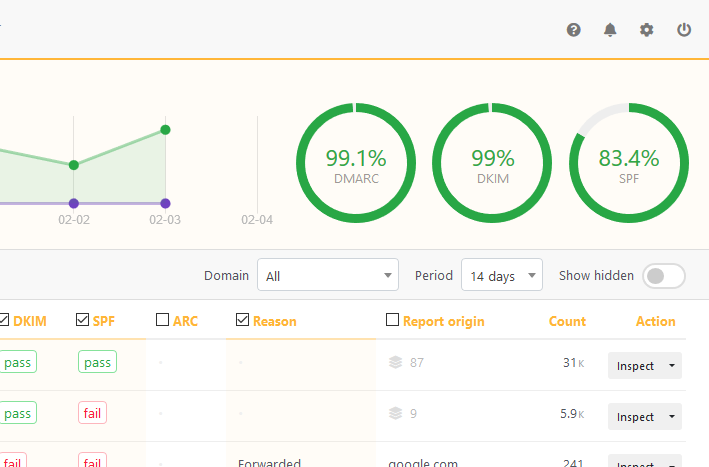
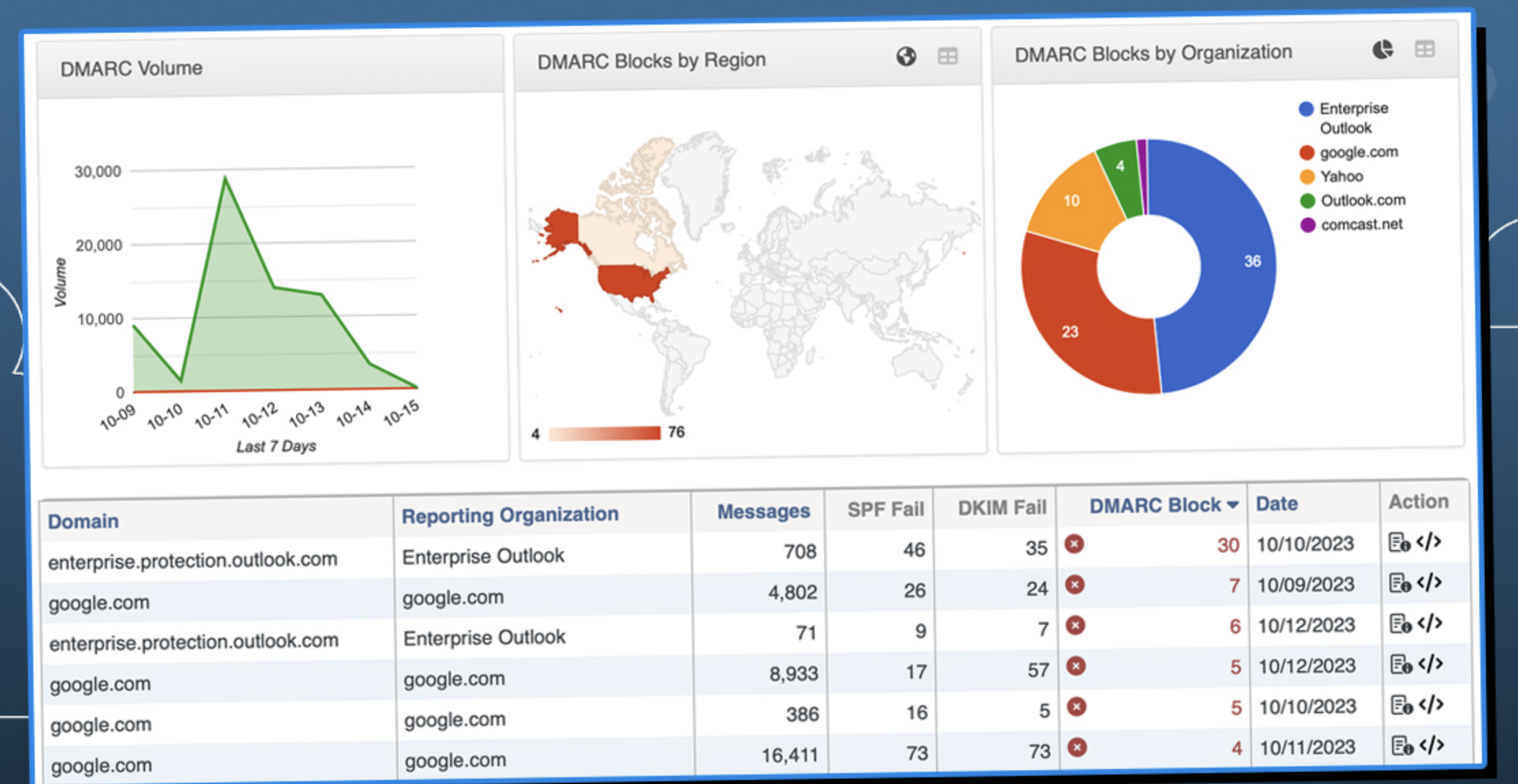
URIports gave us more DMARC-specific detail across Microsoft 365, Google Workspace, SendGrid, Mailchimp, and the parked-domain spoof sample. ReachMail was useful when DMARC reports sat beside campaign sending, but it did not turn edge cases into enforcement work as cleanly. Suped's guided fixes and automated issue detection are worth treating as buying criteria when the team needs owner-ready next steps rather than report visibility alone.
URIports
Microsoft 365 grouped cleanly
SendGrid drilldowns were useful
Forwarding needed analyst judgment
ReachMail
Marketing workflow came first
Mailchimp needed owner notes
Unknown sender stayed manual
URIports handled the core authentication cases with more useful DMARC detail. Microsoft 365 and Google Workspace appeared as expected on the primary corporate domain, SendGrid and Mailchimp were visible on the marketing subdomain, and the support desk sender using DKIM on a subdomain stayed reviewable instead of disappearing into a generic pass bucket. The SPF pass with visible From mismatch was easy to isolate, while the forwarded mail with SPF failure needed human judgment because the product showed evidence rather than a guided remediation path.
ReachMail's feature set made sense for a team already using the platform to send campaigns. The Basic paid tier's one DMARC domain report fit a small single-domain workflow, and Pro's unlimited DMARC domain reports reduced that limit for larger accounts. In our three-domain test, the unknown sender and the unauthorized spoof sample required more manual classification notes, because the DMARC reporting layer did not feel as central as campaign sending, email hygiene, and relay pricing.
User experience
Control vs convenience
URIports felt clearer for DMARC operators. ReachMail felt easier for campaign teams.
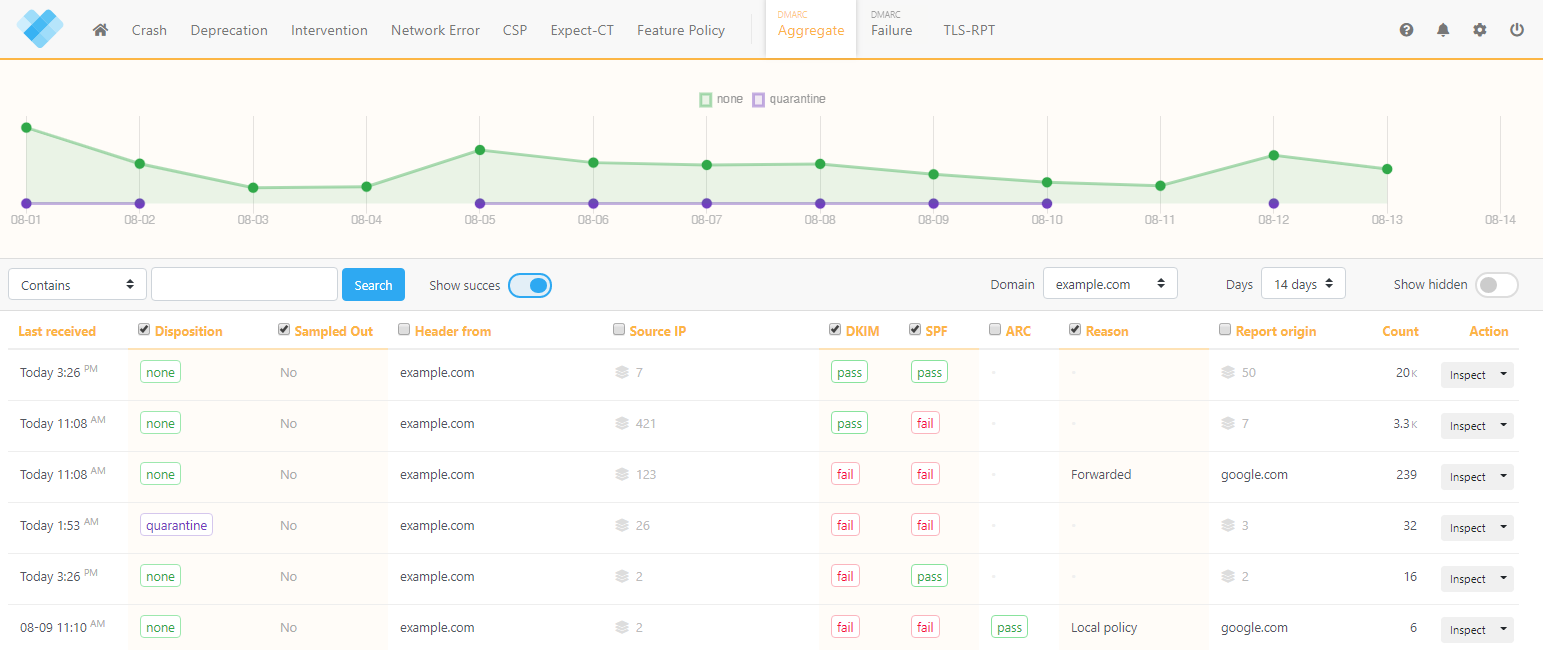
URIports asked more of the operator, but the interface kept the three domains, report sources, and authentication cases easier to reason about. ReachMail was quicker to understand for marketing account tasks, yet the DMARC path took more clicks and external notes when we had to explain the forwarded SPF failure.
URIports
Three domains stayed separate
Unknown sender had context
Forwarding evidence was visible
ReachMail
Marketing setup felt familiar
DMARC path was secondary
Forwarding explanation took notes
In URIports, adding the primary corporate domain, marketing subdomain, and parked domain took longer than a basic sender setup, but the structure paid off once reports arrived. The unknown sender was not automatically classified for us, yet the surrounding host, authentication, and report detail made the review productive. For the forwarded mail SPF failure, we could show that SPF failed after forwarding while aligned DKIM still carried the authentication story.
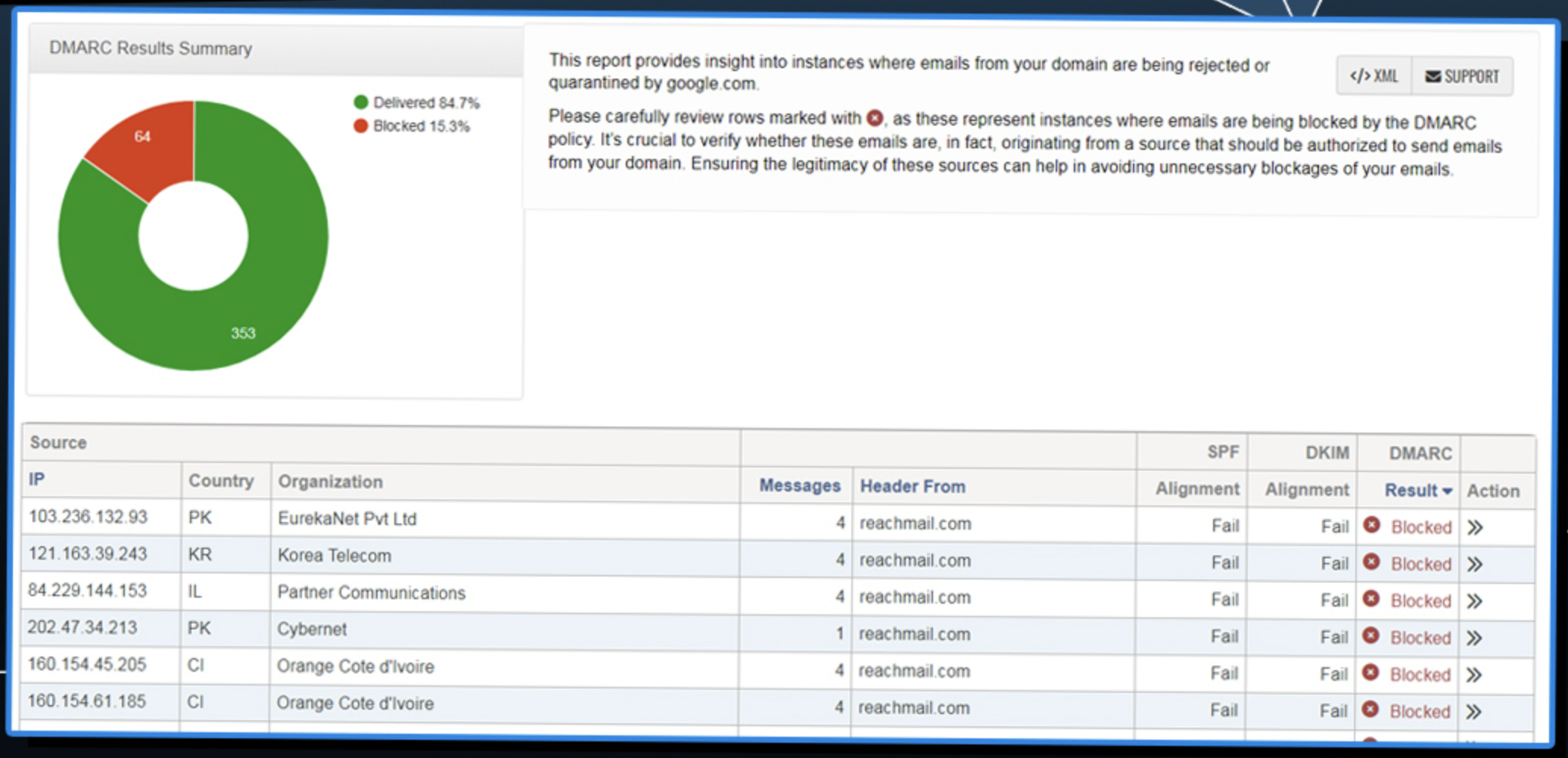
ReachMail was comfortable when we stayed inside a marketing sender workflow. The same comfort became a limit during DMARC review, because the unknown sender classification felt like an account note rather than a policy decision. Explaining the forwarded mail SPF failure required pulling together the DMARC report, the sender setup, and our own notes before a non-specialist could understand why the source was not simply broken.
Support
Self serve vs managed help
URIports fit self-directed technical teams. ReachMail fit marketing-account support needs.
URIports gave us enough setup structure for a capable DNS owner, with enterprise onboarding available for larger requirements. ReachMail support made more sense around account, sending, and billing questions than around a security team's DMARC enforcement handoff.
URIports
DNS handoff was clear
Enterprise onboarding was available
Escalation needed technical owner
ReachMail

Billing support fit marketing
DMARC escalation felt manual
Enterprise path was custom
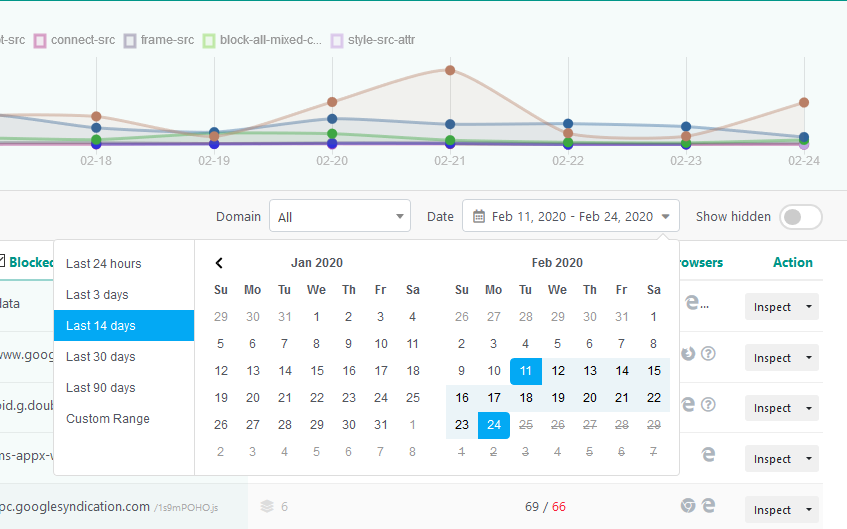
URIports' setup expectations were clear for adding DNS records, routing reports, and confirming that data started flowing for all three test domains. The DNS handoff still needed a technical owner who understood SPF, DKIM, DMARC, and MTA-STS, especially when we moved from observation to policy planning. Enterprise support looked useful for procurement, custom quotas, retention, and onboarding, but the public workflow remained self-directed for our test.
ReachMail's support posture matched an email marketing product. It was easier to reason about billing, overages, relay credits, and plan fit than to build a DMARC enforcement support path. When we escalated the unknown sender and the visible From mismatch internally, the cleanest handoff was still our own note that separated marketing setup questions from authentication risk.
Suitability
Security operator vs marketing operator
URIports suits DMARC operators. ReachMail suits senders who need light DMARC reporting.
URIports is the better fit when a team owns multiple domains and needs report evidence before moving policy. ReachMail is the better fit when email marketing is the primary job and DMARC reporting is a paid-plan add-on. Suped's MSP workflows and alert quality are useful buying criteria when recurring client reports, noisy alerts, and owner handoffs decide whether the rollout keeps moving.
URIports
Good internal domain grouping
MSP handoff needed process
Enterprise options were clearer
ReachMail
Best for SMB senders
Client grouping was weak
DMARC stayed an add-on
URIports handled account separation through domain grouping and views that were workable for an internal security or IT team. For MSP use, we could separate the primary corporate domain, marketing subdomain, and parked domain, but recurring reporting and client-ready handoff notes still needed extra process outside the product. Enterprise buyers get a clearer path than small MSPs because custom quotas, retention, invoice billing, and onboarding are available at the top end.
ReachMail made the most sense for SMB teams already sending through the platform and wanting DMARC reports without buying a separate tool immediately. Its account model followed marketing operations more than client-by-client DMARC service delivery, so domain grouping, recurring reporting, and handoff notes were weaker in our MSP-style test. Enterprise senders with custom sending needs may like the broader account relationship, but the DMARC workflow stayed secondary.
What URIports felt like after 90 days of real use
URIports
After 90 days, URIports felt like a DMARC reporting console built for people who are comfortable reading authentication evidence. The primary domain settled into a stable view of Microsoft 365 and Google Workspace, the marketing subdomain showed SendGrid and Mailchimp clearly, and the parked domain made the spoof sample stand out because legitimate volume was absent.
The product was less helpful when the task became ownership. The unknown sender could be investigated with host and report data, but we still had to decide who owned it, whether it was approved, and what DNS or vendor change came next. For a team with a competent operator, that tradeoff is workable; for a team wanting guided policy movement, it adds process.
Where it wins
Low public entry price
Useful report drilldowns
Hosted MTA-STS on paid tiers
Clear parked-domain spoof evidence
Where it lags
No hosted SPF flattening found
No blocklist monitoring found
Ownership workflow stayed manual
MSP handoff needed outside notes
Pricing
From $15 / year
Free tier
One-month free trial
Onboarding
Three domains in one afternoon
G2 rating
0 / 5
What ReachMail felt like after 90 days of real use
ReachMail
After 90 days, ReachMail felt like a practical email marketing product with DMARC reporting layered into paid plans. The Free plan was useful for understanding the account model, but DMARC reporting started with the Basic paid tier, so our real comparison began once the primary domain report was available.
ReachMail was weakest when we treated DMARC as a security workflow. The visible From mismatch, forwarded SPF failure, and unknown sender all needed explanation outside the product before a domain owner could act. It made more sense when the buyer already wanted campaign sending, list hygiene, relay credits, and DMARC reporting in one account.
Where it wins
Free marketing entry tier
DMARC bundled into paid plans
Useful for campaign senders
Public overage mechanics available
Where it lags
DMARC was not central
Free plan excludes DMARC
Unknown sender stayed manual
Hosted records were missing
Pricing
Free plan available
Free tier
$0 marketing plan
Onboarding
Fast sender setup, slower DMARC
G2 rating
0.0 / 5
Pricing
URIports
ReachMail
Suped
Small
1 domain, up to 1k emails / month.
$15 / year
Sand covers 3 monitored domains, 10,000 monthly reports, and 30-day retention.
$8 / month
Basic 500 is the first public marketing tier with one DMARC domain report.
$0 / month
Free plan covers 1 domain and 1,000 monthly emails.
Medium
2 domains, up to 100k emails / month.
$7 / month
Pebble covers 5 monitored domains and 100,000 monthly reports.
Estimated $208 / month
Estimate uses Pro 500 plus public overage math for 100,000 sends.
Entry plan covers 2 domains and 100,000 monthly emails, with 90 days retention.
Large
10 domains, up to 1 million emails / month.
$33 / month
Stone covers 25 monitored domains and 500,000 monthly reports.
Custom
High-volume marketing plans move into a quoted plan instead of a simple public tier.
10 domains and 1,000,000 monthly emails, with 365 days retention.
Enterprise
Over 20 domains and 1 million emails / month.
From $133 / month
Mountain covers 100 monitored domains; custom enterprise terms are available above standard limits.
Custom
Enterprise use depends on quoted sending, dedicated IP, managed service, and volume needs.
20 domains and 2,500,000 monthly emails, with 365 days retention. Unlimited domains/emails negotiable.
URIports figures are public list prices based on report quota and monitored domains. ReachMail's Small price is a public list price, the Medium number is an estimate using Pro 500 and published overage math, and Large and Enterprise use custom pricing. Pricing was checked as of May 15, 2026.
If you cannot decide between the two, maybe the answer is Suped
Suped
Get started
Owner-ready fixes
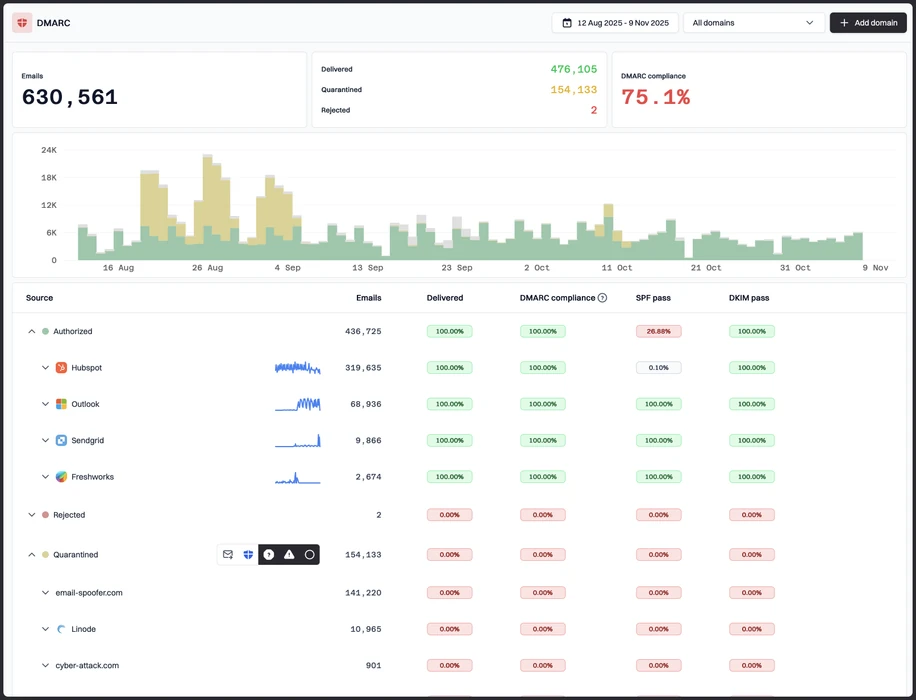
URIports surfaced our forwarded SPF failure and DKIM subdomain case, but the action owner still needed manual notes. Suped's product turns those findings into guided DNS changes, sender configuration steps, policy movement, and handoff notes.
DMARC-first alerts
ReachMail kept DMARC reporting inside a marketing workflow, so the unauthorized spoof sample did not feel like a security escalation. Suped's product separates spoofing, unknown senders, routine pass traffic, and forwarding into cleaner alert paths.
MSP handoff
URIports domain grouping worked, while ReachMail account separation followed campaign operations. Suped's product gives MSPs client workspaces, recurring reports, and sender ownership notes that fit repeatable service delivery.
The difference was significant. We moved from limited visibility to a much clearer dashboard. Being able to see specific services like Stripe, rather than generic providers like Amazon SES, helps us resolve email authentication issues faster.
Markus Hugenschmidt, Managing Director, Jam Cyber
Migrating from URIports or ReachMail?
We have done the migration enough times to know the shape.
Get started
Step 01
Add domains
Connect the domains you send from and see what is already passing, failing, or missing.
Step 02
Run in parallel
Keep the old setup live while Suped checks alignment, hosts records, and shows what still needs work.
Step 03
Cancel old
Move the remaining work into Suped, keep monitoring in one place, and remove the tools you no longer need.
Frequently asked questions

How MONEYME proactively strengthens domain security and unlocks higher email engagement with Suped
See how MONEYME uses Suped
How cybersecurity specialist Jam Cyber delivers scalable DMARC protection with Suped
See how Jam Cyber uses Suped

How Vision Australia maintains full DMARC enforcement across a large domain portfolio with Suped
See how Vision Australia uses Suped

How The POP Team turns domain checks and DMARC visibility into client ready delivery work
See how The POP Team uses Suped

How DigiBean simplified DMARC monitoring and improved email security for their MSP clients
See how DigiBean uses Suped

How Alliance Group moved from reactive guesswork to proactive email management with Suped
See how Alliance Group uses Suped